Subtitle Studio 1.5.11
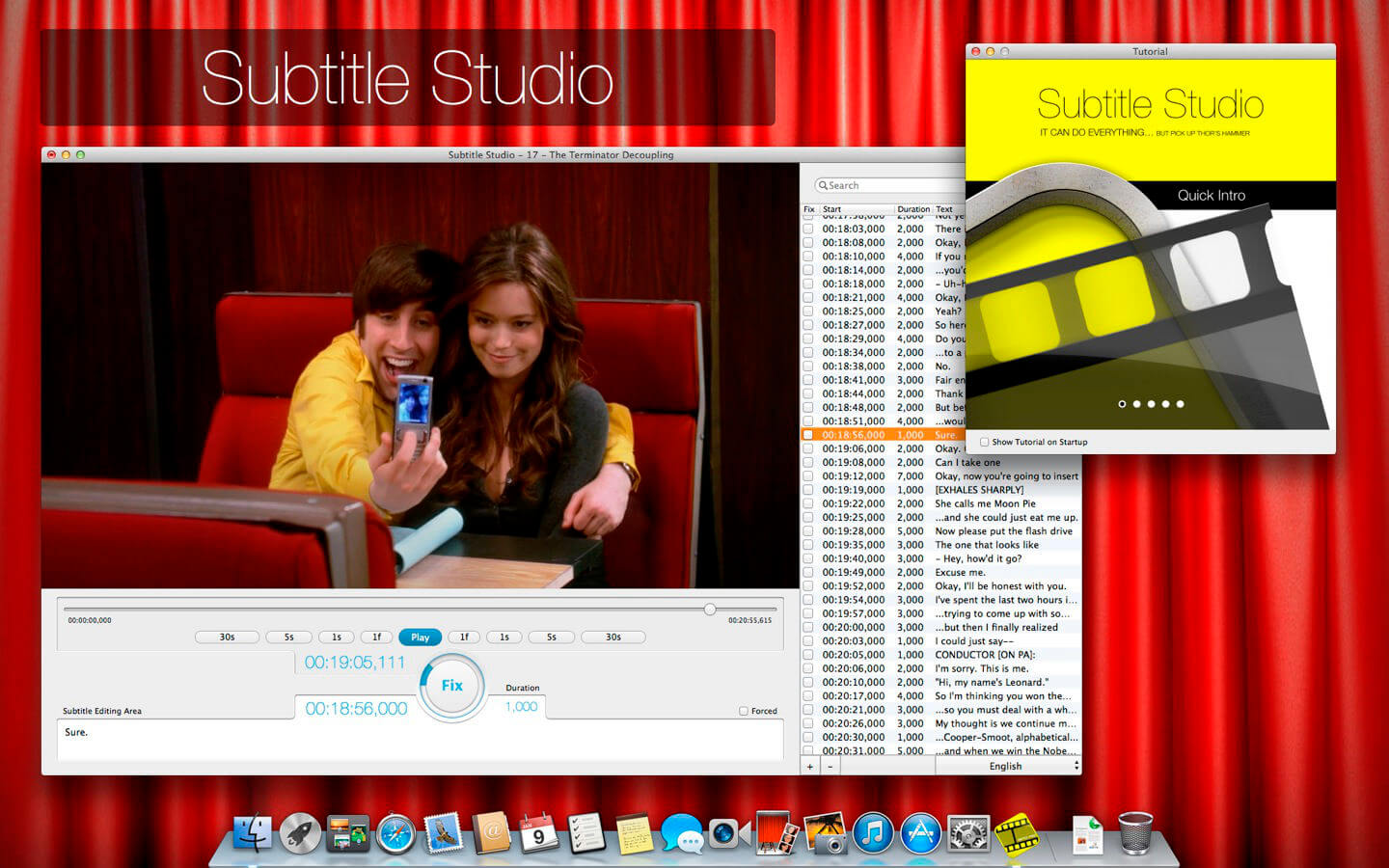
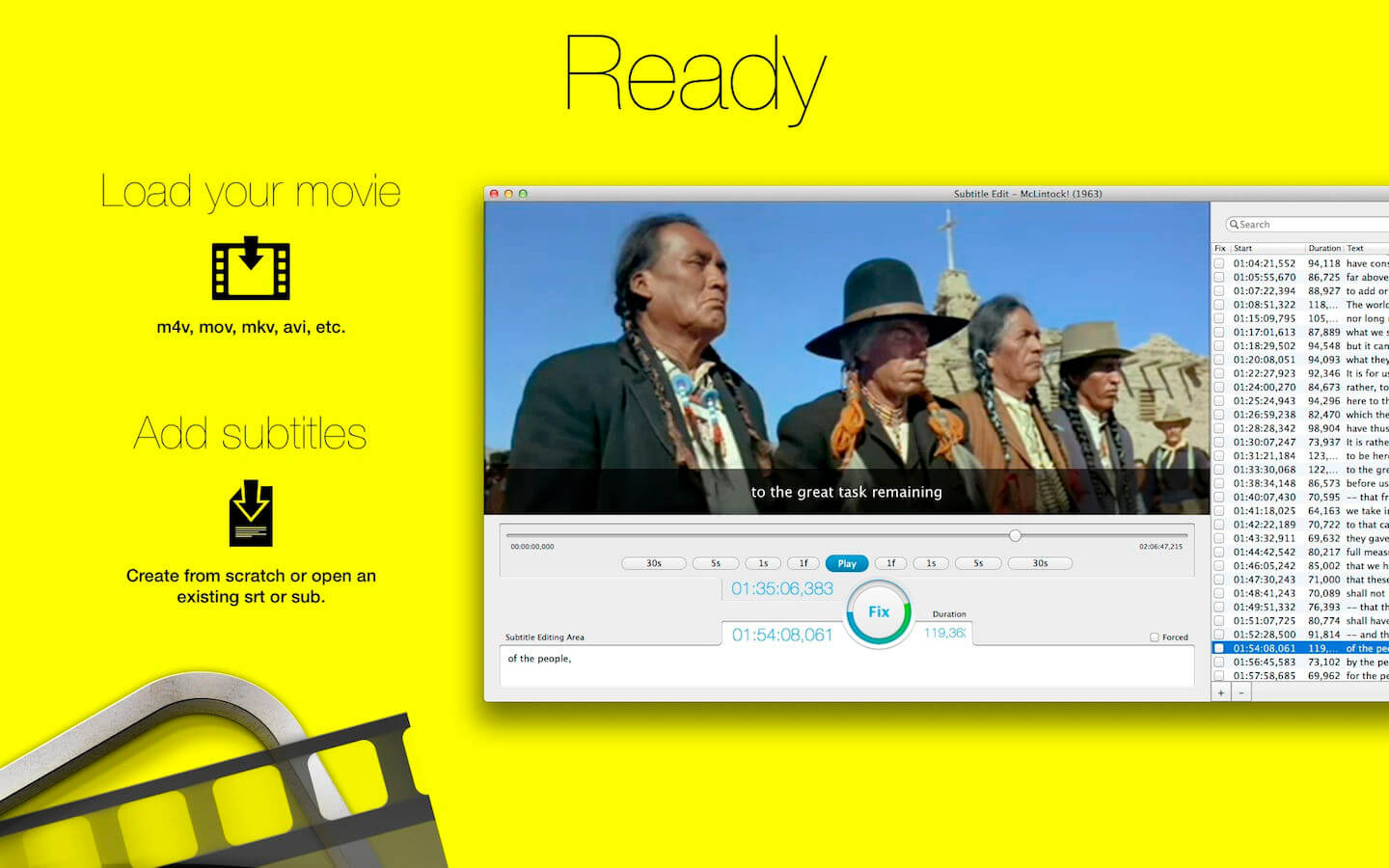
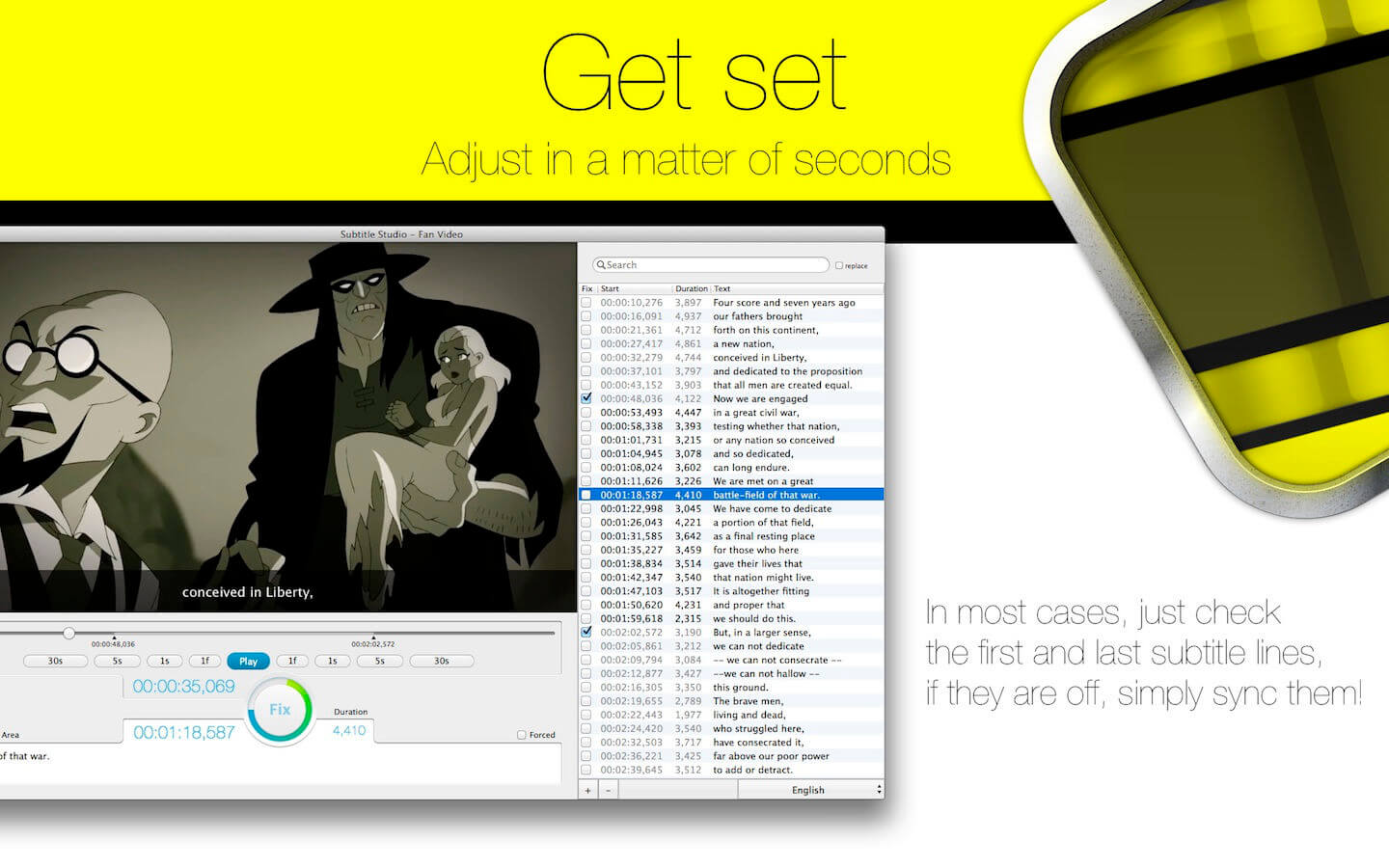
Subtitle Studio is the only subtitle solution you will ever need: find, adjust, edit, create, embed. Everything in one app – and we are just getting started. It's great to watch movies in their original language. Subtitles help everybody enjoy the movie. With Subtitle Studio, it's as easy as 1-2-3, or maybe even easier.
Easy to use:
- Just drop your movie onto Subtitle Studio
- Subtitle Studio will auto-search for missing subtitles
- Sync subtitle with a single big button
- Features:
- Support M4V, MOV, AVI, MKV and many more
- Movie conversion to
- More…
Version 1.5.11:
- Release notes were unavailable when this listing was updated.
Frequently asked questions
How do I install the app?
Mount the image, drag the app into the "Applications" folder and launch it. If the system blocks the launch, allow it in "System Settings → Privacy & Security".
The app is damaged or won't launch
Reinstalling from a fresh image usually helps. Make sure your macOS version matches the one listed in the compatibility specs.
How do I update?
Download the new version from the site and install it over the current one — your settings will be preserved.
The download link doesn't work
Try a mirror or a download manager. For large files the browser often drops the connection.
How do I completely remove the app?
Use an uninstaller utility — it cleans up the service files that remain after moving the app to the trash.



Choose a download source
Subtitle Studio 1.5.11 · 33.24 MB
Previous versions
Subtitle Studio 1.5.11
Previous versions are available to registered users.