Movist 2.9.5
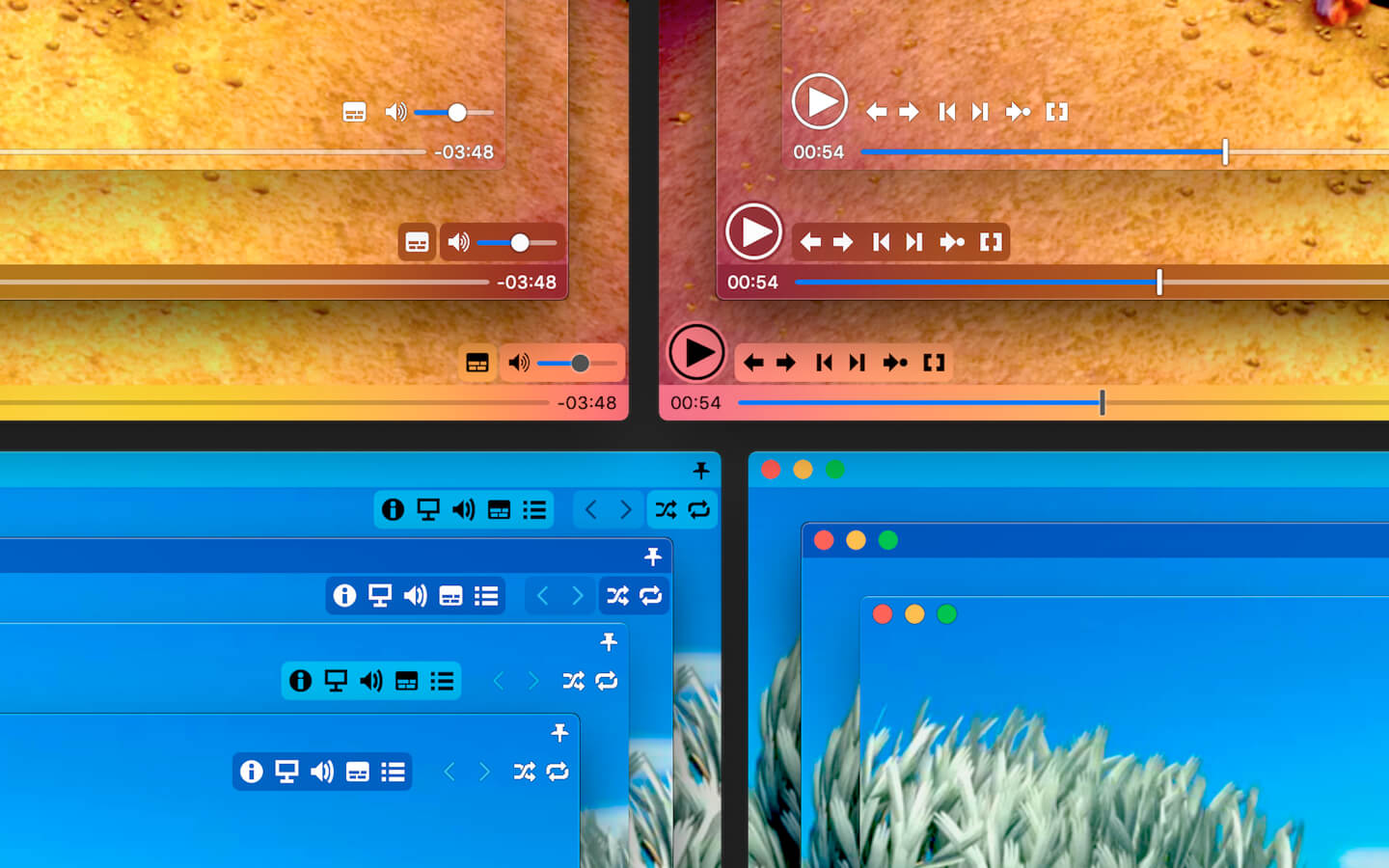

Movist is an easy-to-use and powerful movie player. You can choose either the QuickTime or FFmpeg decoder for each video codec and reopen with other decoders instantly. Movist supports many useful features to enjoy movies including H.264, H.265/HEVC hardware video decoder acceleration, digital audio out (S/PDIF), high-quality subtitles, a convenient & beautiful user interface and more.
Just Enjoy Movies with Movist.
- Single Window Mode or Multiple Document Mode.
- App Sandbox supported.
- Retina Display supported.
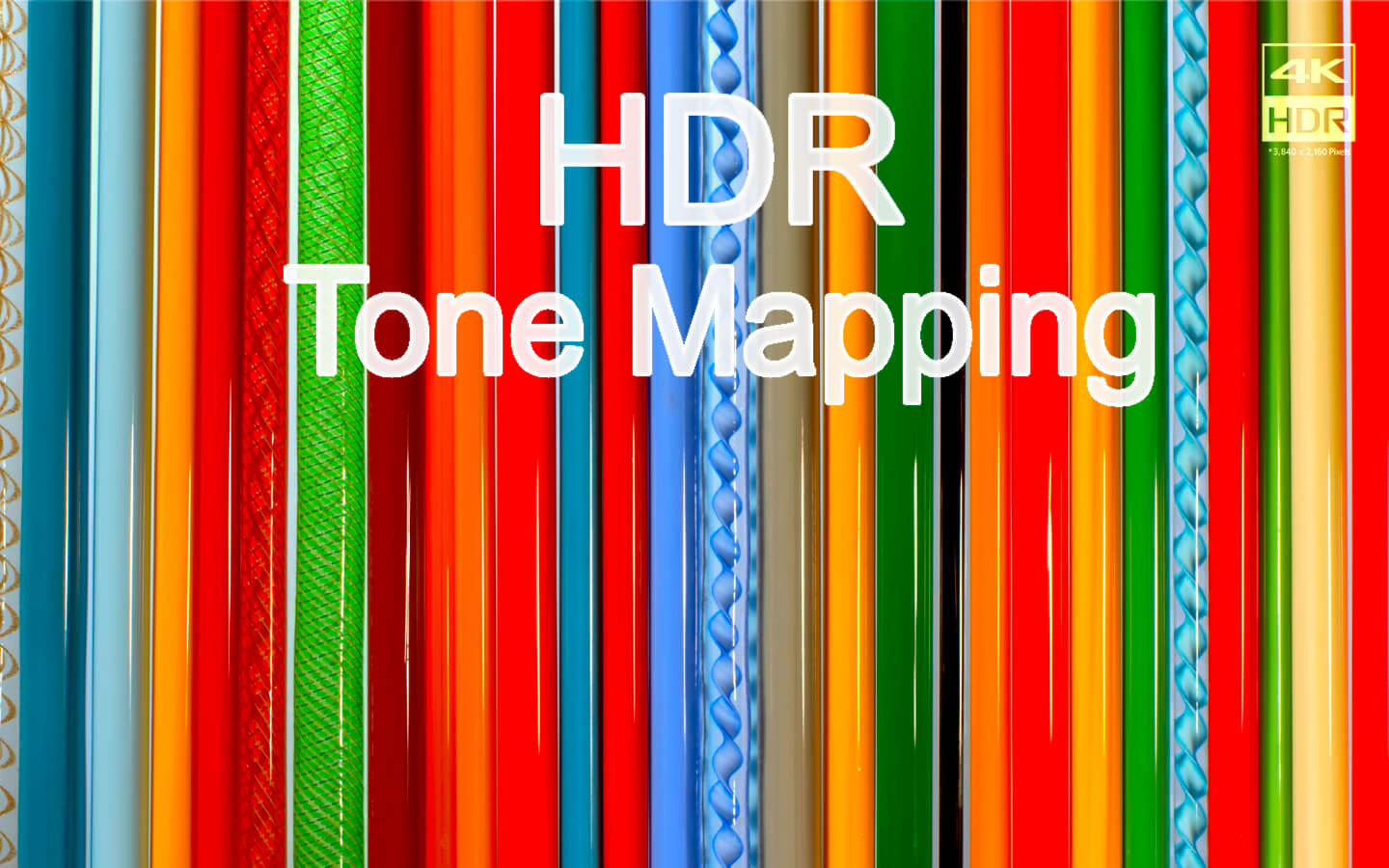
- HDR Tone Mapping
- Various File Formats supported.
- Various Video & Audio Codecs supported.
- H.264, H.265/HEVC Video Decoder Acceleration.
- Various Core Image Filters supported.
- Video Rotation & Flip.
- Deinterlacing
- Digital Audio Out (S/PDIF)
- Audio Equalizer supported
- A/V Sync Adjustment.
- High-Quality Subtitles.
- Various Subtitle Formats supported.
- Embedded Subtitles supported.
- Compressed Subtitles in .zip & .rar supported.
- 3D Subtitles supported.
- Subtitle Displayed in Letter Box.
- Unlimited concurrent subtitle display.
- Fully Customizable Subtitle Display.
- Subtitle Text Encoding auto-detection.
- Subtitle Sync Adjustment.
- Auto-Filling Playlist (searching series & subtitle files)
- Playlist Shuffle & Repeat Mode.
- Playlist Load & Save.
- Playback Speed Adjustment.
- Screenshot Capture.
Version 2.9.5
- Support Dolby Vision video HDR Tone Mapping (only Profile 8 is available, requires macOS 10.15 or higher)
- Fixed the issue with unusual color appearance in videos recorded using the latest iPhone Pro
- Fixed the issue where some Dolby Vision videos appear faded in color
- Fixed the issue where the screen flickers during playback for some videos
Frequently asked questions
How do I install the app?
Mount the image, drag the app into the "Applications" folder and launch it. If the system blocks the launch, allow it in "System Settings → Privacy & Security".
The app is damaged or won't launch
Reinstalling from a fresh image usually helps. Make sure your macOS version matches the one listed in the compatibility specs.
How do I update?
Download the new version from the site and install it over the current one — your settings will be preserved.
The download link doesn't work
Try a mirror or a download manager. For large files the browser often drops the connection.
How do I completely remove the app?
Use an uninstaller utility — it cleans up the service files that remain after moving the app to the trash.



Choose a download source
Movist 2.9.5 · 94.81 MB
Previous versions
Movist 2.9.5
Previous versions are available to registered users.