

Movist Pro 2.17.2
Movist — movie player with subtitles, FFmpeg, and QuickTime support
Screenshots
Click to enlarge
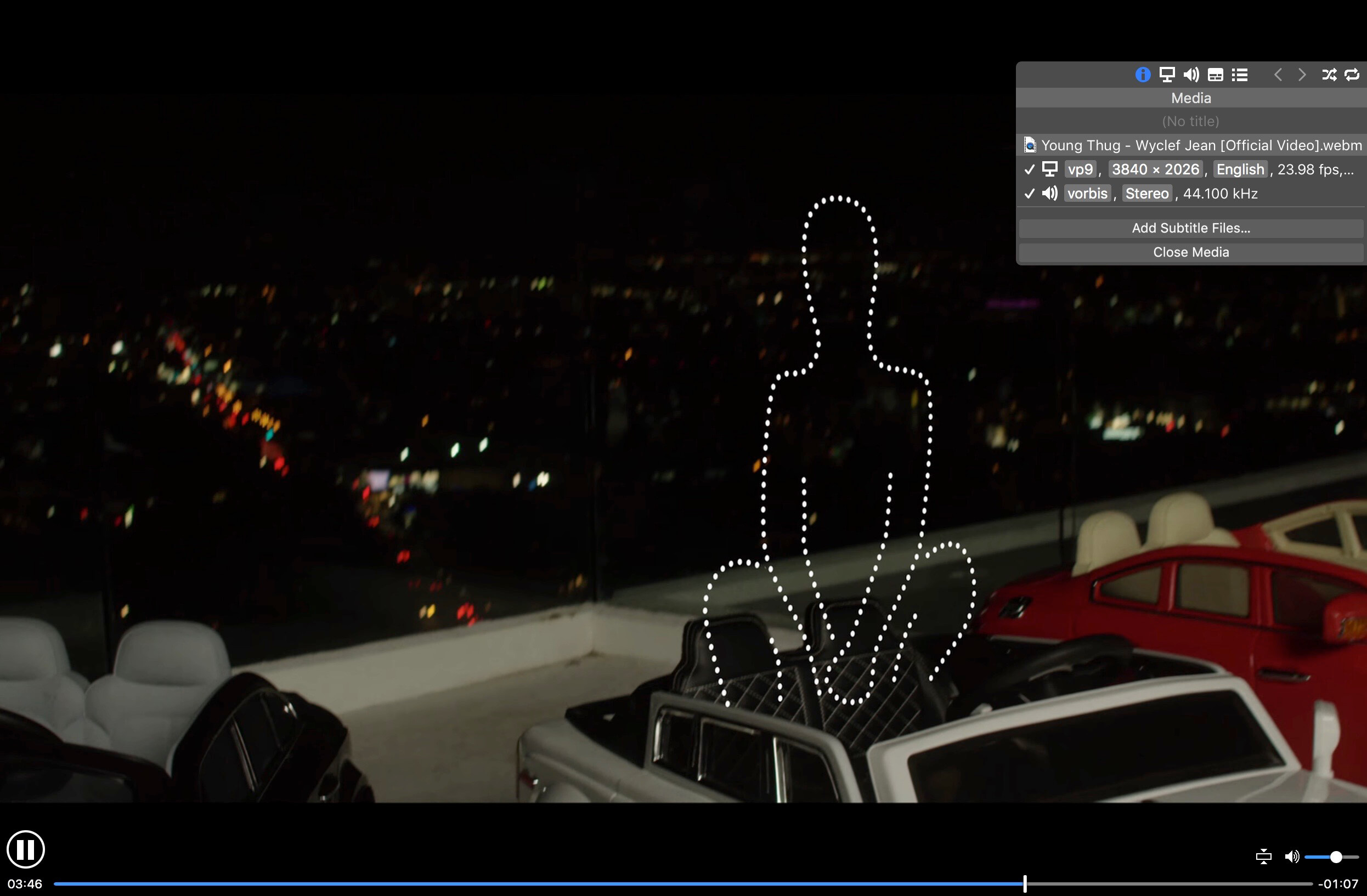

Movist is an easy-to-use and powerful movie player. You can choose QuickTime or FFmpeg as decoder for each video codec and reopen with other decoder instantly. Movist supports many useful features to enjoy movies including H.264 video decode acceleration, digital audio out (S/PDIF), high quality subtitles, full screen navigation, convenient & beautiful user interface and so on.
Just Enjoy Movies with Movist.
• Single Window Mode or Multiple Document Mode.
• Various Window Resizing Center & Style.
• Traditional or Lion-style Full Screen.
• Desktop Background Display.
• App Sandbox supported.
• Retina Display supported.
• Full customizable Themes. *1
• Many File Format supported. *2
• Many Video & Audio Codecs supported. *3
• Codec-to-Decoder Binding.
• H.264 Video Decode Acceleration. *4
• Many Core Image Filters supported.
• Video Rotation & Flip.
• Deinterlace (FFmpeg Only).
• Under-Scan for TV out.
• Digital Audio Out (S/PDIF) (FFmpeg Only).
• System Volume Change.
• A/V Sync Adjustment.
• Audio Equalizer supported (FFmpeg Only).
• High Quality Subtitle.
• Many Subtitle Format supported. *5
• Embedded Subtitles in .mkv and .mp4 supported.
• Compressed Subtitles in .zip & .rar supported.
• 3D Subtitle supported.
• Subtitle Display on Letter Box.
• 3-Subtitles Concurrent Display.
• Fully Customizable Subtitle Display. *6
• Language-to-Subtitle Binding.
• Subtitle Text Encoding auto-detection.
• Subtitle Sync Adjustment.
• Subtitle Pre-rendering.
• Similar Named Movie Series auto-detection.
• Playlist Shuffle.
• Playlist Repeat Mode & End-Job(Sleep, Logout, Shutdown, …).
• Playlist Load & Save.
• Various Playlist settings.
• 3-Level Seeking Intervals.
• Playback Speed Adjustment.
• Apple Remote supported.
• Media Key supported.
• Full Screen Navigation.
• Screenshot Capture.
The main features of Pro version are as follows.
- Safari, Chrome Browser Extension
- Supports Web Meida such as YouTube, Ted and so on
- Picture in Picture
- Open URL
- Default Application Settings
- No Access Folder Permissions Required
- Supports Networm Server such as FTP, SFTP, WebDAV and SMB (to be added)
- Supports Media Keys (to be added)
- Supports AirPlay (to be added)
Version 2.15.5:
- Added AirPlay support on macOS 15 or later (Beta)
- Added automatic conversion of unsupported video and audio formats for AirPlay playback
- Added support for text and PGS/VobSub image subtitles with AirPlay
- Added an option to hide the menu bar in full screen
- Reduced CPU usage when using the Touch Bar
- Improved Korean, English, Japanese, Simplified Chinese, Traditional Chinese, and Russian translations