OmniPlayer: MKV Video Player Pro 2.1.22
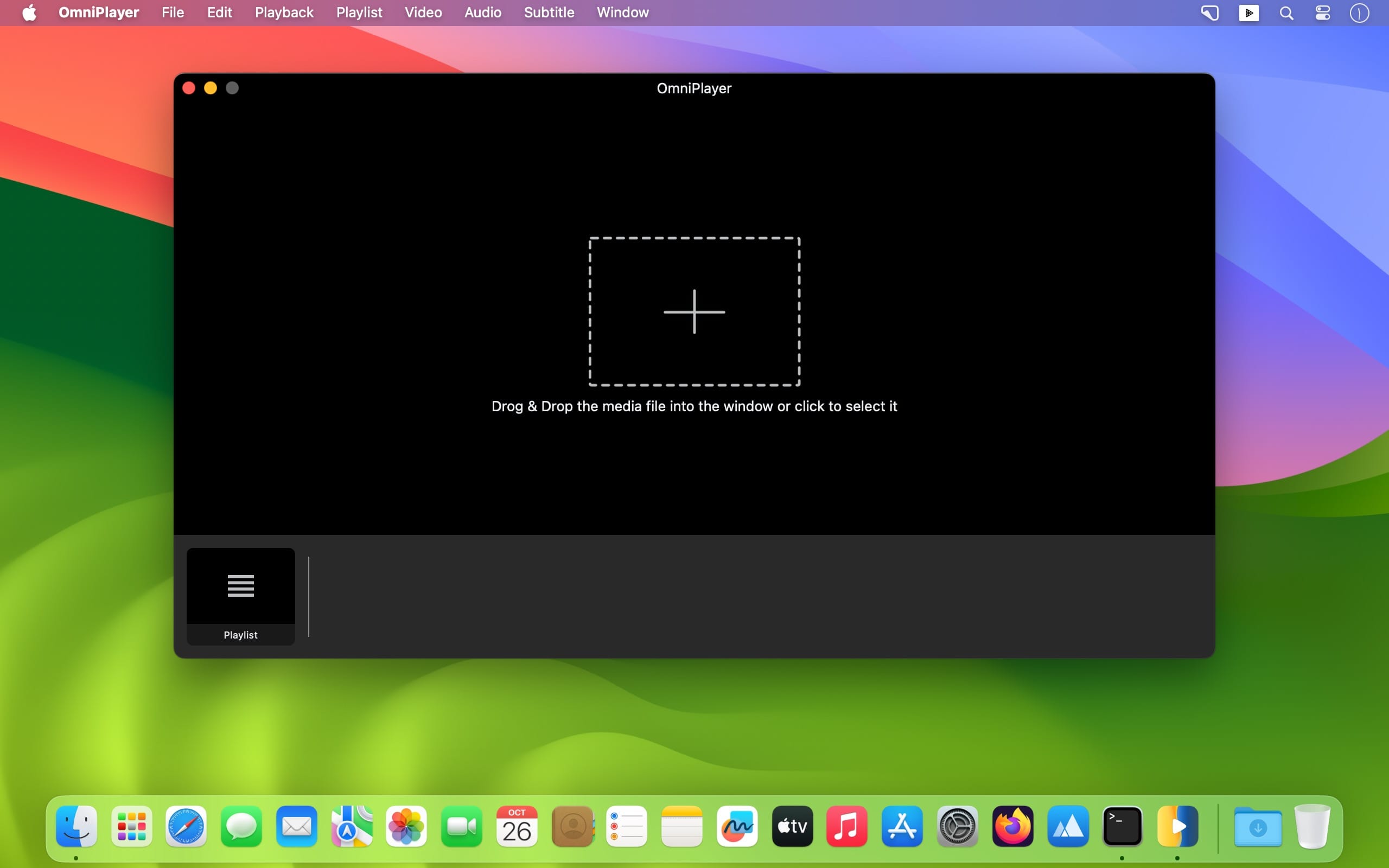
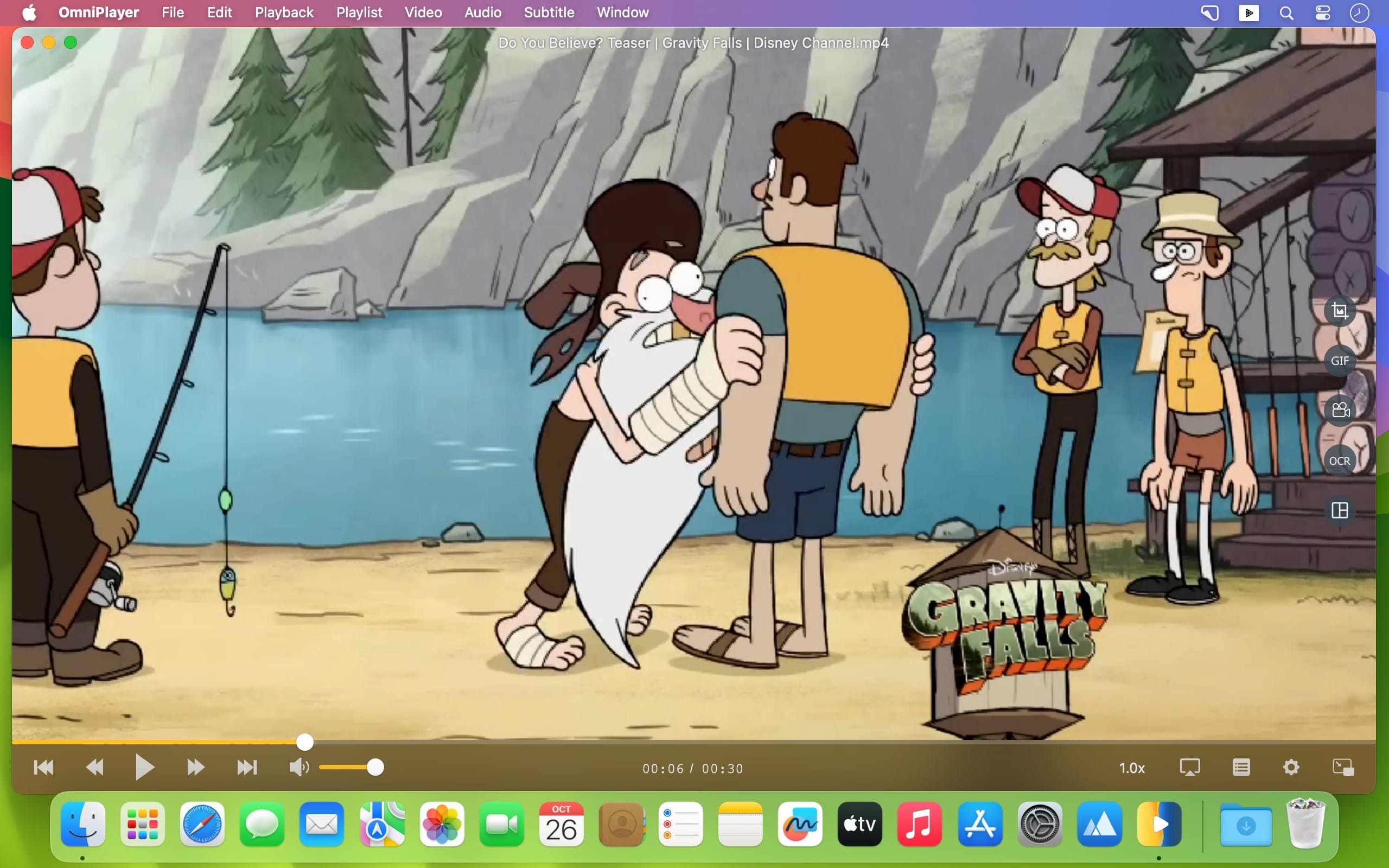
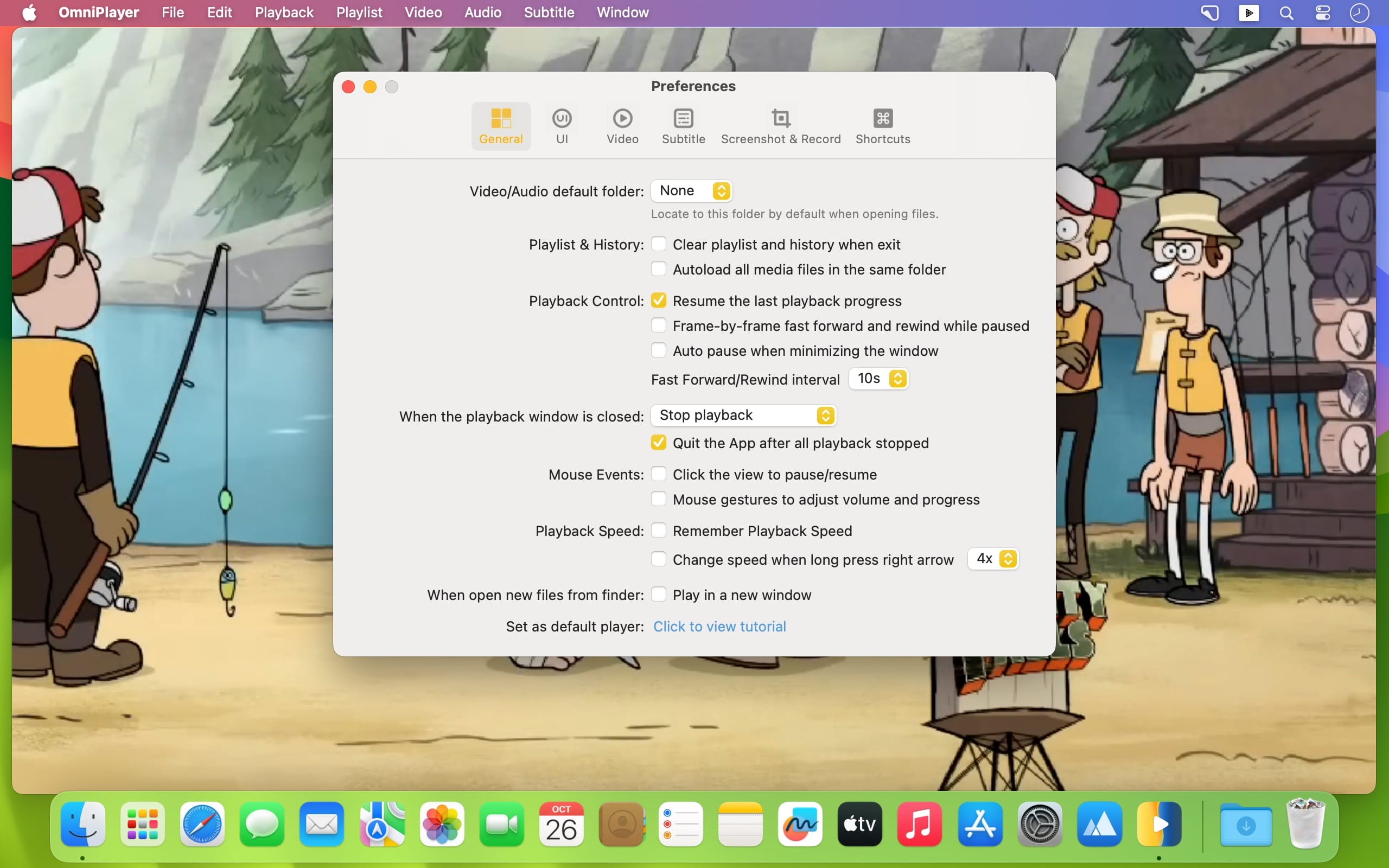
OmniPlayer for Mac is a comprehensive media player for almost any video and audio format on macOS. It has powerful features with a modern and clean design. You can use it to play various 4K/1080P/720P HD videos and normal/lossless audio easily with hardware decoding. OmniPlayer’s rich features let you conveniently control and adjust the playback, playlists, video images, audio tracks, subtitles, and screenshots, etc.
Features
Supports Multiple Media Types
- Play almost any format of the local and remote server videos and audios (SAMBA/FTP protocol).
- Supports online videos and audio with HTTP/HTTPS protocols.
- Play Youtube and Vimeo videos using the webpage URL directly without online ads.
Playlist Control
- Record media files to playlists automatically and automatically clear all when exiting the player.
- Play, search, delete, change repeat mode of media items in the playlist.
Playback Control
- Pause, resume, fast forward, rewind and jump to a specified progress time.Record last progress time of playback when stopping automatically.
- Show preview images on the progress bar when playing a local video.
- - Hide controls automatically to display pure video view without any occlusion.
- Adjust playback speed from 0.25x to 4x.
Video Image Adjustment
- Adjust window size and video image aspect ratio quickly.
- Adjust video image rotation in all directions.
- Adjust video image equalizer including brightness, contrast, and saturation.
Audio Control
- Change audio delay time to synchronize audio and video.
- Choose different audio tracks in the video.
- Choose audio mode such as Stereo, Dolby Surround, Headphones, etc.
- Customize audio equalizer or choose predefined equalizer settings such as Classic, Rock, Pop, etc.
Subtitle Control
- Load different formats of local subtitles in real-time.
- Search and load subtitles online with video name or hash.
- Support for most languages. Change subtitle color and size in real-time.
- Change the encoding of subtitles in different languages to fix subtitle display problems.
Screenshot
- Take a screenshot with different formats.
- Generate GIF images up to 60s. Export thumbnails with one click.
Wireless Display
- DLNA protocol, Chromecast protocol, Roku channel
Version 2.1.22:
- Fixed some bugs
Frequently asked questions
How do I install the app?
Mount the image, drag the app into the "Applications" folder and launch it. If the system blocks the launch, allow it in "System Settings → Privacy & Security".
The app is damaged or won't launch
Reinstalling from a fresh image usually helps. Make sure your macOS version matches the one listed in the compatibility specs.
How do I update?
Download the new version from the site and install it over the current one — your settings will be preserved.
The download link doesn't work
Try a mirror or a download manager. For large files the browser often drops the connection.
How do I completely remove the app?
Use an uninstaller utility — it cleans up the service files that remain after moving the app to the trash.




Choose a download source
OmniPlayer: MKV Video Player Pro 2.1.22 · 78.76 MB