DjVu Reader Pro 2.7.2
DjVu Reader Pro — fast macOS DjVu reader and PDF converter

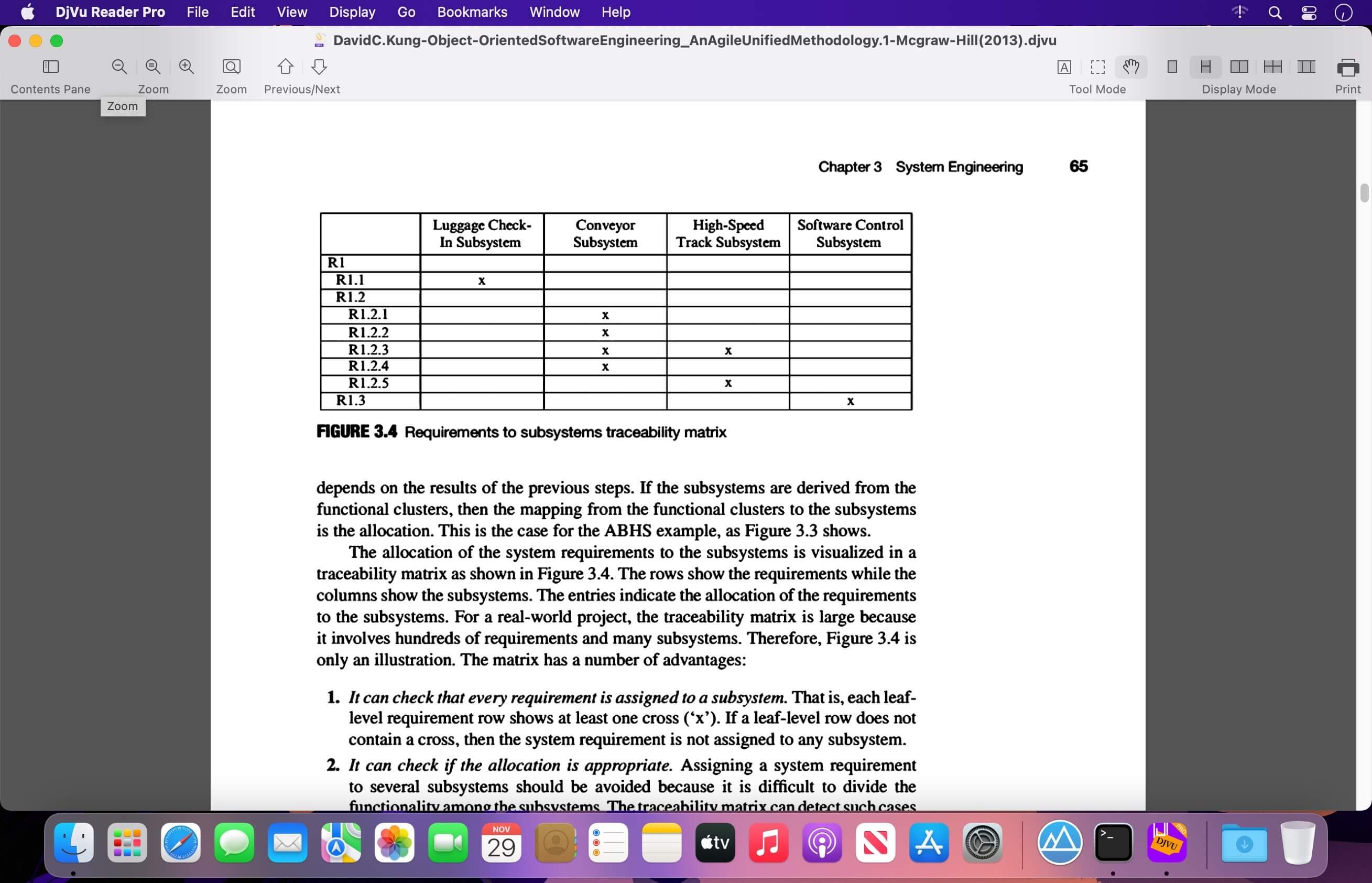
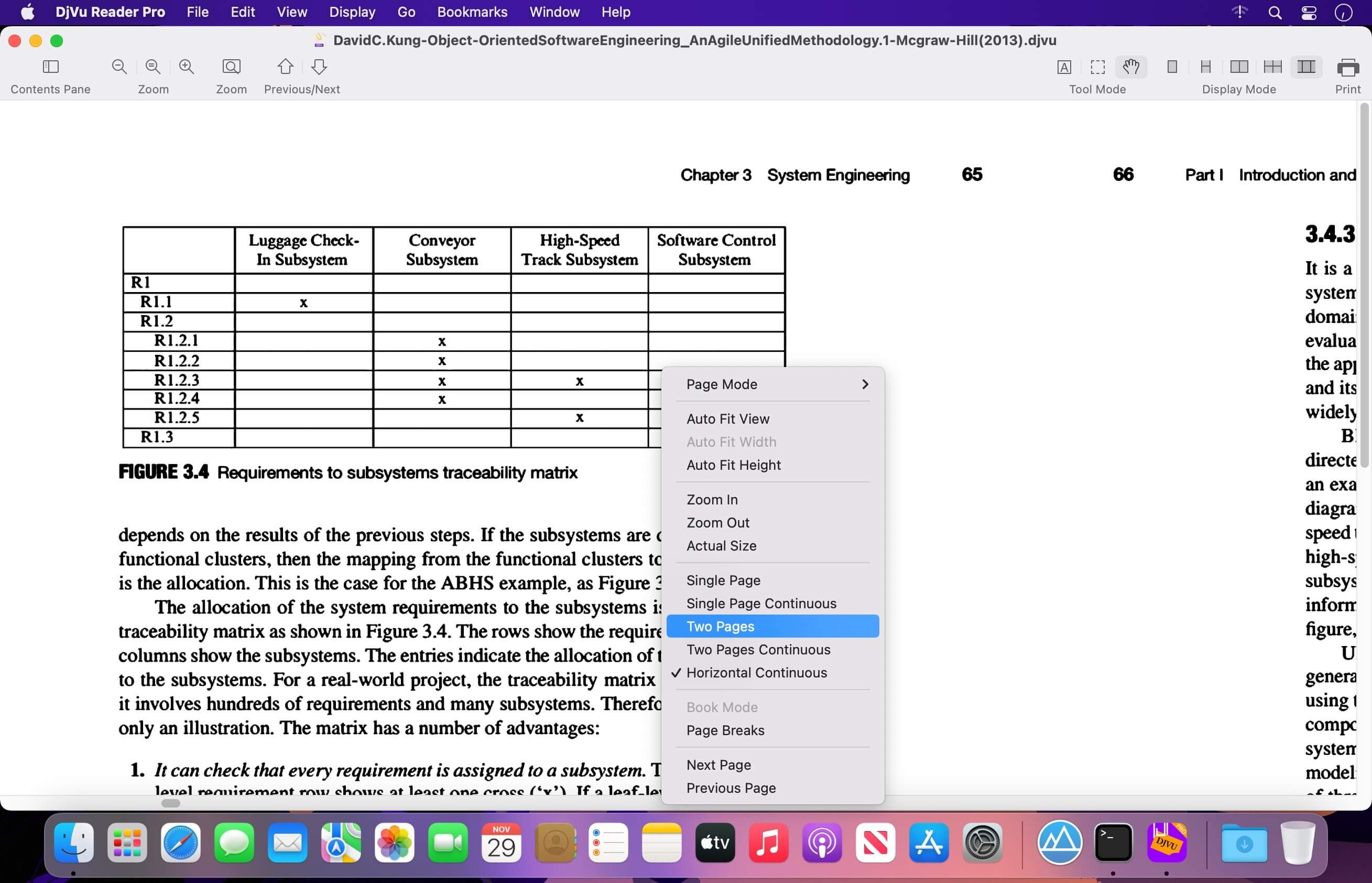
Read DjVu documents quickly, smoothly, and comfortably with DjVu Reader Pro—the powerful DjVu reader designed for macOS. Whether you’re viewing a small document or a very large file, enjoy a seamless reading experience with flexible display modes, full-screen viewing, thumbnails, search, and more.
DjVu Reader Pro is also available for iOS, so you can access your documents across your devices.
Key Features
- Compatible with the latest versions of macOS
- Open large DjVu files quickly and read them smoothly
- Select and copy text
- Use Live Text
- Search for text within documents
- Batch-convert DjVu files to PDF
- Export documents to PDF or TXT
- Quick Look and Finder thumbnail support
- Manage bookmarks
- Edit document outlines
- Choose between thumbnails, outline, or content-only views
- Full-screen reading
- Multiple display modes:
- Single Page
- Single Page Continuous
- Two Page
- Two Page Continuous
- Horizontal Continuous
- Page Breaks
- Book Mode
- Flexible zoom options:
- Zoom In
- Zoom Out
- Actual Size
- Fit to Window
- Browsing history with Back, Forward, and Go to History Page
- Quick navigation to the first, previous, next, or last page
- Rotate pages left or right
- Print documents directly from the app
DjVu Reader Pro gives you everything you need to view, manage, convert, and print DjVu documents on your Mac.
Version 2.7.2
- New startup window with recent documents, drag-and-drop, and multi-file opening
- Add the ability to freely select all visible text with Live Text
- Add toolbar item More: Zoom, Rotation, Language, and Print
- Supports 17 major interface languages
- Improved multi-document opening flow
- Other bug fixes and stability improvements
Frequently asked questions
How do I install the app?
Mount the image, drag the app into the "Applications" folder and launch it. If the system blocks the launch, allow it in "System Settings → Privacy & Security".
The app is damaged or won't launch
Reinstalling from a fresh image usually helps. Make sure your macOS version matches the one listed in the compatibility specs.
How do I update?
Download the new version from the site and install it over the current one — your settings will be preserved.
The download link doesn't work
Try a mirror or a download manager. For large files the browser often drops the connection.
How do I completely remove the app?
Use an uninstaller utility — it cleans up the service files that remain after moving the app to the trash.

Choose a download source
DjVu Reader Pro 2.7.2 · 25.64 MB
Previous versions
DjVu Reader Pro 2.7.2
Previous versions are available to registered users.