
DjVuReader Ex 1.7
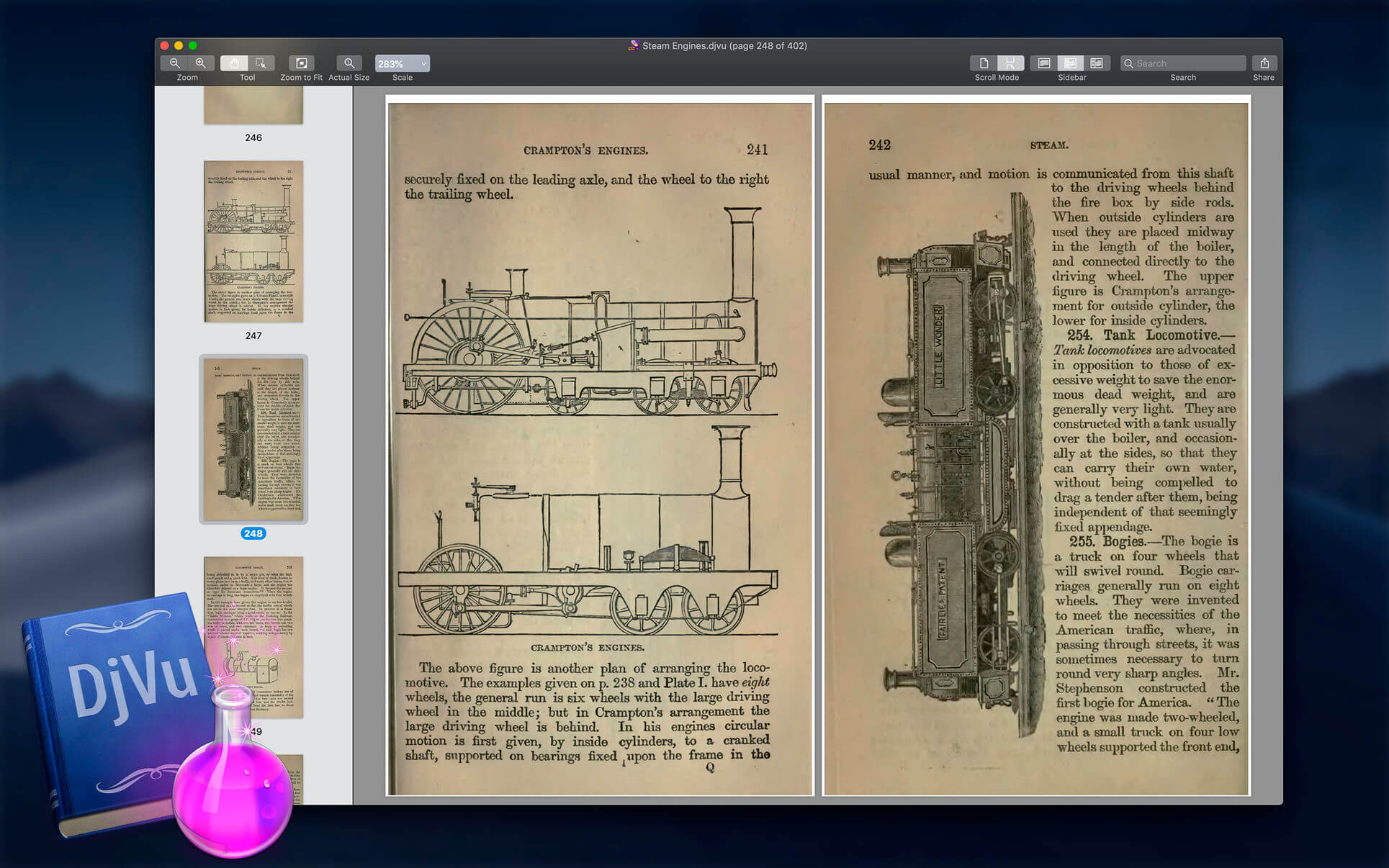
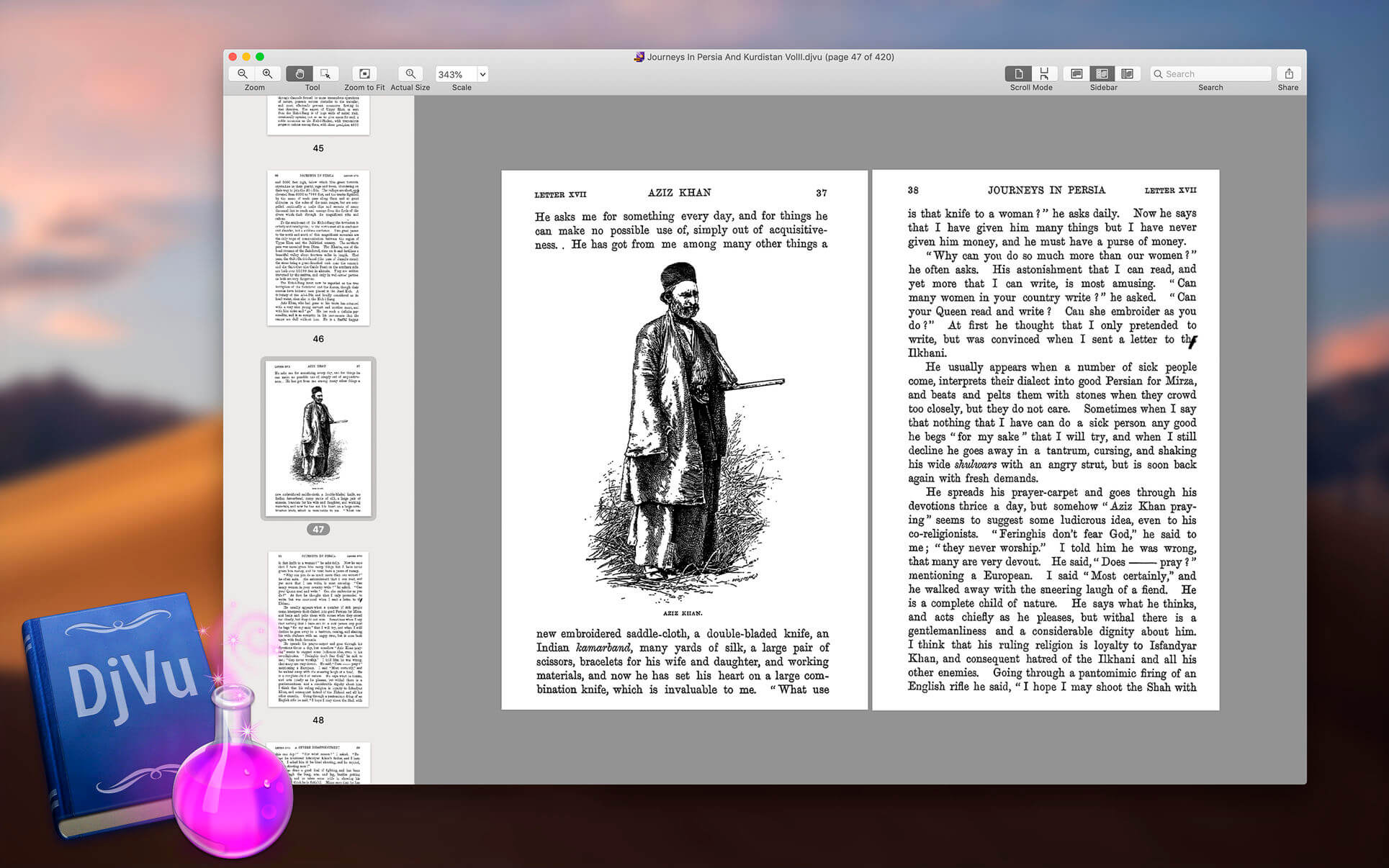
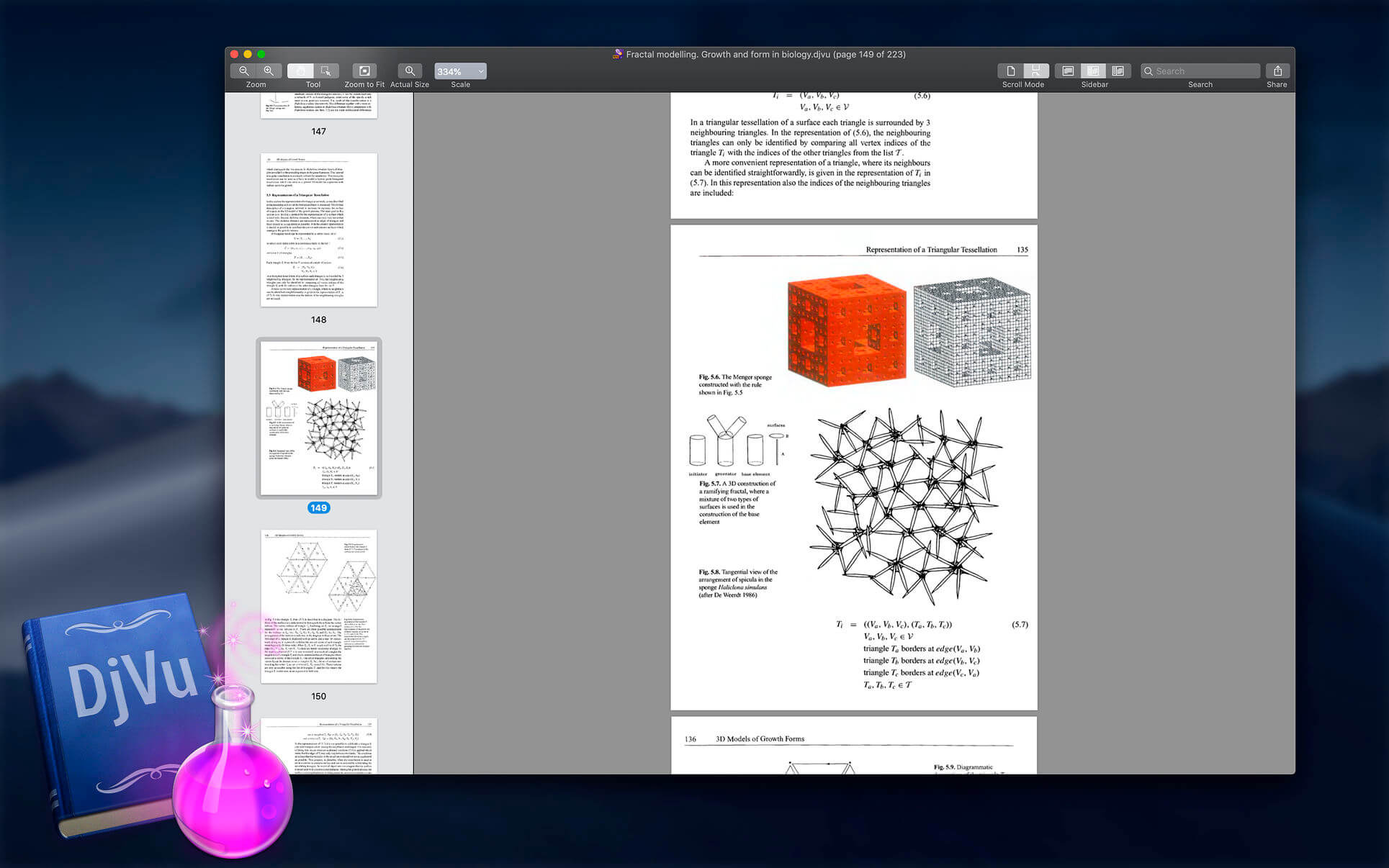
DjVuReader is the most fully featured reader for DjVu files available on the Mac App Store. Features include:
- Support for multi-page DjVu files (both bundled and indirect)
- Support for printing documents
- Quick Look support
- Support for secure DjVu files
- Search function (for text based documents)
- View documents in black & white or full color
- Copy sections of the document to the clipboard
- Bookmarks function
- Intuitive navigation
- Sync your documents and bookmarks through iCloud
Customizable preferences, including:
- Single/double page mode
- Custom window background colors
- Page Delimited management
- Set front page as cover page
DjVu is a new image compression technology to solve the problem of bulky image files that are simply too large for acceptable download speeds when used on the web. For companies or individuals who deal with large numbers of image documents this not only considerably reduces the storage space required but also makes the distribution of these documents far more efficient.
DjVu typically achieves compression ratios between 5 and 10 times better than JPEG and GIF files for color documents, and 3 to 8 times better than TIFF for black and white images. Decompression is also far more efficient, with an image that would usually require 25Mb RAM to decompress only needing about 2Mb.
Version 1.7
- bug fixes
Frequently asked questions
How do I install the app?
Mount the image, drag the app into the "Applications" folder and launch it. If the system blocks the launch, allow it in "System Settings → Privacy & Security".
The app is damaged or won't launch
Reinstalling from a fresh image usually helps. Make sure your macOS version matches the one listed in the compatibility specs.
How do I update?
Download the new version from the site and install it over the current one — your settings will be preserved.
The download link doesn't work
Try a mirror or a download manager. For large files the browser often drops the connection.
How do I completely remove the app?
Use an uninstaller utility — it cleans up the service files that remain after moving the app to the trash.



Choose a download source
DjVuReader Ex 1.7 · 15.45 MB