DjVu To PDF Converter 2.0
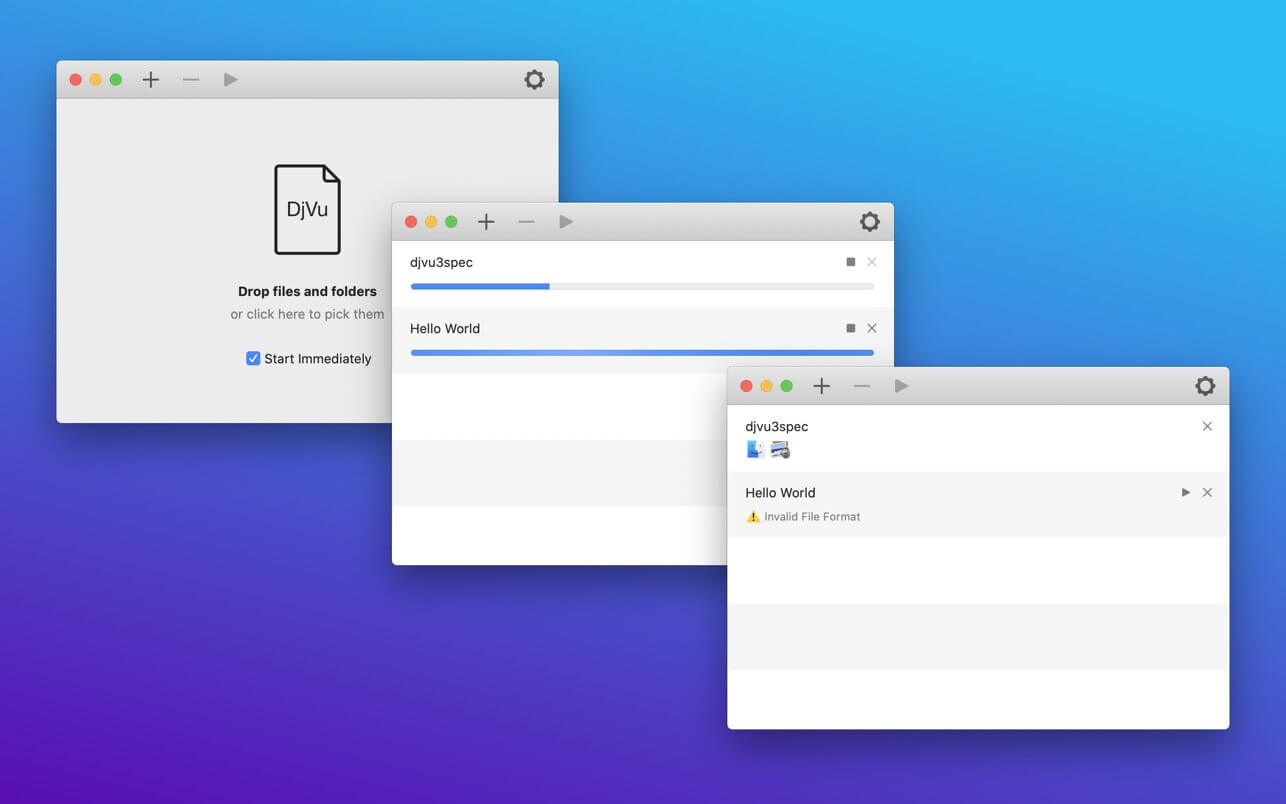
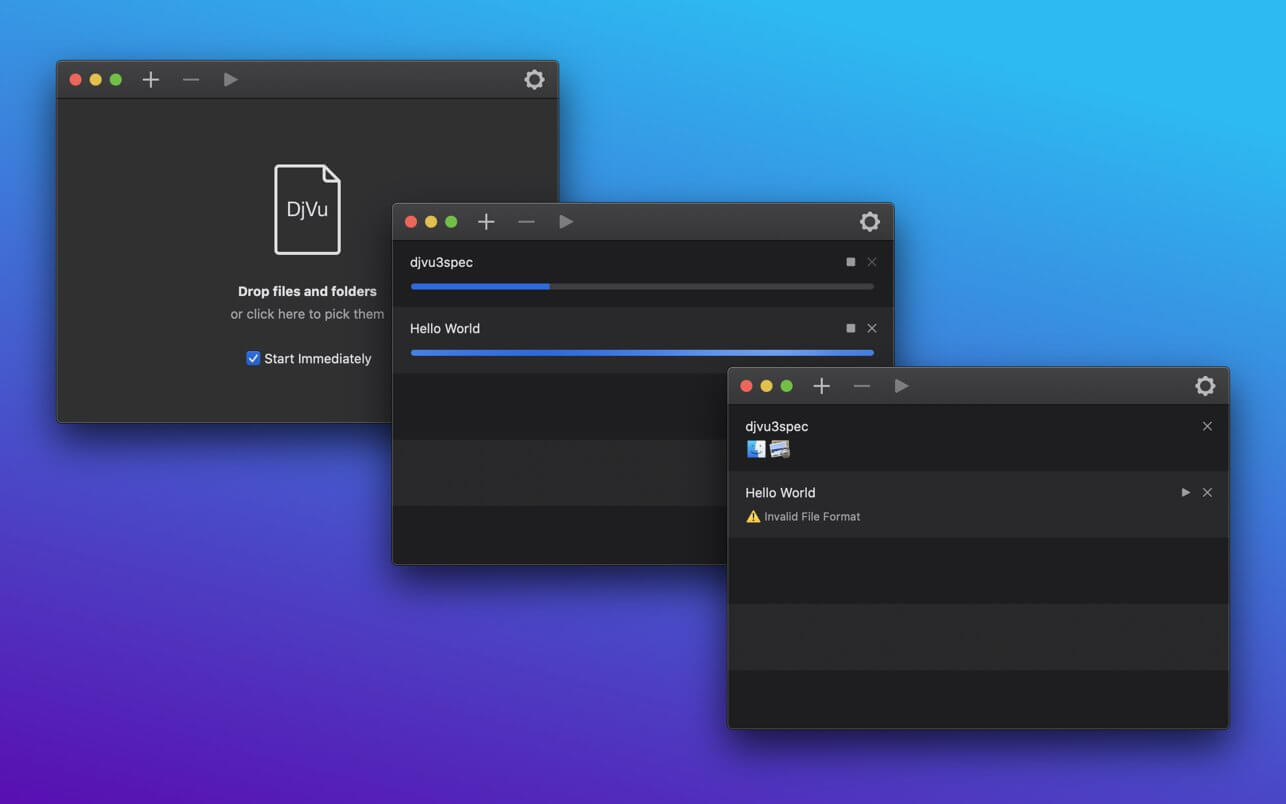
DjVu To PDF Converter is an app that lets you easily convert any DjVu file to PDF document. After conversion document can be opened with any reader supporting PDF (even mobile or portable).
Why use converter instead of reader? Most of the readers are actually converters with integrated PDF viewer. And lets say it, those PDF viewers are less comfortable than Mac's Preview app. So there is two advantages for converter:
- You don't have to wait every time you open DjVu file. Just open PDF in Preview.
- You get PDF that you can read in way that is most comfortable to you. Even transfer it to your mobile device or other OS.
- Simple and straightforward interface.
- One click conversion.
- Configurable output color mode and DPI.
- Resulting files are smaller comparing to other similar apps and there are more options.
- Utilizes all processor cores.
Version 2.0
- Support for latest features of macOS
- Improved new User Interface
Frequently asked questions
How do I install the app?
Mount the image, drag the app into the "Applications" folder and launch it. If the system blocks the launch, allow it in "System Settings → Privacy & Security".
The app is damaged or won't launch
Reinstalling from a fresh image usually helps. Make sure your macOS version matches the one listed in the compatibility specs.
How do I update?
Download the new version from the site and install it over the current one — your settings will be preserved.
The download link doesn't work
Try a mirror or a download manager. For large files the browser often drops the connection.
How do I completely remove the app?
Use an uninstaller utility — it cleans up the service files that remain after moving the app to the trash.
VersionDjVu To PDF Converter 2.0
DeveloperNikita Zubkov
CompatibilitymacOS 10.15 or later, 64-bit processor
LanguageEnglish, Russian
IncludesK'ed by TNT
Information
Visitors in the group Guests cannot leave comments on this publication.
Choose a download source
DjVu To PDF Converter 2.0 · 3.65 MB
Previous versions
DjVu To PDF Converter 2.0
Previous versions are available to registered users.