Cisdem AppCrypt 7.11.0
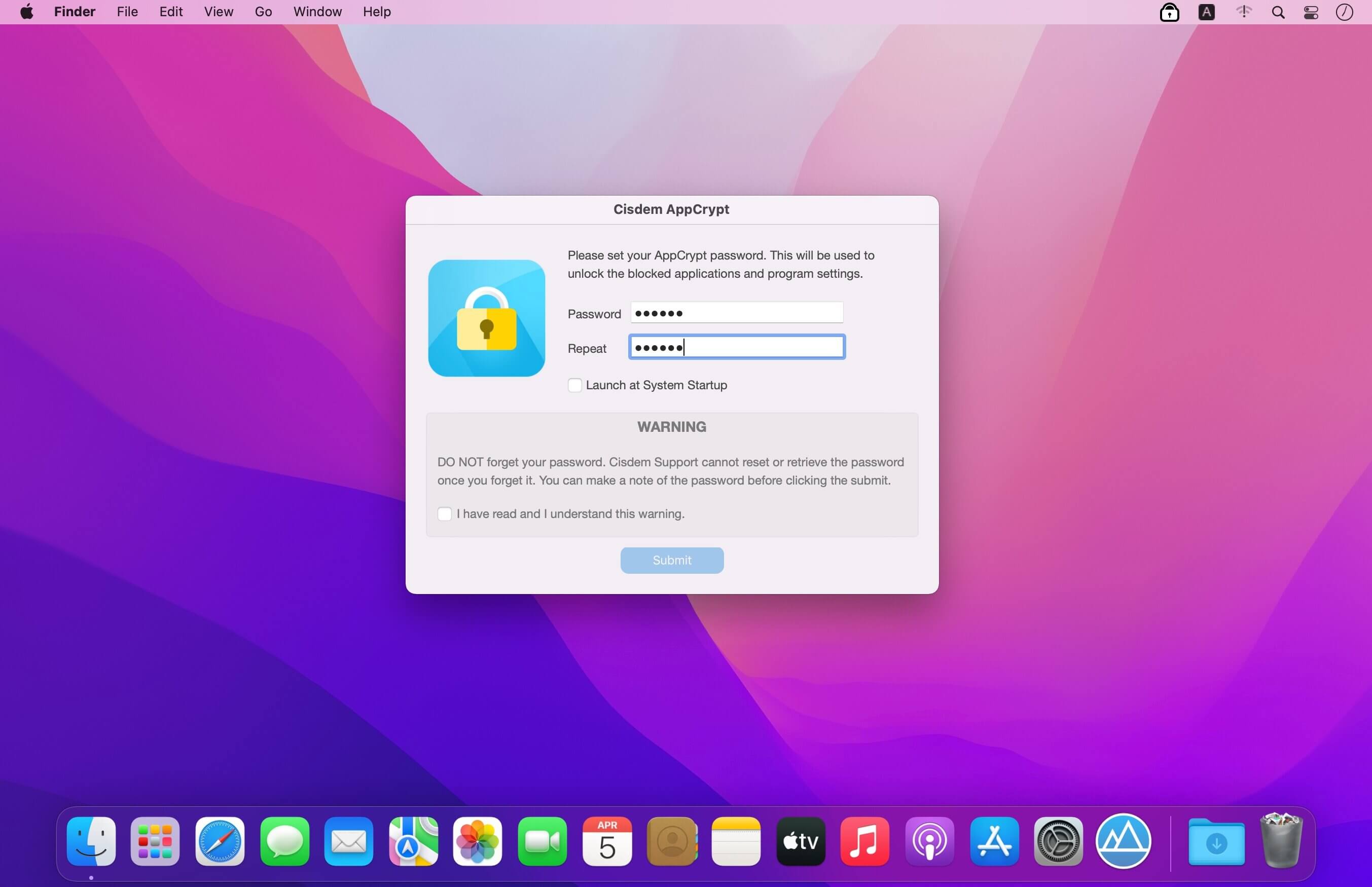
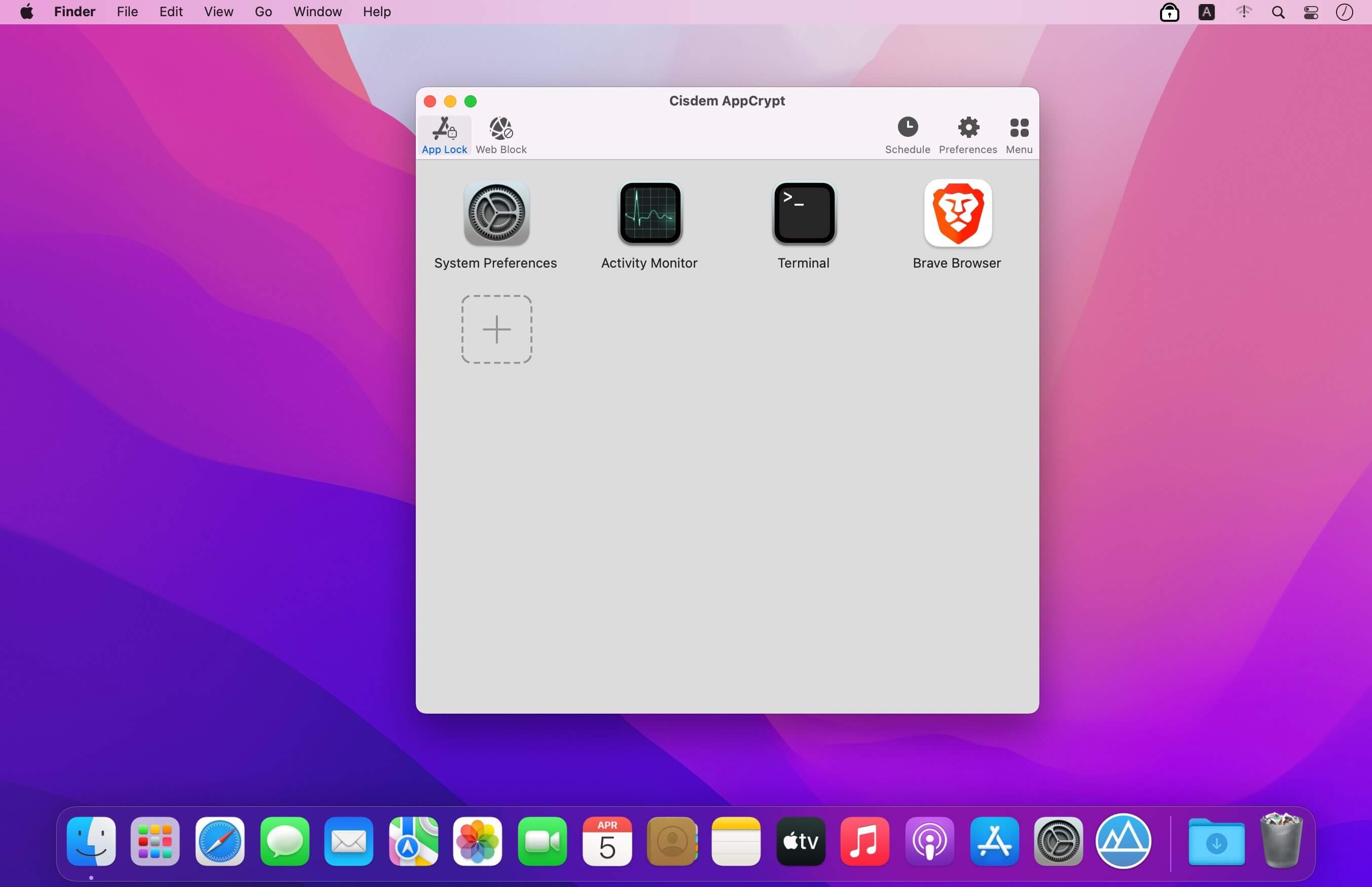
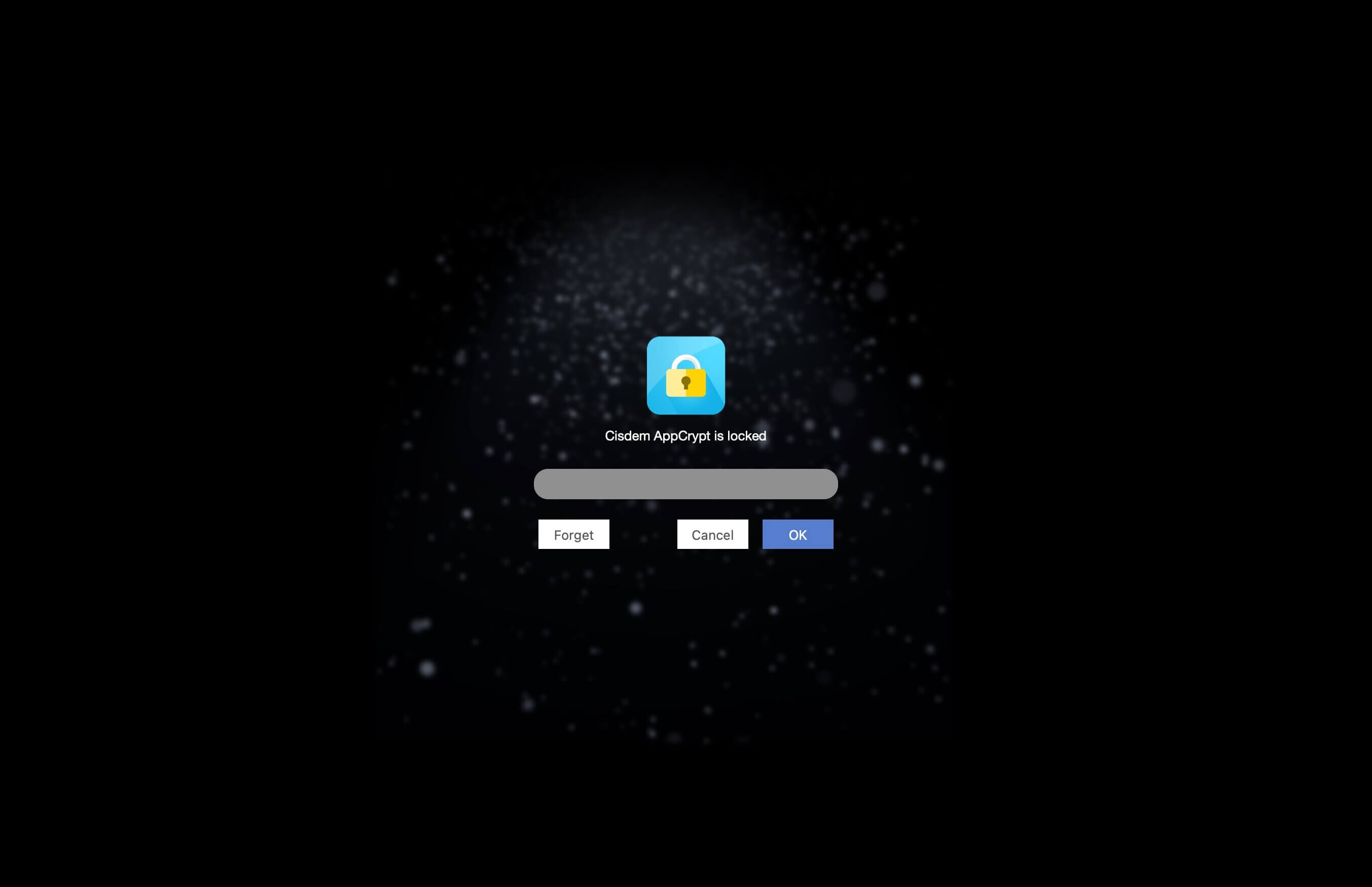
Cisdem AppCrypt is designed for protecting your apps and block websites to make sure you are the only master. It is quite easy to use. Just simply setting a password and adding the apps and websites to the lock list and no one is able to access your protected apps and websites without the correct password. You will never worry about prying eyes when you share your Mac with others. You can also prevent your children from apps at improper time by setting specific time periods of encryption. What’s more, it keeps track of failed attempts and provides reporting on app name, date, time, operation and snapshot took by front camera.
Version 7.11.0:
- Improved browser authorization logic.
- Resolved background crashes and improved stability.
- Enhanced log performance.
Frequently asked questions
How do I install the app?
Mount the image, drag the app into the "Applications" folder and launch it. If the system blocks the launch, allow it in "System Settings → Privacy & Security".
The app is damaged or won't launch
Reinstalling from a fresh image usually helps. Make sure your macOS version matches the one listed in the compatibility specs.
How do I update?
Download the new version from the site and install it over the current one — your settings will be preserved.
The download link doesn't work
Try a mirror or a download manager. For large files the browser often drops the connection.
How do I completely remove the app?
Use an uninstaller utility — it cleans up the service files that remain after moving the app to the trash.





Choose a download source
Cisdem AppCrypt 7.11.0 · 9.26 MB
Previous versions
Cisdem AppCrypt 7.11.0
Previous versions are available to registered users.