
CrossOver 26.3.0
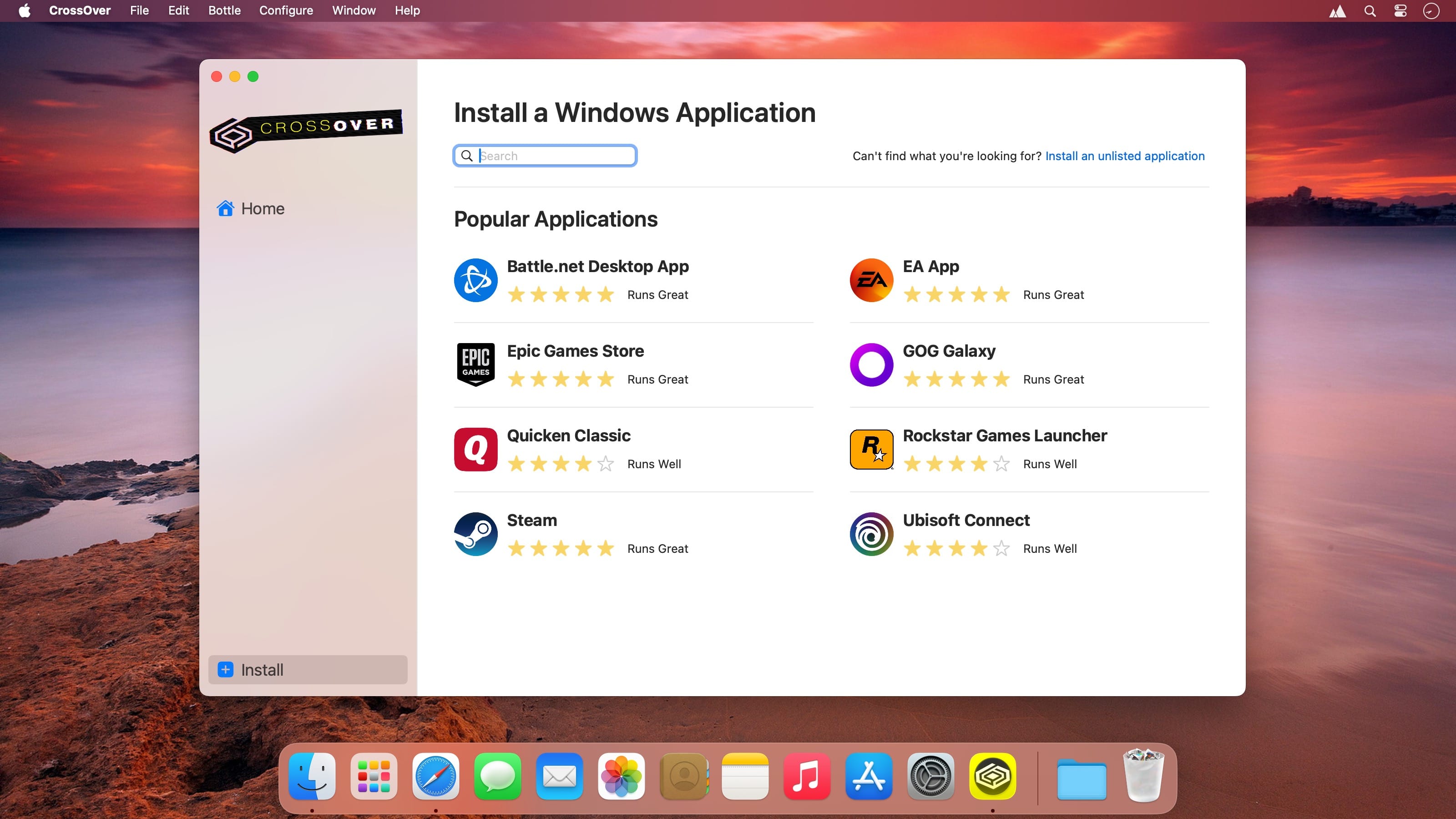
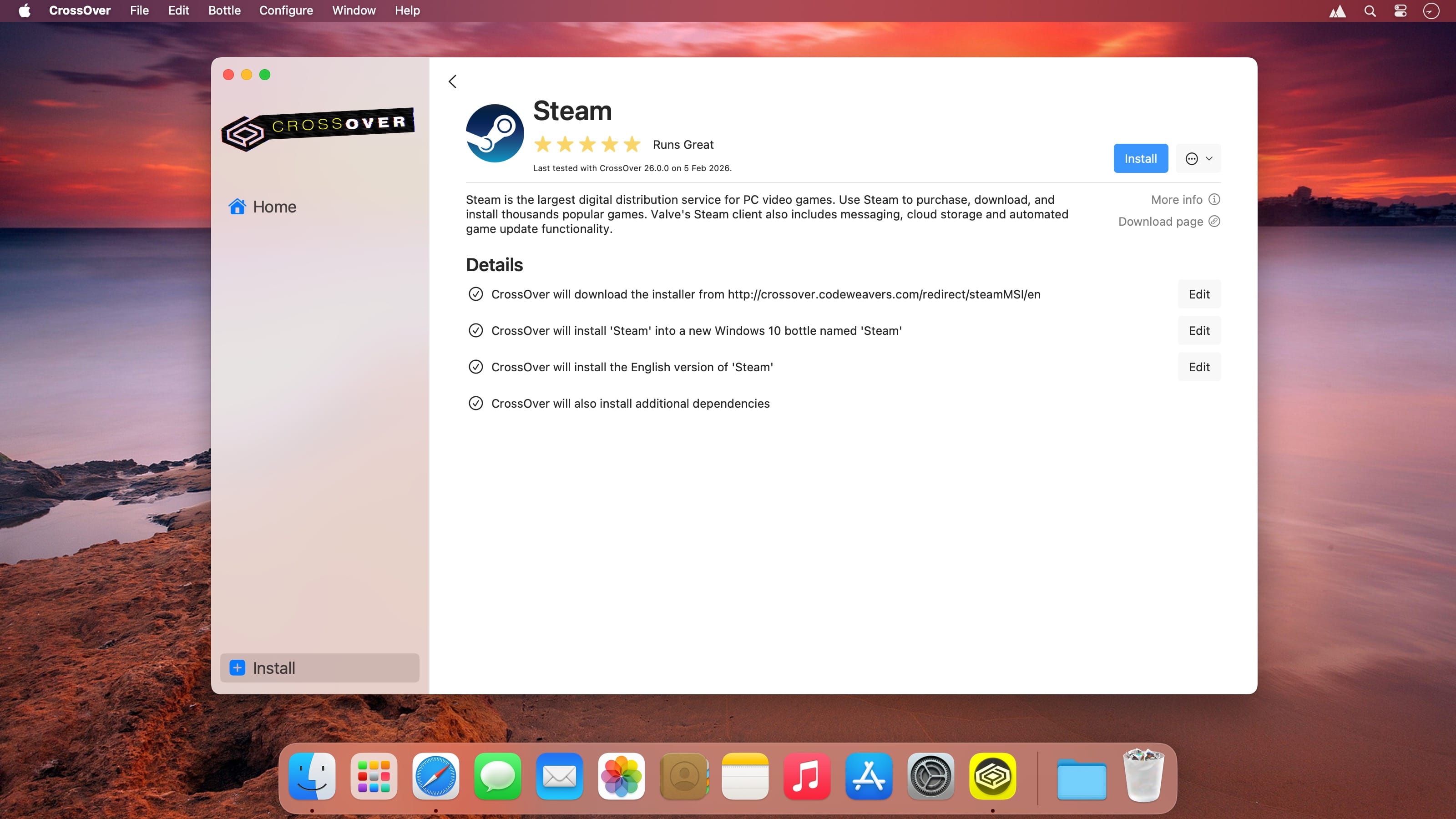
Run Windows apps on your Mac—no Windows license, no rebooting, and no full VM needed. CrossOver Mac lets you open Windows programs right from your Dock, with Mac features like shared files and cross-platform copy & paste working seamlessly.
Easy installs: lots of Windows programs install automatically using our CrossTie tech. If CrossOver is installed and you have the app installer, just click the install button in our Compatibility Database and CrossOver handles the rest.
What’s new in CrossOver 26
- Native Apple Silicon improvements: Expanded support and performance tuning for M1/M2/M3-based Macs, reducing reliance on Rosetta and improving stability for many apps and games.
- Updated Wine base: Based on a newer Wine upstream, bringing many bug fixes and improved Windows API compatibility.
- Graphics and gaming fixes: Improved DirectX translation and Vulkan/Metal backend integration, resulting in better frame rates and fewer graphical glitches for supported games.
- Installer and UI refinements: Cleaner bottler management, easier overrides for libraries and runtimes, and improved error reporting to diagnose app issues faster.
- 64-bit Windows app support: Broader and more reliable support for running 64-bit Windows applications on macOS.
- Dependency management: Improved handling of common Windows runtimes (Visual C++ redistributables, .NET) with more reliable automated installation where possible.
- Security and packaging updates: Better sandboxing for bottles and improved signing/packaging for macOS distribution.
Frequently asked questions
How do I install the app?
Mount the image, drag the app into the "Applications" folder and launch it. If the system blocks the launch, allow it in "System Settings → Privacy & Security".
The app is damaged or won't launch
Reinstalling from a fresh image usually helps. Make sure your macOS version matches the one listed in the compatibility specs.
How do I update?
Download the new version from the site and install it over the current one — your settings will be preserved.
The download link doesn't work
Try a mirror or a download manager. For large files the browser often drops the connection.
How do I completely remove the app?
Use an uninstaller utility — it cleans up the service files that remain after moving the app to the trash.





Choose a download source
CrossOver 26.3.0 · 370.01 MB
Previous versions
CrossOver 26.3.0
Previous versions are available to registered users.