Ethernet Status 6.0
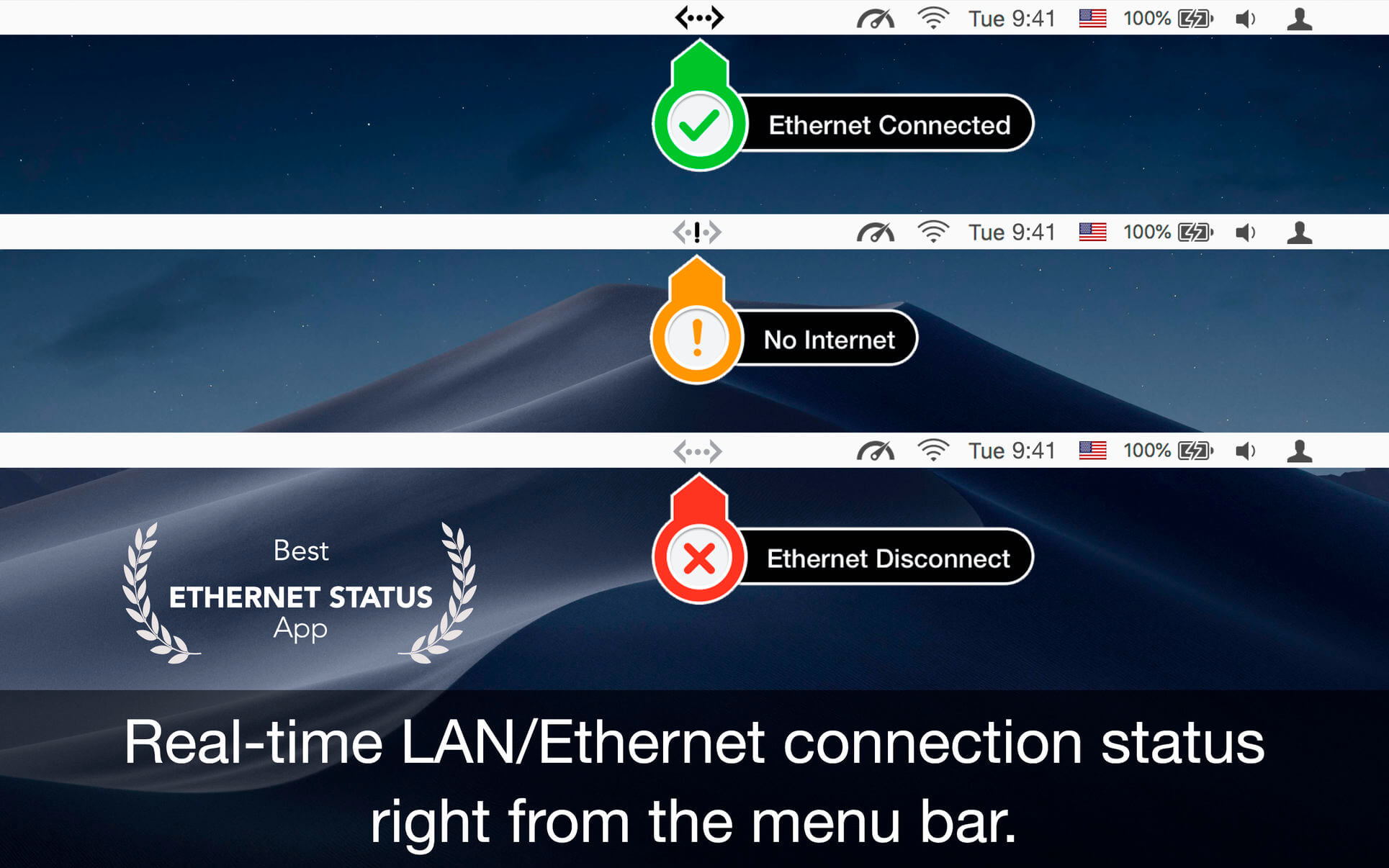

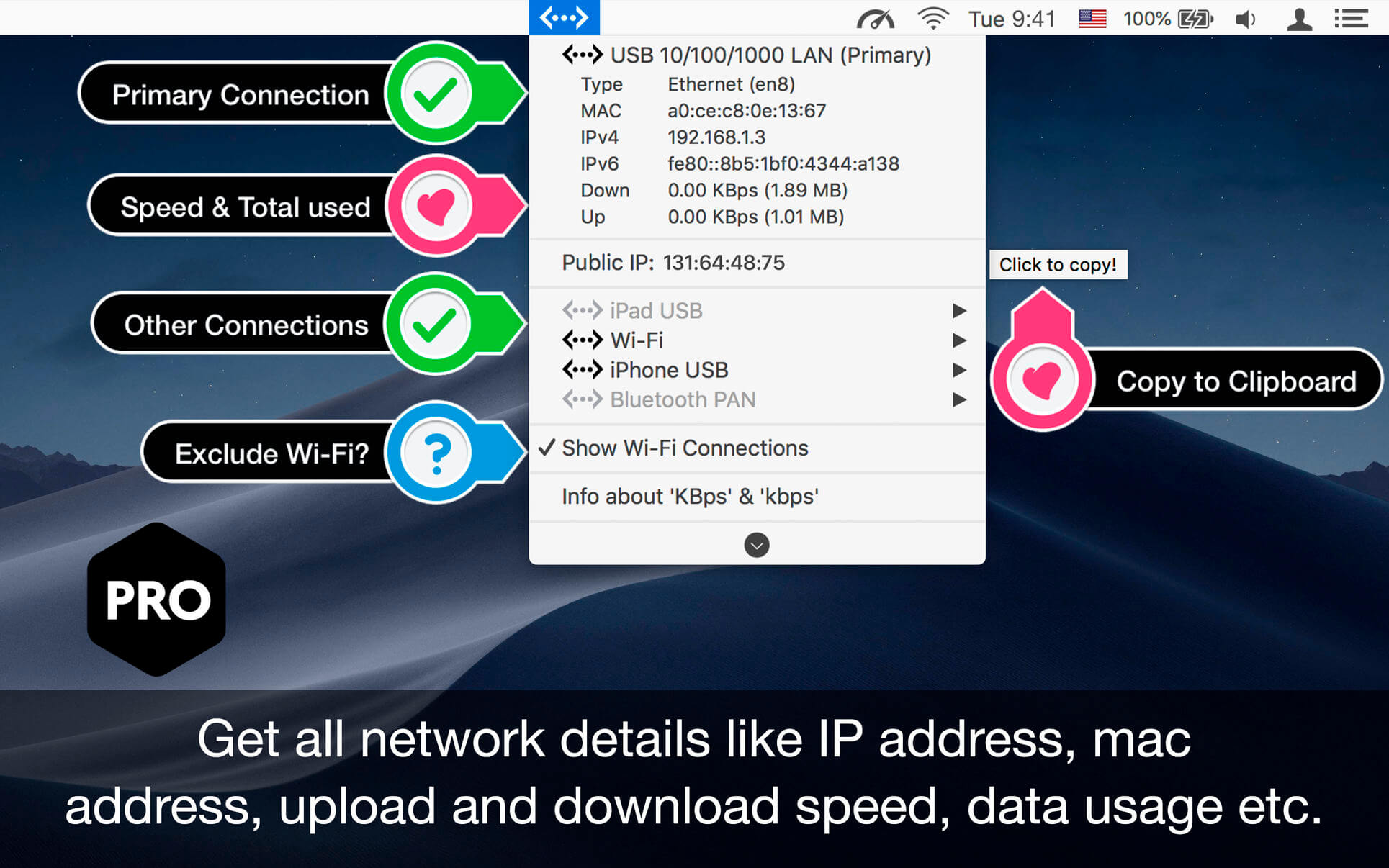
Ethernet Status lets you see the status of your LAN/Ethernet connection right from the menu bar. This utility adds a neat icon which lets you know the status of the connection and other stats like your IP address, MAC address, current upload and download speed, data usage, etc.
Features
- See the status, IP address and speed of the Ethernet adaptors
- Get the public IP address of your computer
- Thunderbolt and Firewire support
- Retina display enabled icons
- Shows IPv4 and IPv6 addresses
- Copy IP / MAC address from the menu
- See status of all active interfaces based on the user priority
- Option to see and copy IP / MAC of Wi-Fi adapter
- Upload and download speed for each adapter. Note: Data usage counters are reset on reboot.
Version 6.0:
- Improved real-time Ethernet detection accuracy
- Faster menu bar updates for instant network status
- Enhanced compatibility with USB-C & Thunderbolt adapters
- Performance optimisations for lower CPU usage
- Minor bug fixes & stability improvements
Frequently asked questions
How do I install the app?
Mount the image, drag the app into the "Applications" folder and launch it. If the system blocks the launch, allow it in "System Settings → Privacy & Security".
The app is damaged or won't launch
Reinstalling from a fresh image usually helps. Make sure your macOS version matches the one listed in the compatibility specs.
How do I update?
Download the new version from the site and install it over the current one — your settings will be preserved.
The download link doesn't work
Try a mirror or a download manager. For large files the browser often drops the connection.
How do I completely remove the app?
Use an uninstaller utility — it cleans up the service files that remain after moving the app to the trash.





Choose a download source
Ethernet Status 6.0 · 6.86 MB
Previous versions
Ethernet Status 6.0
Previous versions are available to registered users.