
AppLocker Pro 2.7.0
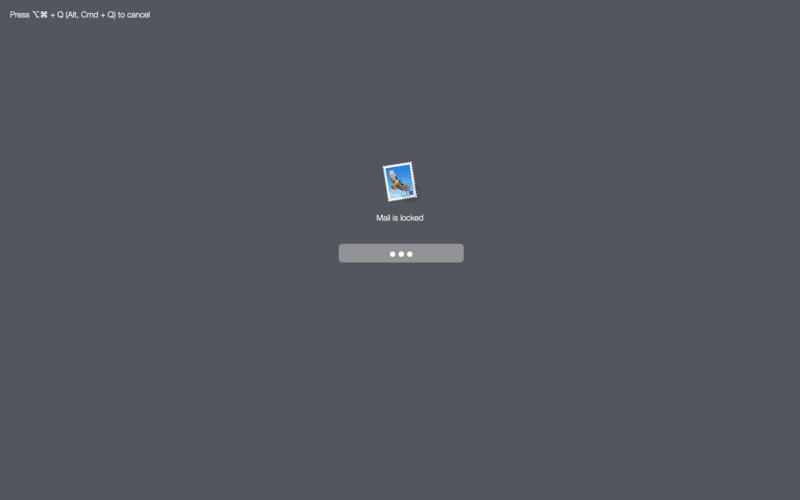
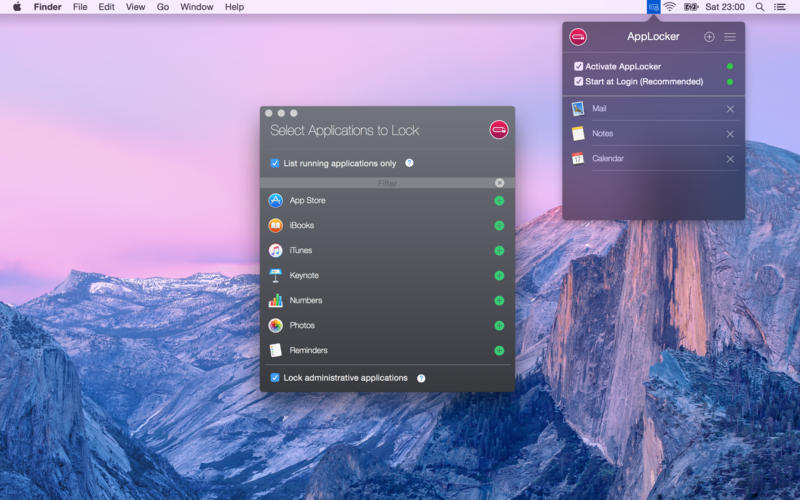
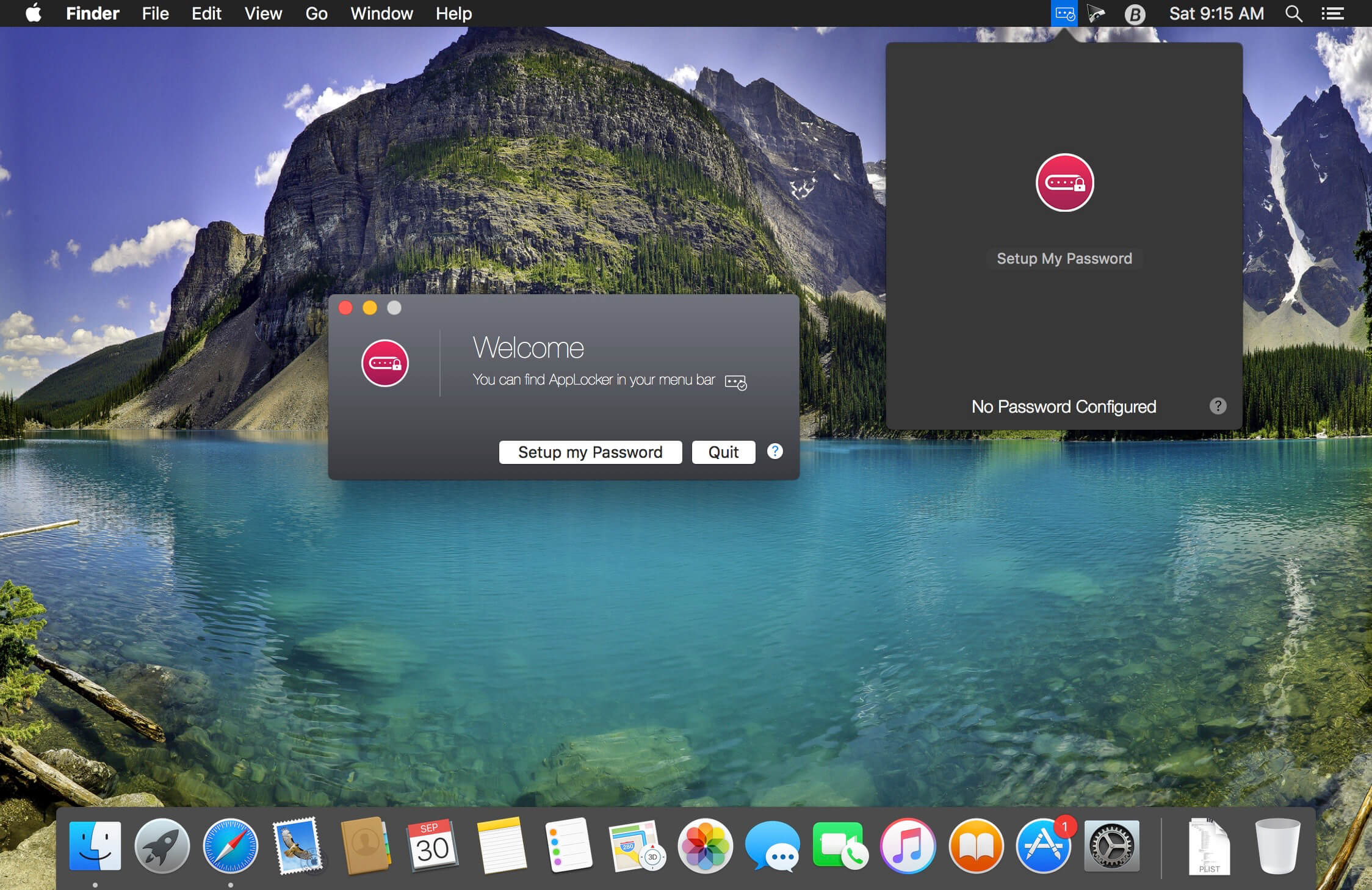
AppLocker can password protect individual apps on your Mac.
It's easy to use and there is absolutely no configuration required. Just start AppLocker, add a password and select the apps you want to keep private.
Use this tool and stop worrying about your privacy when you lend your computer to a guest, friend or family member. No one will mess with your important apps anymore.
Features
- Password protect individual applications on your Mac
- Easy to use, absolutely no configuration required
- Block access to applications that you want private and avoid
- sneak peeks from guests, family members, friends or co-workers
- Perfect for anyone who uses a Mac in the office or at home and shares the computer with co-workers, family members or guests
Version 2.7.0
- Added Touch ID support for Pro users
Frequently asked questions
How do I install the app?
Mount the image, drag the app into the "Applications" folder and launch it. If the system blocks the launch, allow it in "System Settings → Privacy & Security".
The app is damaged or won't launch
Reinstalling from a fresh image usually helps. Make sure your macOS version matches the one listed in the compatibility specs.
How do I update?
Download the new version from the site and install it over the current one — your settings will be preserved.
The download link doesn't work
Try a mirror or a download manager. For large files the browser often drops the connection.
How do I completely remove the app?
Use an uninstaller utility — it cleans up the service files that remain after moving the app to the trash.
VersionAppLocker Pro 2.7.0
DeveloperDenk Alexandru
CompatibilityOS X 10.10 or later, 64-bit processor
LanguageEnglish
IncludesK'ed by TNT




Choose a download source
AppLocker Pro 2.7.0 · 10.6 MB
Comments 1