

Cisdem PDF Password Remover 5.4.0
Remove PDF password and lift owner restrictions
Screenshots
Click to enlarge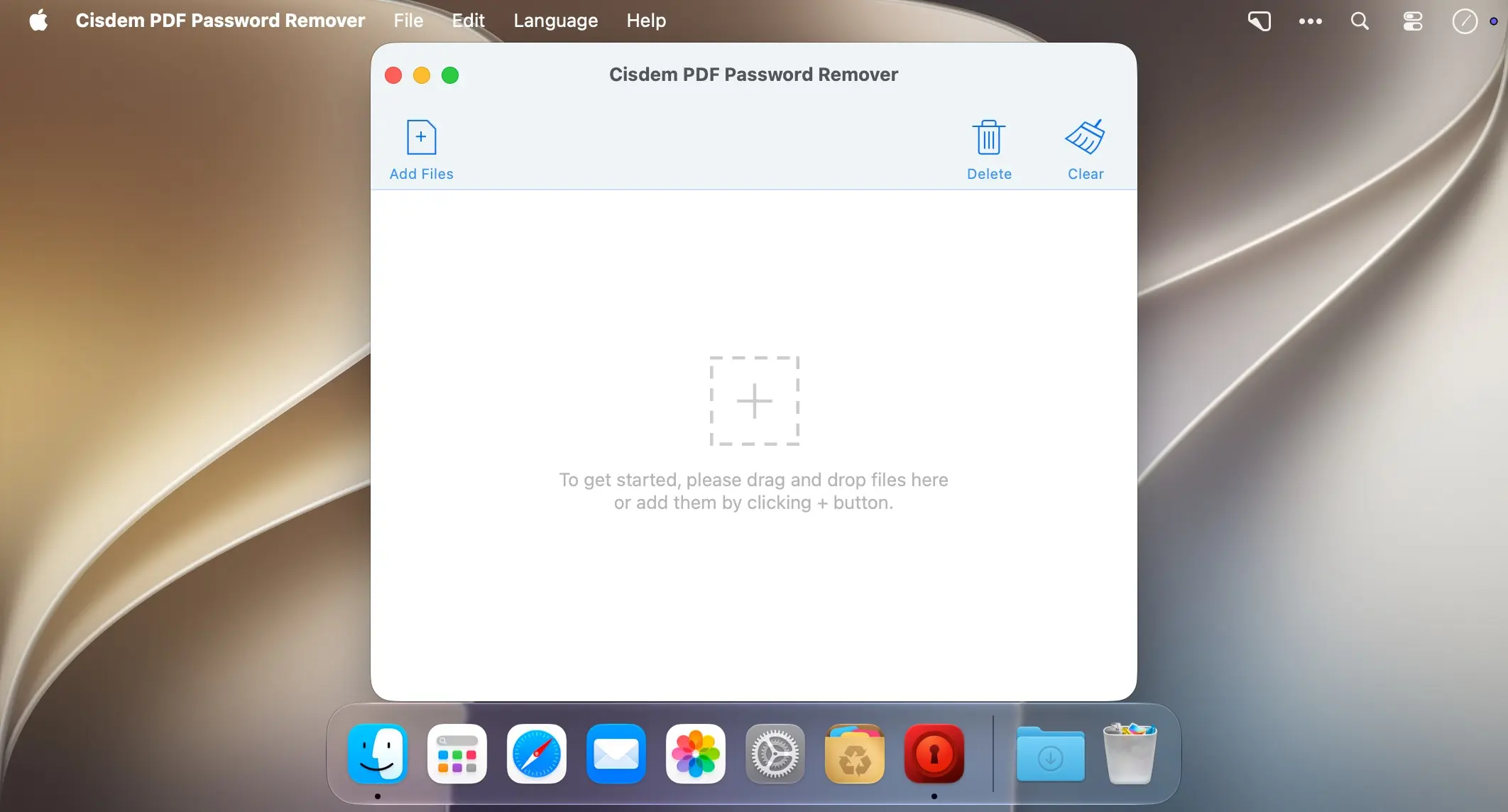
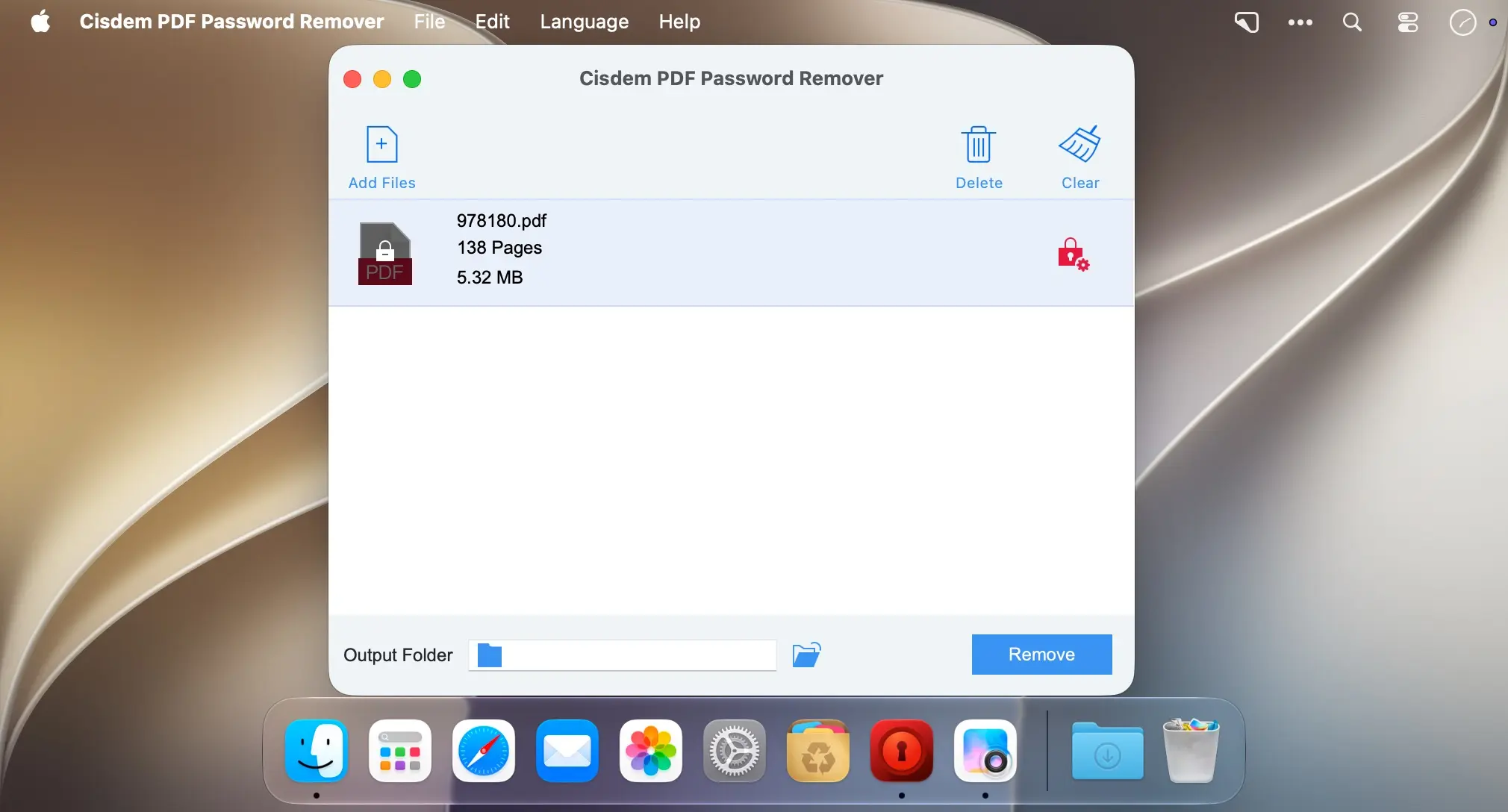
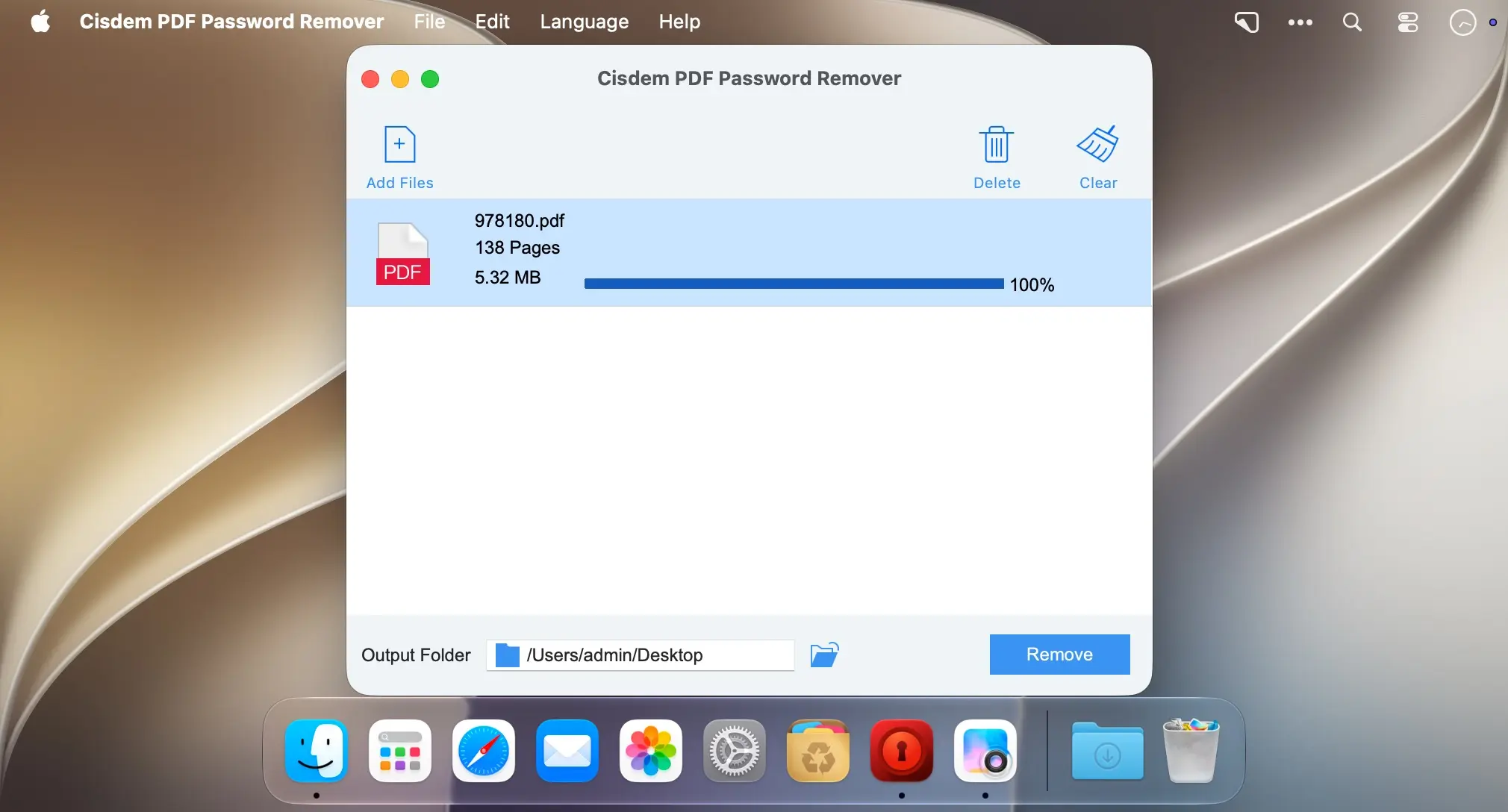
Remove a PDF password and open your file, even when you have lost the passkey. Cisdem PDF Password Remover is made for macOS users who need to edit, copy, or print their protected PDFs again.
Remove both types of PDF passkeys
A PDF can use two passkeys. The user passkey usually prevents opening the file. The owner passkey restricts editing, copying, or printing. Cisdem PDF Password Remover tries to determine both during each decryption, so you get full control over the document.
- User and owner passkeys: Open a locked file and remove PDF restrictions in one tool.
- Decryption filters: Set the password length and character types, such as Latin letters, digits, special symbols, or spaces, to shorten processing time.
- Known password option: Enter the password directly if you already have it.
- Save and resume: Stop a long task and continue later by loading the same file again, then choose to continue or start over.
- Stored results: Add a file you processed before and see the result almost instantly.
- User-friendly PDF decryptor: Load your file and enter the passkey details in the main window.
Download Cisdem PDF Password Remover and get back into your protected PDFs.
Version 5.4:
- Added native support for Apple Silicon.
- Fixed an issue where hyperlinks in PDFs became invalid after removing the password.
- Fixed an issue where the correct password was incorrectly rejected for certain PDFs.
- Fixed an issue where some pages became blank after removing the password from certain documents.
Comments
No comments yet. Be the first.
Information
Visitors in the group Guests cannot leave comments on this publication.