
Espionage 3.6.6
Espionage 3 protects you even if you're forced to give up your master password by giving you the ability to have multiple master passwords, each protecting an isolated set of folders. Every protected folder can also advertise completely different data, depending on whether it's locked or unlocked.
Of course, that's not say we skimped on the encryption. Espionage 3 is the most secure Espionage yet, featuring AES-256 encryption by default, and scrypt to protect your passwords from even the most powerful of adversaries.
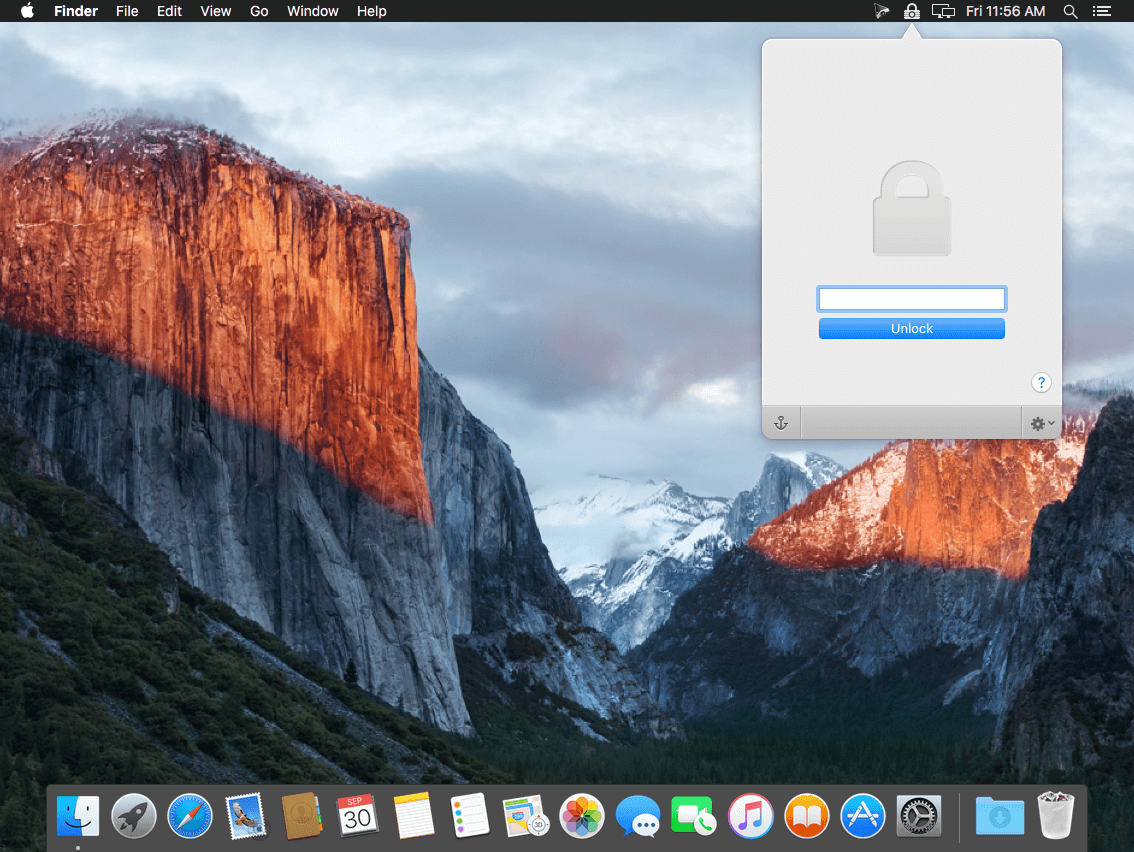
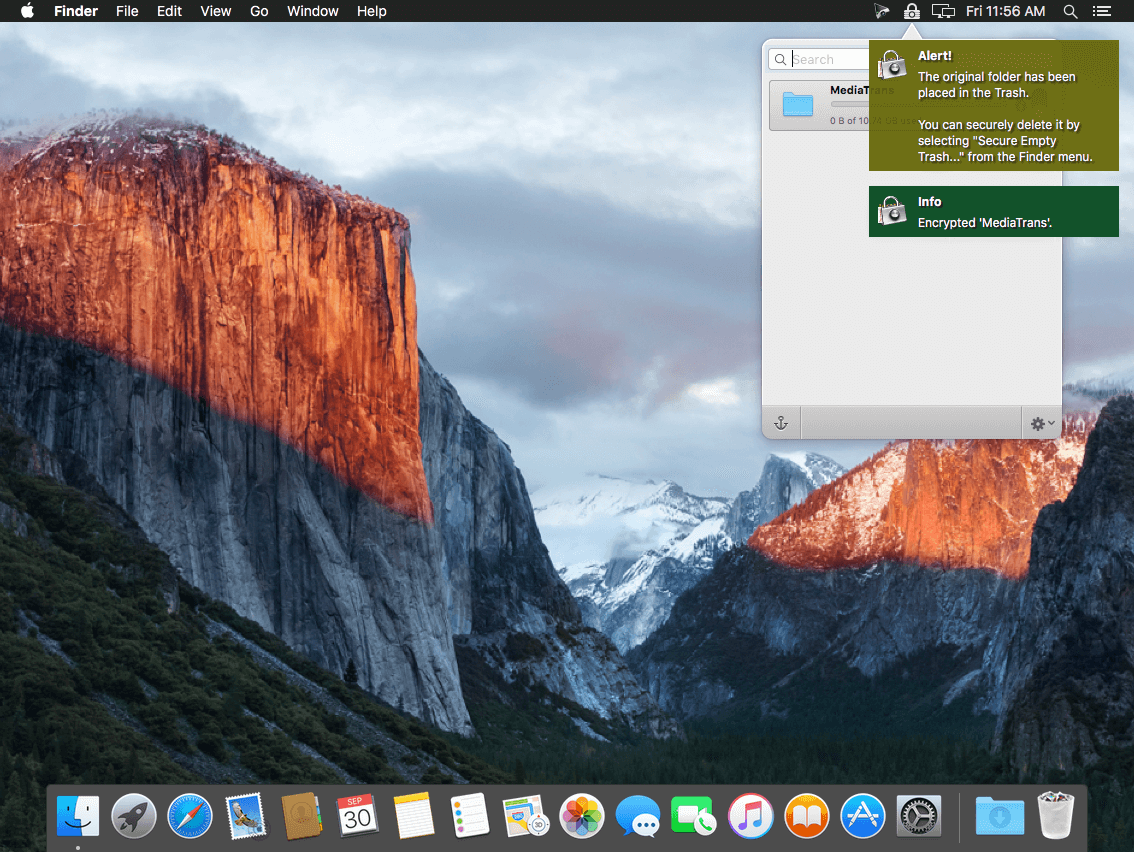
- Encrypt Folders: Protect individual folders and easily access them from the menubar.
- Folder Settings: Settings like auto-lock and maintainence of the encrypted data at your fingertips.
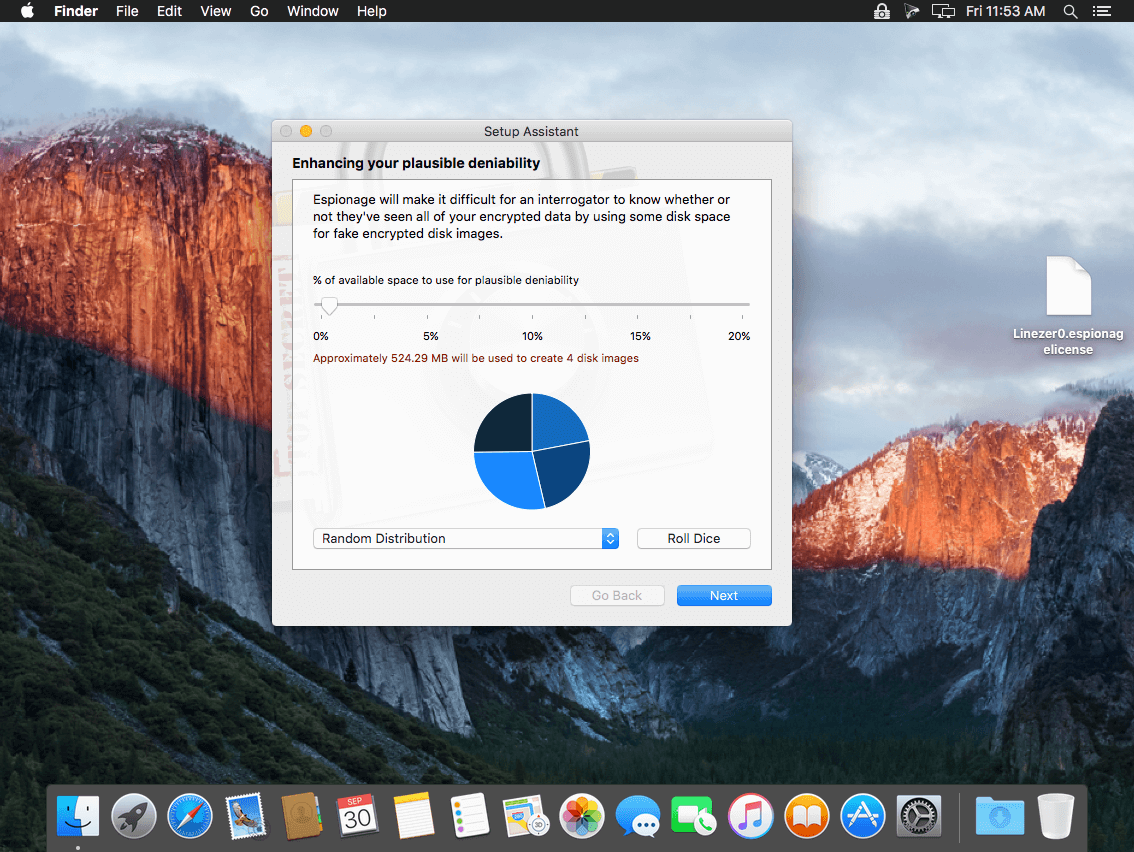
- Plausible Deniability: Espionage offers the state of the art in Plausible Deniability.
- Folder Actions: Encrypting your email doesn't have to be a pain.
- AES-256 + scrypt = Maximum Security: Espionage uses powerful AES-256 encryption to protect your files and the super-computer defying scrypt to protect your passwords
Features:
- Source code available for security professionals.
- Designed for plausible deniability. Multiple master passwords through Folder Sets. Want two versions of your email? Espionage can handle that.
- Enhances deniable encryption by creating fake Folder Sets and fake disk images.
- Laptop-theft tracking apps (like Undercover) work when using Espionage without FileVault.
- Super-computer defying encryption: AES-256 + scrypt.
- Silent. Espionage 3 doesn't make it easy for people to know what's encrypted.
- Folder Actions make it easy to encrypt your email. Watch how to do it.
- Quickly access folders via the menu bar and keyboard shortcuts.
- Works with your favorite backup software like Time Machine and Dropbox.
- Optionally prevent folder contents from showing up in Spotlight even when the folder is unlocked.
SCREENSHOTS
Frequently asked questions
How do I install the app?
Mount the image, drag the app into the "Applications" folder and launch it. If the system blocks the launch, allow it in "System Settings → Privacy & Security".
The app is damaged or won't launch
Reinstalling from a fresh image usually helps. Make sure your macOS version matches the one listed in the compatibility specs.
How do I update?
Download the new version from the site and install it over the current one — your settings will be preserved.
The download link doesn't work
Try a mirror or a download manager. For large files the browser often drops the connection.
How do I completely remove the app?
Use an uninstaller utility — it cleans up the service files that remain after moving the app to the trash.
VersionEspionage 3.6.6
DeveloperTao Effect
CompatibilityOS X 10.10 or later, 64-bit processor
LanguageMultilangual
IncludesK





Information
Visitors in the group Guests cannot leave comments on this publication.
Choose a download source
Espionage 3.6.6 · 6.57 MB