PDF to Image Pro 3.3.25
Convert PDF to almost any image formats quickly and stay or improve original quality.
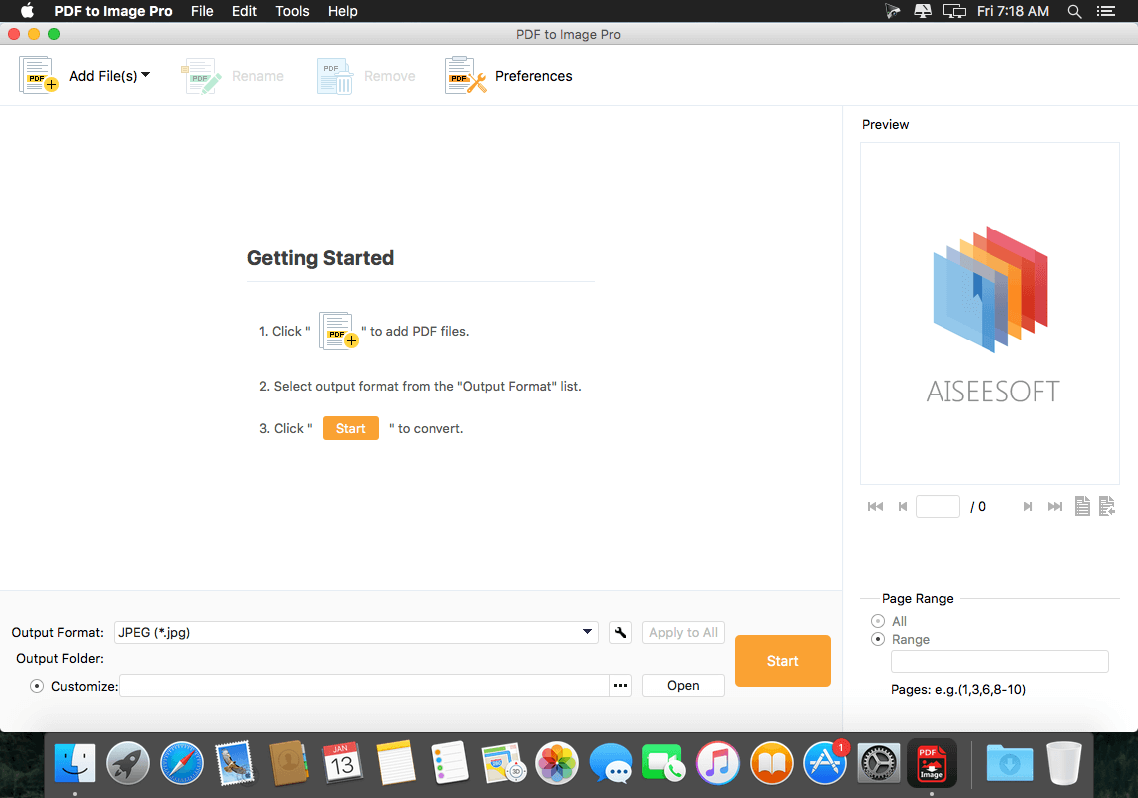
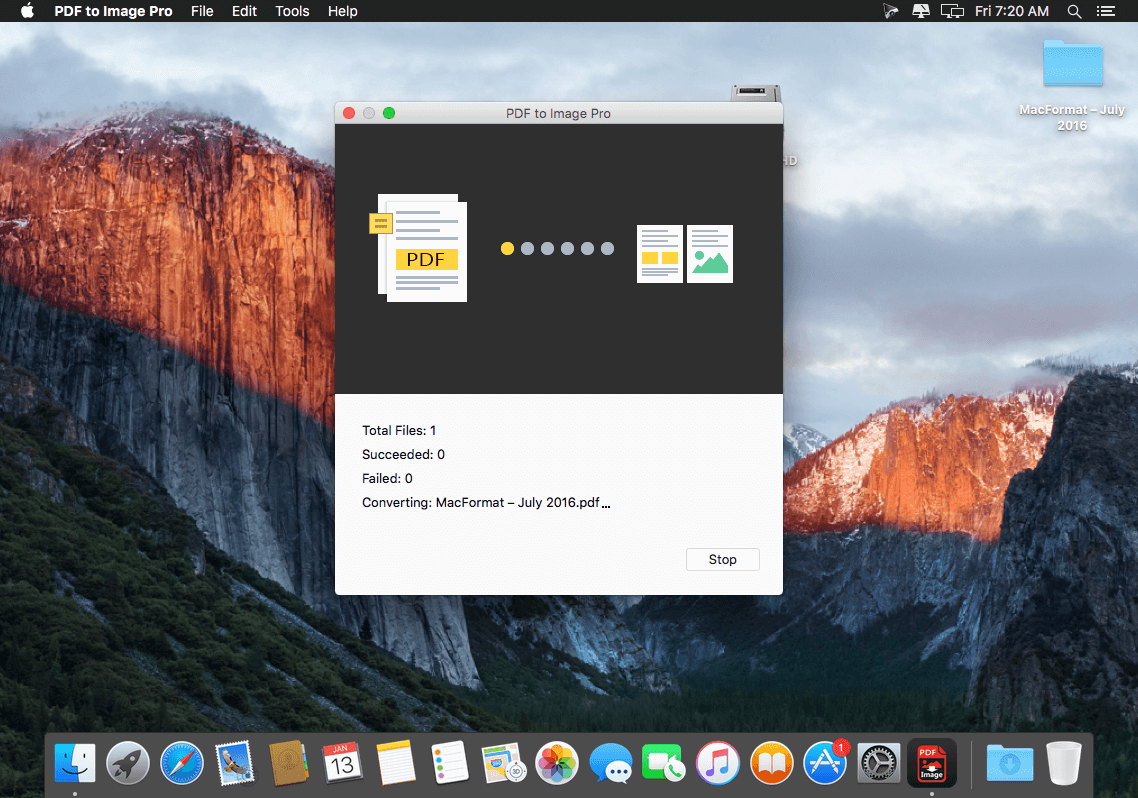
PDF to Image Pro can convert PDF to JPEG, PNG, GIF, BMP, TGA, PPM, TIFF and JPEG2000 with high quality. Also, it allows you to finish batch PDF conversion and convert one page PDF. And before you convert PDF to JPG or other image formats, you can read your PDF and edit it according to your need. See, it is a PDF writer too.
Key Features:
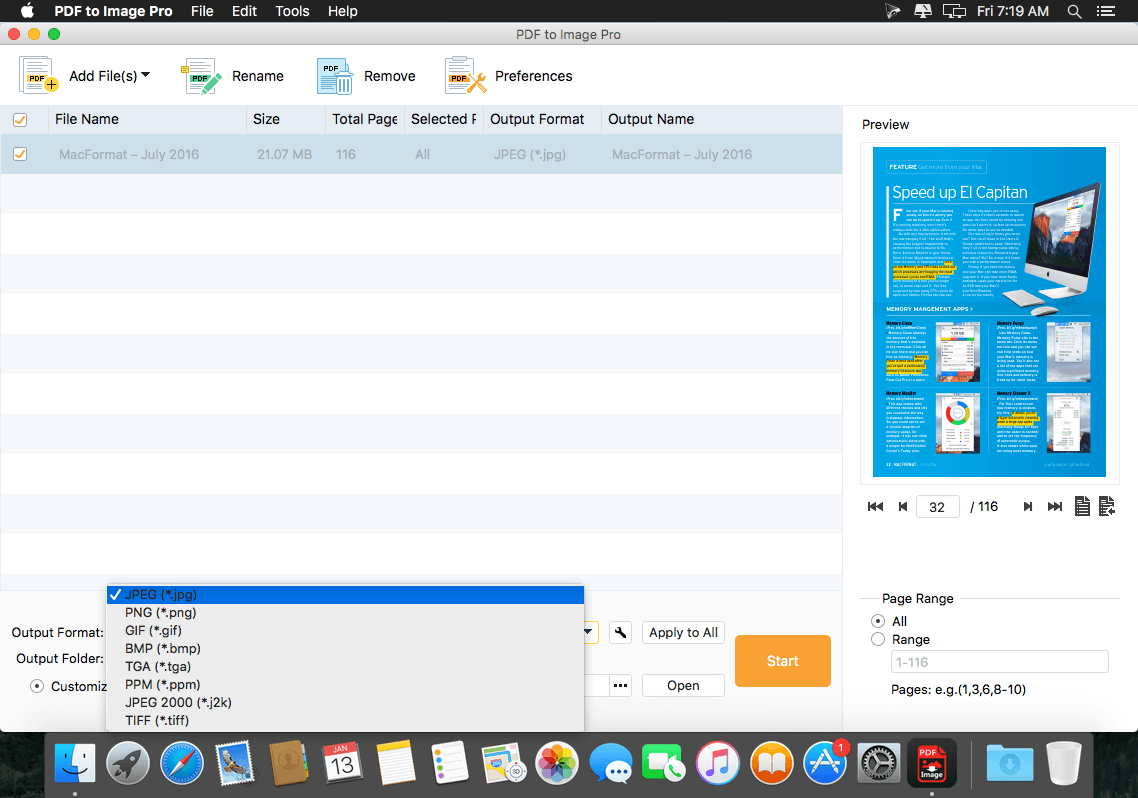
- Convert PDF file to TIFF/JPEG/PNG/GIF/BMP/TGA/PPM/JPEG2000
This PDF to Image converter can be a PDF to JPG converter, PDF to PNG converter, and PDF to FIF converting app. Any popular image files are supported. - Convert defined pages of PDF to image
If you just want to convert one page PDF or 1- X pages PDF to PNG, you can use this PDF converter. Number of PDF pages is enabled to chosen, you can select page range. - Set the output image size and color to your preference
Output size, color, JPEG Quality and TIFF Compression are allowed to be adjusted. - Write PDF and read it.
With this PDF writer, you can edit your PDF files, like rotating PDF, changing PDF color, etc. And, you can read PDF with this PDF reader. - Batch conversion to convert PDF files to more than one image formats
You can convert several PDF files to different image files with this wonderful PDF to Image Converter.
Input Format: PDF
Output Format: JPEG, PNG, GIF, BMP, TGA, PPM, JPEG 2000, TIFF
WHAT’S NEW
Version 3.3.25
- Professional PDF to JPG converter
- Better image quality
Screenshots
Frequently asked questions
How do I install the app?
Mount the image, drag the app into the "Applications" folder and launch it. If the system blocks the launch, allow it in "System Settings → Privacy & Security".
The app is damaged or won't launch
Reinstalling from a fresh image usually helps. Make sure your macOS version matches the one listed in the compatibility specs.
How do I update?
Download the new version from the site and install it over the current one — your settings will be preserved.
The download link doesn't work
Try a mirror or a download manager. For large files the browser often drops the connection.
How do I completely remove the app?
Use an uninstaller utility — it cleans up the service files that remain after moving the app to the trash.
VersionPDF to Image Pro 3.3.25
DeveloperRayShare Co., Ltd © Aiseesoft
CompatibilityOS X 10.7 or later, 64-bit processor
LanguageEnglish
IncludesPre-K'ed
Information
Visitors in the group Guests cannot leave comments on this publication.
Choose a download source
PDF to Image Pro 3.3.25 · 416.41 MB