URL Manager Pro 6.5.1

The popular and award-winning bookmark manager now available in 64-bit version for the latest macOS with support for Retina displays, Auto Save and Versions.
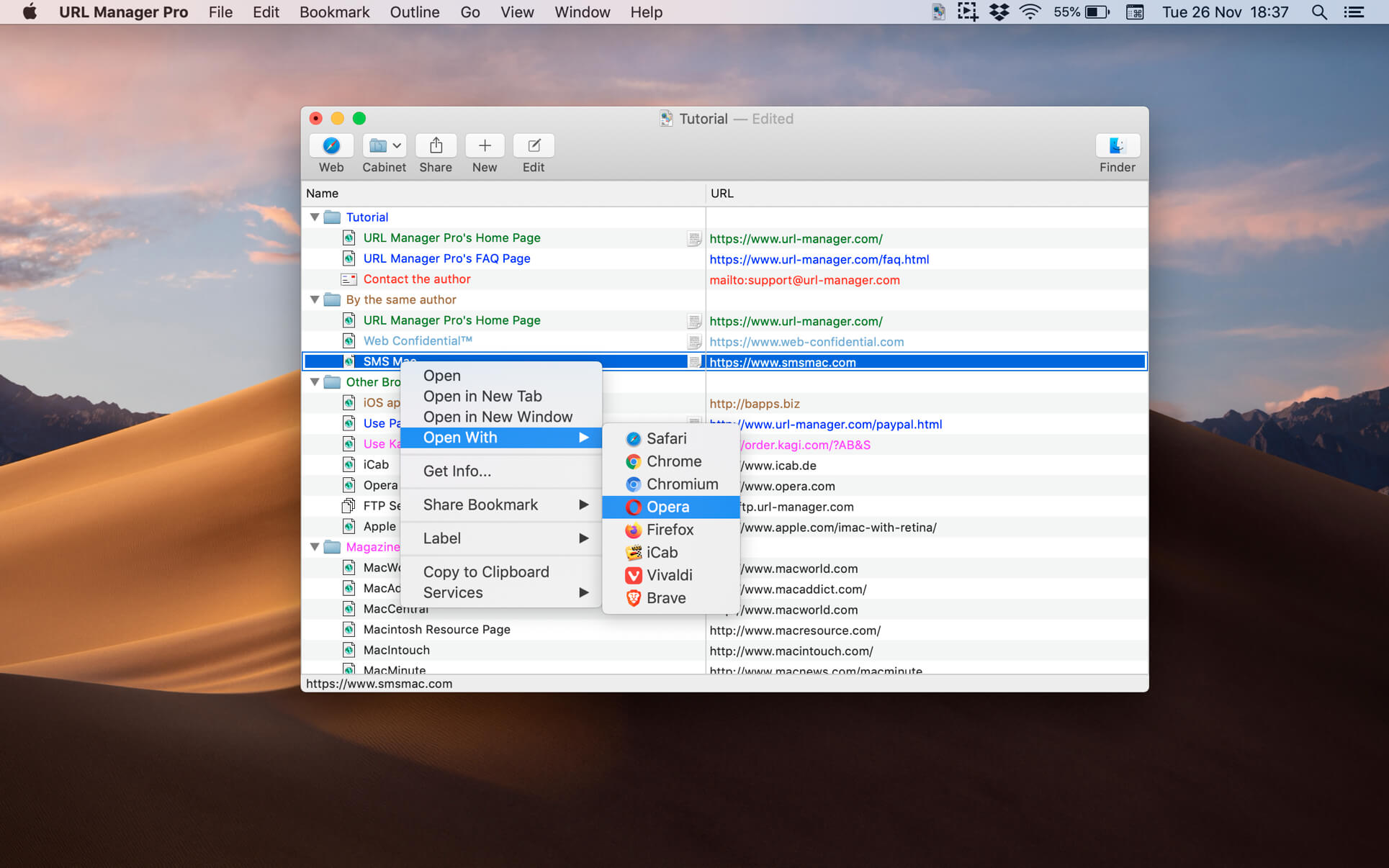
URL Manager Pro allows you to manage your bookmarks independently from a web browser, yet use your bookmarks with any web browser, like Safari, Chrome, Edge, Chromium, Opera, Firefox, Vivaldi, Brave, iCab etc.
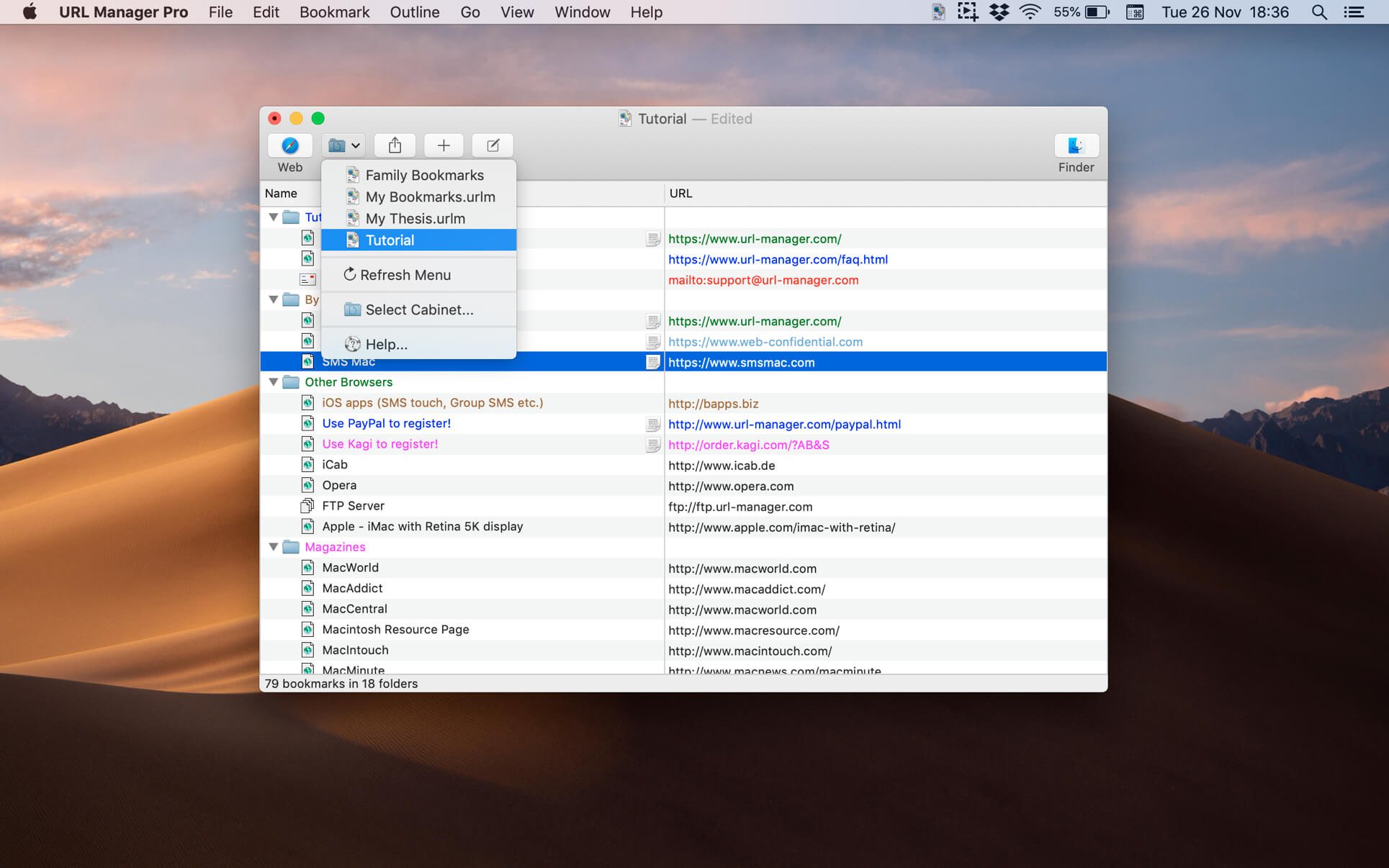
You can create and save several separate bookmark documents and you can access them all from the system-wide bookmarks menu.
Using a system-wide bookmarks menu, you have access to your bookmarks in any app or web browser.
You can also bookmark the current web page directly to URL Manager Pro from within your favourite web browser.
In the URL Manager Pro documents, you can manage your bookmarks easily with drag and drop. You can add tags, notes and colours to your bookmarks.
You can import bookmarks from several popular browsers, like Safari, Chrome, Edge, Firefox, Vivaldi, Brave, iCab, Opera etc. You can also scan TEXT files for URLs and import links and bookmarks from HTML and XBEL format.
You can also export your bookmarks to HTML, XBEL, TEXT and Internet Location files.
Frequently asked questions
How do I install the app?
Mount the image, drag the app into the "Applications" folder and launch it. If the system blocks the launch, allow it in "System Settings → Privacy & Security".
The app is damaged or won't launch
Reinstalling from a fresh image usually helps. Make sure your macOS version matches the one listed in the compatibility specs.
How do I update?
Download the new version from the site and install it over the current one — your settings will be preserved.
The download link doesn't work
Try a mirror or a download manager. For large files the browser often drops the connection.
How do I completely remove the app?
Use an uninstaller utility — it cleans up the service files that remain after moving the app to the trash.





Choose a download source
URL Manager Pro 6.5.1 · 25.87 MB
Previous versions
URL Manager Pro 6.5.1
Previous versions are available to registered users.