
iCab 5.9.2
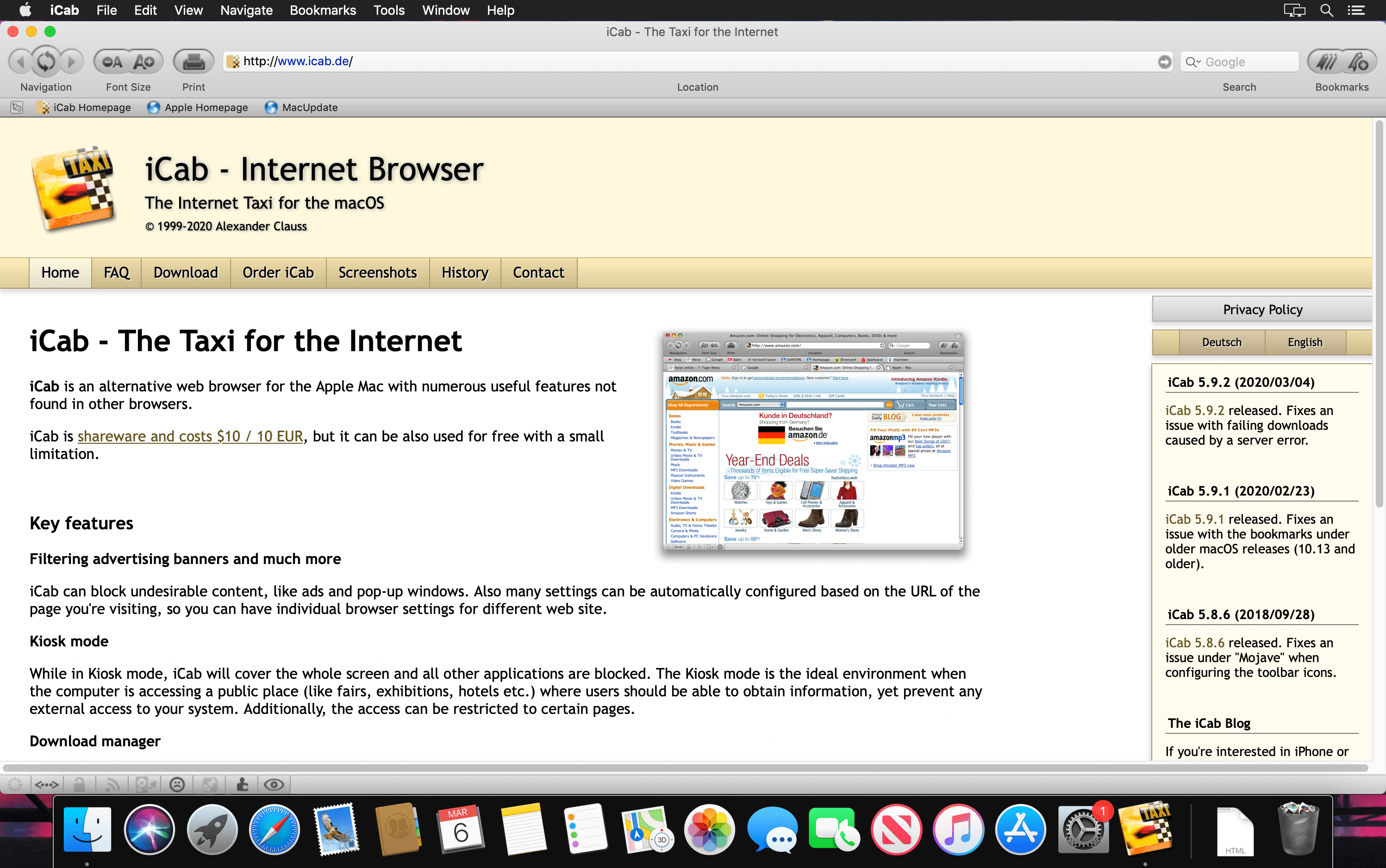

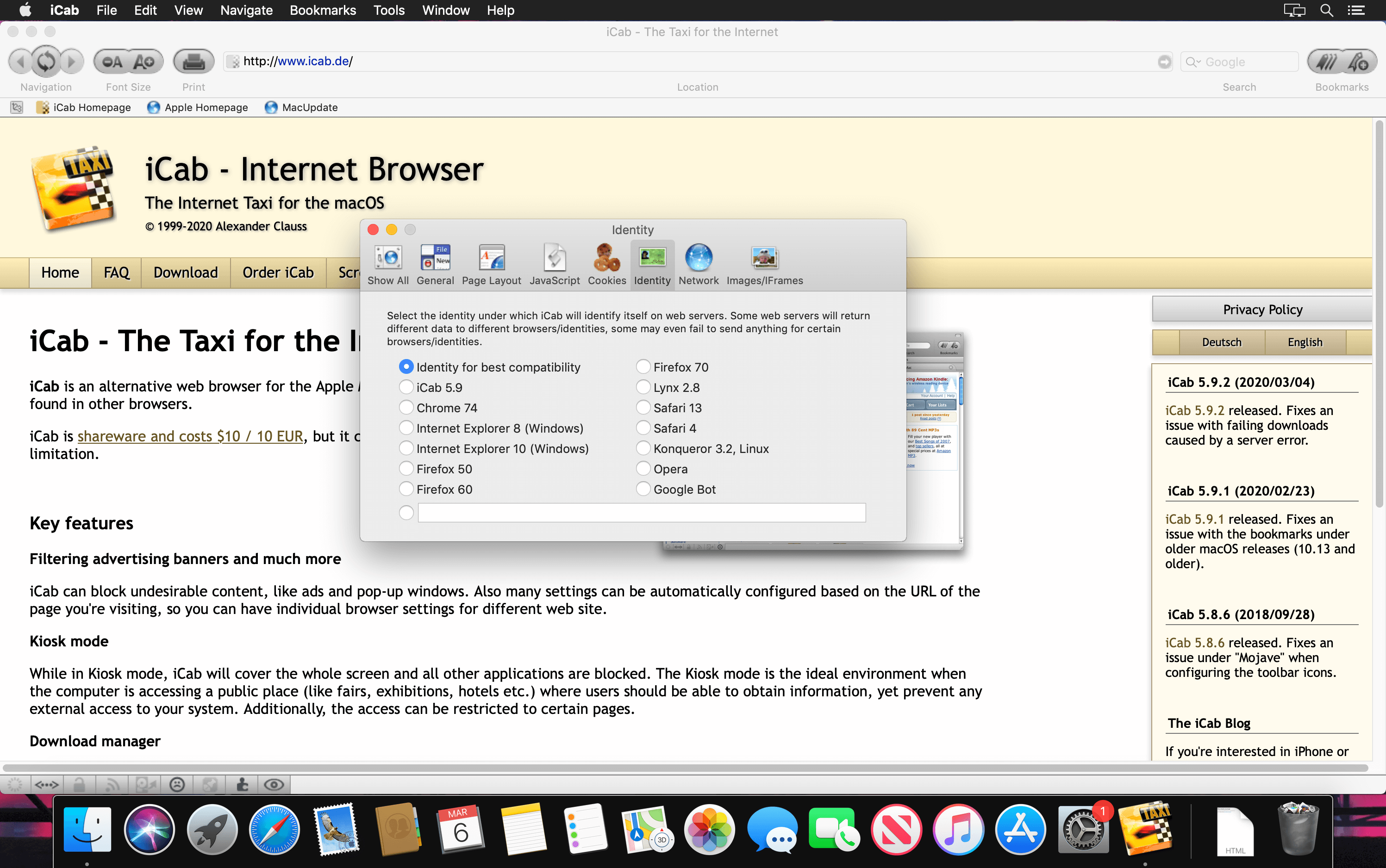
iCab is an alternative Web browser. It supports HTML4, image filtering, cookie filtering, bookmarks, java and jаvascript support, search modes, importing of Web archives from Explorer, download manager, and numerous useful features not found in other browsers.
Features
- Advertising banner filtering
- Kiosk mode
- Error protocol (Smiley)
- Portable Web archives
- Download Manager
- Link Manager
- Souce code manager
Version 5.9.2:
- Fixes an issue with failing downloads caused by a server error.
Frequently asked questions
How do I install the app?
Mount the image, drag the app into the "Applications" folder and launch it. If the system blocks the launch, allow it in "System Settings → Privacy & Security".
The app is damaged or won't launch
Reinstalling from a fresh image usually helps. Make sure your macOS version matches the one listed in the compatibility specs.
How do I update?
Download the new version from the site and install it over the current one — your settings will be preserved.
The download link doesn't work
Try a mirror or a download manager. For large files the browser often drops the connection.
How do I completely remove the app?
Use an uninstaller utility — it cleans up the service files that remain after moving the app to the trash.
VersioniCab 5.9.2
DeveloperAlexander Clauss
CompatibilityOS X 10.9 or later 64-bit OS X 10.10 or later 64-bit
LanguageMultilangual
IncludesK'ed by TNT




Information
Visitors in the group Guests cannot leave comments on this publication.
Choose a download source
iCab 5.9.2 · 11.32 MB