EverWeb Standalone 4.5.0
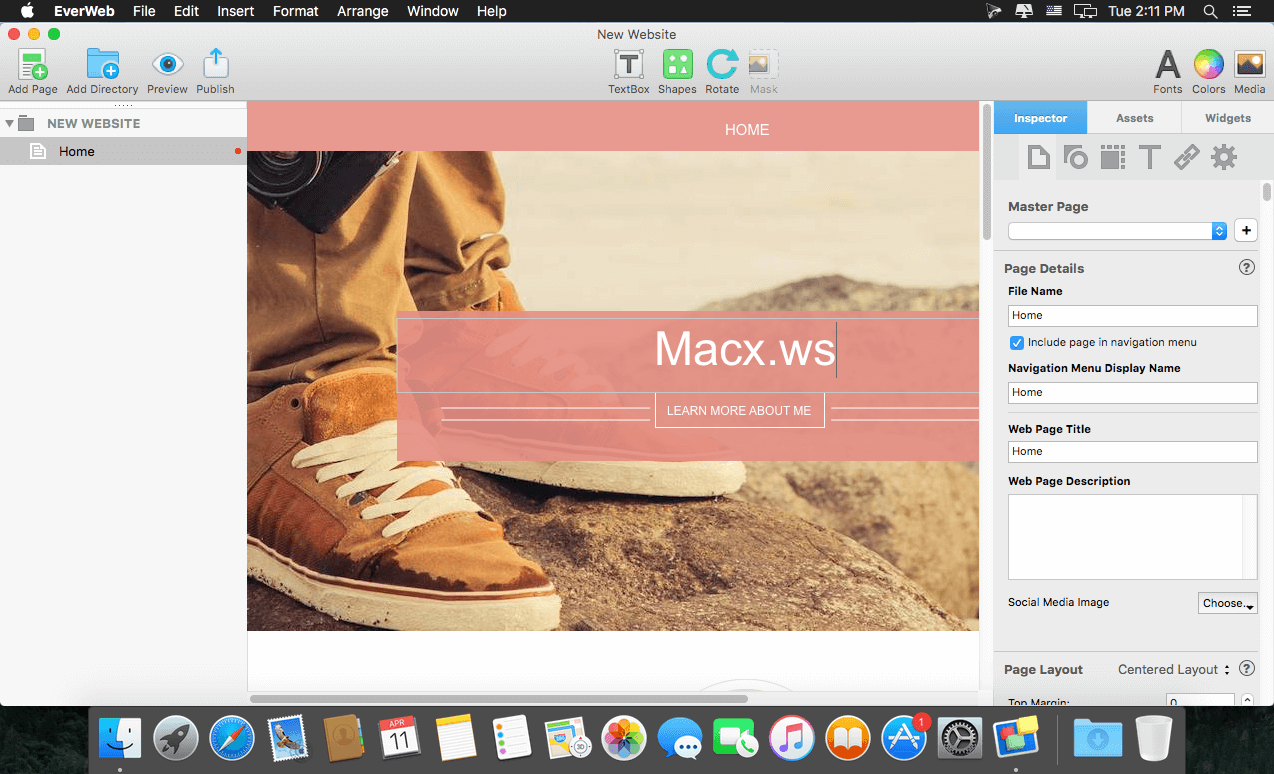
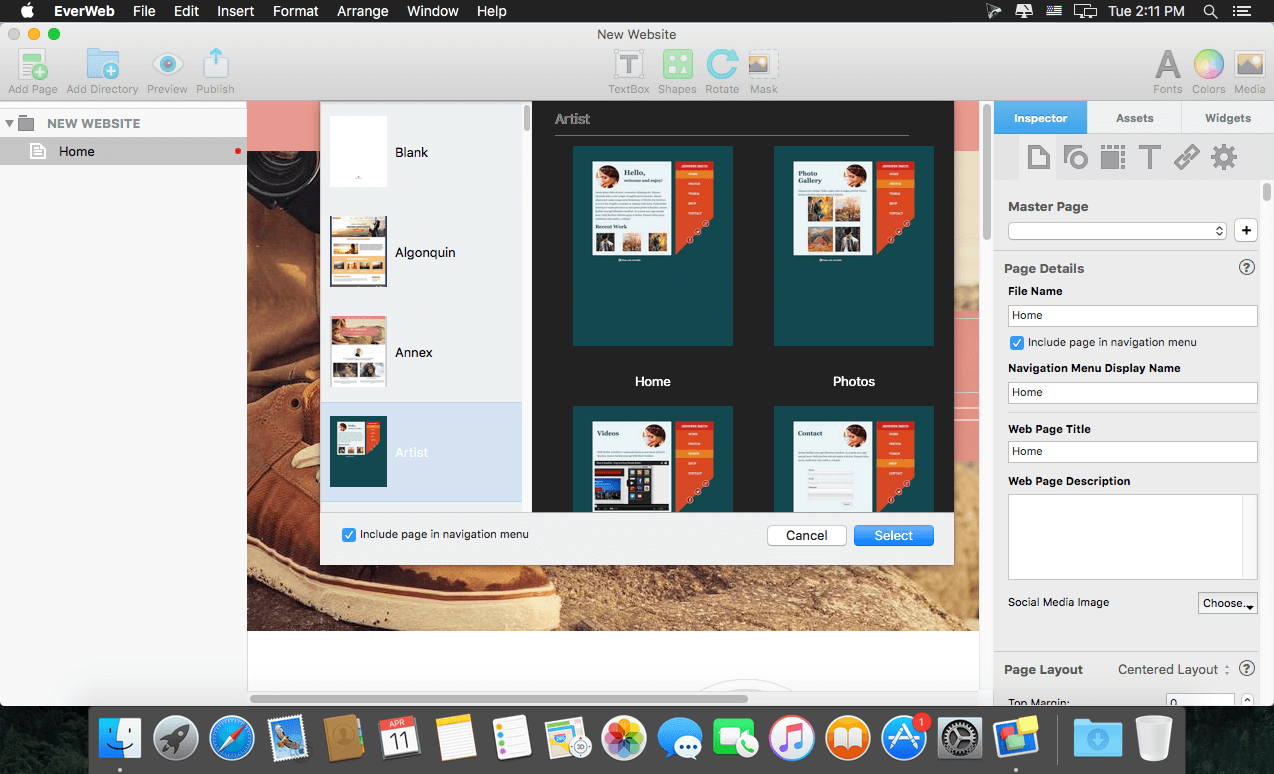
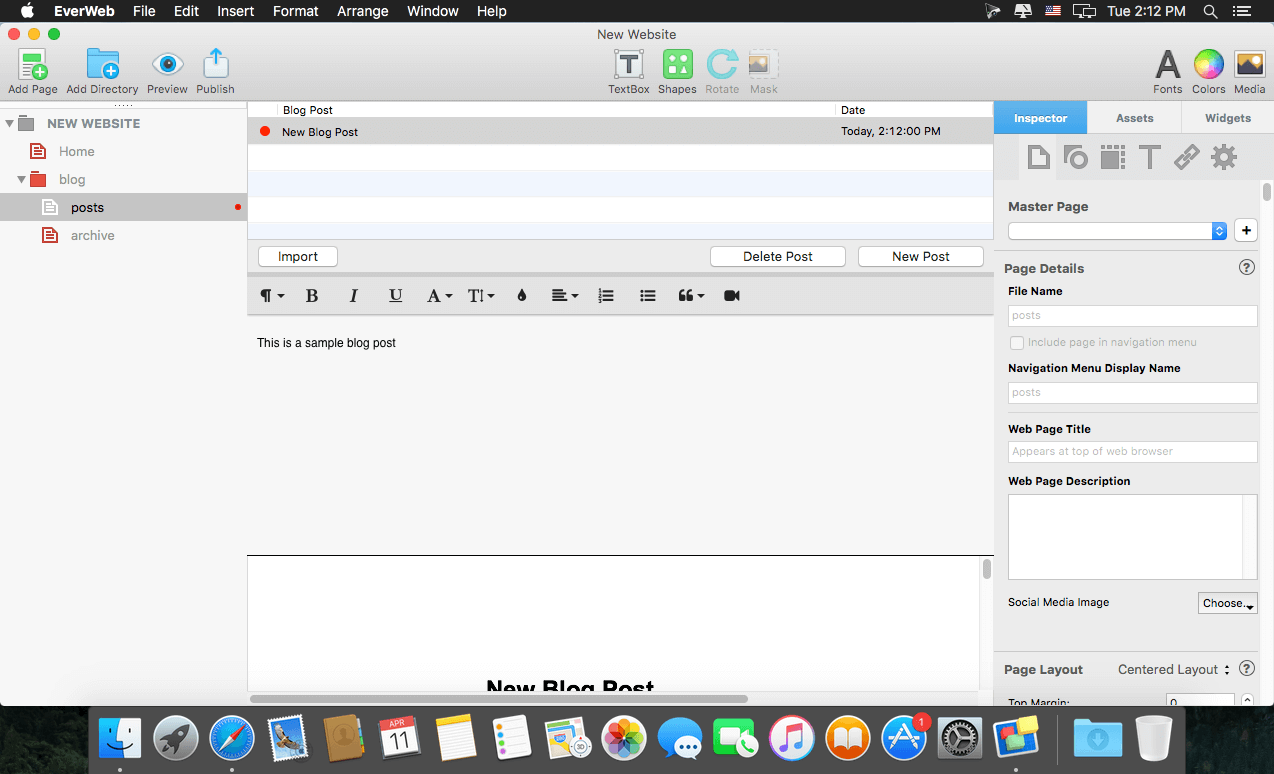
With EverWeb, anyone can create a professional website just by dragging and dropping. Use one of the built-in templates, or start completely from scratch and design the perfect website for your business or personal hobby. Add text, photos, video, widgets, and more to easily create the website you want.
EverWeb even creates mobile websites that look great on iPhones and iPads and includes powerful features such as: drop-down menus, social media integration, built-in SEO, Google Fonts support and so much more.
Publish your website online using EverWeb's one-click publishing solution or publish to your own web hosting provider.
Version 4.5.0:
Frequently asked questions
How do I install the app?
Mount the image, drag the app into the "Applications" folder and launch it. If the system blocks the launch, allow it in "System Settings → Privacy & Security".
The app is damaged or won't launch
Reinstalling from a fresh image usually helps. Make sure your macOS version matches the one listed in the compatibility specs.
How do I update?
Download the new version from the site and install it over the current one — your settings will be preserved.
The download link doesn't work
Try a mirror or a download manager. For large files the browser often drops the connection.
How do I completely remove the app?
Use an uninstaller utility — it cleans up the service files that remain after moving the app to the trash.




Choose a download source
EverWeb Standalone 4.5.0 · 126.15 MB
Previous versions
EverWeb Standalone 4.5.0
Previous versions are available to registered users.