
AutoMounter 1.10.0
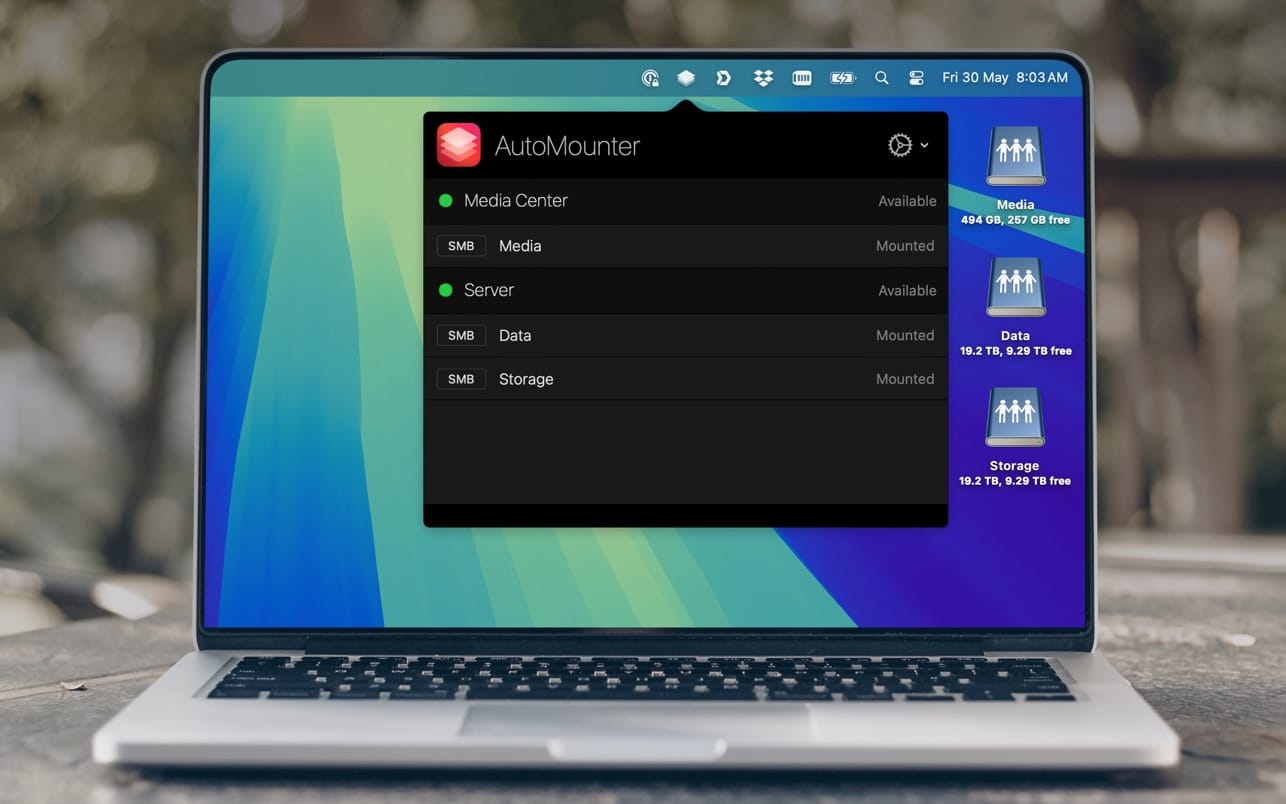
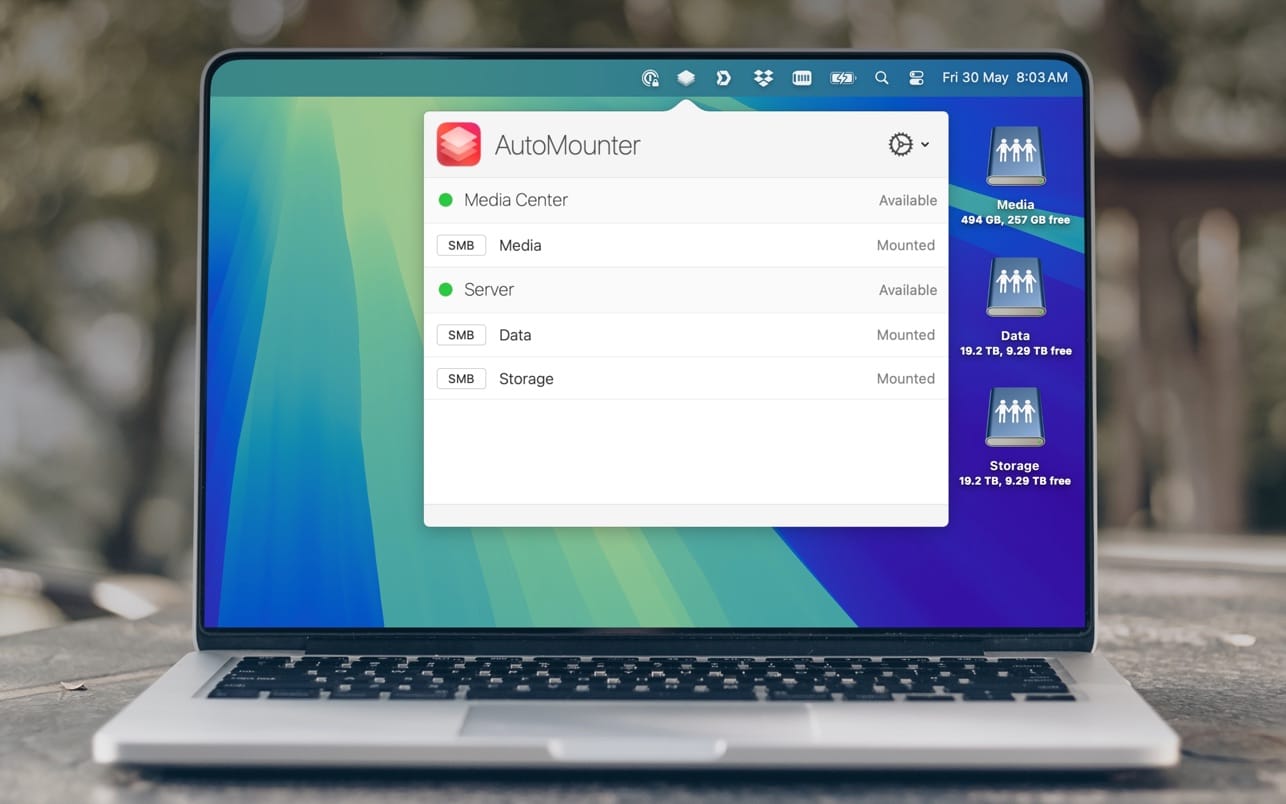
Tired of mounting your network shares? AutoMounter ensures that your shares are always mounted when you need them.
AutoMounter is a sleek and powerful menu item designed to automatically mount your network shares.
FEATURES
- Automatically Mounts SMB / AFP / NFS / WebDAV / (FTP is read-only)
- Quickly remounts shares if they unmount
- Supports multiple NAS appliances, with server discovery
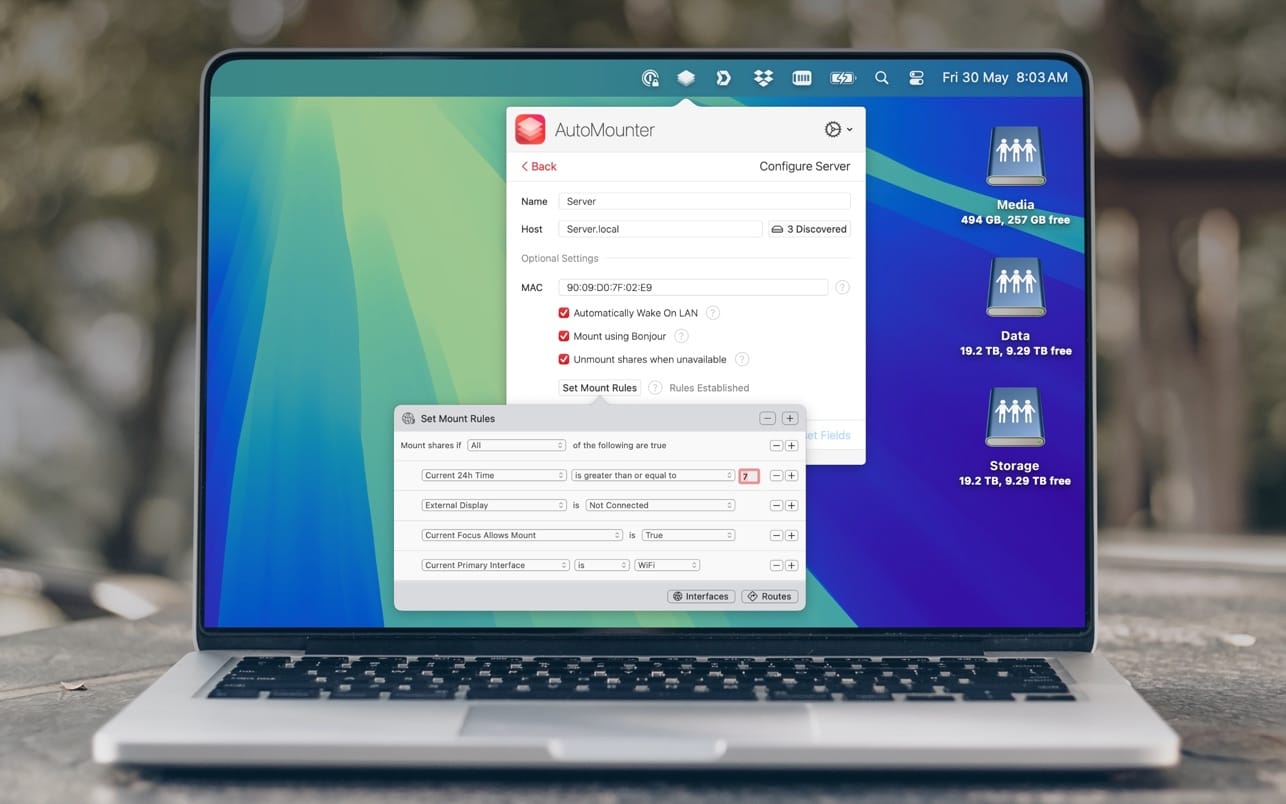
- Advanced rule matching against WiFi SSIDs and more
- Wake On LAN to unavailable servers
- Dark Theme
PRO SETTINGS (In-App Purchase)
- Open Apps and files when a share mounts
- Mount in /Volumes and other custom locations (requires Helper App)
- Export Settings to a Managed Profile
Version 1.10.0
- Support for upcoming macOS release
- Improvements around share mounts to handle network and initial session edge cases
- Improvements to update checking
- WiFi Name mount rule: Improve Location Services usage and localisation
- Bug fixes, UI and performance improvements
Frequently asked questions
How do I install the app?
Mount the image, drag the app into the "Applications" folder and launch it. If the system blocks the launch, allow it in "System Settings → Privacy & Security".
The app is damaged or won't launch
Reinstalling from a fresh image usually helps. Make sure your macOS version matches the one listed in the compatibility specs.
How do I update?
Download the new version from the site and install it over the current one — your settings will be preserved.
The download link doesn't work
Try a mirror or a download manager. For large files the browser often drops the connection.
How do I completely remove the app?
Use an uninstaller utility — it cleans up the service files that remain after moving the app to the trash.




Choose a download source
AutoMounter 1.10.0 · 3.08 MB
Previous versions
AutoMounter 1.10.0
Previous versions are available to registered users.