Paragon NTFS for Mac 15.1.70
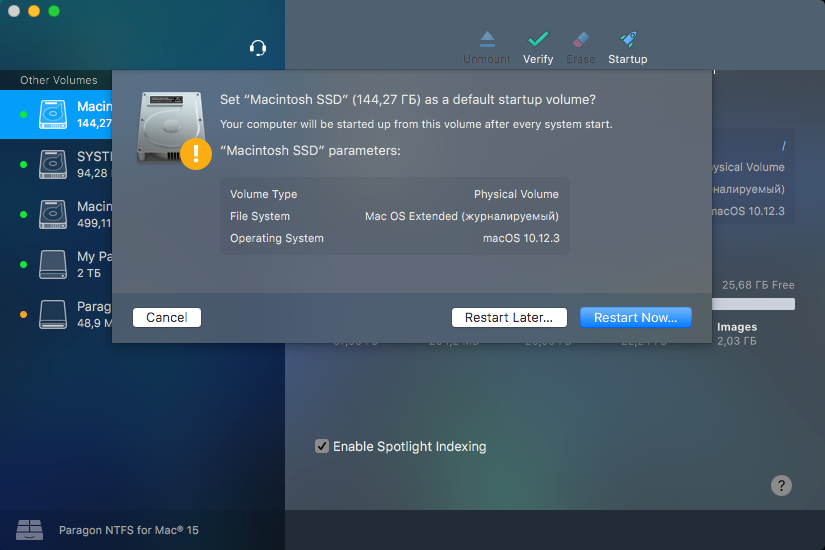
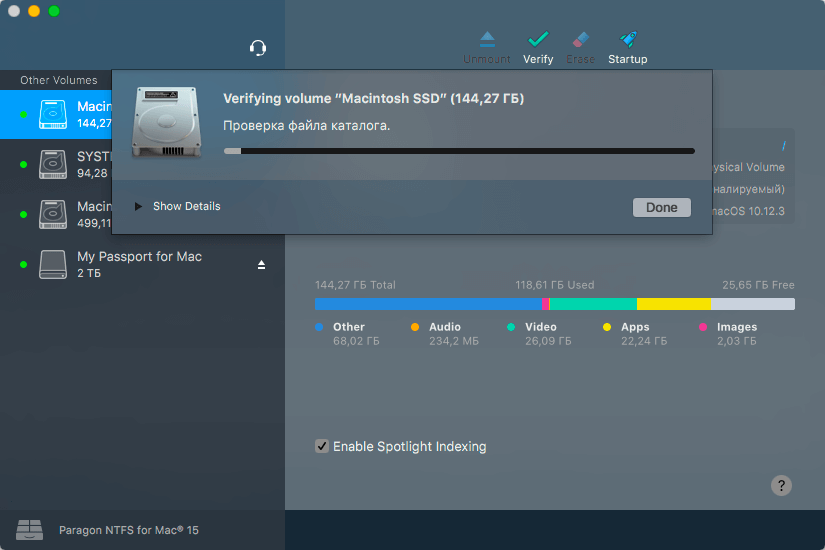
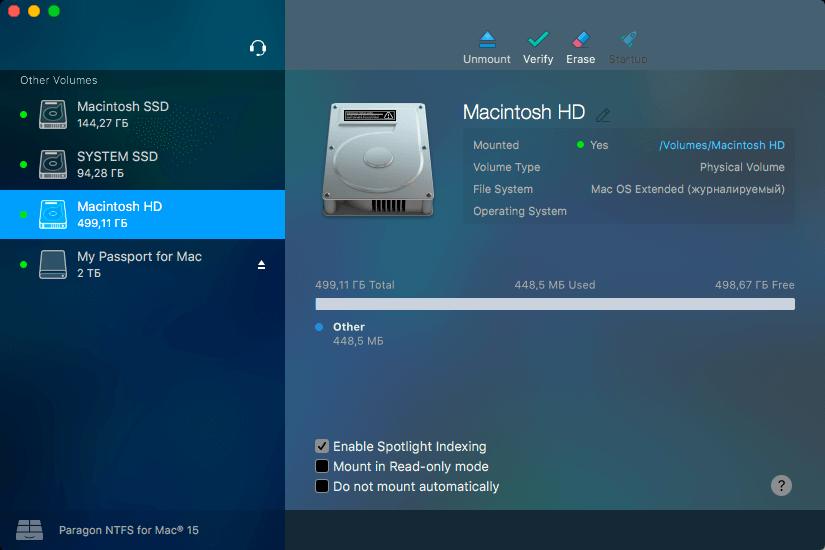
NTFS breaks down the barriers between Windows and macOS. Paragon NTFS effectively solves the communication problems between the Mac system and NTFS. Write, edit, copy, move, delete files on NTFS volumes from your Mac. Access all your NTFS drives and perform the most common volume operations like mount, unmount, and verify. Quickly restart your Mac in Windows from the menubar if it is installed on your mounted NTFS drive. Excellent solution for end users, SOHO, and enterprise, supports all NTFS versions from Windows NT 3.1 to Windows 8 (NTFS versions 1.2, 3.0, and 3.1), and mounts the NTFS volumes as native ones.
Features
- Unprecedented high NTFS performance. The transfer rate is the same as with the native HFS file system.
- Familiar interface that is similar to Apple’s Disk Utility.
- Menu Bar add-on that gives you 1-click
- Enable ownership and specify which users are allowed to access each newly-created file or folder, along with their read/write/execute privileges.
- Save last access time if you need macOS to recall every file you access on a selected volume.
- Enable spotlight indexing if you want instant Spotlight search, and if you want to view the detailed info about volume used space: how much space is occupied by applications, music, video, photos, etc.
- Mount in read-only if you need to access sensitive data without modifying any files.
- Do not mount automatically if you want to manually control access to a volume.
Version 15.1.70:
- Improved support for macOS 10.13 High Sierra
- Improved functionality of the startup volume function
- Login via Facebook under macOS High Sierra
- APFS volumes are now hidden by default
- Secure Kernel Extension Loading (SKEL) is now supported
Frequently asked questions
How do I install the app?
Mount the image, drag the app into the "Applications" folder and launch it. If the system blocks the launch, allow it in "System Settings → Privacy & Security".
The app is damaged or won't launch
Reinstalling from a fresh image usually helps. Make sure your macOS version matches the one listed in the compatibility specs.
How do I update?
Download the new version from the site and install it over the current one — your settings will be preserved.
The download link doesn't work
Try a mirror or a download manager. For large files the browser often drops the connection.
How do I completely remove the app?
Use an uninstaller utility — it cleans up the service files that remain after moving the app to the trash.
VersionParagon NTFS for Mac 15.1.70
DeveloperParagon Technologie GmbH.
CompatibilityOS X 10.10 - 10.13
LanguageEnglish
IncludesTrial Reset, Ked by The Shark

Choose a download source
Paragon NTFS for Mac 15.1.70 · 23.04 MB
Comments 4