
DAEMON Tools for Mac 6.3.419
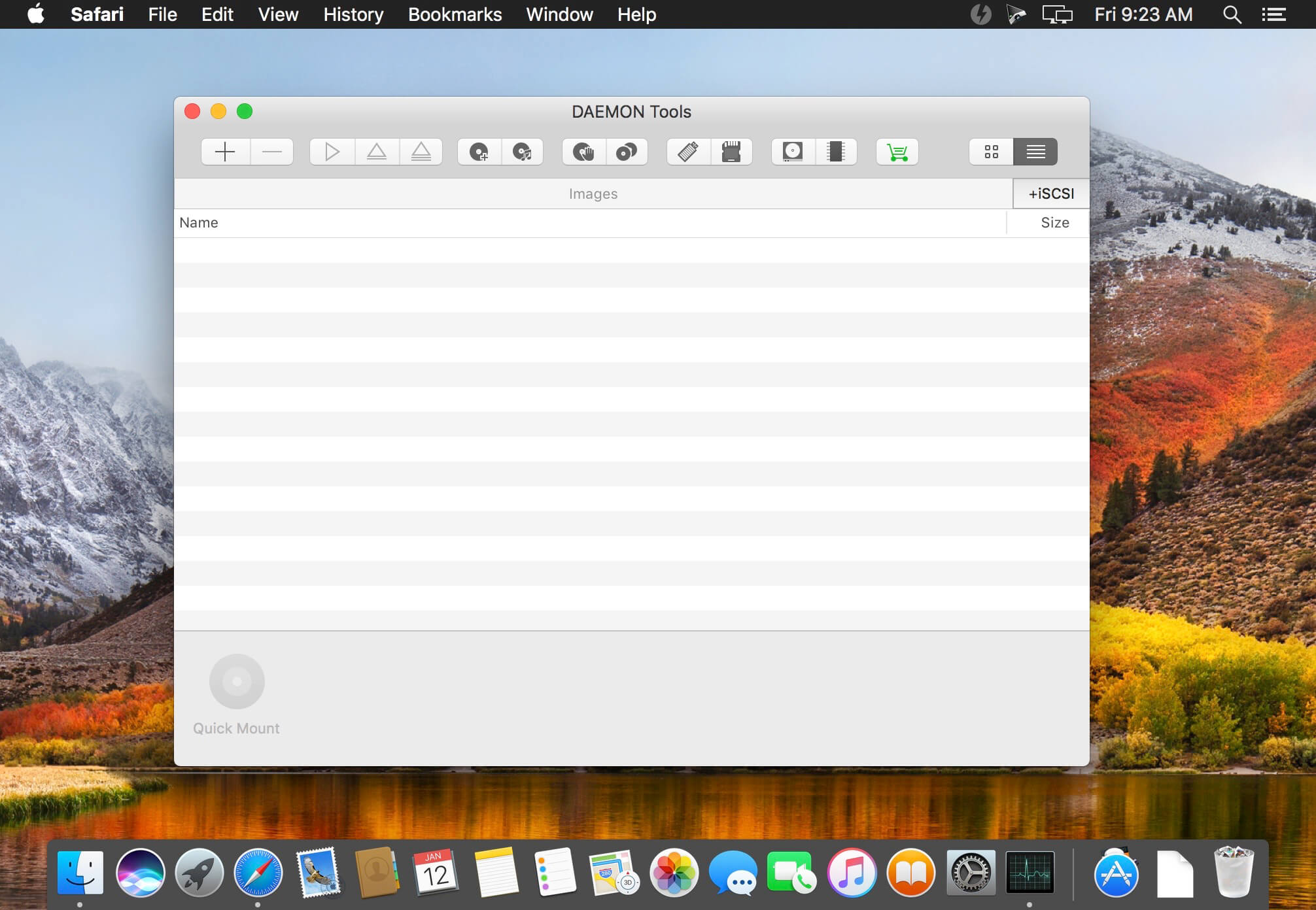
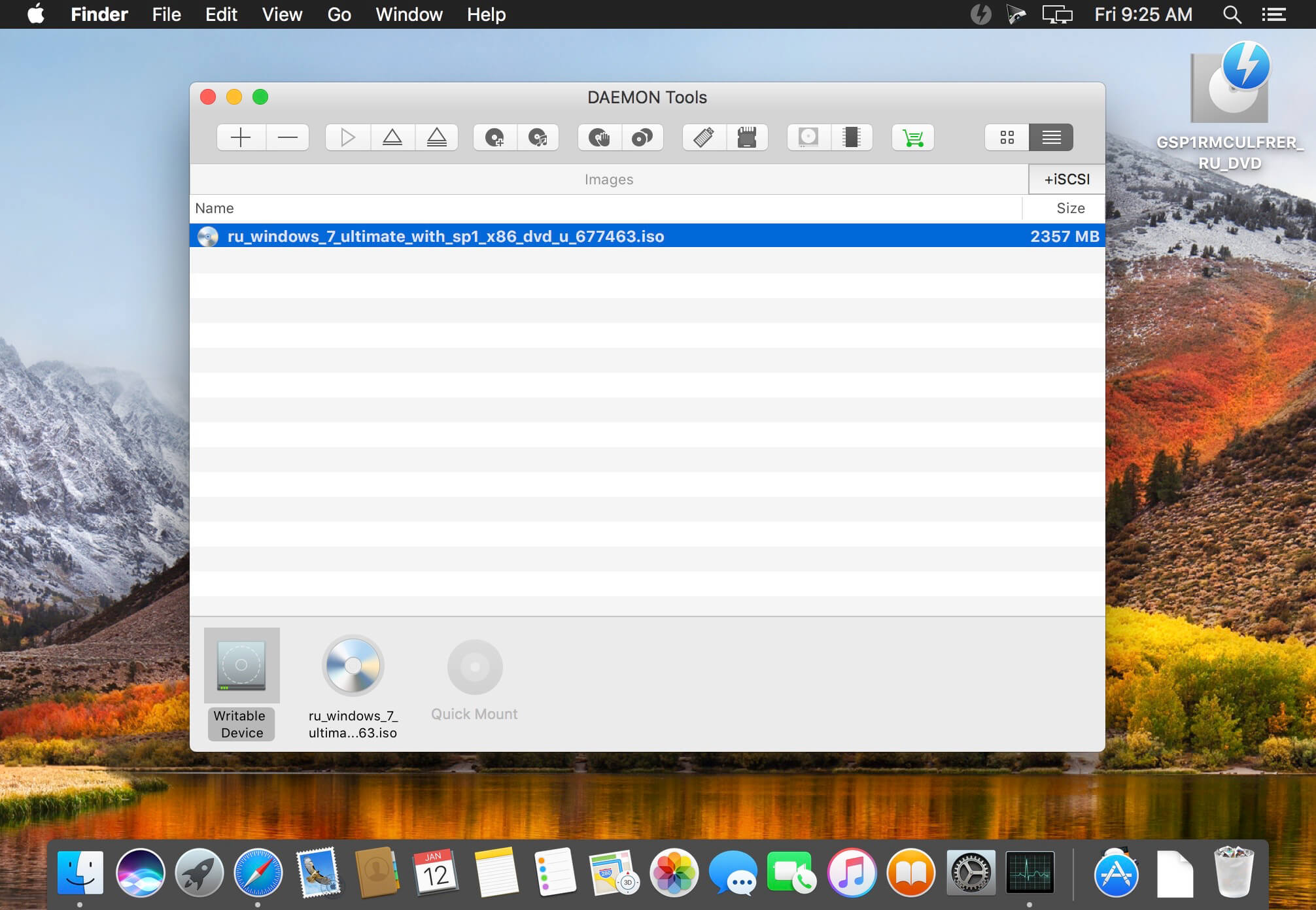
DAEMON Tools is a solution for mounting and creating CD/DVD/HDD disc images.
Access Options
- Mount images in the following supported formats: *.b5t, *.b6t, *.bwt, *.ccd, *.cdi, *.bin/*.cue, *.ape/*.cue, *.flac/*.cue, *.iso, *.isz, *.mds/*.mdf, *.mdx, *.nrg, *.pdi, *.dmg, *.vhd, *.tc, *.zip.
- Use the list of mounted devices with images of all formats in Finder under Devices category
- View history list of recently mounted images
- Make use of system hotkeys for mounting and ejecting
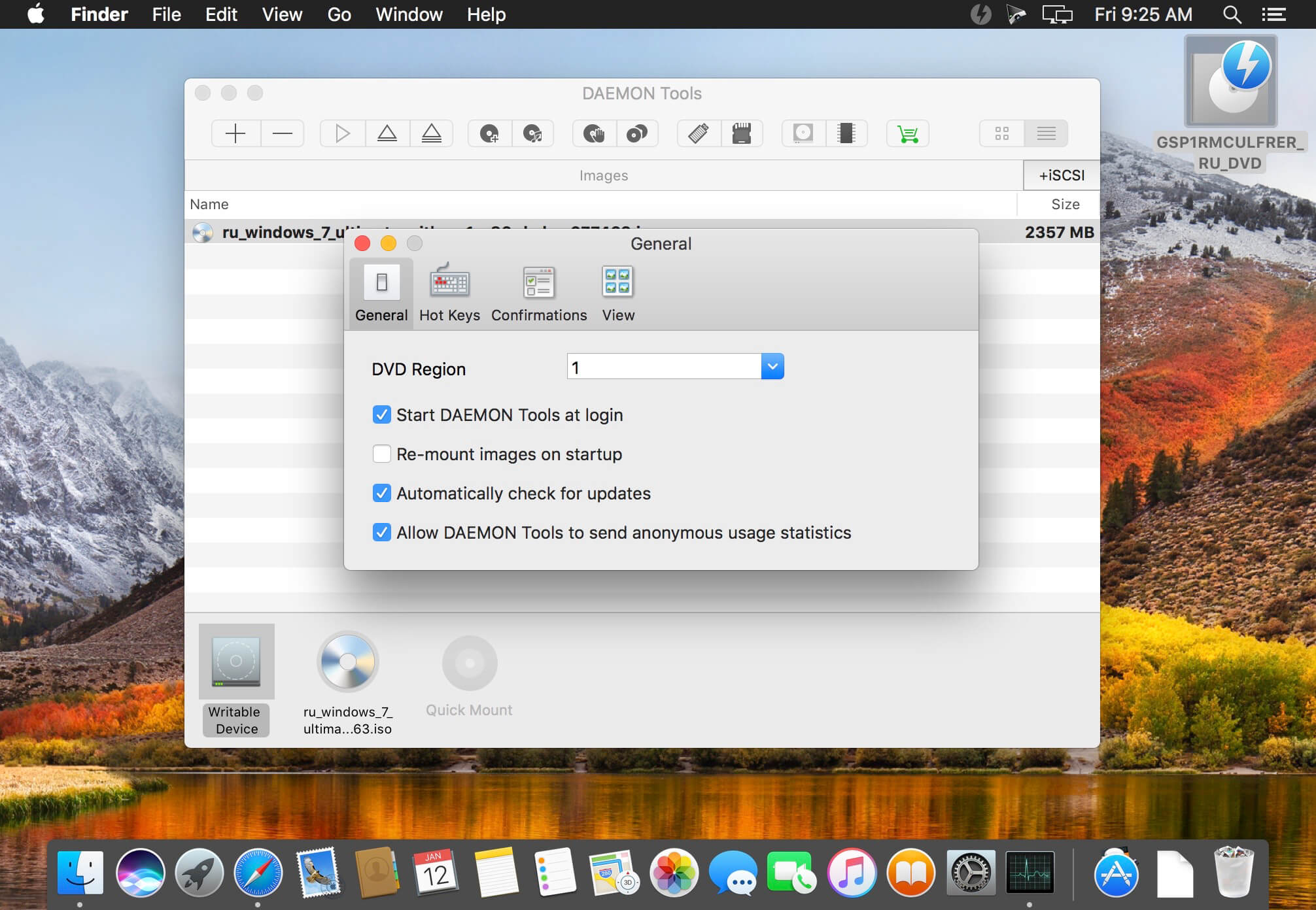
- Use Autostart and Automount options
- Get automatic notifications about updates
- Set DVD region for a drive;
- Mounted device quantity is not restricted any longer.
- Make ISO, MDX, and MDS/MDF images
- Use custom virtual discs for backups
- Compress created images to save the hard disk space
- Encrypt custom images to protect important data
Version 6.3.419:
- Add custom names to network devices improvements
- Small improvements
Frequently asked questions
How do I install the app?
Mount the image, drag the app into the "Applications" folder and launch it. If the system blocks the launch, allow it in "System Settings → Privacy & Security".
The app is damaged or won't launch
Reinstalling from a fresh image usually helps. Make sure your macOS version matches the one listed in the compatibility specs.
How do I update?
Download the new version from the site and install it over the current one — your settings will be preserved.
The download link doesn't work
Try a mirror or a download manager. For large files the browser often drops the connection.
How do I completely remove the app?
Use an uninstaller utility — it cleans up the service files that remain after moving the app to the trash.
VersionDAEMON Tools iSCSI for Mac 6.3.419
DeveloperDisc Soft Ltd
CompatibilityOS X 10.9 or later, 64-bit processor
LanguageMultilangual
IncludesK'ed by TNT




Information
Visitors in the group Guests cannot leave comments on this publication.
Choose a download source
DAEMON Tools for Mac 6.3.419 · 9.37 MB