
balenaEtcher for macOS 2.1.4
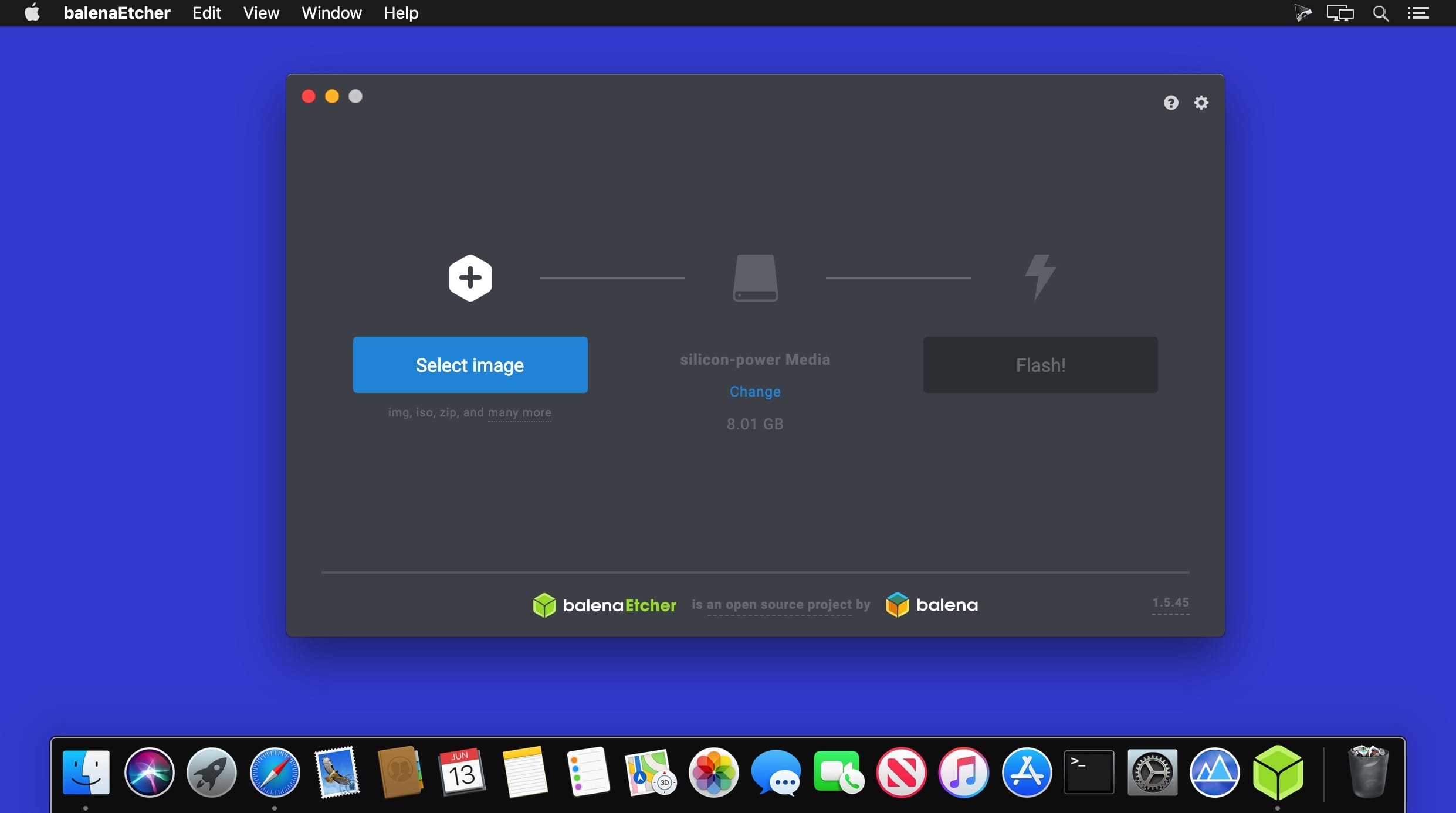
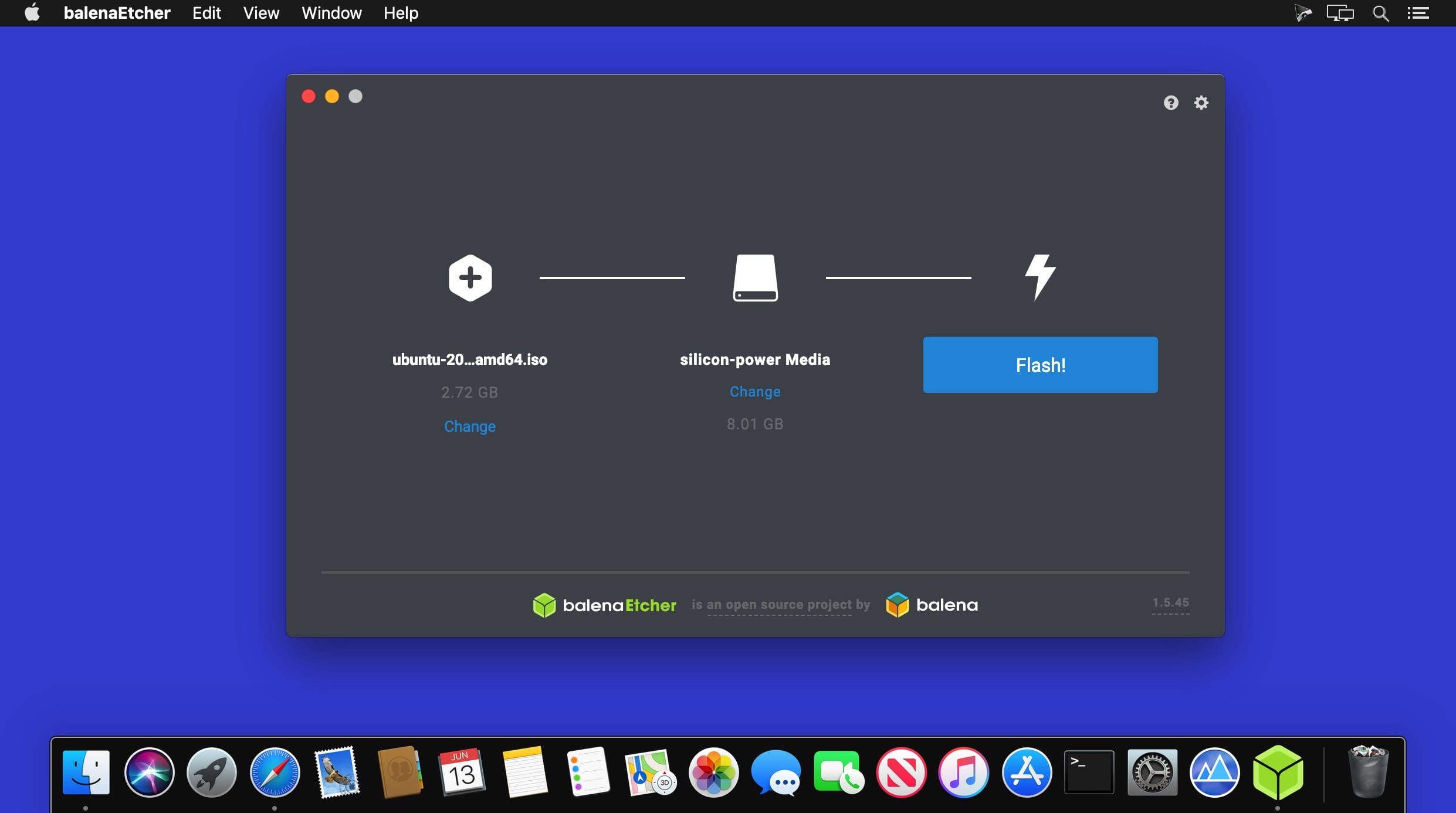
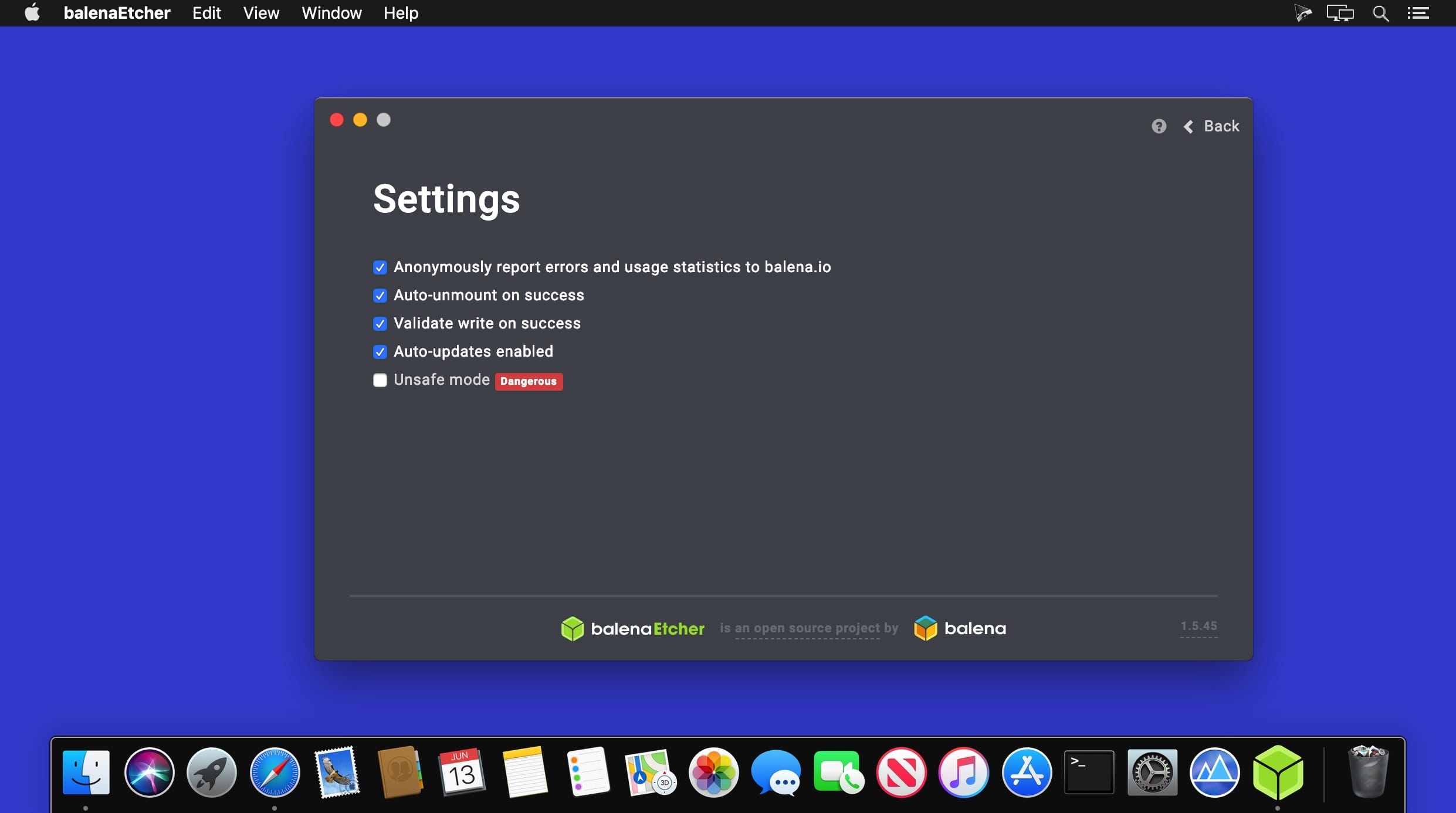
balenaEtcher offers you the possibility to burn OS images to any SD card or USB drive with ease, without making you deal with complicated procedures. The utility integrates a user-friendly disk selection tool, and can verify the card before starting to burn the data.
OS image burner featuring a straightforward user interface
This is open source application relies on a single window where the user gets to specify the OS image that wishes to be burned. The utility is able to work with OS images that are using the .img, .iso, and .zip formats.
The next step is to specify the drive to which you want to burn the OS image. For your convenience, can automatically detect external drives and allows you to select the one you want to use from a drop-down menu.
At the same time, the list will not include your internal drive, so there is no possibility to wipe your entire disk.
Monitor the OS image burning process and start over right away
Lastly, you must press the Burn button and monitor the progress in the main window. It lets you know how much of the task has completed, expressed in percentage, and the current transfer speed.
When the process is over, the drive is mounted again, and you will be able to make use of the burned OS image. balenaEtcher also offers you the possibility to burn the same OS image on a new card, or you can load a new OS image.
Version 2.1.4:
- patch: fix ubuntu 24 build and flash issues - bump electron-forge to 7.8.1 - bump electron to 37.2.4 - stop producing broken appimage [Edwin Joassart]
- patch: fix windows build and flash issues - downgrade flasher's node to 20.11.1 on windows - bump windows GHA runner to 2022 - bump winusb-driver-generator to 2.1.9 [Edwin Joassart]
- patch: refactor permission code [Edwin Joassart]
Frequently asked questions
How do I install the app?
Mount the image, drag the app into the "Applications" folder and launch it. If the system blocks the launch, allow it in "System Settings → Privacy & Security".
The app is damaged or won't launch
Reinstalling from a fresh image usually helps. Make sure your macOS version matches the one listed in the compatibility specs.
How do I update?
Download the new version from the site and install it over the current one — your settings will be preserved.
The download link doesn't work
Try a mirror or a download manager. For large files the browser often drops the connection.
How do I completely remove the app?
Use an uninstaller utility — it cleans up the service files that remain after moving the app to the trash.





Choose a download source
balenaEtcher for macOS 2.1.4 · 307.04 MB