

JPEG Jackal 3.2.0
Batch photo compressor for Mac, keep originals safe
Screenshots
Click to enlarge

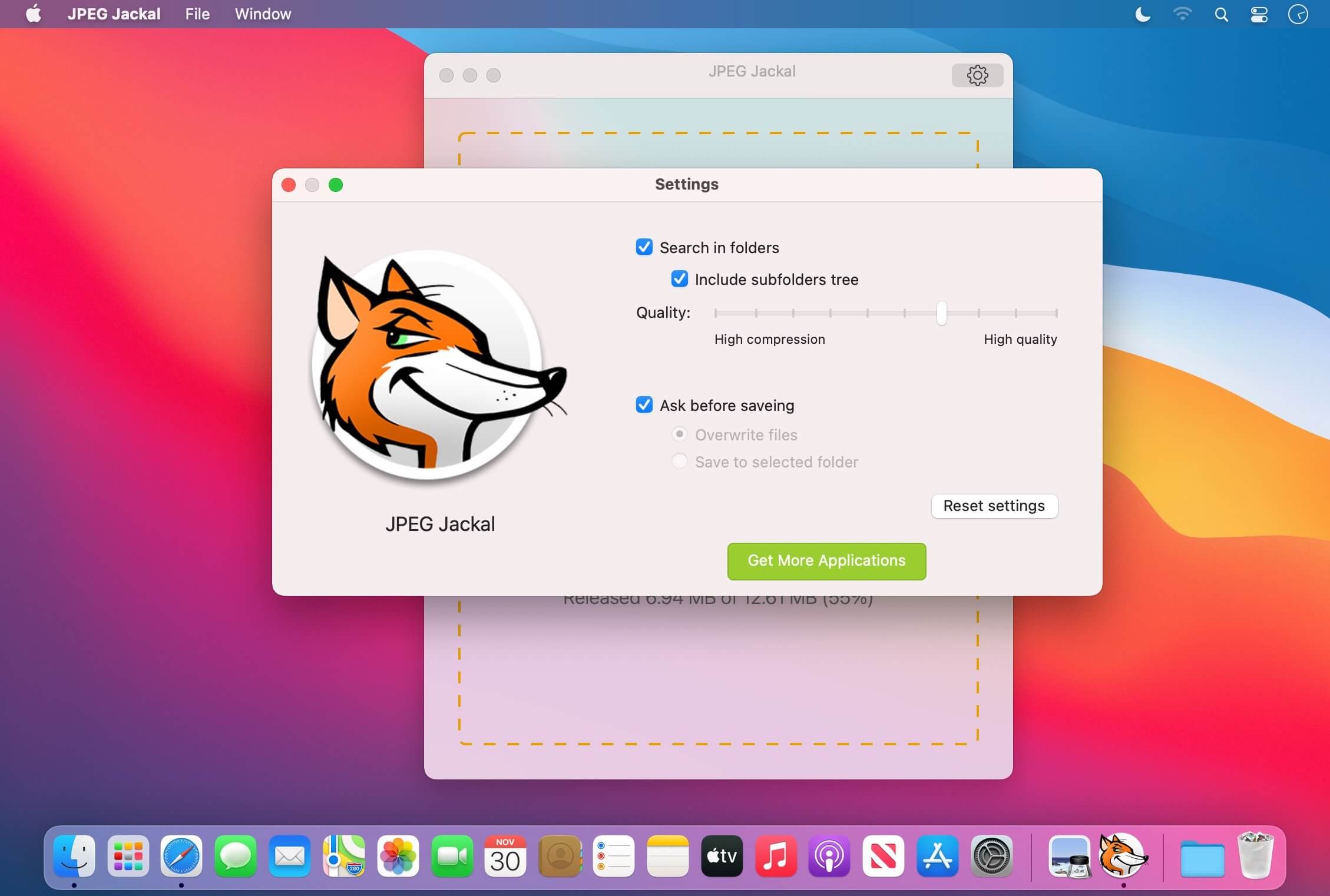
Compress hundreds of photos at once with JPEG Jackal 3 for macOS. Choose where your files go, keep your folder structure, and see how much space you save—all while working offline.
Simple batch compression, your way
Drop photos onto the menu bar icon or access them through Finder Services. Use presets for web and email, or set your own quality and size. Save compressed files to a folder of your choice, or replace originals after confirmation.
- Batch photo compression: Shrink entire folders of photos at once.
- Flexible saving: Choose an output folder and preserve subfolder structure, or replace originals after confirmation.
- Quality and size settings: Choose a preset for web or email, or set your own quality and size.
- Quick access: Drop photos onto the menu bar icon or right-click them in Finder and choose Services.
- JPEG conversion: Convert PNG, GIF, BMP, and TIFF files to JPEG.
- Space-saving details: See how much space you saved.
- Offline processing: Your photos stay on your Mac.
- One-time purchase: No subscription and no account required.
Make more room for your photos with JPEG Jackal 3 for macOS.
Version 3.2.0
- Presets on the main window. Save over the original, ask for a folder, or use a set output folder, including subfolders. Menu-bar drop and a Finder service. Custom quality and resize.
- Savings stats. Requires macOS 12.
Comments
No comments yet. Be the first.
Information
Visitors in the group Guests cannot leave comments on this publication.