PDF Squeezer 4.9.0
PDF Squeezer PDF compressor for Mac with drag-and-drop compression
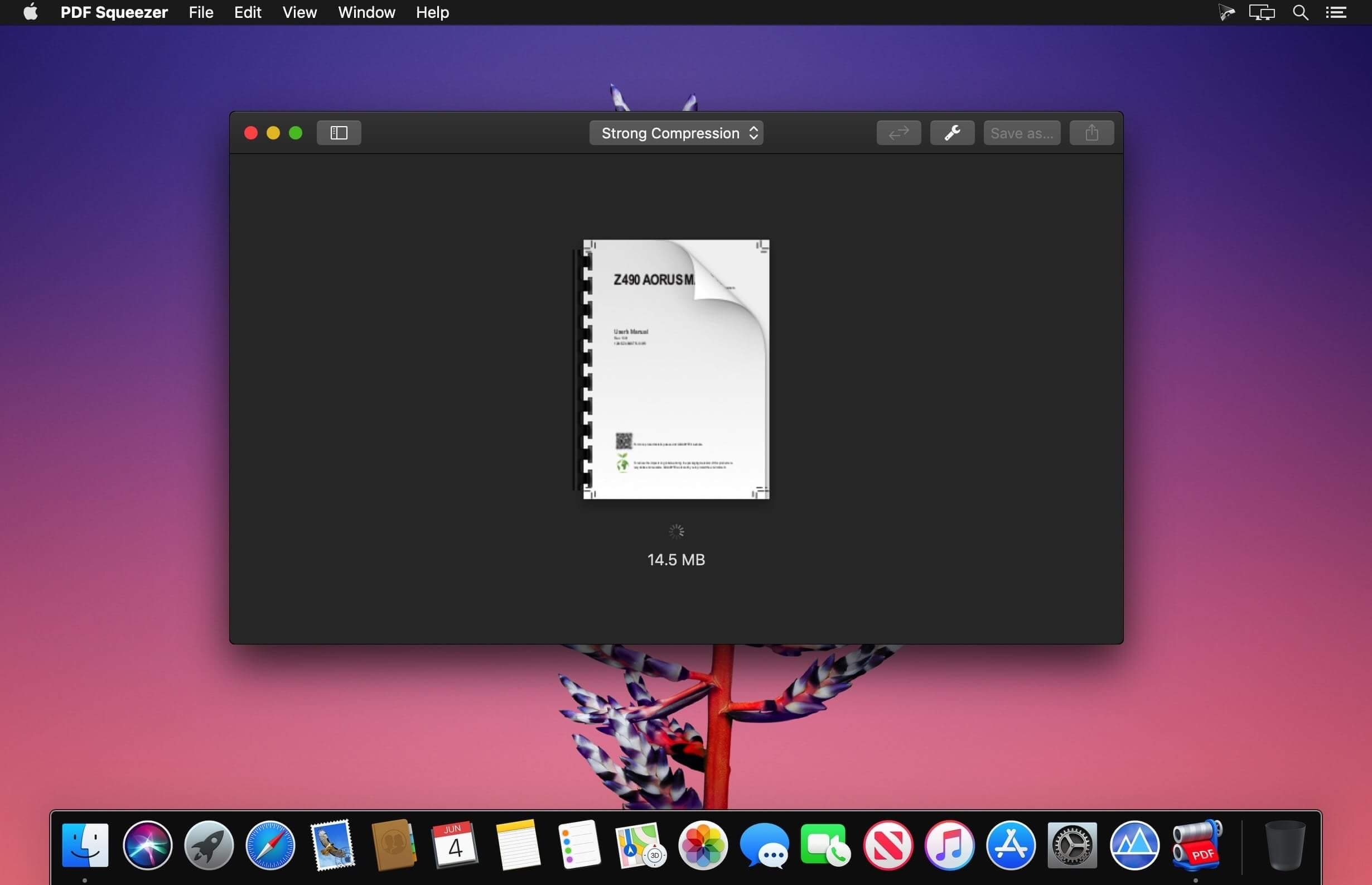
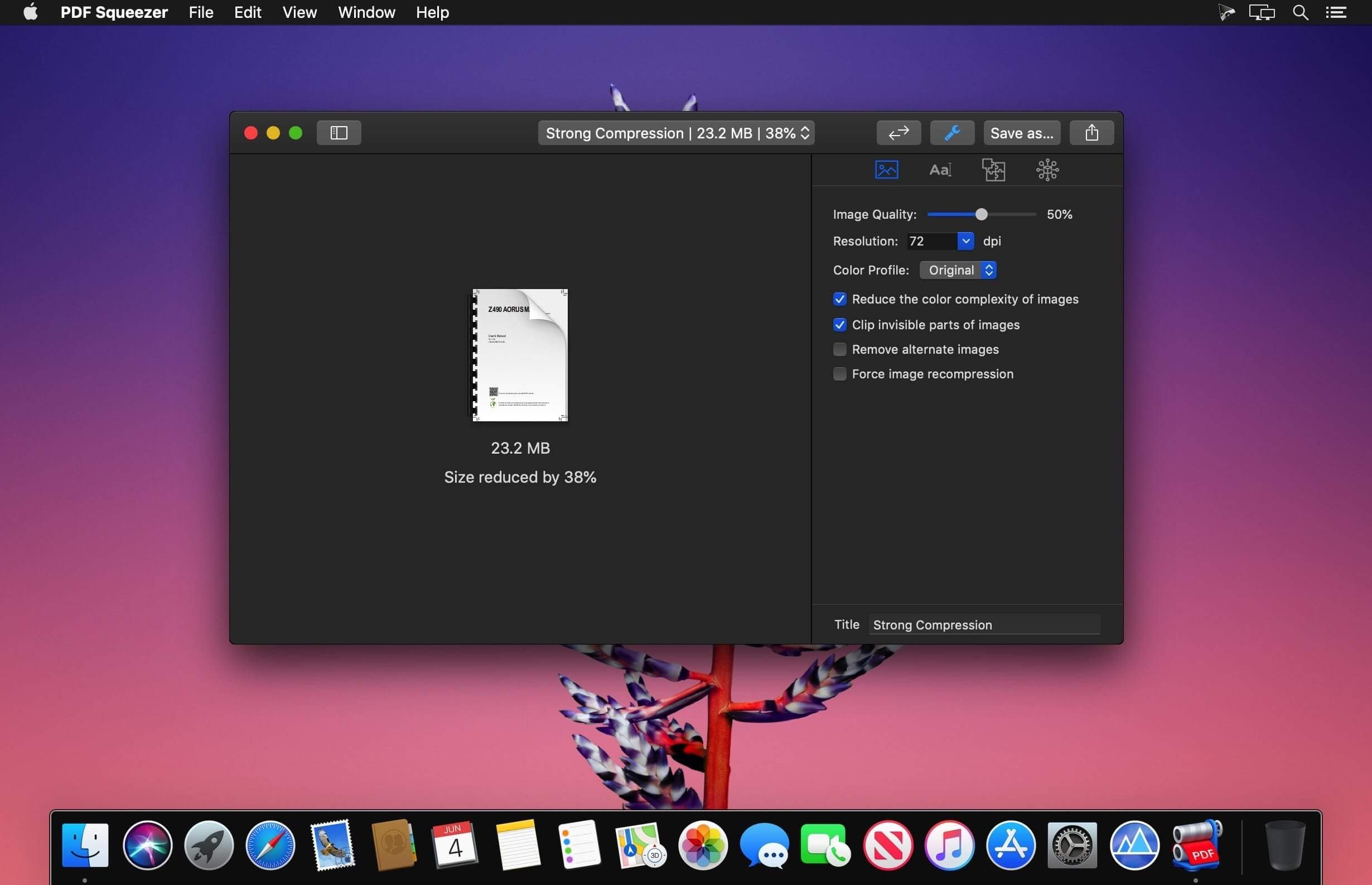
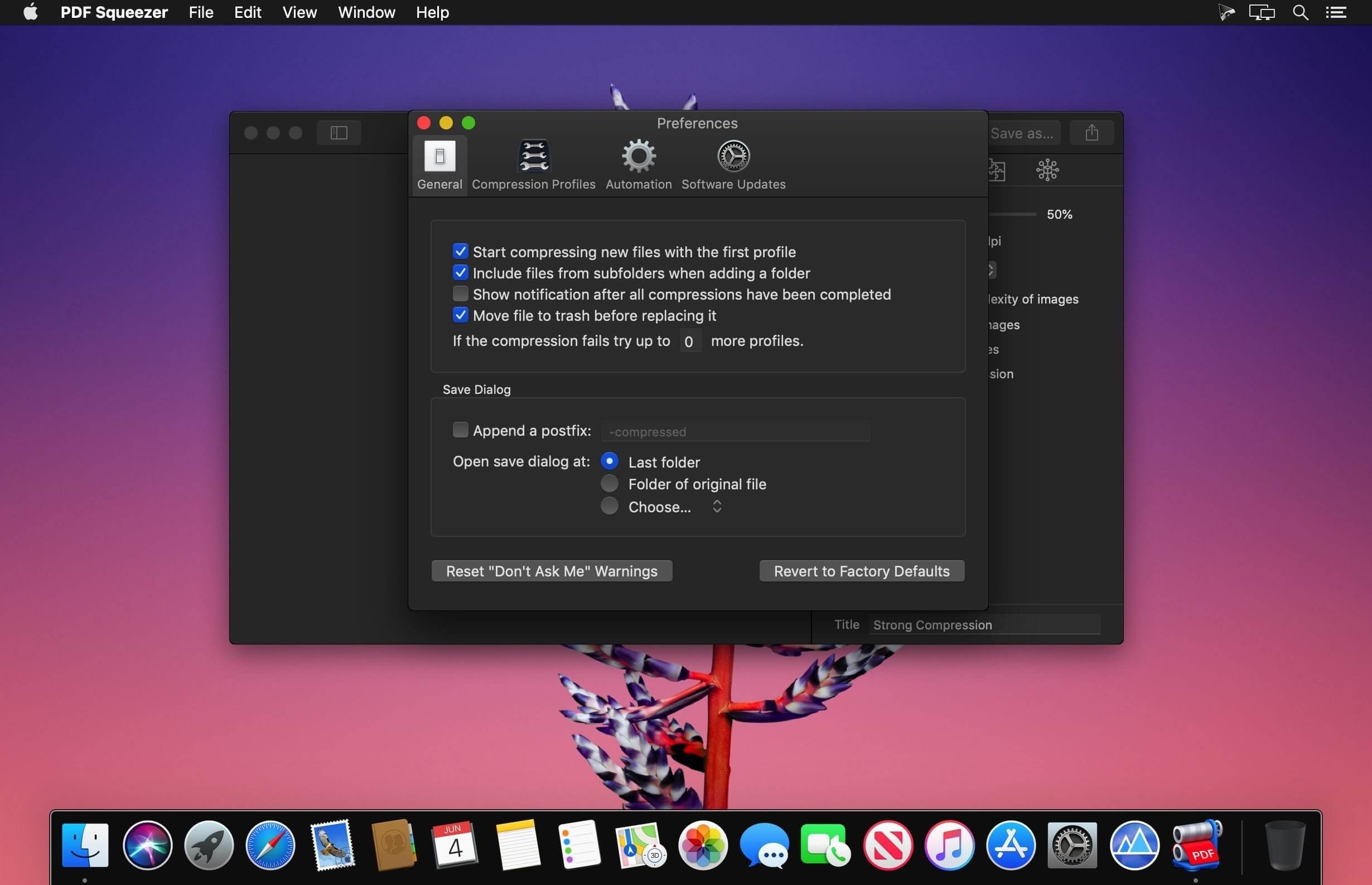
PDF Squeezer for macOS makes PDF compression fast and effortless. Just drag and drop your file, and the app reduces its size while preserving quality. It also streamlines the PDF by removing unnecessary data, keeping only what matters.
Trusted by Mac users for years, PDF Squeezer helps you save storage space and share PDFs more easily. Compressed files remain fully compatible with standard PDF readers, so you can send them with confidence.
Key Features
- Built for Mac: Designed specifically for macOS
- Simple drag and drop: Drop files onto the app or its icon
- Batch compression: Compress multiple files at once
- Smart compression: Uses advanced methods to reduce file size
- Automation support: Works with Shortcuts, Automator, and the command line
- Custom profiles: Choose preset compression profiles or create your own
- Folder support: Compress entire folders, including subfolders
- Password-protected PDF support: Handle protected files with Watchdog
- Metadata and file details: View title, author, keywords, image count, and more
- Extra tools: Export all images from a PDF and more
- Side-by-side comparison: Compare files and compression settings easily
- Share profiles: Export and share your compression profiles
- Full-screen mode: Ideal for comparing results
- PDF version support: Compatible with PDF 1.0 through 2.0
- Usage stats: Track how much disk space you’ve saved
PDF Squeezer 4 runs on both Intel and Apple Silicon Macs, including M1, M2, M3, and M4. It’s a convenient way to compress PDFs without sacrificing quality.
Version 4.9
- NEW: Added a new profile setting that ensures PDF/A-4 support for long-term document archiving. Incompatible compression options are automatically turned off and disabled.
- NEW: Added an "Optimize images" option to compression profiles. Turn it off to leave images unchanged while optimizing other PDF content.
- NEW: Improved importing speed and responsiveness for folders containing thousands of PDFs.
- NEW: The status bar now appears automatically when more than 10 PDFs are loaded.
- NEW: Improved the reliability of compression statistics recorded by automation tools such as Automator.
- NEW: Renamed "Remove document structure tree" to "Remove document tags" and added a tooltip explaining how to preserve accessibility information, including image descriptions.
- NEW: Improved the reliability of comparison zoom controls when switching views.
- NEW: Added overall compression progress and an active file count to the status bar.
- NEW: Added progress rings for individual files in the sidebar when using the new compression engine.
- NEW: Added sidebar sorting by name, original size, compression ratio, date added, or status, with reversible order.
- NEW: Added a live status summary below the selected-file count.
- NEW: Added a translucent, fading background behind sidebar controls and extra scrolling space to keep the last file accessible.
- NEW: Enabled Save As for multiple selected files, allowing compressed copies to be saved to a chosen folder.
- NEW: Improved responsiveness when importing many files with Finder tags.
- NEW: Improved image-quality preservation by avoiding JPEG recompression for tiny file-size savings, making repeated compression more predictable.
- FIX: Fixed a potential cause of Finder Quick Action failures when compression statistics could not be accessed.
- FIX: Fixed the app becoming unresponsive when saving very large batches of PDFs.
- FIX: Fixed file permissions being released before background saves finished.
- FIX: The app now waits for pending saves to finish before quitting.
- FIX: Fixed image cropping compatibility that could cause other apps to report incorrect image dimensions and resolution.
- FIX: Fixed comparison profile pickers sometimes appearing incorrectly when entering comparison mode for the first time.
FIX: Fixed importing folders dragged from the folder icon in a Finder window's title bar.
Frequently asked questions
How do I install the app?
Mount the image, drag the app into the "Applications" folder and launch it. If the system blocks the launch, allow it in "System Settings → Privacy & Security".
The app is damaged or won't launch
Reinstalling from a fresh image usually helps. Make sure your macOS version matches the one listed in the compatibility specs.
How do I update?
Download the new version from the site and install it over the current one — your settings will be preserved.
The download link doesn't work
Try a mirror or a download manager. For large files the browser often drops the connection.
How do I completely remove the app?
Use an uninstaller utility — it cleans up the service files that remain after moving the app to the trash.




Choose a download source
PDF Squeezer 4.9.0 · 41.79 MB
Previous versions
PDF Squeezer 4.9.0
Previous versions are available to registered users.