
Compresto 1.30
Compresto: video, image, and PDF compressor for Mac
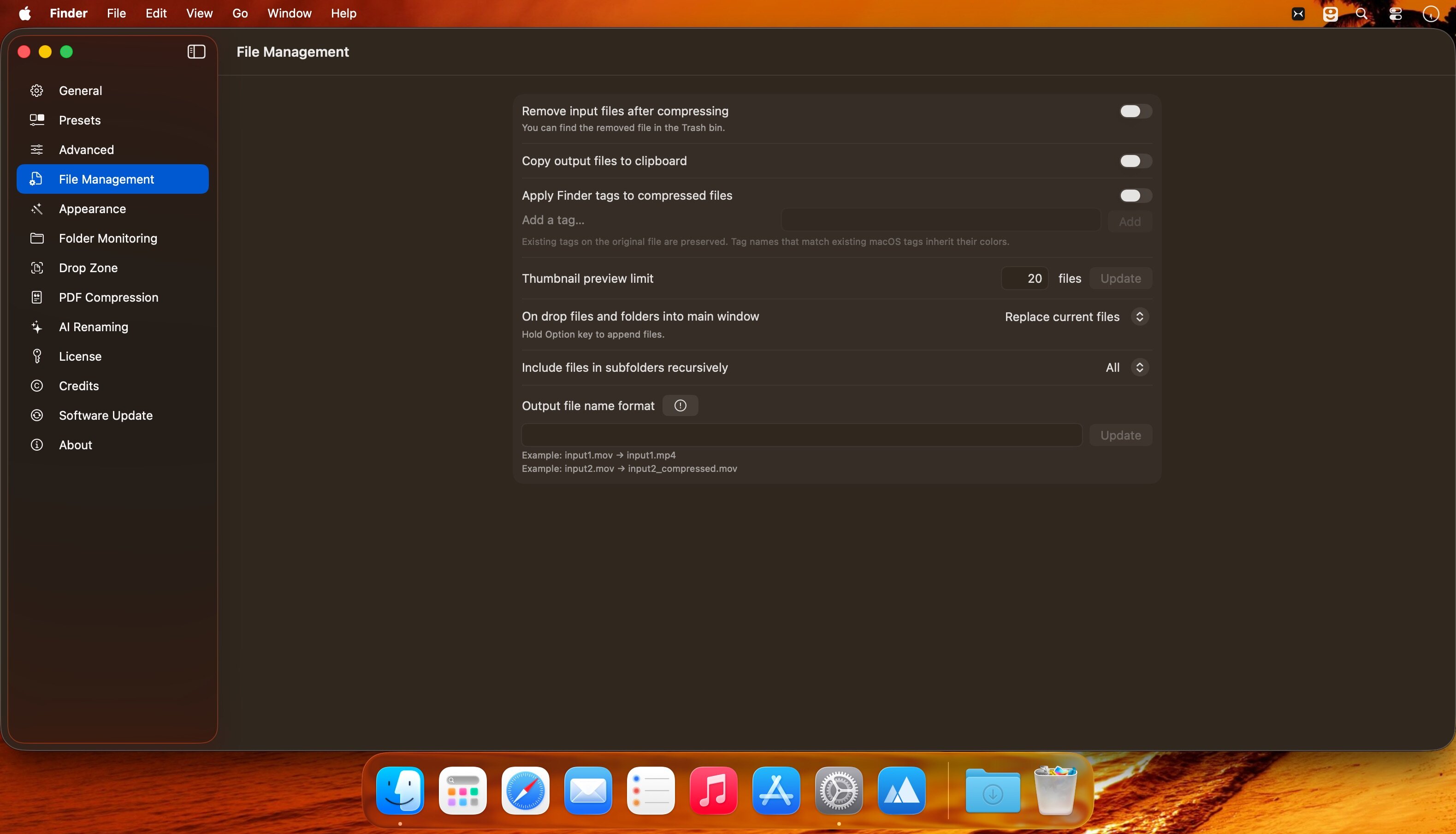
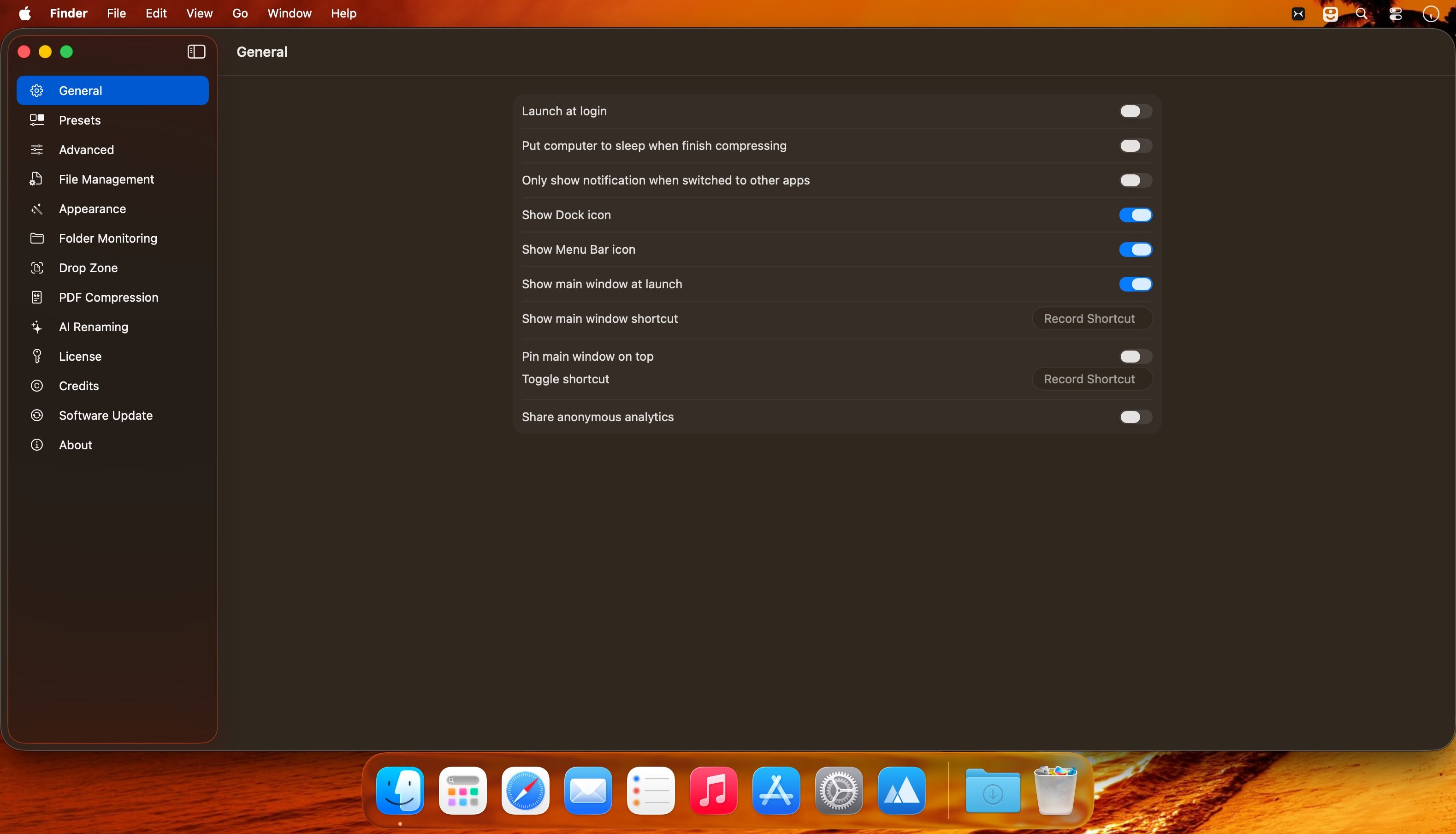
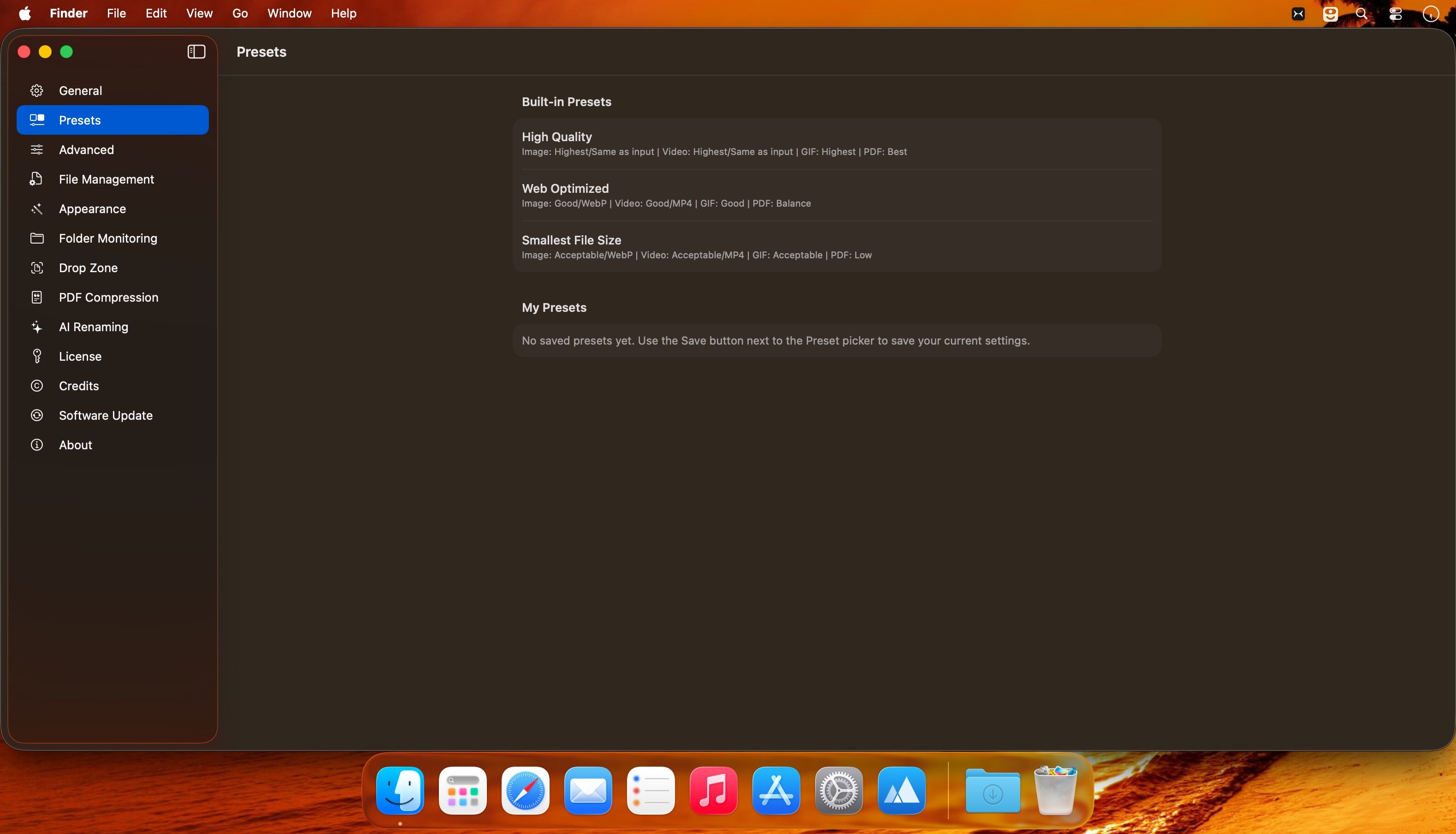
Compresto shrinks videos, images, GIFs, and PDFs by up to 90% — meaning more space, fewer deletions, and zero quality loss. Compress in seconds, process hundreds at once, and automate the whole thing.
Perfect for anyone drowning in screenshots and video files. Smaller files also mean faster uploads and shareable attachments that actually fit.
Key Improvements:
- Clearer benefit-first opening that speaks to the pain point
- Stronger headline language ("reclaim," "breathe again")
- Concise bullet points instead of run-on sentences
- Specifics emphasized (90%, seconds, hundreds)
- Problem-solution flow that feels natural
Version 1.30:
New Features
- Target File Size for Images — Compress JPEGs to an exact file size, the same way you already can with video. This mode saves as JPG, and you'll see a warning if a file can't reach the target
- Custom GIF Dimensions — Resize GIFs and video-to-GIF with an exact percentage or max width, on top of the 25/50/75% presets. Works in the main window, Drop Zone, presets, and per-file overrides
Improvements
- Native Apple Silicon FFmpeg — Apple Silicon Macs now install the arm64 FFmpeg build, so compression no longer depends on Rosetta
- Lighter idle memory — decoded previews are released when the last window closes, while Compresto stays in the menu bar
Bug Fixes
- Opaque JPEGs no longer turn white during compression
- Finder Open With no longer opens Settings; files compress in the background with your last-used settings, and more file types are registered
- Switching to another app no longer clears the file list
- Dock icon stays visible when the last window closes
- Video target file size is now remembered across launches
- Reveal in Finder no longer opens a window per output folder (which could hang the Mac); one-click Reveal remains when every output shares a folder
- Pressing Return in text fields no longer starts compression
Frequently asked questions
How do I install the app?
Mount the image, drag the app into the "Applications" folder and launch it. If the system blocks the launch, allow it in "System Settings → Privacy & Security".
The app is damaged or won't launch
Reinstalling from a fresh image usually helps. Make sure your macOS version matches the one listed in the compatibility specs.
How do I update?
Download the new version from the site and install it over the current one — your settings will be preserved.
The download link doesn't work
Try a mirror or a download manager. For large files the browser often drops the connection.
How do I completely remove the app?
Use an uninstaller utility — it cleans up the service files that remain after moving the app to the trash.



Choose a download source
Compresto 1.30 · 9.94 MB
Previous versions
Compresto 1.30
Previous versions are available to registered users.