
Picmal 1.9.0
Picmal: Convert, compress, process—fully offline on your Mac
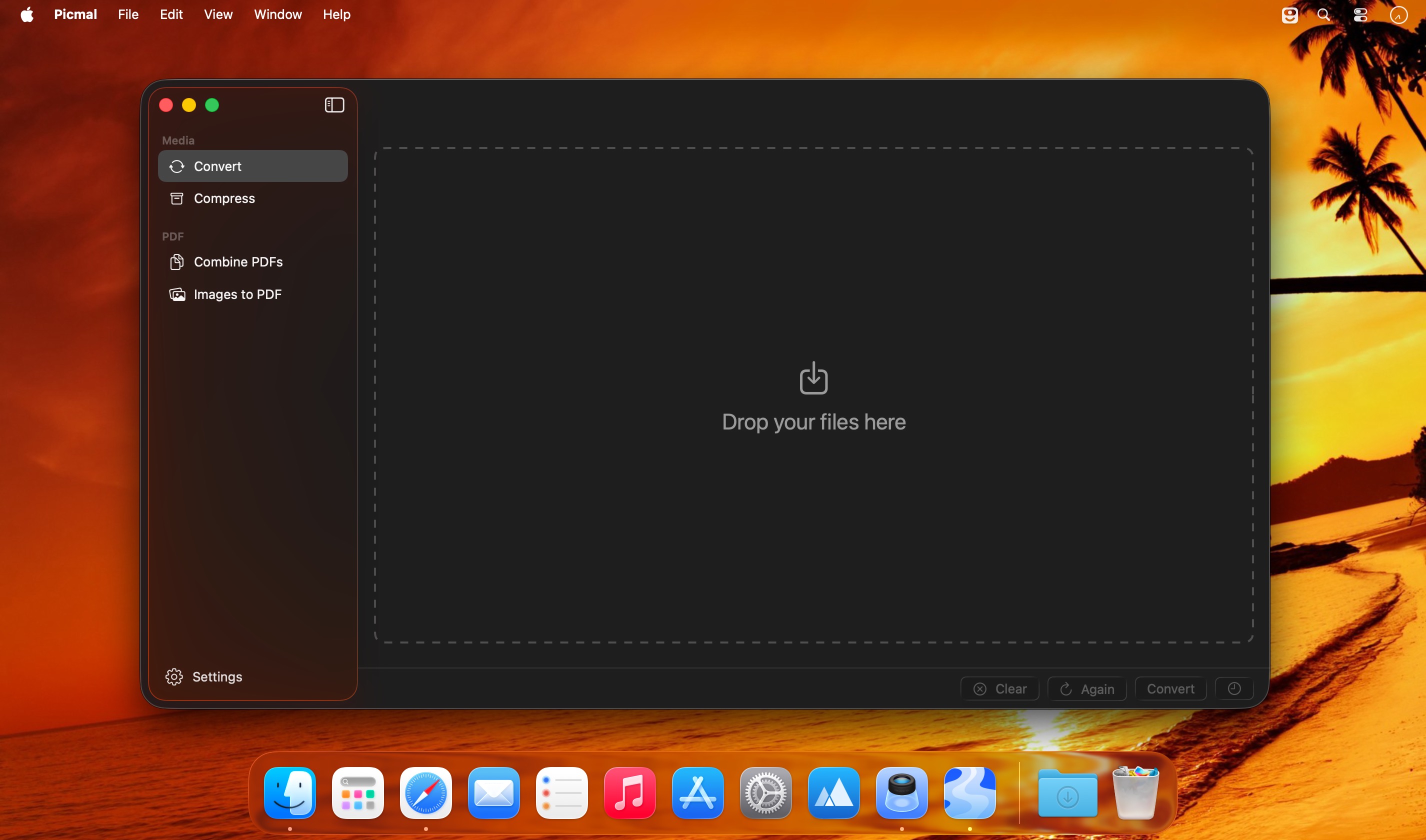
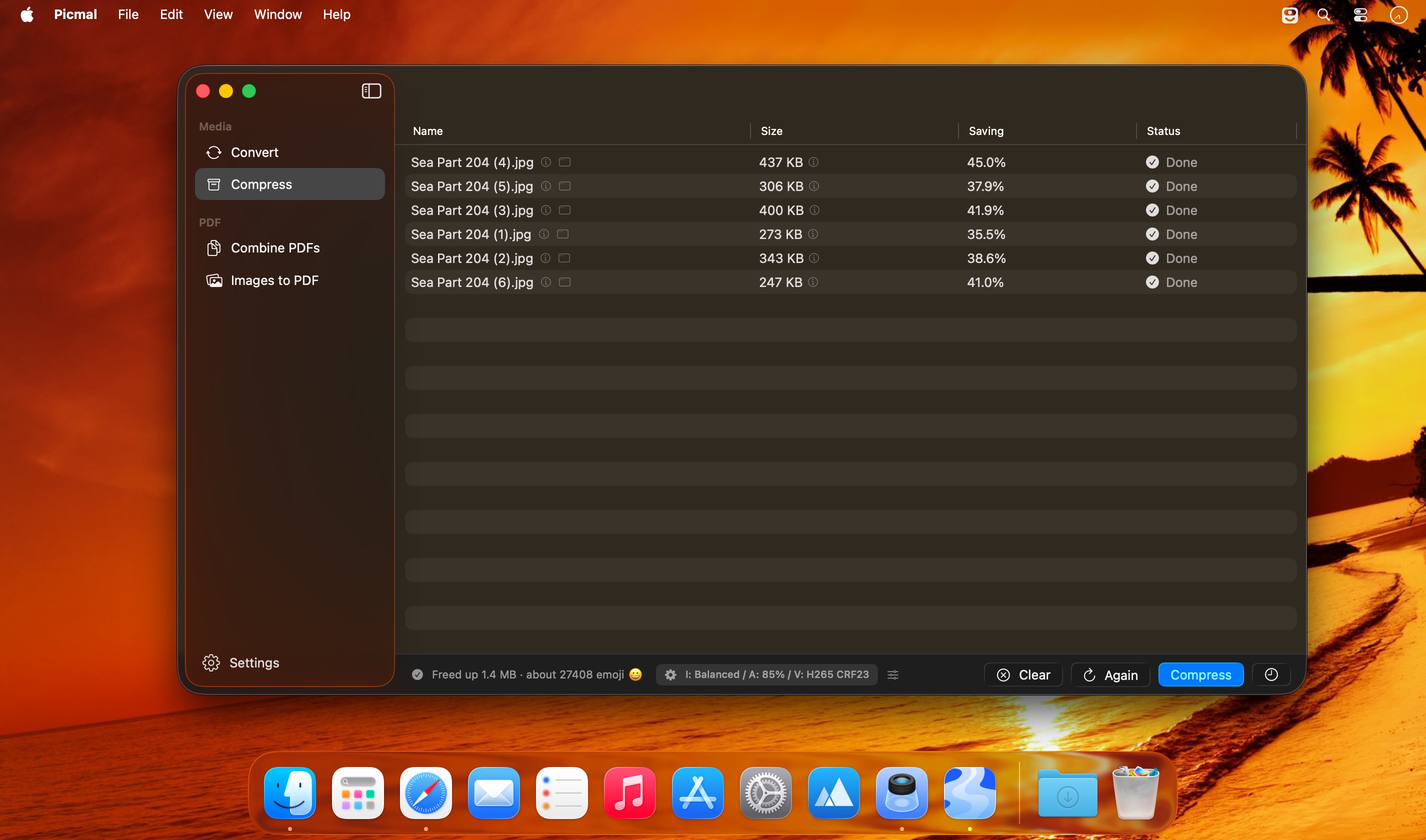
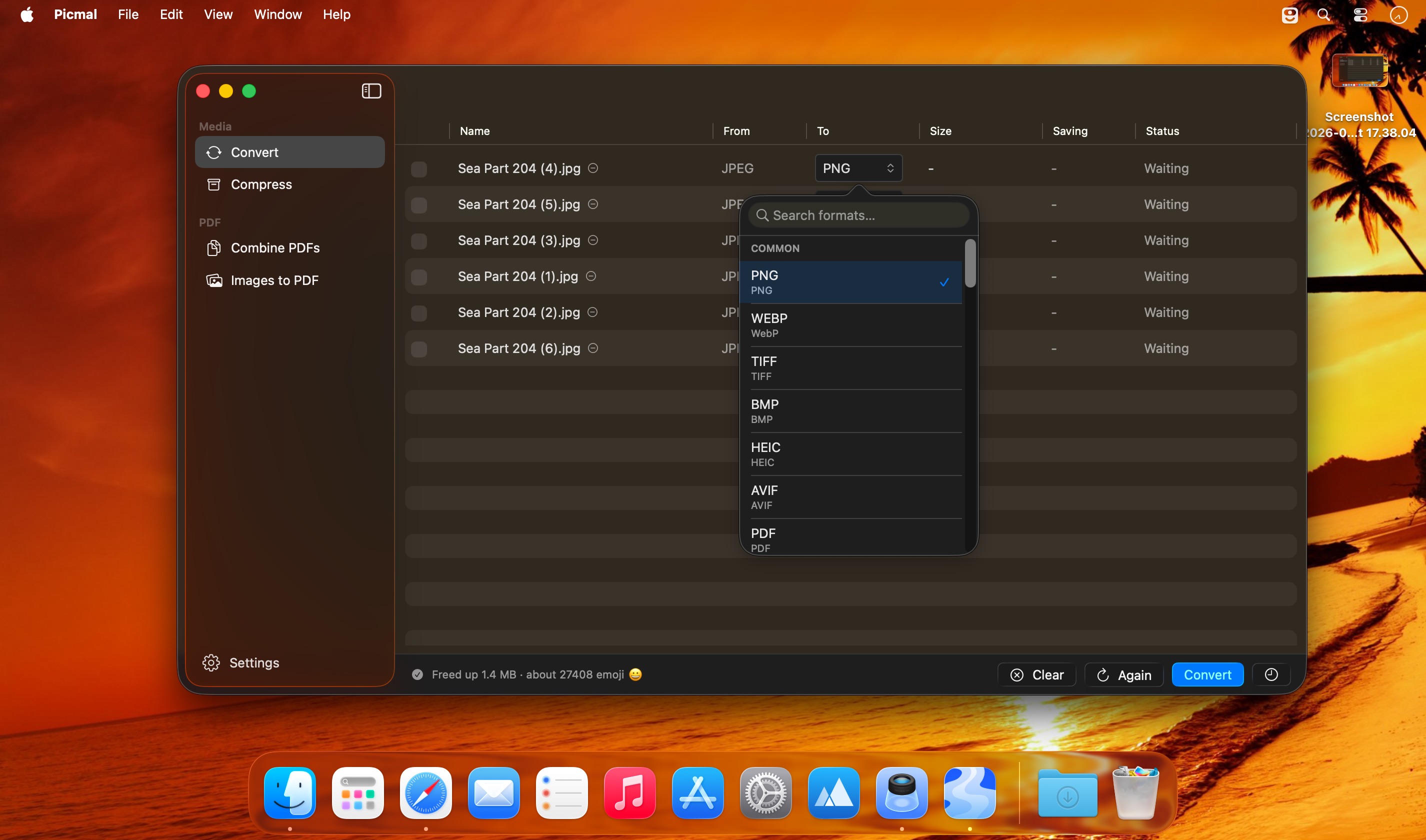
Picmal is an all-in-one offline media converter and compressor for macOS—built for fast batch processing and a smooth native Mac workflow. Convert, compress, and resize images, video, and audio locally on your Mac, with no server uploads.
Convert between 100+ formats
Turn PSD into PNG, AI into SVG, MOV into MP4, and more—just pick an output format and convert.
Batch processing that’s actually fast
Handle hundreds of files at once. Drag in folders, use File > Open, or convert directly from Finder.
Presets plus deep control
Quick presets for web, social, and archival—then fine-tune codecs, bitrates, color space, resizing, and other advanced settings.
Smaller files with minimal visible loss
Compress media for sharing and storage, from photos you want to upload quickly to videos sized for email attachment limits.
Made for macOS
Seamless Finder integration, Quick Actions, and Shortcuts automation for a workflow that feels native.
Fully offline
Works without internet—ideal for travel, spotty connections, or secure environments.
Privacy-friendly local processing
Your media stays on your device; nothing is sent to external servers during conversion or compression.
Frequently asked questions
How do I install the app?
Mount the image, drag the app into the "Applications" folder and launch it. If the system blocks the launch, allow it in "System Settings → Privacy & Security".
The app is damaged or won't launch
Reinstalling from a fresh image usually helps. Make sure your macOS version matches the one listed in the compatibility specs.
How do I update?
Download the new version from the site and install it over the current one — your settings will be preserved.
The download link doesn't work
Try a mirror or a download manager. For large files the browser often drops the connection.
How do I completely remove the app?
Use an uninstaller utility — it cleans up the service files that remain after moving the app to the trash.





Choose a download source
Picmal 1.9.0 · 101.47 MB
Previous versions
Picmal 1.9.0
Previous versions are available to registered users.