Zipic 1.10.1
Zipic — image compression software for fast, private macOS optimization
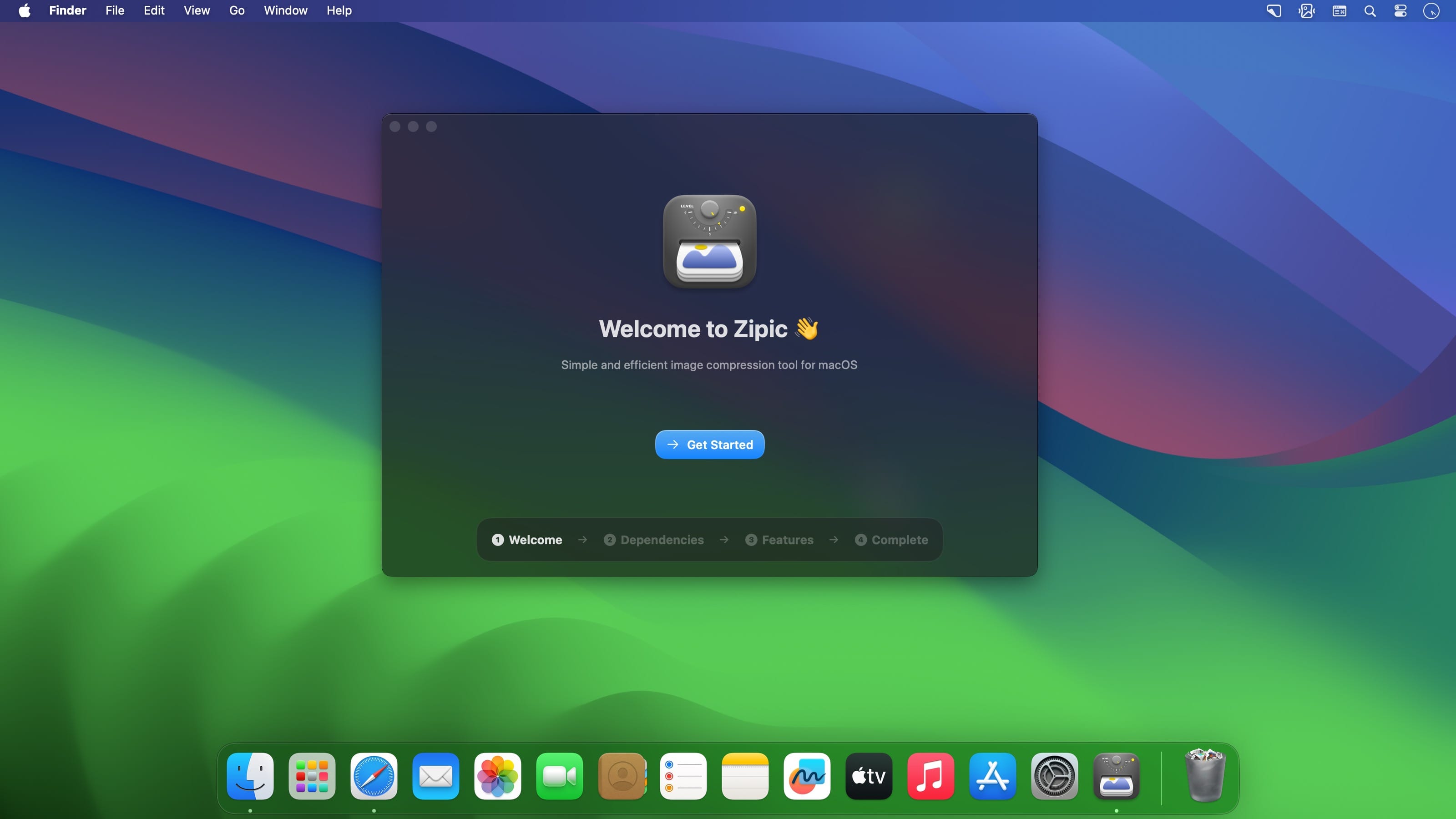
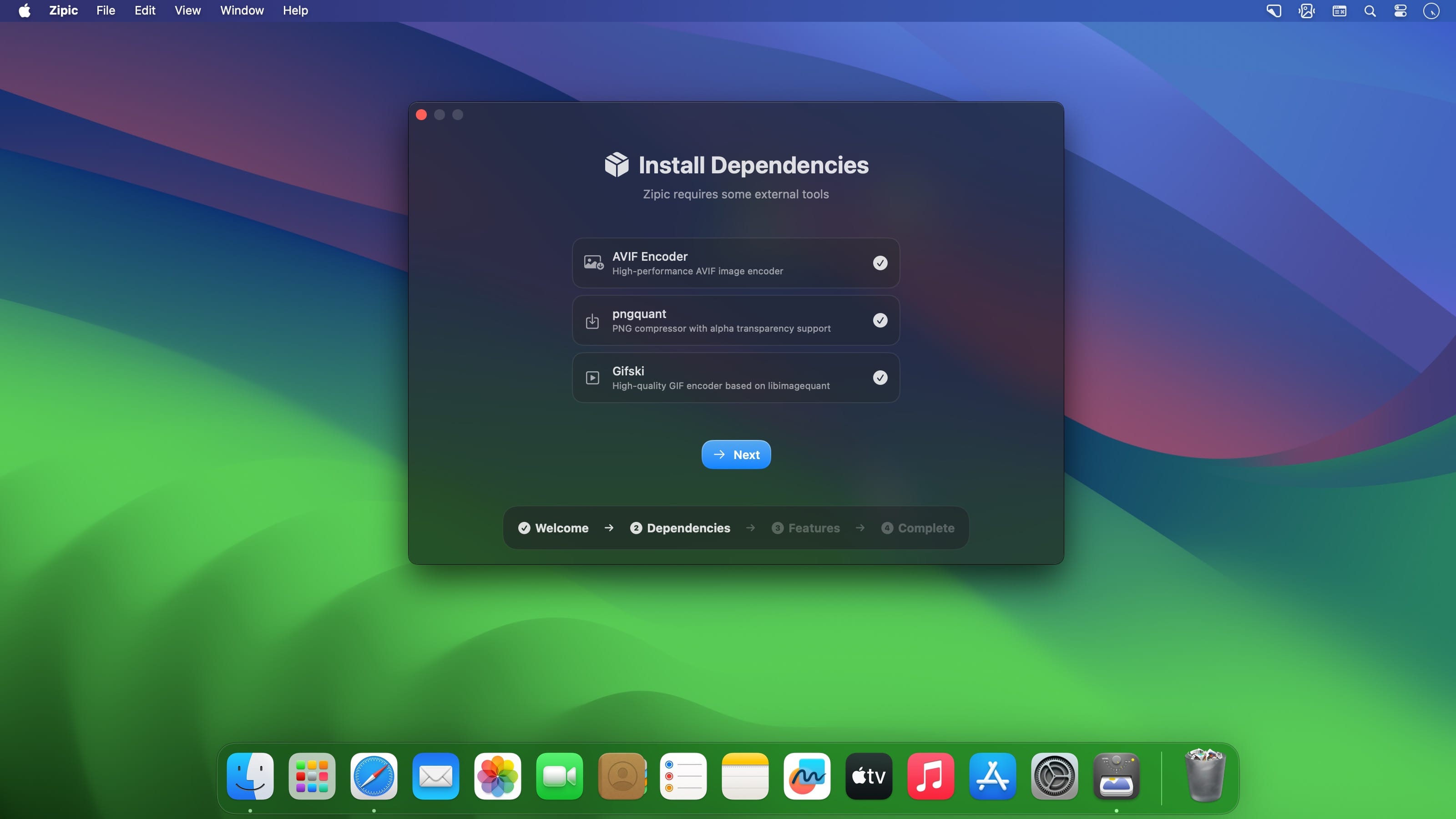
Zipic is a native macOS application designed for efficient, high-quality image compression. It lets users shrink image files locally, with no uploads or dependency on the cloud. All processing happens on your own device—so your privacy and speed stay intact.
Key Features and Highlights:
- High Compression, Near-Lossless Quality: Zipic utilizes powerful compression algorithms to achieve a high compression ratio with minimal perceived quality loss, making the compressed image virtually indistinguishable from the original.
- Fast & Local Processing: Being a native macOS application, all image processing occurs locally on your device. This ensures lightning-fast performance, efficient handling of massive batches, and high data privacy with no cloud uploads or network dependence.
Comprehensive Format Support: The tool supports a wide range of formats, including basic ones like JPEG, PNG, WebP, HEIC, and GIF, and Pro formats like AVIF, JXL, TIFF, and ICNS. - Effortless Workflow: It offers multiple simple compression methods, including drag-and-drop, folder monitoring, and Finder integration (right-click).
- Custom Control: Users can create custom presets for different quality levels and scenarios, allowing for precise control over the compression outcome.
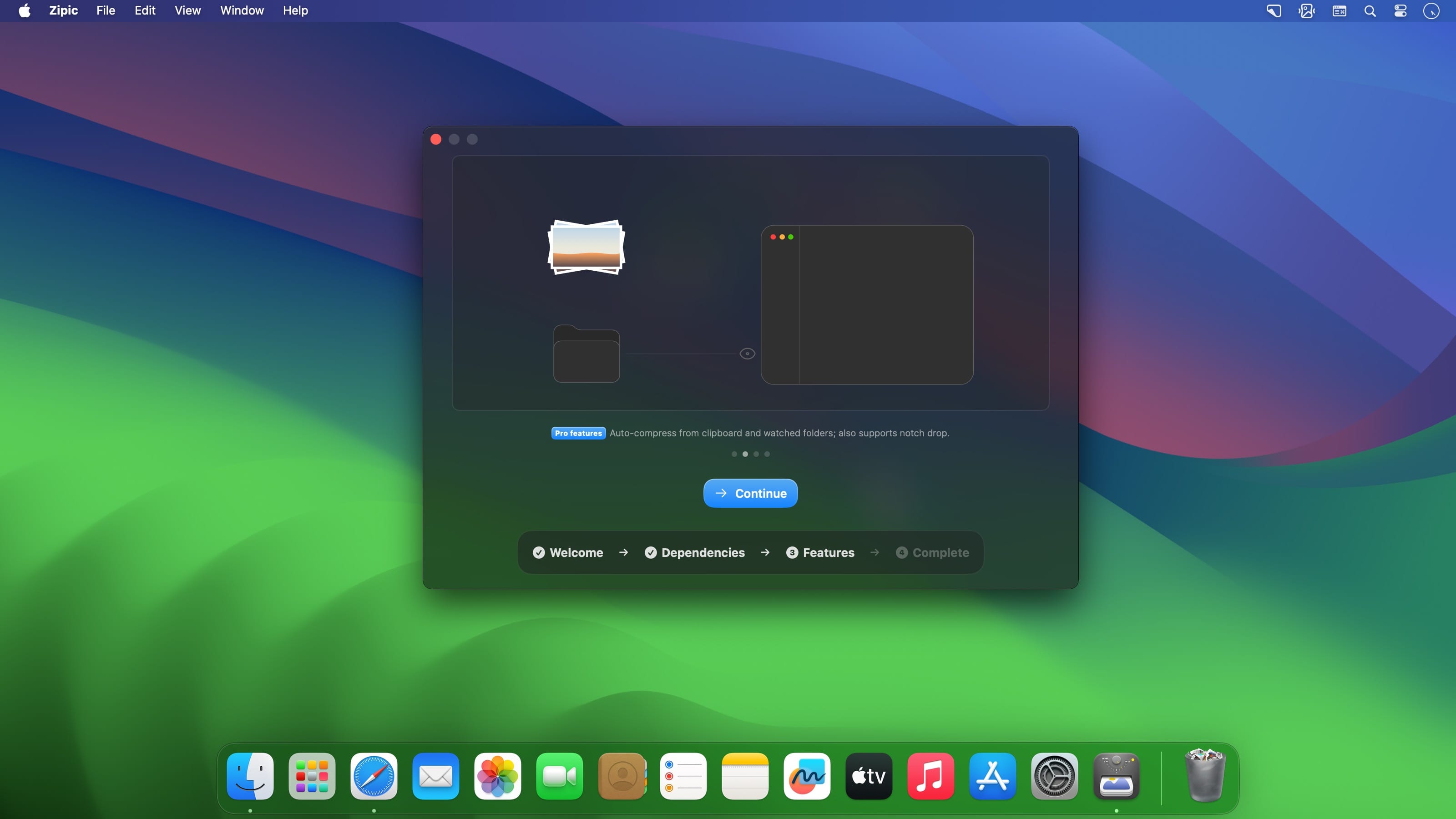
- Pro Features for Automation: Advanced features include Clipboard auto-compress, Folder Watch for automated compression in specific directories, and integration options like Raycast Extension and Apple Shortcuts.
Zipic aims to be the seamless solution for developers, designers, bloggers, and photographers who need to optimize and compress images efficiently.
Zipic v1.10.1
New Features
- App language: Settings now lets you pin the interface language instead of following the system — choose system default, English, Simplified Chinese, or Traditional Chinese. The change takes effect after you restart Zipic.
- Suffix template variables: filename suffixes accept {width}, {height}, {format}, {date}, and {quality}, resolved against the actual output file — in the main output and in every multiple output alike. Variables are case-insensitive, unknown ones are left as-is, and a {} button next to the suffix field inserts them. The CLI, Shortcuts, and URL Scheme accept them too.
- Longest-side resizing: a new “Longest side” mode constrains the output by its longer edge, so portrait and landscape shots can share one preset. Available in the pixel panel, and in the CLI (--longest-side), Shortcuts, and URL Scheme.
Bug Fixes
- Activation no longer lost: fixed a startup validation path that could delete your license from the Keychain when a read failed — for example after you declined the Keychain prompt or while the keychain was locked. Your activation now stays put.
- Accurate trial state: an exhausted or expired trial no longer shows the trial entry point again, and trial-device binding stays consistent with what offline validation reports, so an expired trial can’t look eligible a second time.
- Visible failure reasons: when compression fails, the red cross in the main list and detail view now reveals the reason on hover or click, and CLI results carry the error text too.
- PDF compatibility: fixed “Invalid file trailer” failures when compressing linearized and incrementally updated PDFs.
- Clipboard JPEG write-back: fixed pasting a compressed JPEG into apps like OneNote saving a PNG several times larger, because those targets prefer to read public.png from the clipboard.
Frequently asked questions
How do I install the app?
Mount the image, drag the app into the "Applications" folder and launch it. If the system blocks the launch, allow it in "System Settings → Privacy & Security".
The app is damaged or won't launch
Reinstalling from a fresh image usually helps. Make sure your macOS version matches the one listed in the compatibility specs.
How do I update?
Download the new version from the site and install it over the current one — your settings will be preserved.
The download link doesn't work
Try a mirror or a download manager. For large files the browser often drops the connection.
How do I completely remove the app?
Use an uninstaller utility — it cleans up the service files that remain after moving the app to the trash.




Choose a download source
Zipic 1.10.1 · 22.71 MB
Previous versions
Zipic 1.10.1
Previous versions are available to registered users.