
One Chat - All In One Messenger 4.9.8
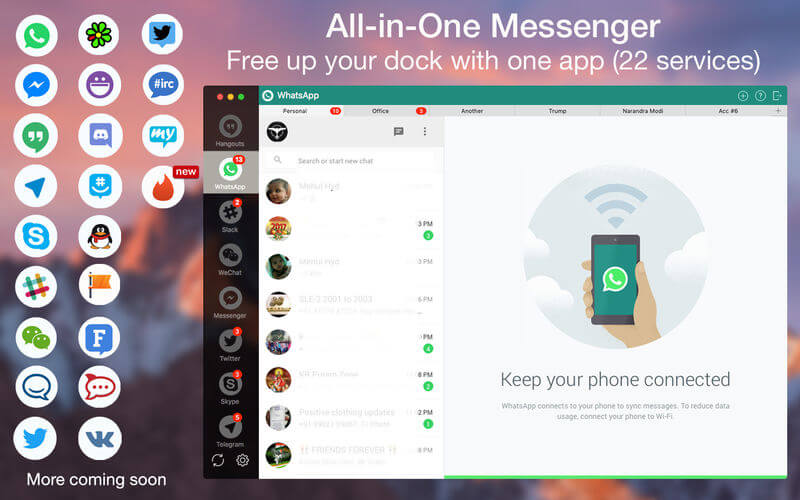
One Chat combines chat and messaging services into one simple Mac application. WhatsApp, Facebook Messenger, Telegram, Skype and Slack. One App for all messaging services.
Use it for the following messenger and chat like a boss:
- WhatsApp, Facebook Messenger, Hangouts, Telegram, Skype, Slack, WeChat and HipChat.
Features:
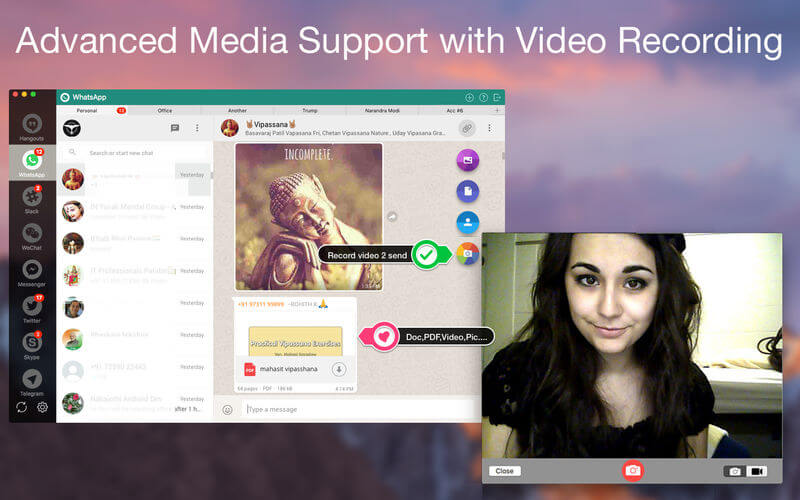
- Send and receive Photos, Videos, doc, PDF..etc directly from your PC.
- Use two parallel accounts of any service(multi account support coming in next version)
- Password Protection for privacy
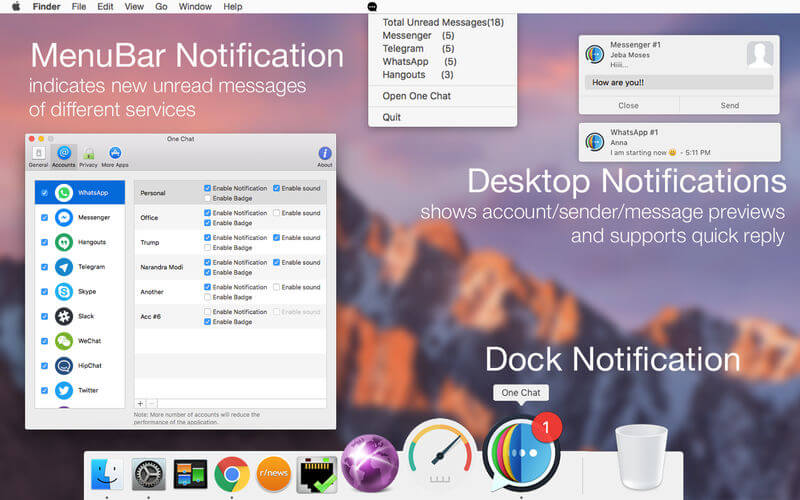
- Get respective Notifications alerts and reply from the same.
- Customise notification as per your requirement.
- Check if there are any unread messages, right in the menu bar.
- Go Full-screen! Chat with your friends distraction free on the full screen mode.
- Light weight which consumes minimum system memory about 70% low.
- 80% Low battery consumption.
- One app for all messengers.
- Dark mode support
- Retina Display enabled icons
- Easy to use interface
- Best in the market
Upcoming update:
- More chat services.
- Using multiple chat accounts for same service.
- Password Protection.
- And much more.
Privacy & Security
One Chat does not read anything you type, send or receive! It does not even store any of your login credentials anywhere. Each messenger lives in its own tab, which can not be accessed by other messengers.
Overall, using One Chat does provide a couple of advantages when it comes to security.
Disclaimer:
One Chat is a third party App. The developer of this software is not affiliated with Whatsapp Inc. Facebook inc. Telegram Inc. Slack Inc. Skype Inc. Google Inc. Atlassian Inc. Tencent Inc. in any way.
Version 4.9.8:
- Release notes were unavailable when this listing was updated.
Frequently asked questions
How do I install the app?
Mount the image, drag the app into the "Applications" folder and launch it. If the system blocks the launch, allow it in "System Settings → Privacy & Security".
The app is damaged or won't launch
Reinstalling from a fresh image usually helps. Make sure your macOS version matches the one listed in the compatibility specs.
How do I update?
Download the new version from the site and install it over the current one — your settings will be preserved.
The download link doesn't work
Try a mirror or a download manager. For large files the browser often drops the connection.
How do I completely remove the app?
Use an uninstaller utility — it cleans up the service files that remain after moving the app to the trash.





Choose a download source
One Chat - All In One Messenger 4.9.8 · 17.6 MB
Previous versions
One Chat - All In One Messenger 4.9.8
Previous versions are available to registered users.
Comments 1