
ChatMate for Facebook 4.3.1
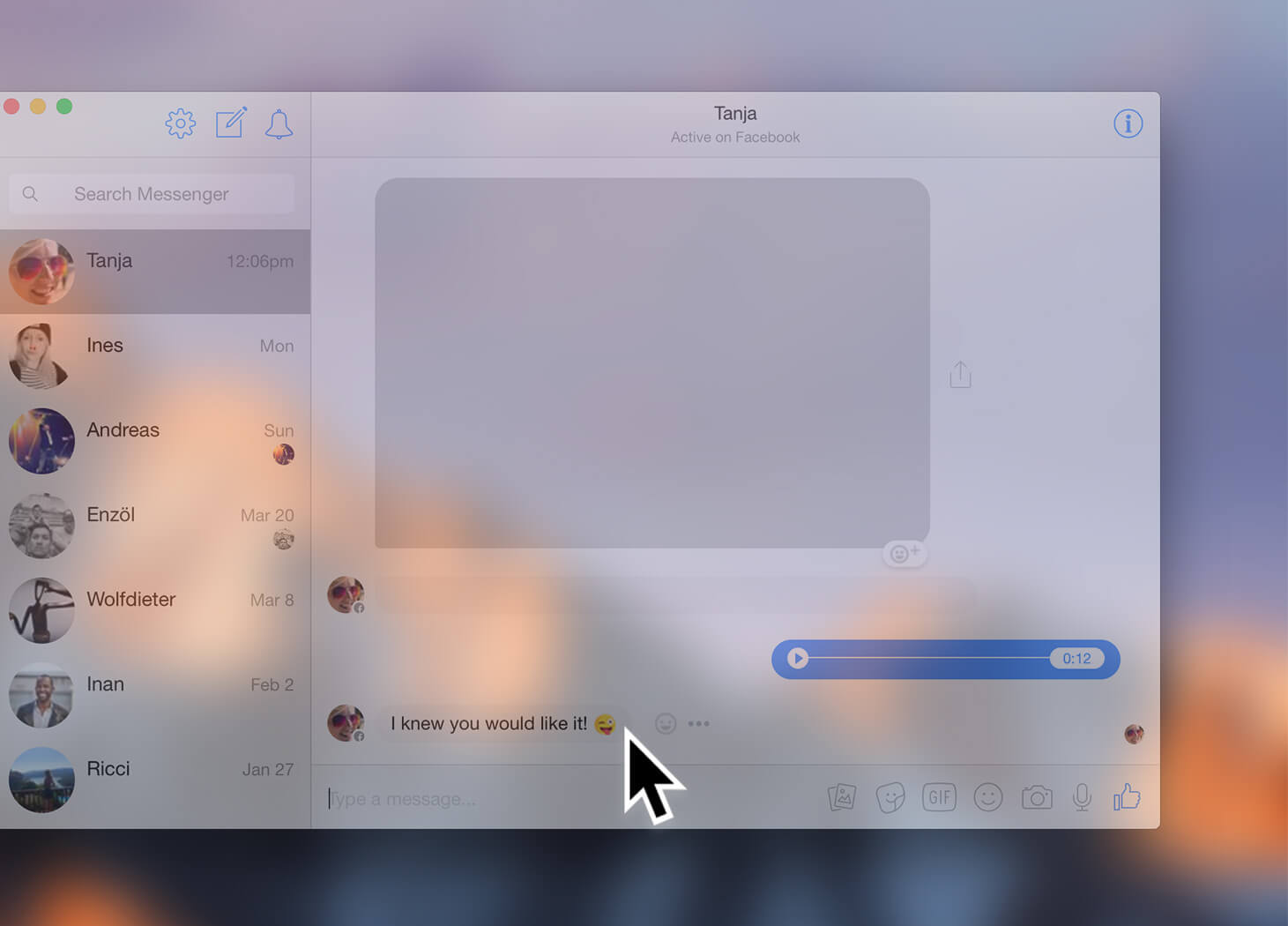
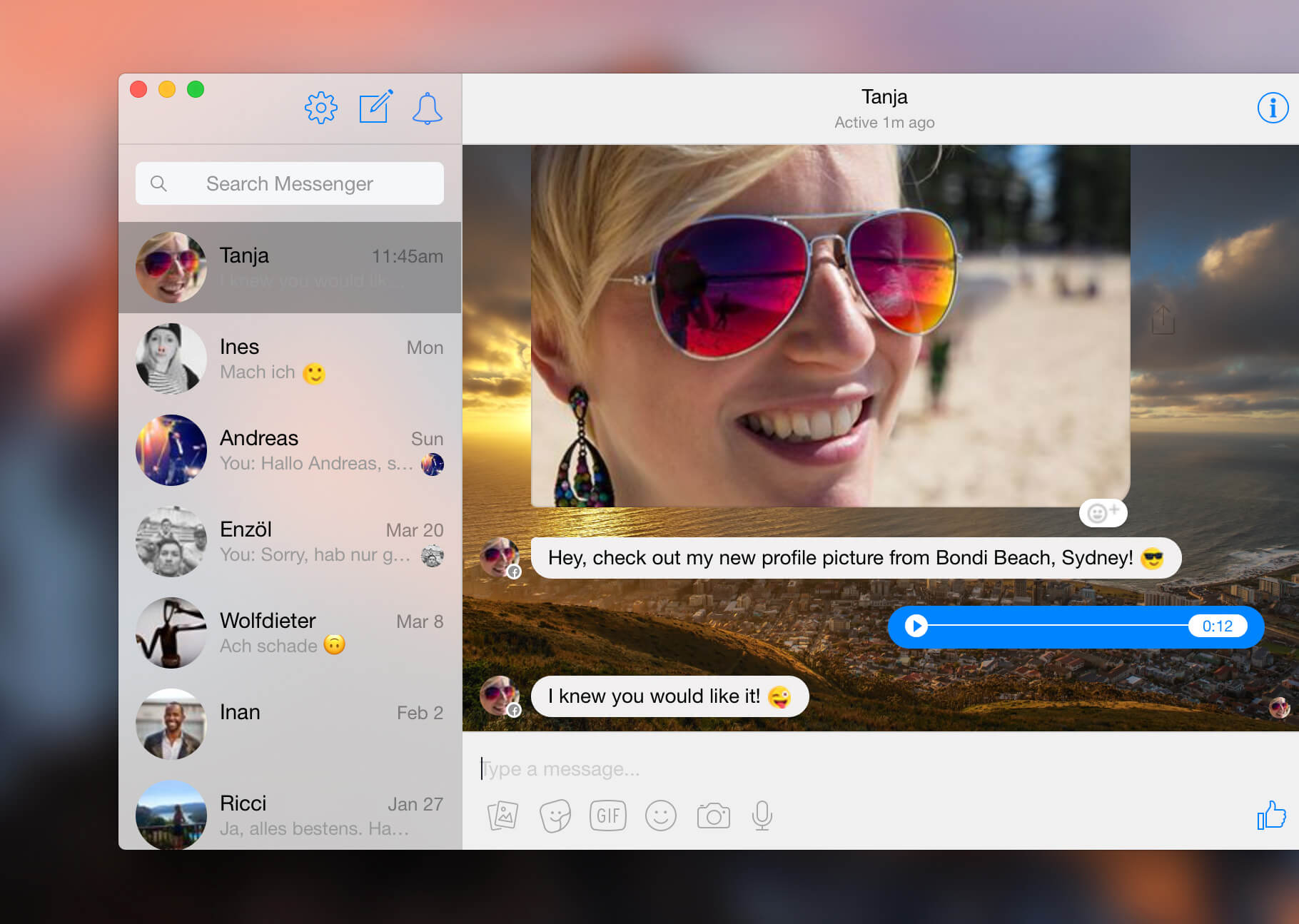
ChatMate for Facebook is a powerful client for Facebook Messenger. Unique features to be found only in ChatMate for Facebook:
- Send and receive text messages, voice messages, photos, videos, documents, and emojis
- Record videos and photos directly in app and share them with your friends
- Dark Mode: With a beautiful layout dominated by dark colors ChatMate for Facebook will be easy on your eyes
- Do not disturb Mode: disables all notifications with a single click
- Privacy Mode: Automatically locks ChatMate for Facebook with a password or Touch ID after a user selected idle time
- Stealth Mode: Prevents others from peaking into your conversations
- Choose from more than 20 different notification sounds
- Choose a custom chat window wallpaper image
- Full Touch Bar integration
- Save received images, videos and documents to your Mac
Other Features
- Polished Mac style user interface
- Integrates seamlessly into your Mac workflow
- Option to hide the dock icon (run the app seamlessly in the background)
- Open the app window with a customizable keyboard shortcut at any time
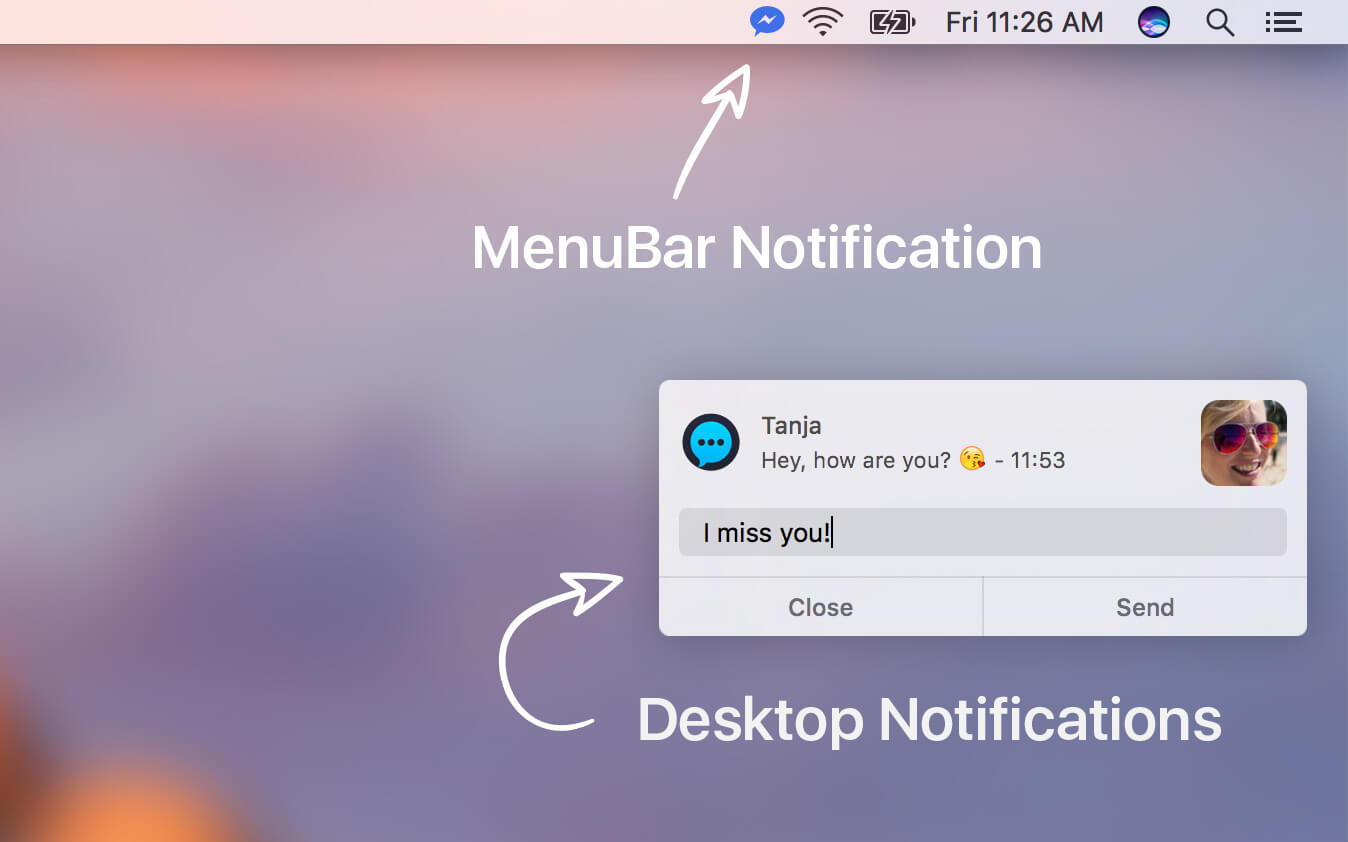
- Option to show a MenuBar icon (in the upper right corner of the display, where the clock is)
- Customisation options for the notifications (show/hide sender and message preview)
- Option to automatically launch the app after logging in to your Mac
- Use drag and drop to send media (also from Apple Fotos App)
- Reply to incoming messages right from the message notification
- Show unread message count in Dock icon badge
- Show new unread message alert in MenuBar
- Play videos inside the app
- App window supports full screen and split screen mode
- Standalone Application. No need to have a web browser window open to write Facebook messages
- Optimised for minimum CPU and memory footprint using latest Swift 3 technology
Version 4.3.1:
- Bug fixes and performance improvements
- Added support for typing suggestions in Touch Bar
- Full support for macOS 10.14
Frequently asked questions
How do I install the app?
Mount the image, drag the app into the "Applications" folder and launch it. If the system blocks the launch, allow it in "System Settings → Privacy & Security".
The app is damaged or won't launch
Reinstalling from a fresh image usually helps. Make sure your macOS version matches the one listed in the compatibility specs.
How do I update?
Download the new version from the site and install it over the current one — your settings will be preserved.
The download link doesn't work
Try a mirror or a download manager. For large files the browser often drops the connection.
How do I completely remove the app?
Use an uninstaller utility — it cleans up the service files that remain after moving the app to the trash.
VersionChatMate for Facebook 4.3.1
DevelopercoldX Software Development
CompatibilityOS X 10.11 or later, 64-bit processor
LanguageEnglish
IncludesK'ed by TNT





Information
Visitors in the group Guests cannot leave comments on this publication.
Choose a download source
ChatMate for Facebook 4.3.1 · 16.39 MB