
Alfred PowerPack 4.8 (1312)
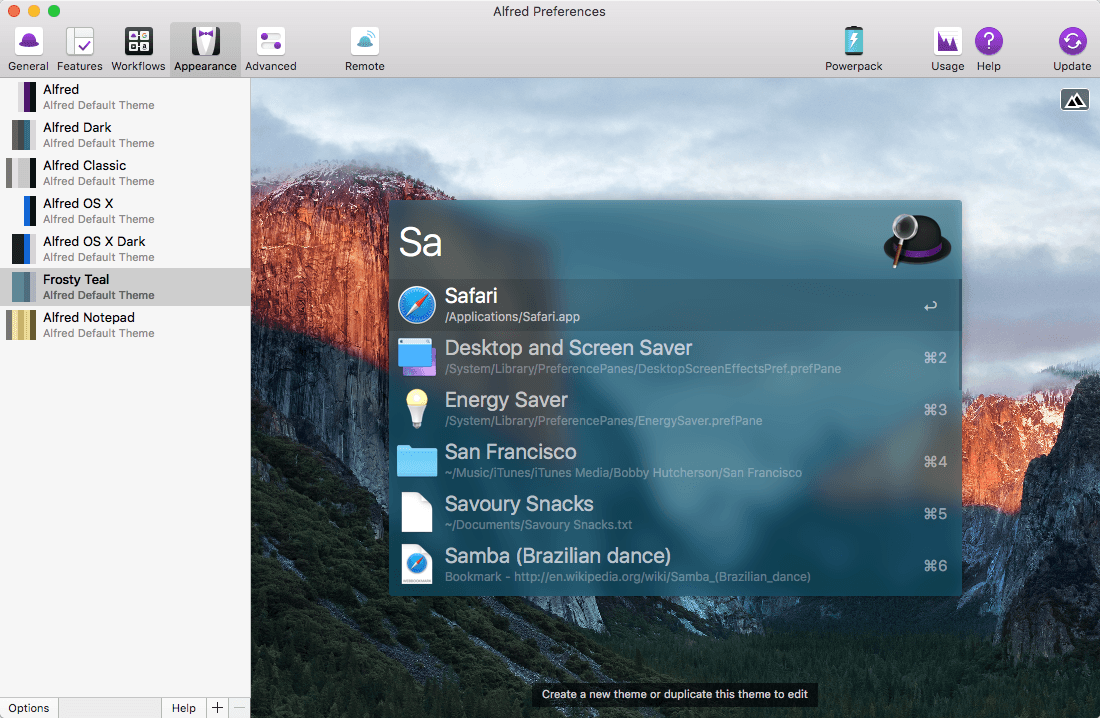
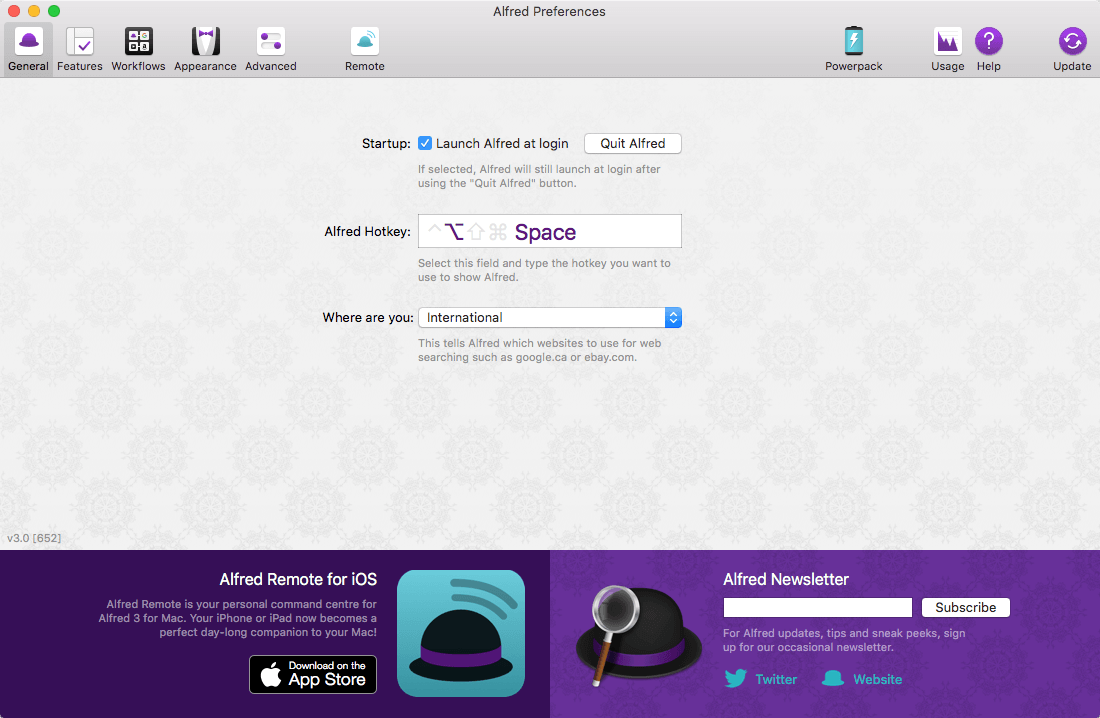
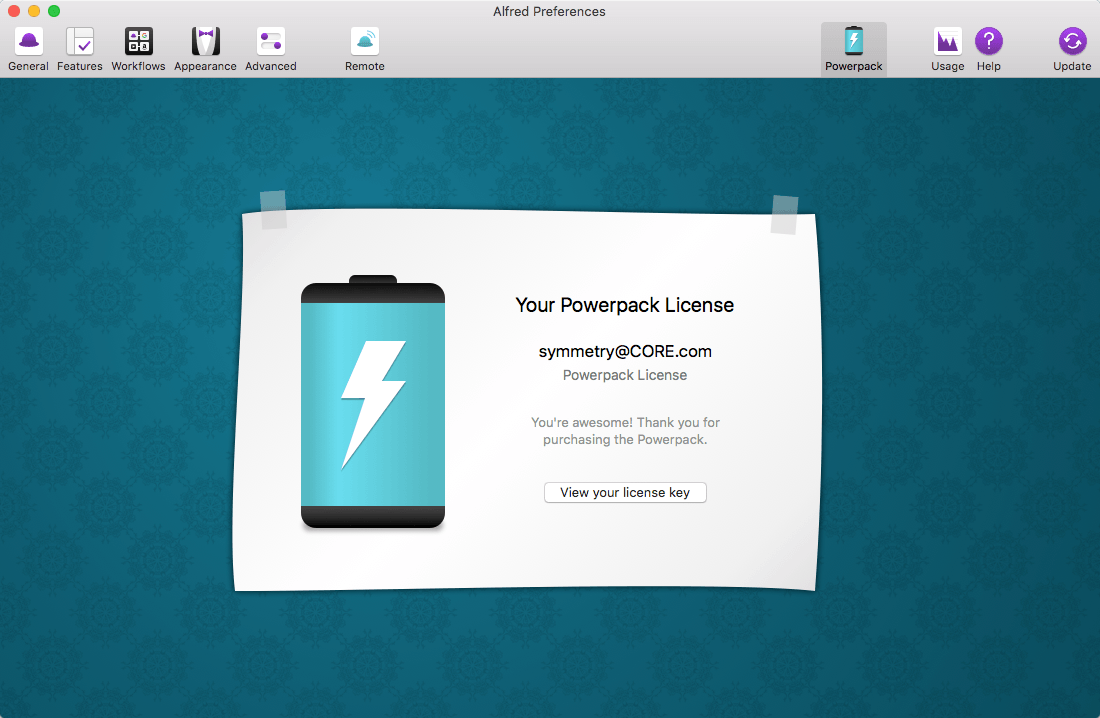
Alfred is an award-winning app for macOS which boosts your efficiency with hotkeys, keywords, text expansion and more. Search your Mac and the web, and be more productive with custom actions to control your Mac.
Search and Browse
- Launch applications and find files on your Mac or on the web. Alfred learns how you use your Mac and prioritises results.
- Save countless hours by using hotkeys, keywords and customising how you want to search your Mac and activity history.
- Jump in and browse, preview files and take action on them without lifting your fingers off the keyboard.
Type Less, Say More
- With Alfred's Clipboard History and Snippets features, there's no need to type the same URLs or responses over and over.
- Use the Clipboard History to locate any text, image or file you copied earlier and paste it again.
- Create your own snippets and type a short abbreviation to auto-expand them into a full text snippet, saving yourself hours of typing in the long run!
Extend and Automate
- With Alfred's Powerpack, use immensely powerful workflows to perform tasks more efficiently and cut down on repetitive manual tasks.
- Link hotkeys, keywords and actions together to create your own workflows; There's no need to write a single line of code to create a workflow.
- Import workflows from the thousands our community of creators have shared.
Control Your Music
- You're the boss. Boost your productivity by controlling your Mac using Alfred's deep integration with OS X. Swiftly take action on files and contacts, control your music player and dispatch System commands.
- Add some fun to your day; Turn your iPhone or iPad into a command centre for your Mac with Alfred Remote for iOS.
- Alternatively, take a look at the many workflows for other music services like Spotify.
Alfred 4.6.7
- Alfred 5 migration and compatibility preparation
- Early Access for Alfred 5 is now available on alfredapp.com
- Fix "Treat Input as Universal Action" not being correctly persisted on Keyword and Script Filter inputs after editing
- macOS Ventura compatibility improvements
Frequently asked questions
How do I install the app?
Mount the image, drag the app into the "Applications" folder and launch it. If the system blocks the launch, allow it in "System Settings → Privacy & Security".
The app is damaged or won't launch
Reinstalling from a fresh image usually helps. Make sure your macOS version matches the one listed in the compatibility specs.
How do I update?
Download the new version from the site and install it over the current one — your settings will be preserved.
The download link doesn't work
Try a mirror or a download manager. For large files the browser often drops the connection.
How do I completely remove the app?
Use an uninstaller utility — it cleans up the service files that remain after moving the app to the trash.



Choose a download source
Alfred PowerPack 4.8 (1312) · 6.43 MB
Previous versions
Alfred PowerPack 4.8 (1312)
Previous versions are available to registered users.
Comments 4