
One Chat Pro 4.9.95
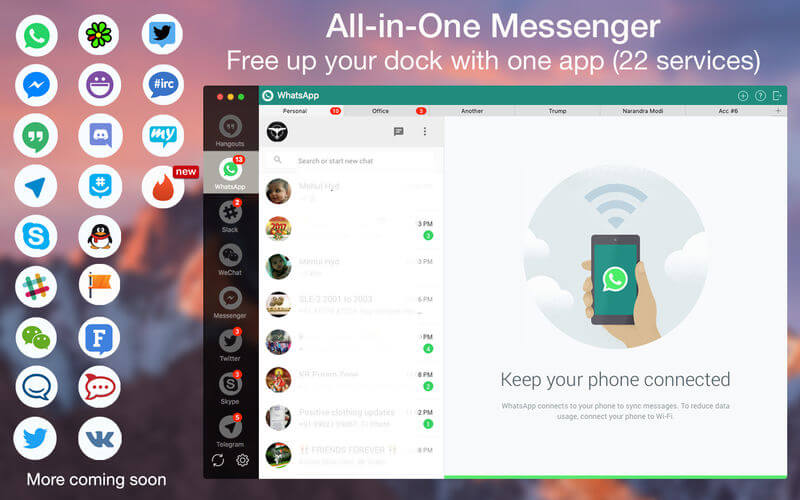
One App for all messaging services. Use it for the following messenger and chat like a boss :- WhatsApp, Facebook Messenger, Hangouts, Telegram, Skype, Slack, WeChat, Twitter, YahooChat, ICQ chat, HipChat,Discord, GroupMe, QQ, Facebook Page messenger VK, Fleep, RocketChat, MySMS, IRC Chat, TweetDeck Tinder.
Note: One Chat is a wrapper app, combining all the messaging services. Experience will be 100% similar to web extension of those services.
Features
- Schedule message to send them at planned time.
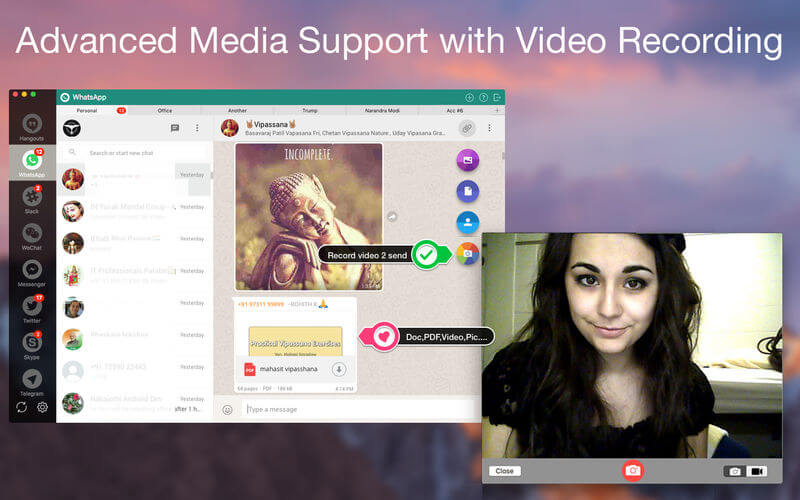
- Send and receive Photos, Videos, doc, PDF..etc
- Use Multiple parallel accounts of any service.
- Touch Bar support in 10.12 to select messaging services.
- Remember passwords for easy login.
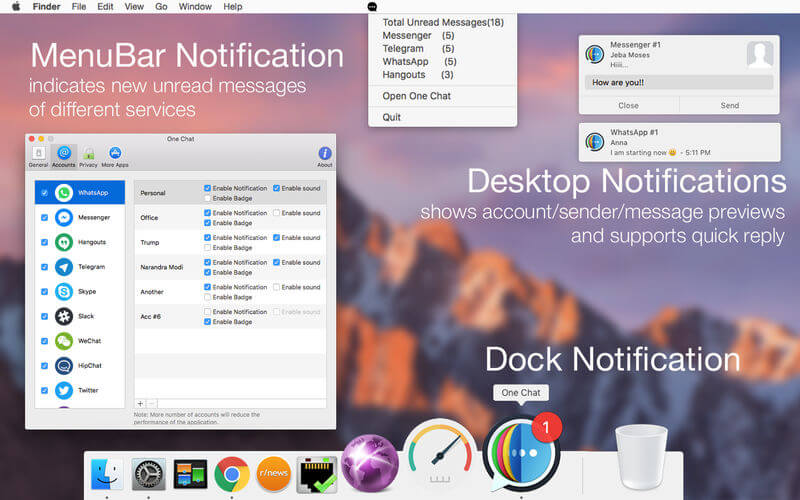
- Get respective Notifications alerts and reply from the same.
- Auto Smart Gifs for messaging friends
- Mark all unread messages at read with just one Click.
- Privacy mode to protect your messaging data.
- Customize messaging service order in the side menu.
- FaceTime calling from WhatsApp & Telegram numbers.
- Customize notification as per your requirement.
- Shows notifications badges for individual services.
- Check if there are any unread messages, right in the menu bar.
- Go Full-screen! Chat with your friends, distraction free in the full-screen mode.
- Lightweight all, with minimum installation size.
- Retina Display enabled icons
- Easy to use user-interface(UI) and user-experience(UX)
Version 4.9.95:
- Release notes were unavailable when this listing was updated.
Frequently asked questions
How do I install the app?
Mount the image, drag the app into the "Applications" folder and launch it. If the system blocks the launch, allow it in "System Settings → Privacy & Security".
The app is damaged or won't launch
Reinstalling from a fresh image usually helps. Make sure your macOS version matches the one listed in the compatibility specs.
How do I update?
Download the new version from the site and install it over the current one — your settings will be preserved.
The download link doesn't work
Try a mirror or a download manager. For large files the browser often drops the connection.
How do I completely remove the app?
Use an uninstaller utility — it cleans up the service files that remain after moving the app to the trash.





Choose a download source
One Chat Pro 4.9.95 · 16.76 MB