
iMazing 3.5.5 (24057)

Screenshots

Click to enlarge
iMazing 3

iMazing 3 (was DiskAid) is the ultimate iOS device manager with capabilities far beyond what iTunes offers. With iMazing and your iOS device (iPhone, iPad, or iPod), you can:

  • Copy music to and from any iOS device (even from one iOS device to another!) regardless of what Mac or PC the device is already synced to; it's music copy how you always wished it could be, without limitations or restrictions
  • Backup & restore individual iOS apps and your custom saved data, perfect for freeing up space on your iOS device without losing your files (or progress in a game) or for copying the app as-is to another iOS device
  • Transfer files to and from an iOS device, and browse the iOS file system
  • Use your iOS device like an external drive
  • Browse and save messages (SMS, MMS, iMessage), voicemails, and call logs, none of which iTunes can do
  • Browse, save, and add contacts to your iPhone, without automatically adding them to your iCloud account
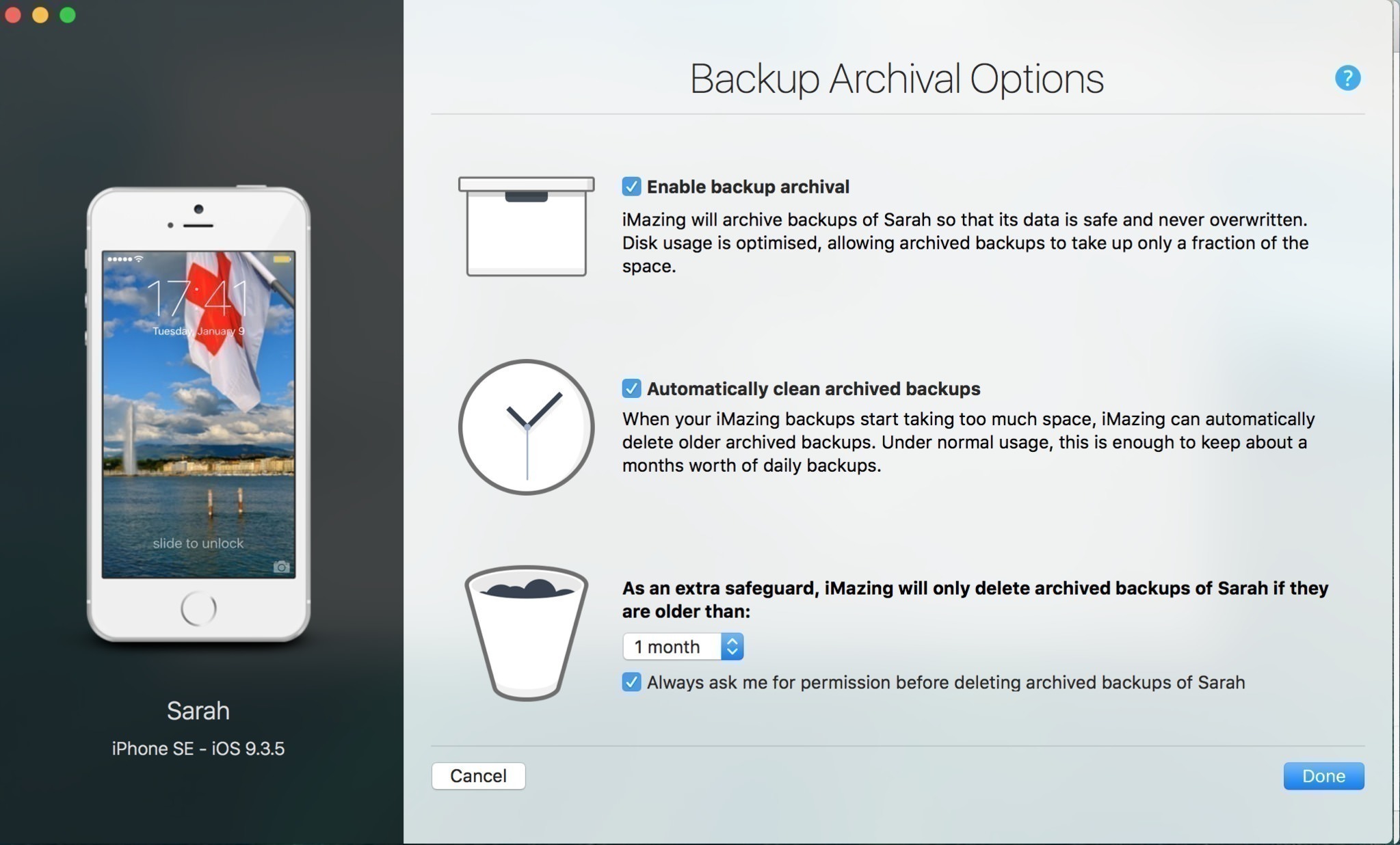
  • Manage multiple backups of the same iOS device and restore from any one (similar to Time Machine for iOS)
  • And other amazing things you never thought possible!

 Version 3.5.5:

Manage Apps: fixed a new authentication issue caused by another change on Apple's side

Early support for iOS 27 beta:

  • Known issue: photos might take a long time to load

Comments15

Sang Ha
Guests
Please check the link again. When clicking to link, it opened a new page after that reloading home page.
Miki
Visitor
Quote: Sang Ha
Please check the link again. When clicking to link, it opened a new page after that reloading home page.

Сorrected
omrsimsek
Guests
Unfortunately, imazing macOs not working with mojave, please check.
ray
ray
Guests
i am using 2018 mbp 13inch. current using MacOS mojave, tried 2.7.1 ,2.7.2 both of them can not working. seems the compatibility is a problem. but the imazing official web site said it is support mojave. so could be the cracking issue.
Miki
Visitor
When turned off, "SIP" works!
omrsimsek
Guests
How to close "SIP"
omrsimsek
Guests
thank you

You're great, now playing, thank you very much
Renato Carvalho
Renato Carvalho
Guests
Thanks Miki!
Joss
Guests
Don't turn off System Integrity Protection completely! First try the command

csrutil enable --without debug

and test if iMazing works. That way you can keep most of SIP enabled, and only deactivate the part that's blocking TASK_FOR_PID (debug, injections etc.).
omrsimsek
Visitor
hi I am using MacOS mojave 10.14.5 and I have imazing version 2.9.13, when I run the application I get the error, imazing was interrupted unexpectedly. please help me. thanks
dmx
dmx
Chief editors
Quote: omrsimsek
hi I am using MacOS mojave 10.14.5 and I have imazing version 2.9.13, when I run the application I get the error, imazing was interrupted unexpectedly. please help me. thanks


Enter the command:
codesign --force --deep --sign - /Applications/iMazing.app
omrsimsek
Visitor
Thank you very much for your interest. you are working right now. thanks.
SteveBond
Visitor
Version 2.11.6:
Improvements:

iOS 13.5 is now fully supported
Configurator: Added a Max simultaneous downloads setting in the Preferences window, Library tab
Configurator: Added Manage Profiles and Manage Organizations buttons in the Preferences window, Library tab.
Messages: Improved support for message attachments in legacy iOS version (iOS 4)
Quick Transfer: improved compatibility with legacy OS versions
Fixes:
Calendars: fixed rare case where loading would never complete
Configurator: OTA profiles which by definition are not installable from a computer will now trigger a specific error when imported in iMazing’s Profile Library.
Configurator: removed Uninstall System Apps blueprint action which caused some confusion since it can only uninstall fully downloaded apps.
Erase Operation: Fixed erroneous error message when erasing a supervised device
Other small fixes and tiny improvements...

Leave a comment

Sign in or create a free account to join the discussion.

Create account