

FoneLab for iOS 10.2.68
FoneLab iPhone Data Recovery — restore iOS files from any backup
Screenshots
Click to enlarge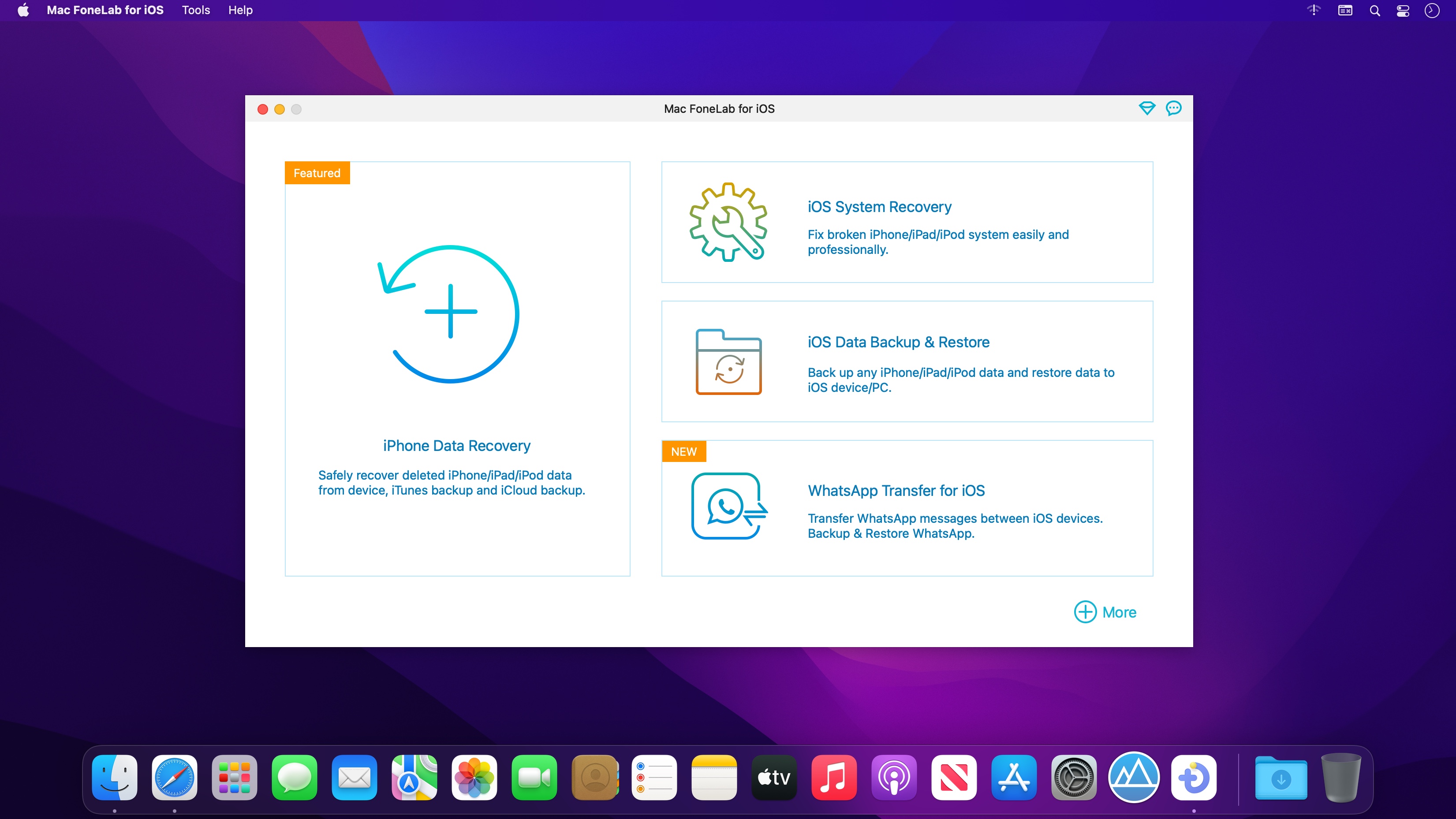


FoneLab iPhone Data Recovery helps you retrieve lost or deleted iOS data in just a few clicks. With three recovery modes, you can scan your device or backup files and restore only the items you need.
- Recover deleted or lost data directly from iOS devices, iTunes backups, and iCloud backups
- Restore photos, videos, WhatsApp data, audio, reminders, contacts, notes, Instagram photos, and more to your computer
- Preview both deleted and existing files before recovering them
- Recover data lost from accidental deletion, system issues, forgotten passcodes, and other common problems
- Support all iOS devices and versions, including iPhone 16 and iOS 17 and earlier
Version 10.2.68:
- Release notes were unavailable when this listing was updated.
Comments
No comments yet. Be the first.
Information
Visitors in the group Guests cannot leave comments on this publication.