
SpamSieve 3.3.1
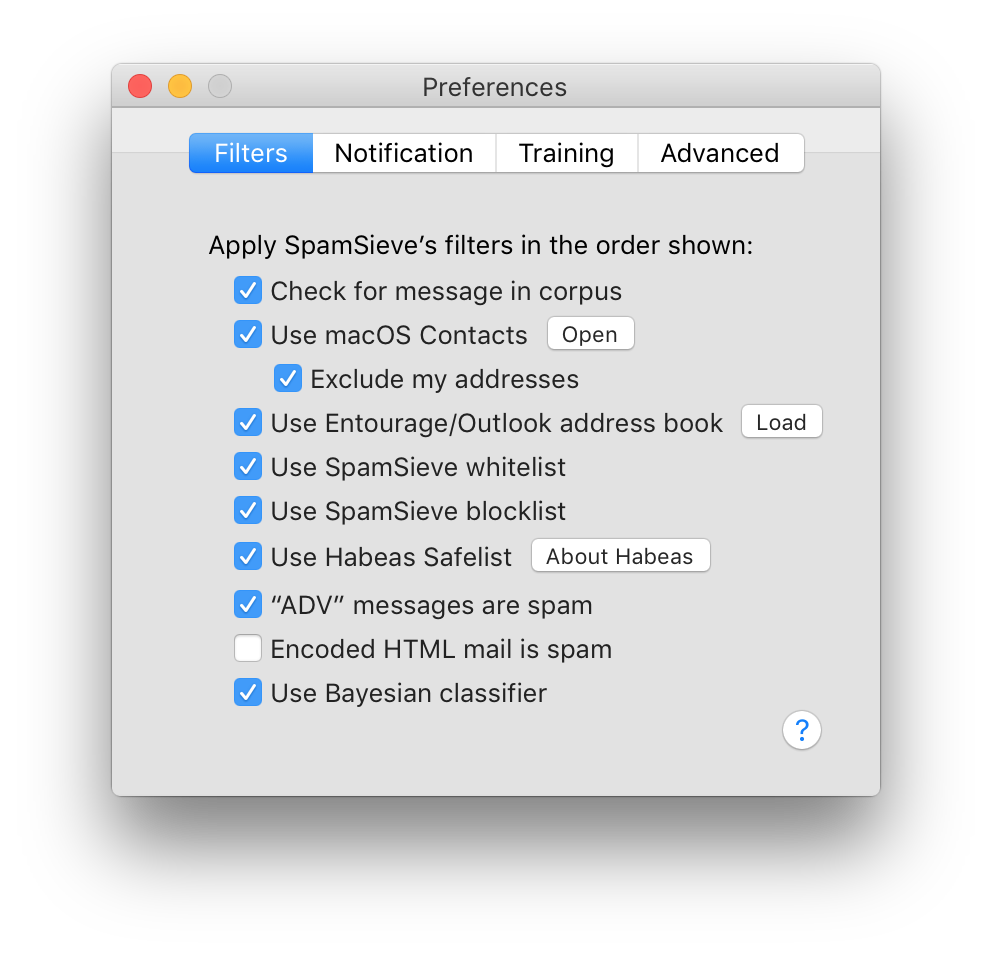
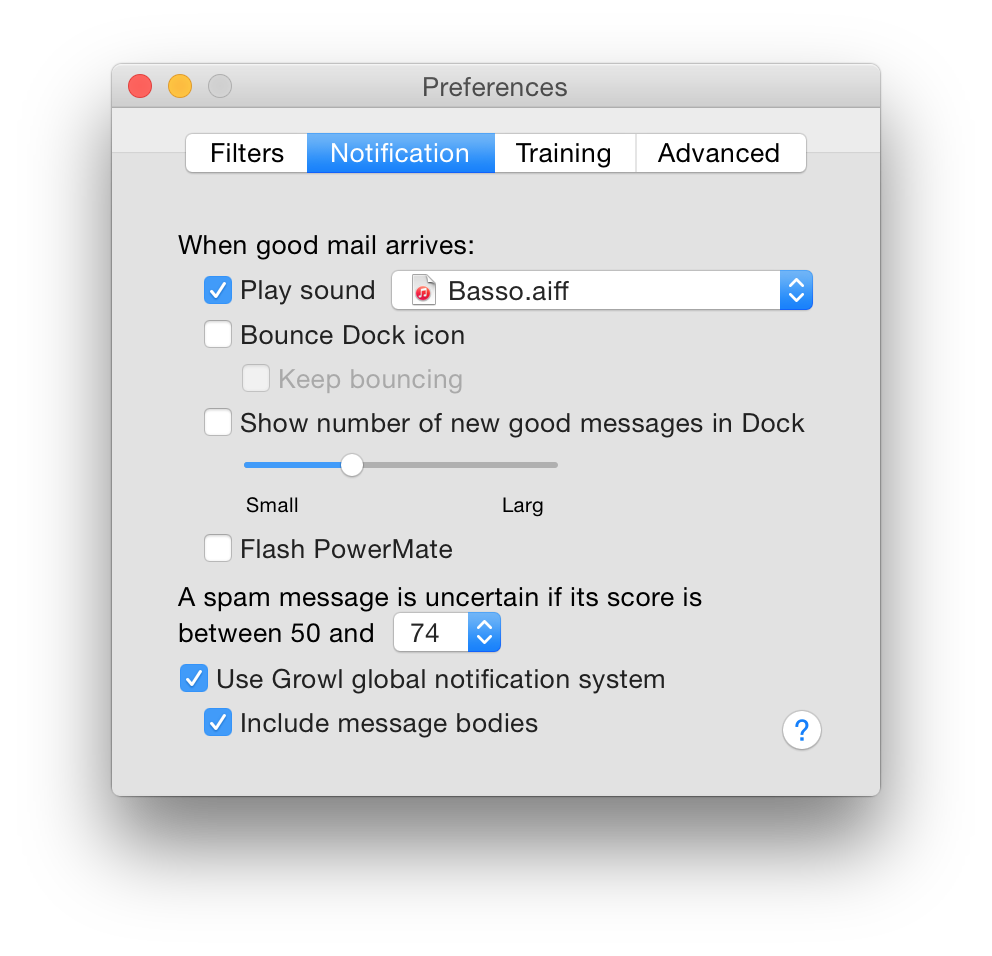
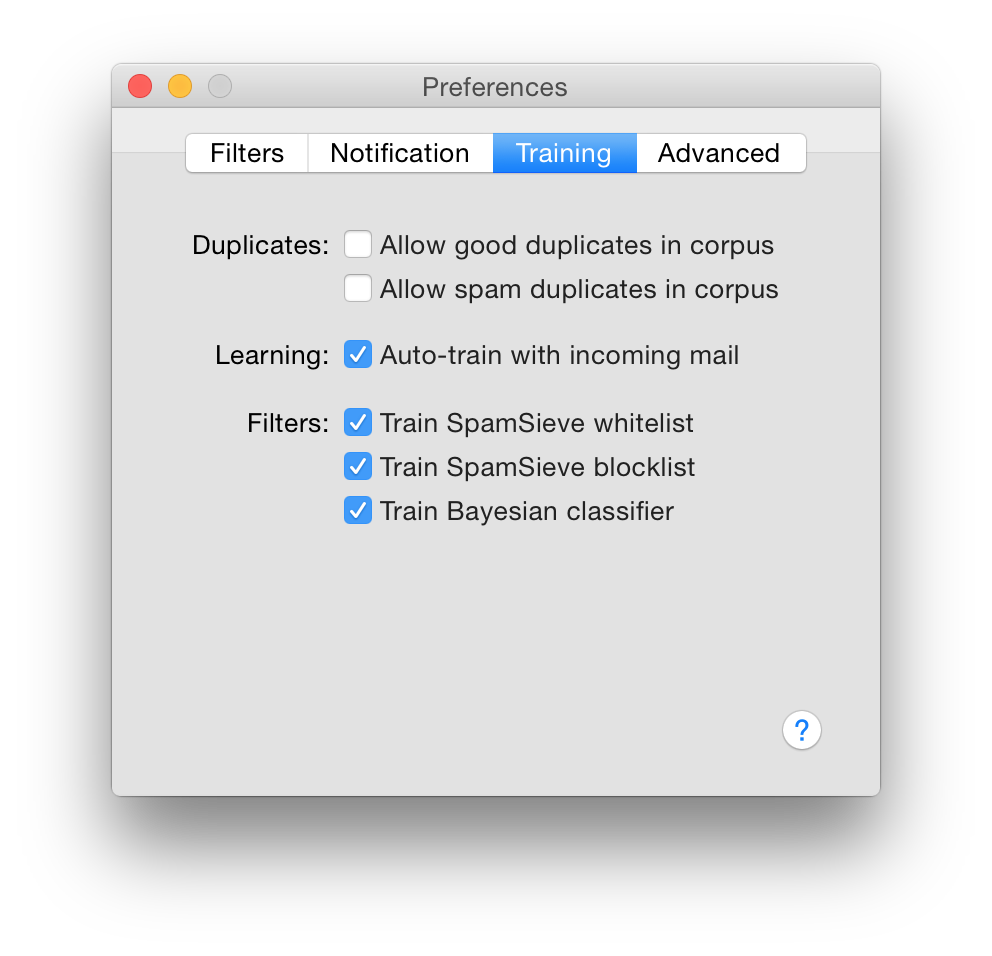
SpamSieve is a robust spam filter for major email clients that uses powerful Bayesian spam filtering.
SpamSieve understands what your spam looks like in order to block it all, but also learns what your legitimate messages look like to avoid confusion. SpamSieve only marks spam in your email client so you never lose any mail.
Works with:
- Apple Mail
- Airmail
- Emailer
- Entourage
- Outlook 2011
- Outlook Express
- Eudora 5.2 or 6.x (Sponsored or Paid)
- MailForge
- MailMate
- Mailsmith
- GyazMail
- Postbox
- PowerMail
Version 3.3.1:
Frequently asked questions
How do I install the app?
Mount the image, drag the app into the "Applications" folder and launch it. If the system blocks the launch, allow it in "System Settings → Privacy & Security".
The app is damaged or won't launch
Reinstalling from a fresh image usually helps. Make sure your macOS version matches the one listed in the compatibility specs.
How do I update?
Download the new version from the site and install it over the current one — your settings will be preserved.
The download link doesn't work
Try a mirror or a download manager. For large files the browser often drops the connection.
How do I completely remove the app?
Use an uninstaller utility — it cleans up the service files that remain after moving the app to the trash.





Choose a download source
SpamSieve 3.3.1 · 60.12 MB
Previous versions
SpamSieve 3.3.1
Previous versions are available to registered users.