WatsGo 9.0.1
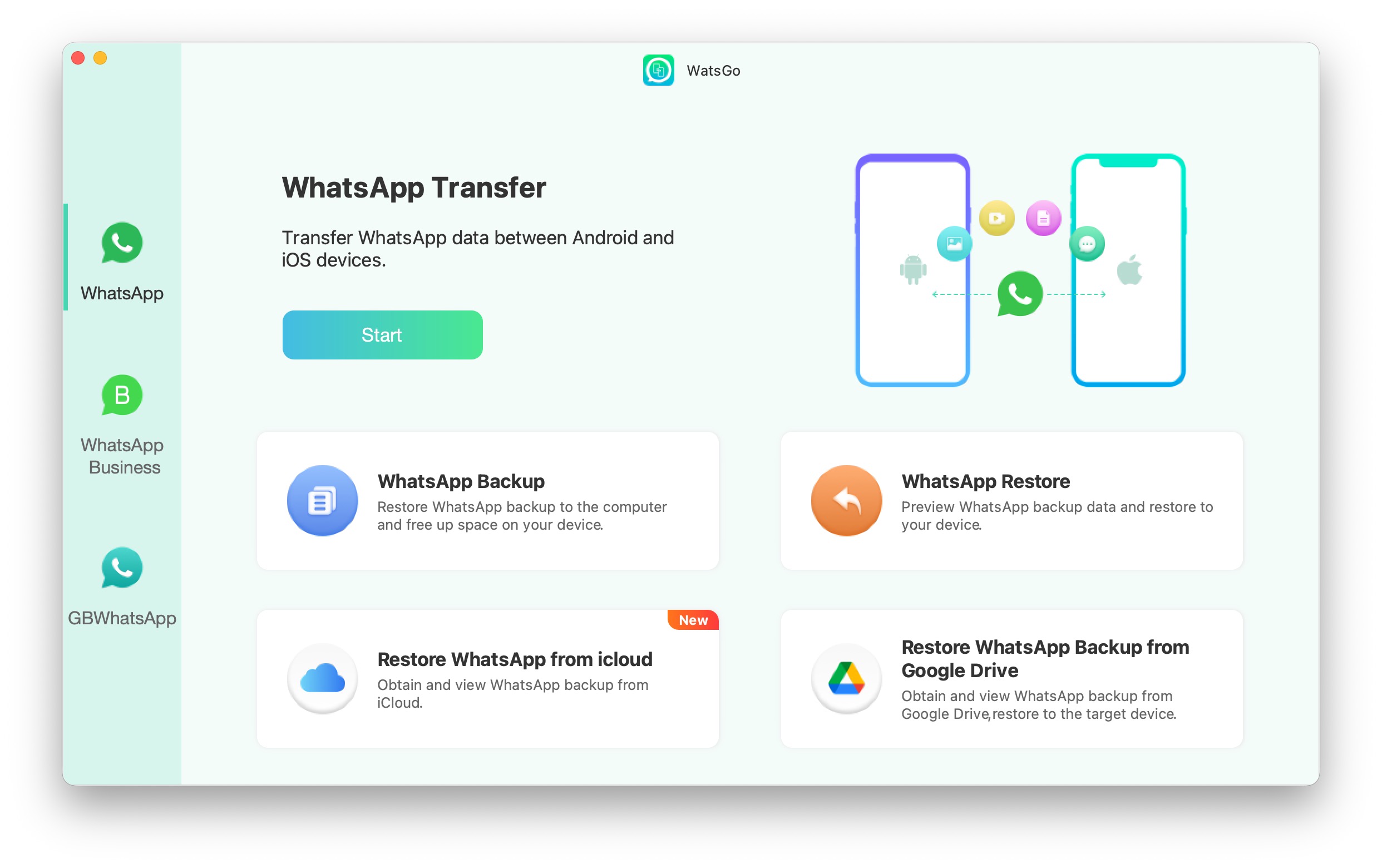
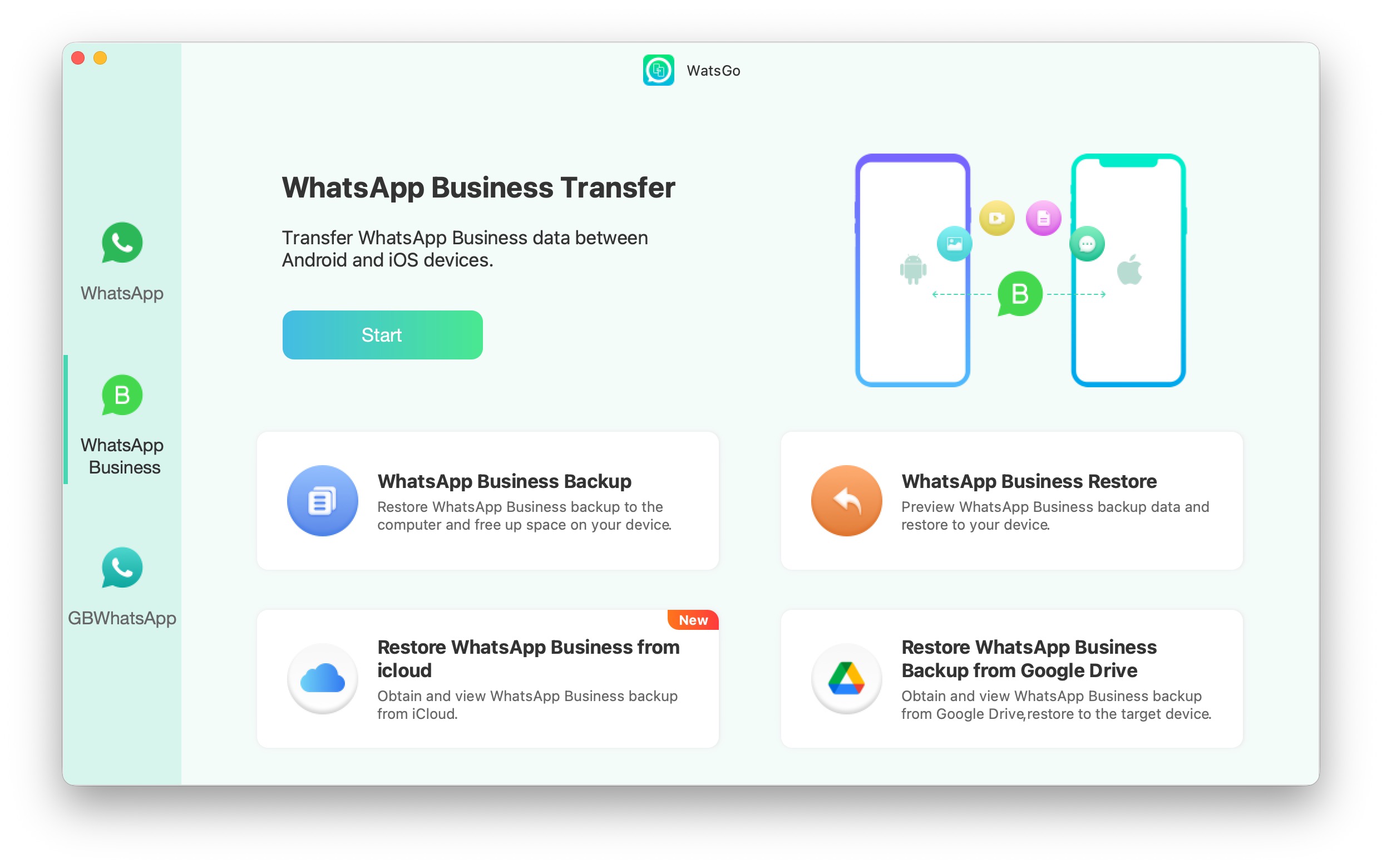
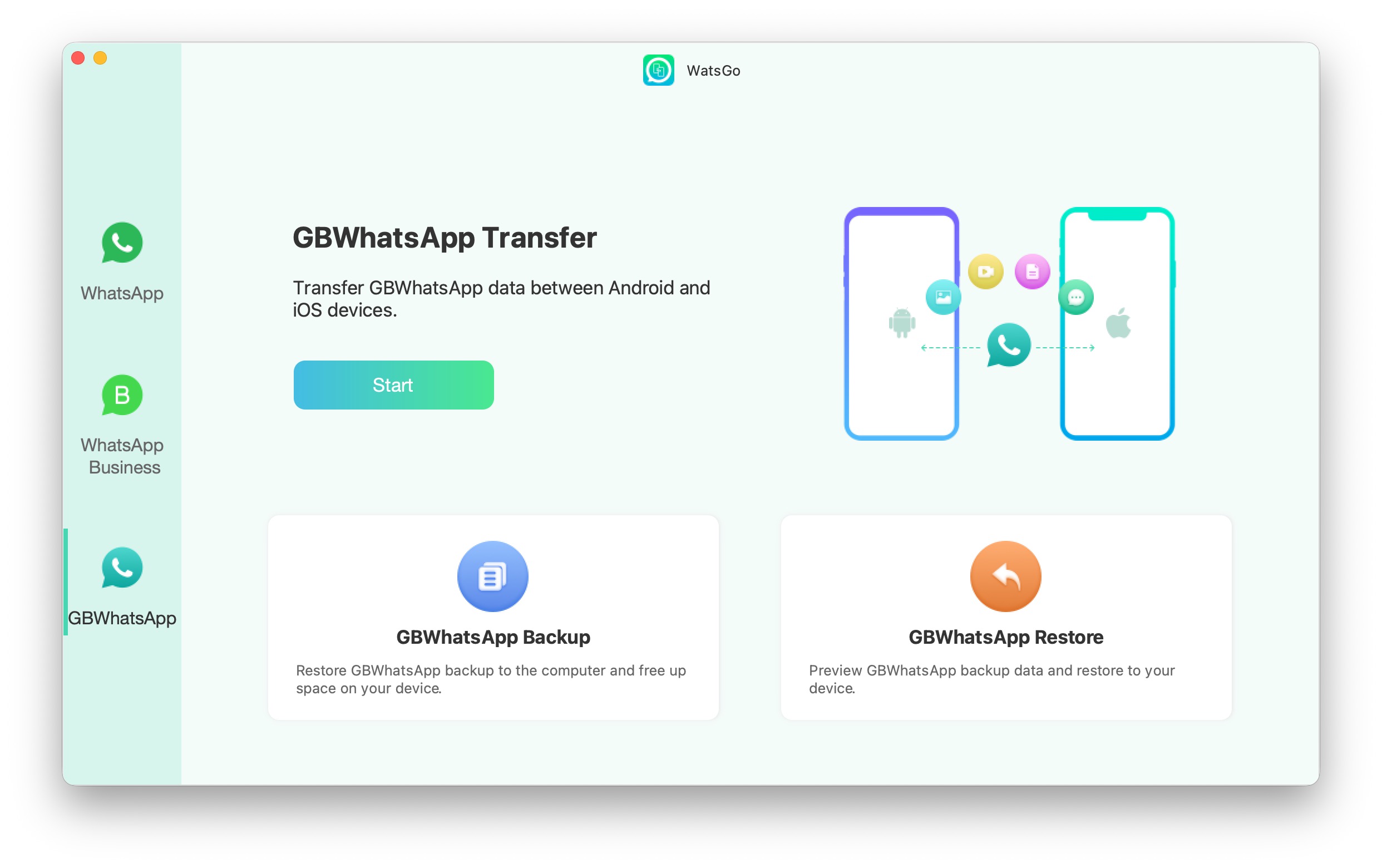
WatsGo Transfer: One-Click Transfer Between Android & iPhone
Easily move your WhatsApp and WhatsApp Business data between Android and iOS with a fast one-click transfer. Move messages, photos, videos, contacts, and more—without the hassle of complicated setup.
Key Features
- One-click transfer** of WhatsApp / WhatsApp Business between Android and iPhone
- Supports WhatsApp Business** and **GBWhatsApp → WhatsApp** or **GBWhatsApp → GBWhatsApp** transfer
- Transfers multiple data types**, including WhatsApp messages, images, videos, and contacts
- Backup WhatsApp to computer** on both Android and iOS—no **Google Drive**, **iTunes**, or **iCloud** required
- Download & restore backups** from Google Drive to iPhone or Android
- Preview and restore anytime** from WhatsApp backup or iTunes backup
Keep your WhatsApp history and switch devices with confidence—quickly, safely, and fully free up space on your phone.
Frequently asked questions
How do I install the app?
Mount the image, drag the app into the "Applications" folder and launch it. If the system blocks the launch, allow it in "System Settings → Privacy & Security".
The app is damaged or won't launch
Reinstalling from a fresh image usually helps. Make sure your macOS version matches the one listed in the compatibility specs.
How do I update?
Download the new version from the site and install it over the current one — your settings will be preserved.
The download link doesn't work
Try a mirror or a download manager. For large files the browser often drops the connection.
How do I completely remove the app?
Use an uninstaller utility — it cleans up the service files that remain after moving the app to the trash.
Related posts



Choose a download source
WatsGo 9.0.1 · 225.45 MB