Symantec Encryption Desktop 10.4.1
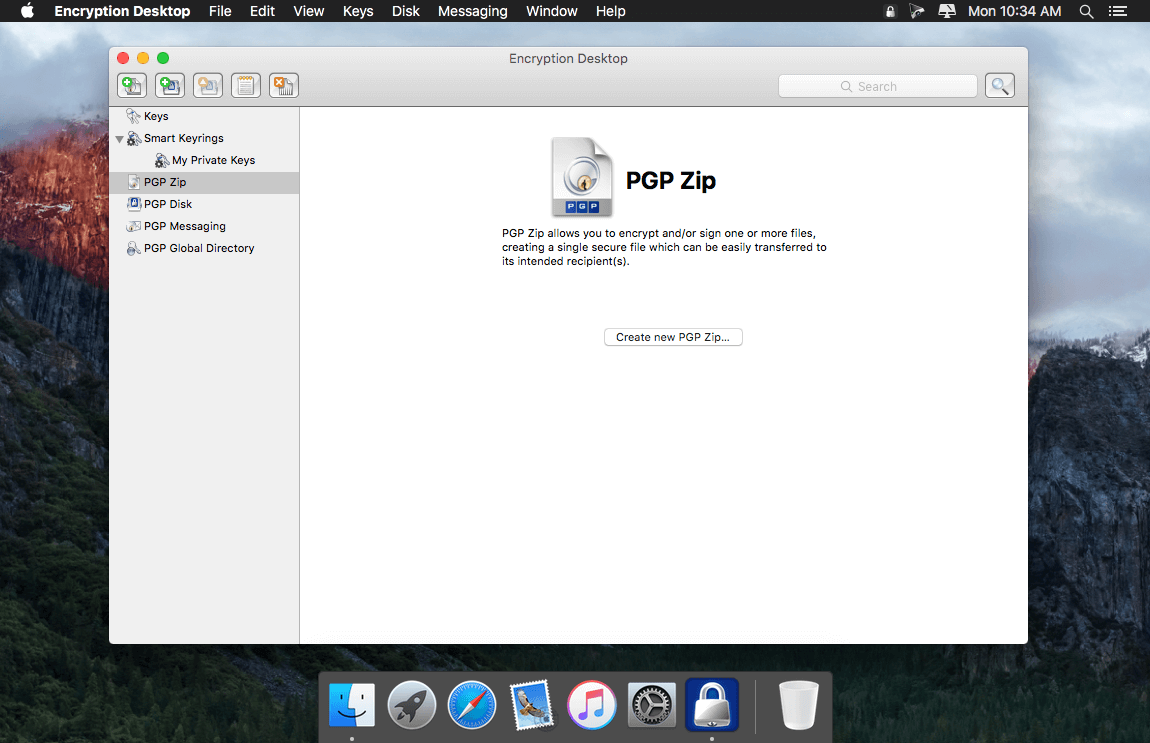
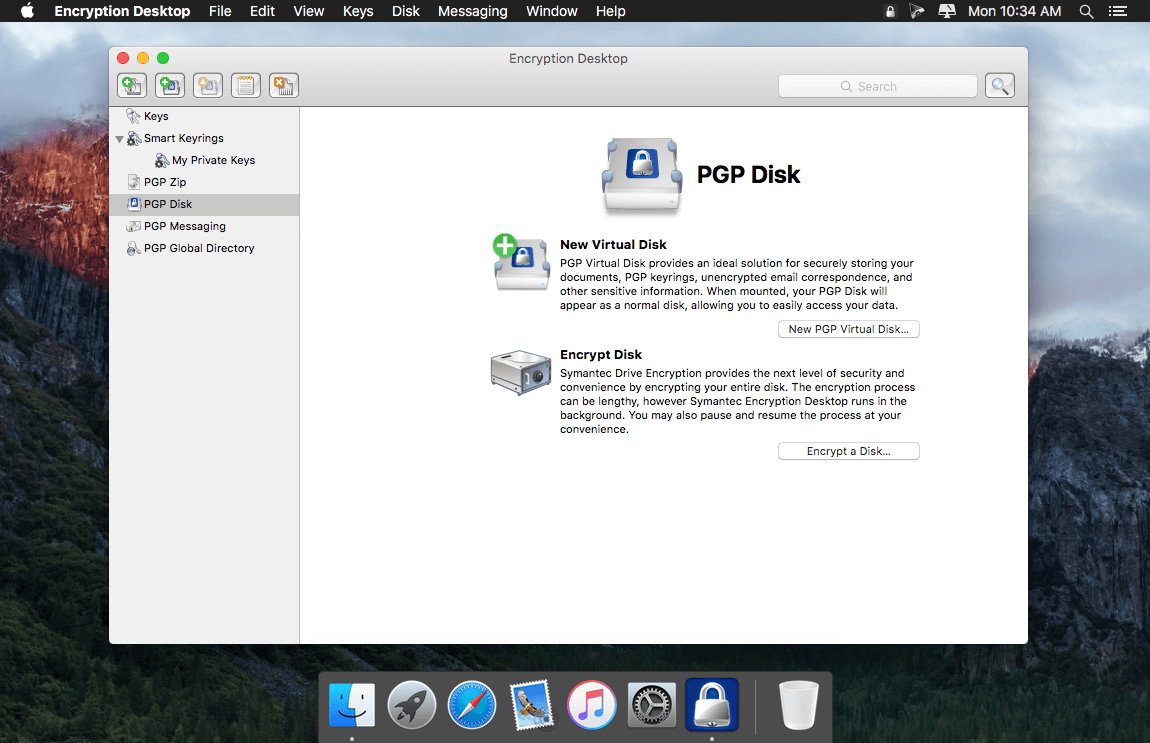

Symantec Encryption Desktop provides individuals a simple, easy-to-use desktop encryption solution to automatically protect confidential communications and digitally stored information with an integrated solution based on strong, broadly accepted security technology.
PGP Desktop incorporates PGP Universal technology to provide automatic encryption, decryption, digital signatures, verification, and recipient key lookup, making it appropriate for both novice and power users. PGP Desktop secures private email, selected files, and AOL Instant Messenger (AIM) and iChat traffic. Includes Unicode support, S/MIME interoperability, PGP Global Directory integration, significantly improved compression, and cross-platform compatibility with Windows.
Frequently asked questions
How do I install the app?
Mount the image, drag the app into the "Applications" folder and launch it. If the system blocks the launch, allow it in "System Settings → Privacy & Security".
The app is damaged or won't launch
Reinstalling from a fresh image usually helps. Make sure your macOS version matches the one listed in the compatibility specs.
How do I update?
Download the new version from the site and install it over the current one — your settings will be preserved.
The download link doesn't work
Try a mirror or a download manager. For large files the browser often drops the connection.
How do I completely remove the app?
Use an uninstaller utility — it cleans up the service files that remain after moving the app to the trash.
VersionSymantec Encryption Desktop 10.4.1 MP2 HF2
DeveloperSymantec
CompatibilityOS X 10.8.5 or later, 64-bit processor
LanguageEnglish
IncludesK



Information
Visitors in the group Guests cannot leave comments on this publication.
Choose a download source
Symantec Encryption Desktop 10.4.1 · 33.4 MB