Screenflick 3.3.3
Screenflick — professional screen recording software for 60fps captures
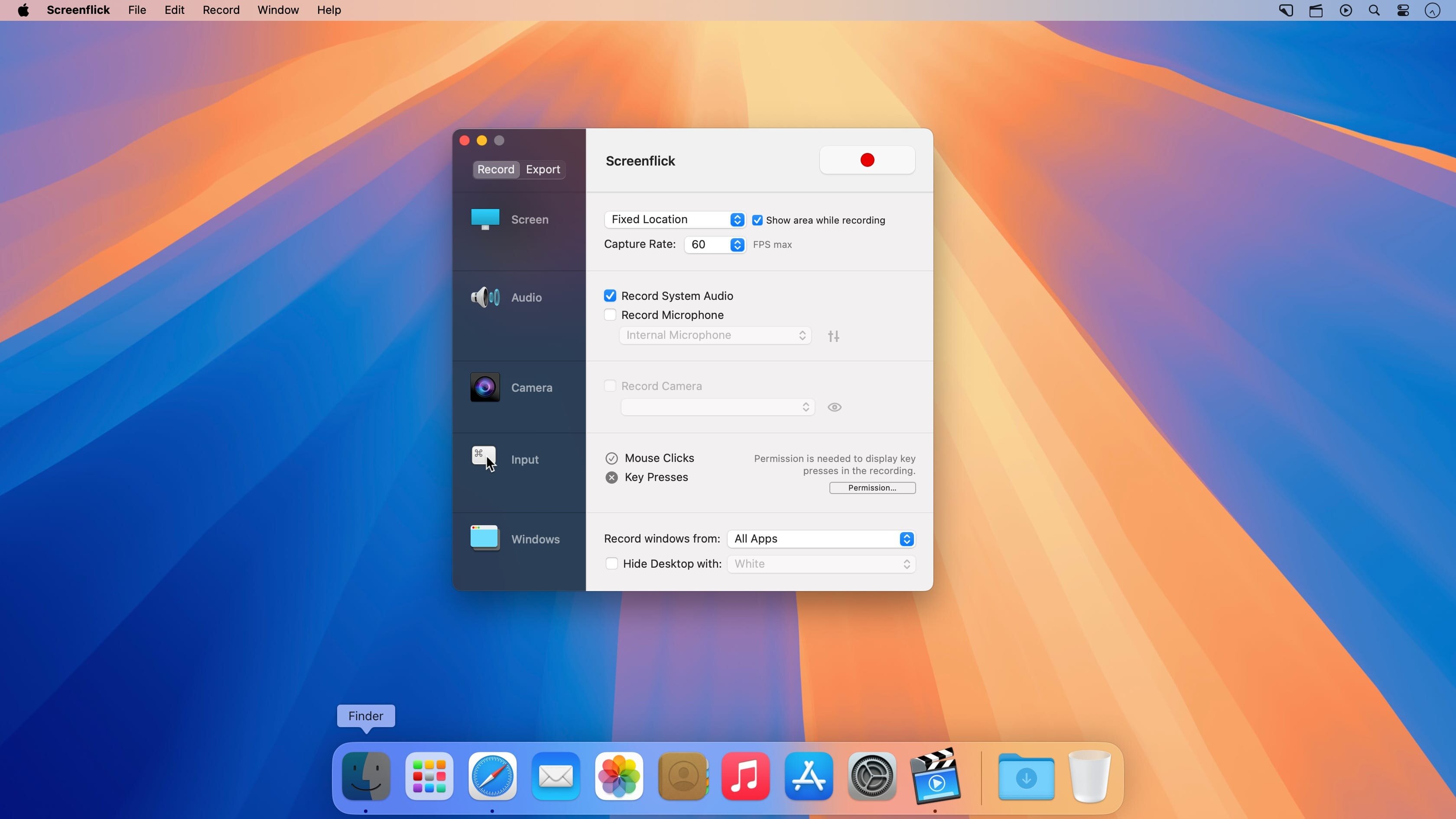
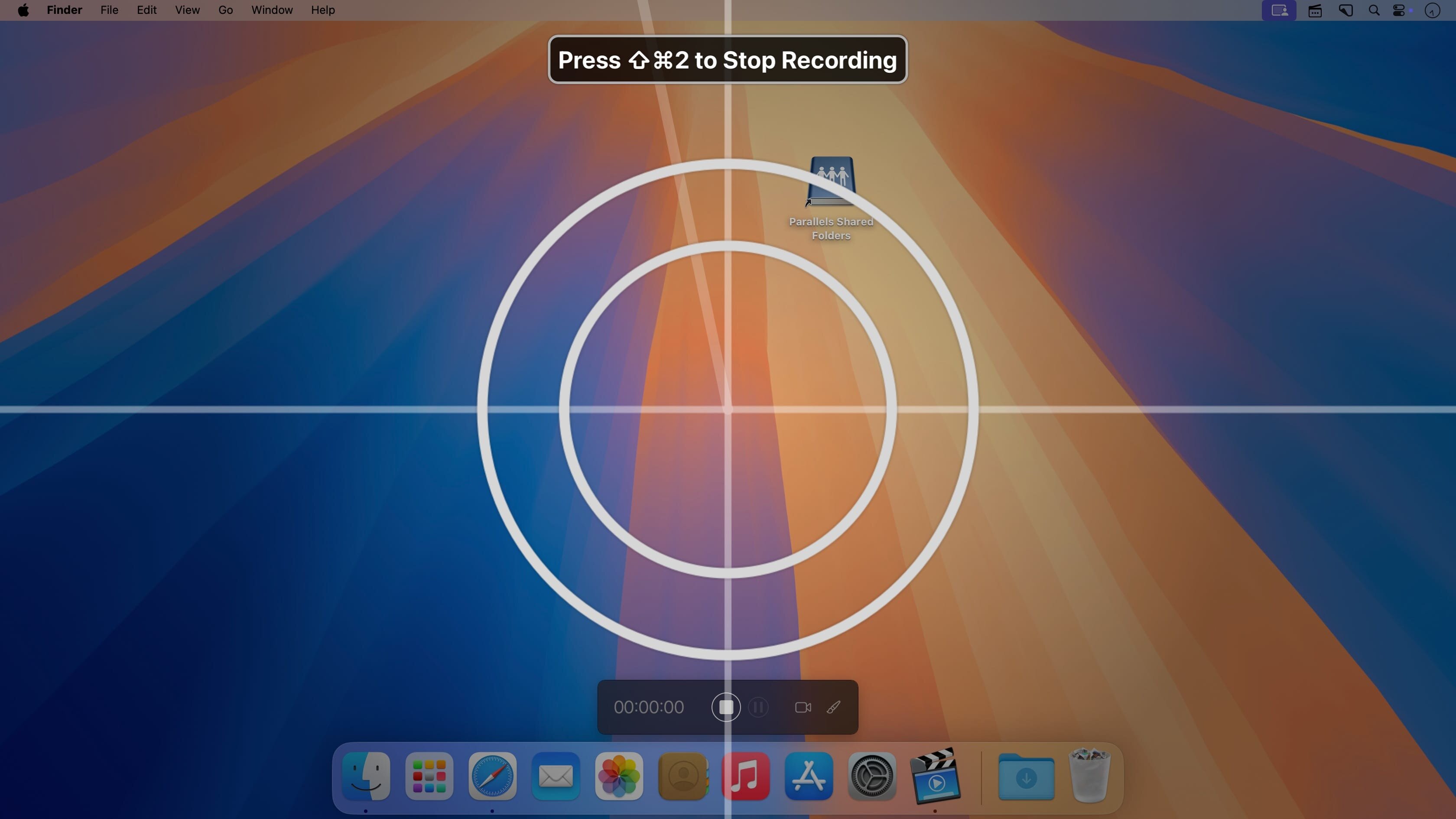
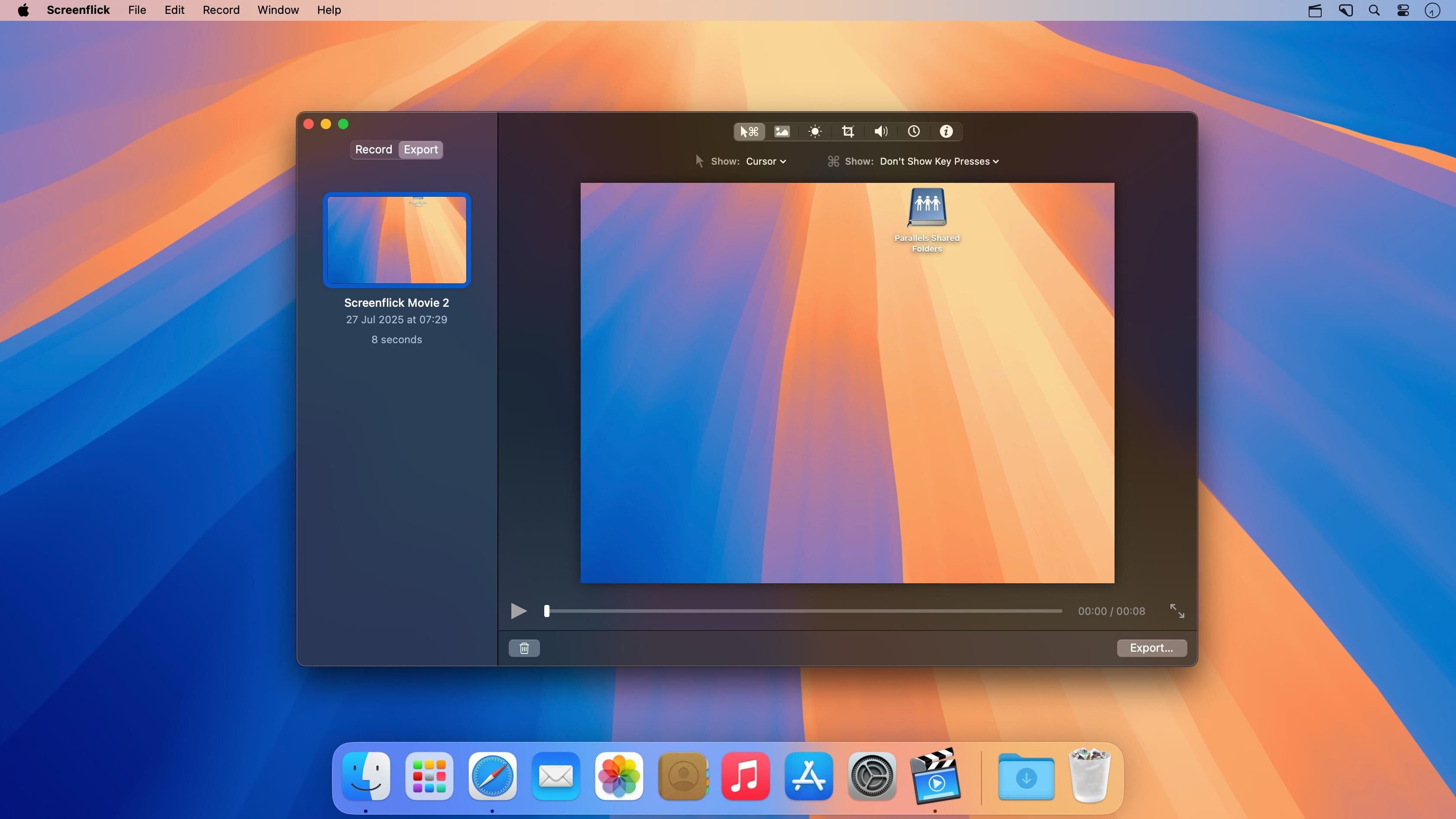
Screenflick features high-performance screen capturing for smooth, fluid motion up to 60 fps. Screenflick can record any portion of the screen, simultaneously recording audio from internal or external microphones and the system audio.
An excellent utility for software screencasters and software trainers, Screenflick offers the ability to display keyboard commands, and highlights mouse clicks to better communicate which actions are being performed during screen recording.
Unlike other solutions, Screenflick allows you to record a movie once and compress it as many times as you want at different resolutions, qualities, and with or without audio, offering you the maximum amount of flexibility when choosing which presentation options to offer to movie viewers.
Version 3.3.3:
- Added a new "Normalize" option to Microphone audio export, which will automatically adjust the volume depending on the measured loudness of the microphone track.
- The "Characters" and "Other" options for keystroke visualization are respected when using the new "Keys" style for keyboard event visualization.
- The WebM export view now lets you move the Quality slider again.
- Auto-checking for updates will no longer display an error if it fails, unless it's been more than 7 days since the last error was displayed.
- Fixed a rare issue which could cause a deadlock at launch when not in the Applications folder.
- Requires macOS 12.
Frequently asked questions
How do I install the app?
Mount the image, drag the app into the "Applications" folder and launch it. If the system blocks the launch, allow it in "System Settings → Privacy & Security".
The app is damaged or won't launch
Reinstalling from a fresh image usually helps. Make sure your macOS version matches the one listed in the compatibility specs.
How do I update?
Download the new version from the site and install it over the current one — your settings will be preserved.
The download link doesn't work
Try a mirror or a download manager. For large files the browser often drops the connection.
How do I completely remove the app?
Use an uninstaller utility — it cleans up the service files that remain after moving the app to the trash.



Choose a download source
Screenflick 3.3.3 · 26.98 MB
Previous versions
Screenflick 3.3.3
Previous versions are available to registered users.