
zFuse Pro - Player For Everything 1.7.60
zFuse Pro — lightweight video player and media player for Mac
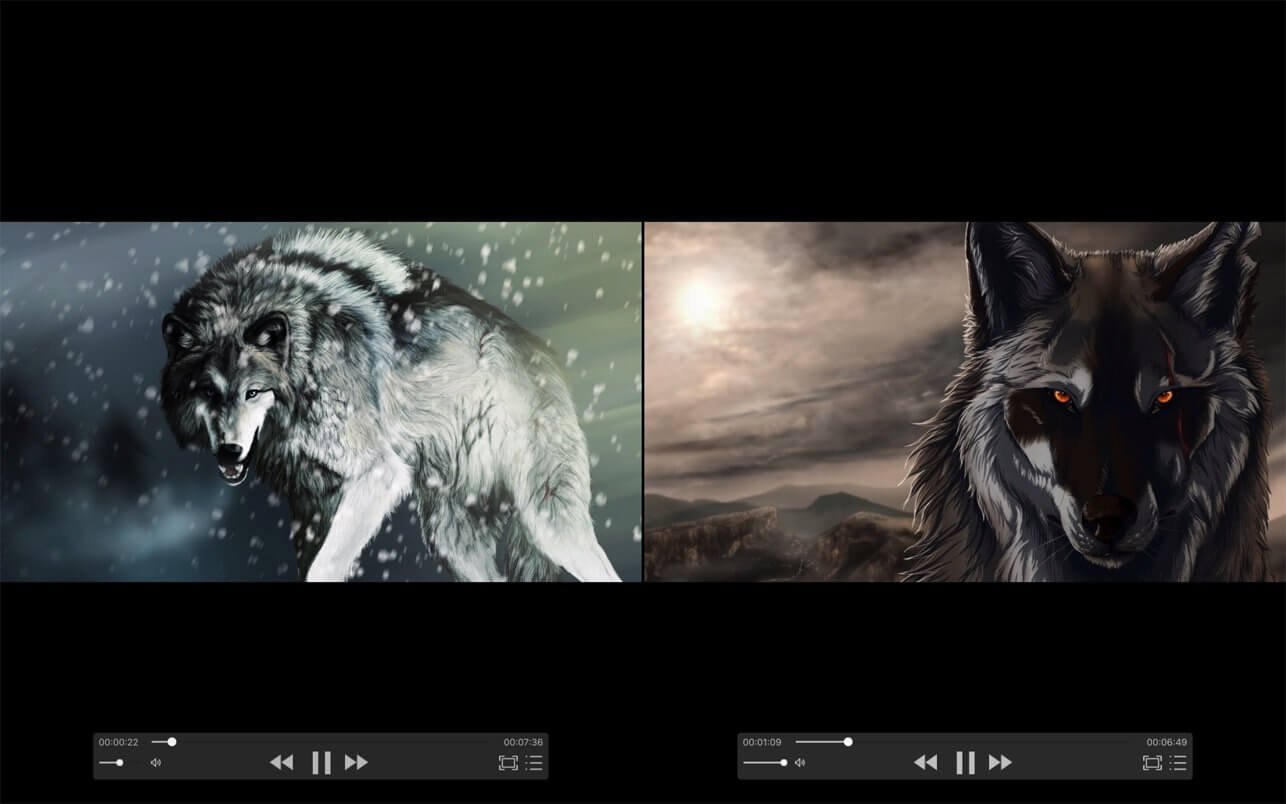
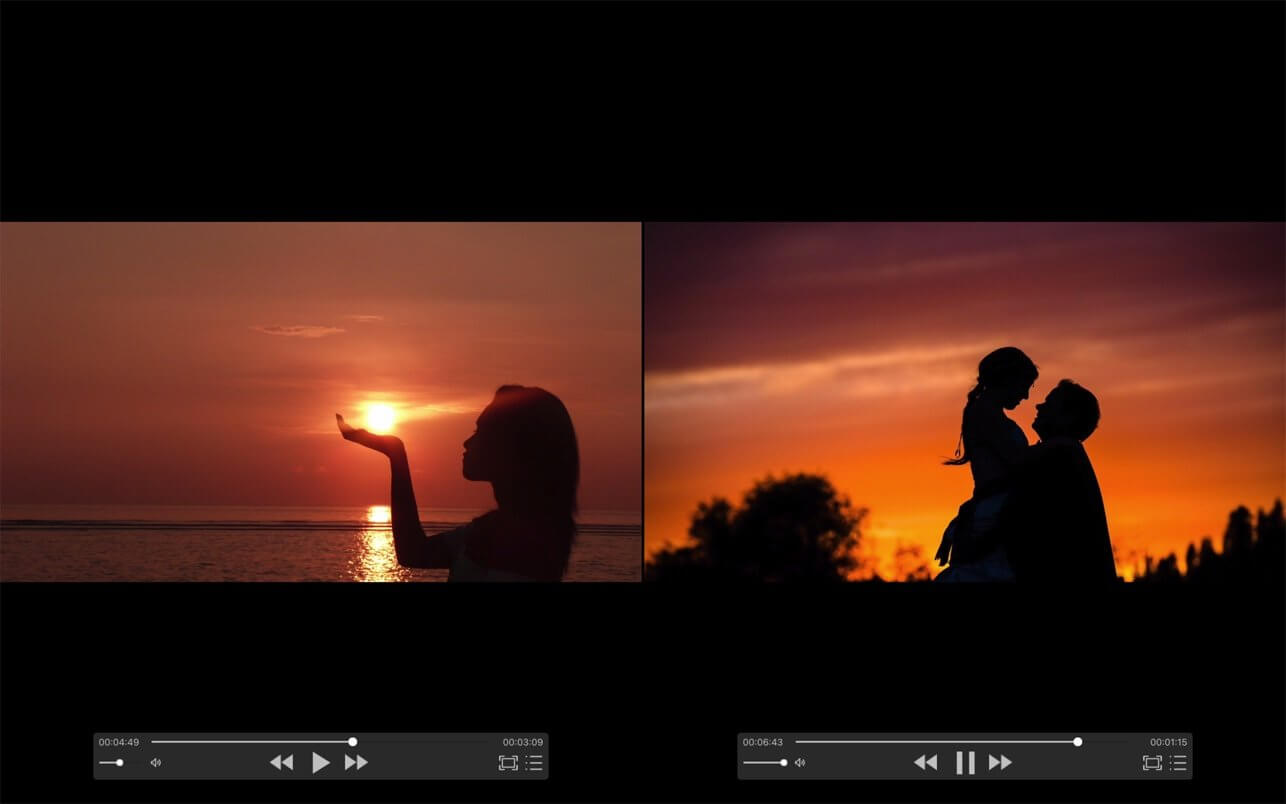
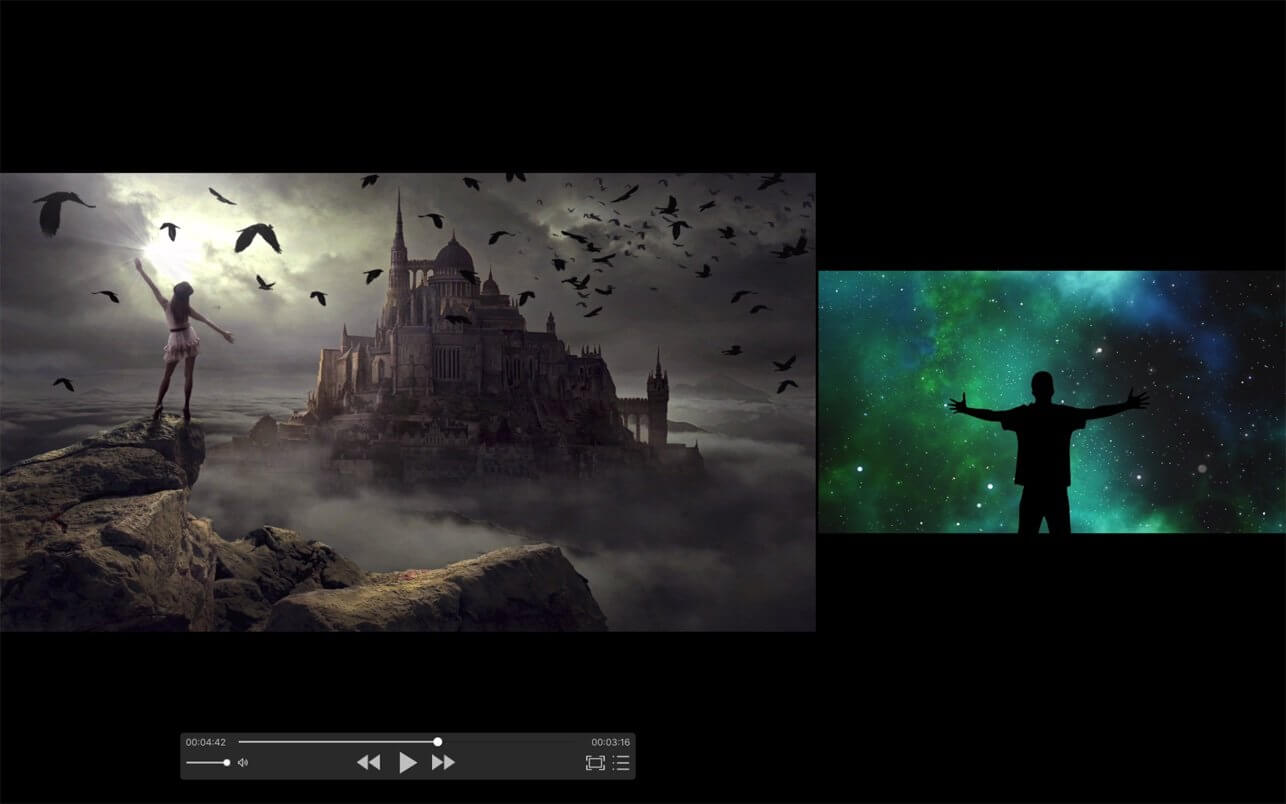
zFuse Pro is a video player for Mac and media player for iOS with HDR, subtitles, audio controls, and broad format support.
The following is a characteristic:
- Simultaneously open multiple instances.
- Video rotation, you can watch movies lying down.
- Hardware acceleration.
- Supports HDR Tone Mapping on non-HDR display.
- Media preview in seeking.
- Built-in audio enhancement.
- Multi Soundtrack selection.
- Embedded/External subtitle-track selection.
- Subtitle synchronization.
- Support for external subtitle font selection .
- 0.5x-3.0x playback speed control.
- 0.5x-5.0x zoom screen.
- Can directly load Blu-ray ISO to play.
- Support audio output format switching.
- Support audio output sample rate switching.
- Support audio output channels switching.
Function/Shortcut key
- Double click: full screen/quit full screen.
- Space: pause/play.
- Shortcuts: See the items under the "Control" menu.
- Supported video formats : MP4, MOV, MKV, AVI, WMV, FLV, RMVB, ASF,OGV and so on.
- Supported audio formats : MP3, WAV, WMA, FLAC, APE and so on.
- Support subtitle format : SRT, SSA, ASS.
- Supported image formats : JPG, PNG, BMP,TIFF etc.
- Supported playlist formats : M3U/M3U8/PLS/TXT/DPL.
Version 1.7.60:
- Added the Balanced HDR tone-mapping algorithm, available from the HDR menu during playback. We tested it extensively on Mac with a wide variety of videos: shadows are clearer, highlights look more natural, and the overall image is better balanced. If you are unsure which algorithm to choose, try Balanced first; we believe most viewers will prefer it.
- Improved color and brightness processing for Dolby Vision, HDR10, and HLG videos, along with better compatibility for some Dolby Vision Profile 7 videos.
- Optimized HDR tone mapping to improve shadow and highlight rendering in some videos on SDR displays.
- Improved color-conversion accuracy for SDR and wide-gamut videos, as well as videos using different YUV color spaces.
- Corrected chroma sample positioning in some videos to reduce misalignment along high-contrast colored edges.
- Improved tonal gradation and hue reproduction in highly saturated colors and HDR highlights.
- Improved playback stability with unusual video formats and invalid metadata.
Frequently asked questions
How do I install the app?
Mount the image, drag the app into the "Applications" folder and launch it. If the system blocks the launch, allow it in "System Settings → Privacy & Security".
The app is damaged or won't launch
Reinstalling from a fresh image usually helps. Make sure your macOS version matches the one listed in the compatibility specs.
How do I update?
Download the new version from the site and install it over the current one — your settings will be preserved.
The download link doesn't work
Try a mirror or a download manager. For large files the browser often drops the connection.
How do I completely remove the app?
Use an uninstaller utility — it cleans up the service files that remain after moving the app to the trash.




Choose a download source
zFuse Pro - Player For Everything 1.7.60 · 58.14 MB
Previous versions
zFuse Pro - Player For Everything 1.7.60
Previous versions are available to registered users.