
Screen Record - Video Recorder 3.3.4
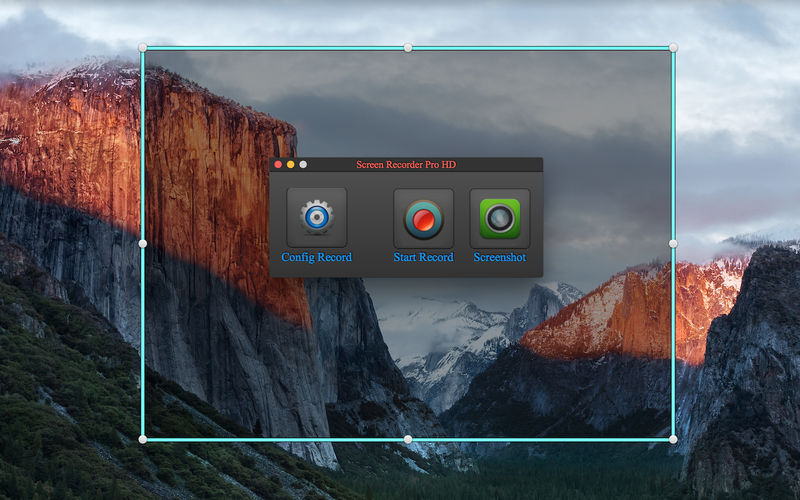
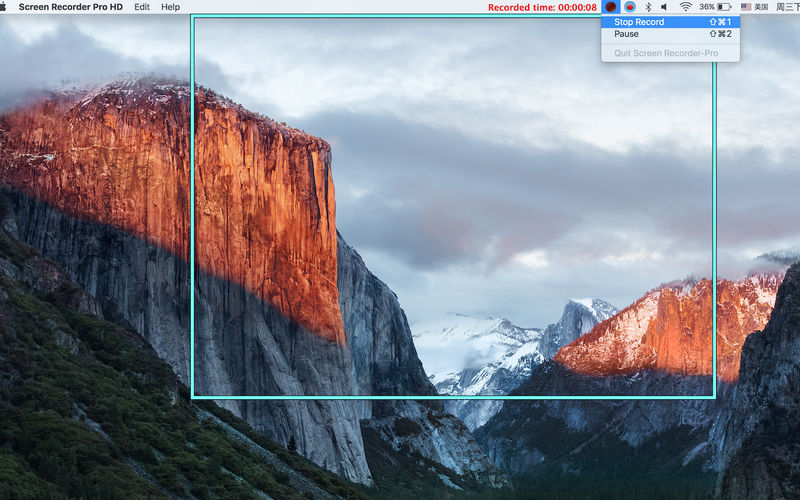
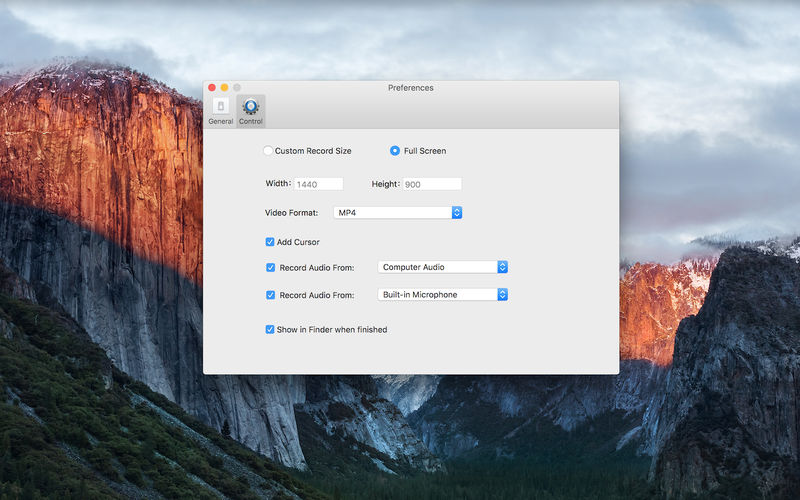
Record screen and you can pick the screen that you want to record, which is cool. Record microphone audio and computer audio. Record computer audio , you can record video from video website.
What you see is what you get.
Feature
- Screen Record Pro HD gives you the freedom to capture your videos at any size or full screen. You can click & drag to resize the capture area .
- Can record audio from mic or other audio device.
- Can record computer audio, you can record online video .
- Support video formats (MP4, MOV) .
- A good tools for making your video tutorial.
- Record screen not time limit .
- Pause and resume record .
- Screenshot.
Screen Record Pro HD is very useful to Demo your Software ,it support record sound.
Screen Record Pro HD can captured games screen ,PPT ,your image's slideshow etc…
After recording have done, you can share with your parents, business partners or your friends and so on.
If you can’t record computer audio then please read the help document .
Version 3.3.4
- Resolved some bugs.
Frequently asked questions
How do I install the app?
Mount the image, drag the app into the "Applications" folder and launch it. If the system blocks the launch, allow it in "System Settings → Privacy & Security".
The app is damaged or won't launch
Reinstalling from a fresh image usually helps. Make sure your macOS version matches the one listed in the compatibility specs.
How do I update?
Download the new version from the site and install it over the current one — your settings will be preserved.
The download link doesn't work
Try a mirror or a download manager. For large files the browser often drops the connection.
How do I completely remove the app?
Use an uninstaller utility — it cleans up the service files that remain after moving the app to the trash.
VersionScreen Record - Video Recorder 3.3.4
DeveloperSUPER SOFTWARE
CompatibilityOS X 10.7 or later, 64-bit processor
LanguageEnglish
IncludesK'ed by TNT




Information
Visitors in the group Guests cannot leave comments on this publication.
Choose a download source
Screen Record - Video Recorder 3.3.4 · 12.07 MB