
UltData (iPhone Data Recovery) 8.5.6 (8.5.5.1)
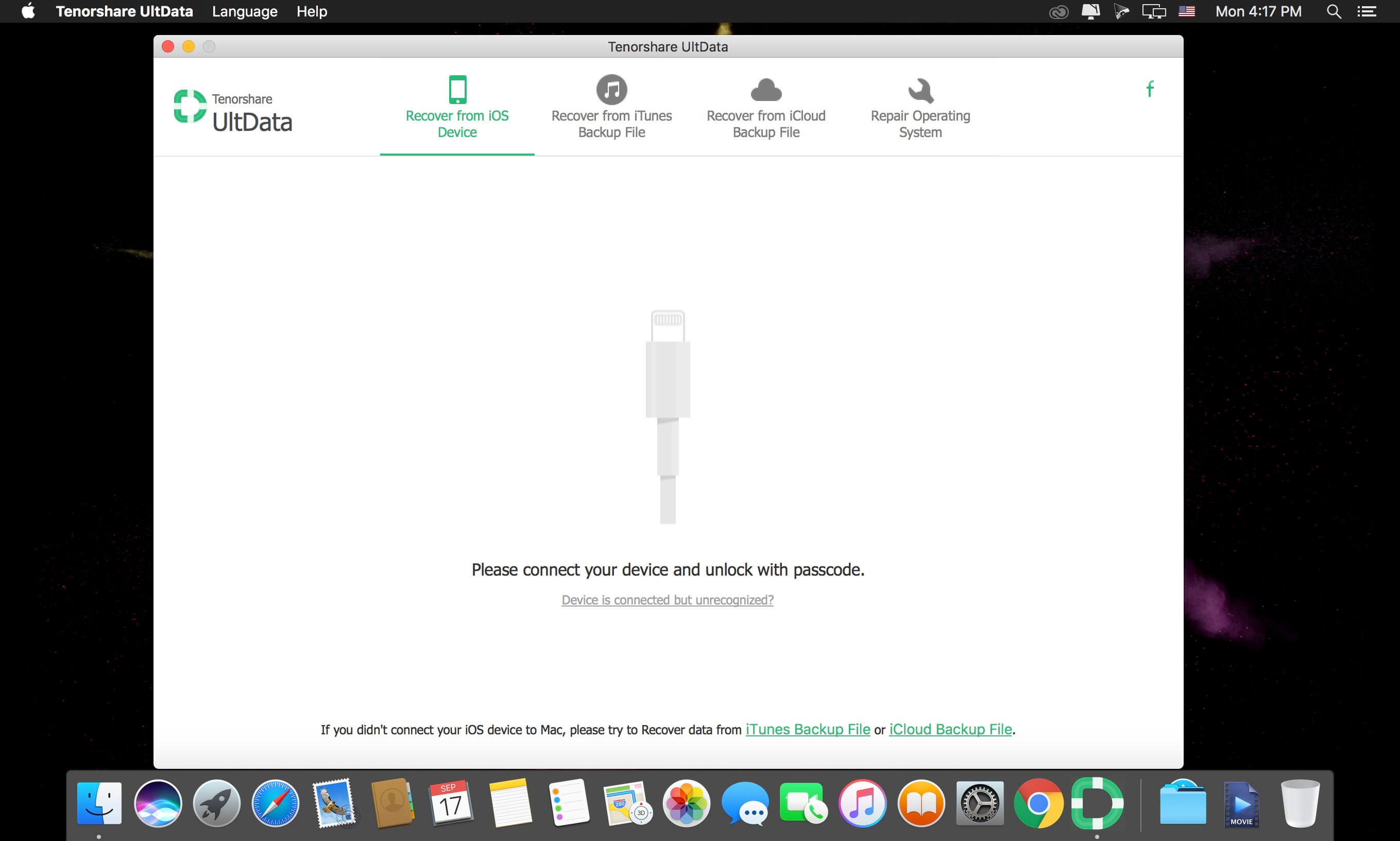
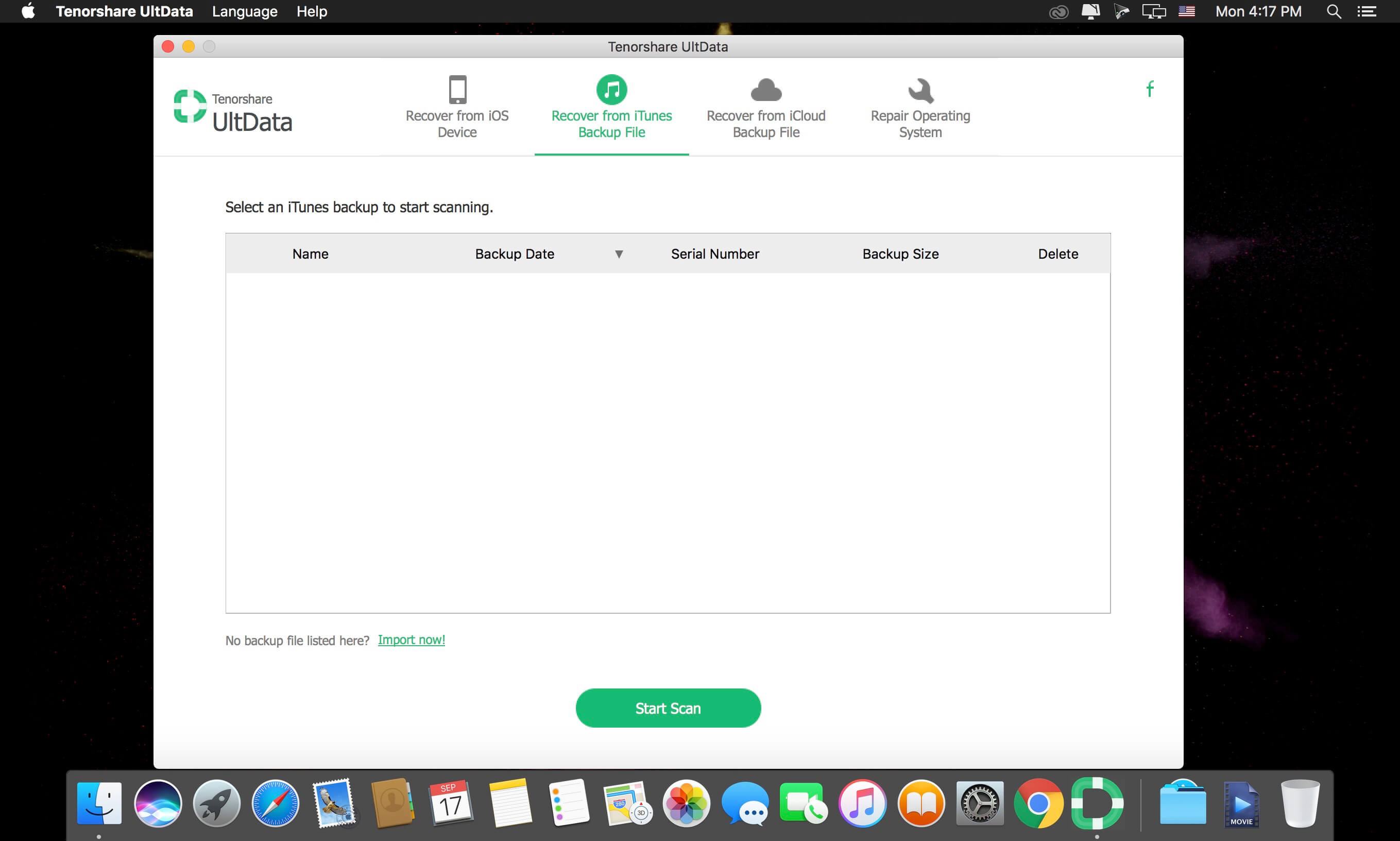
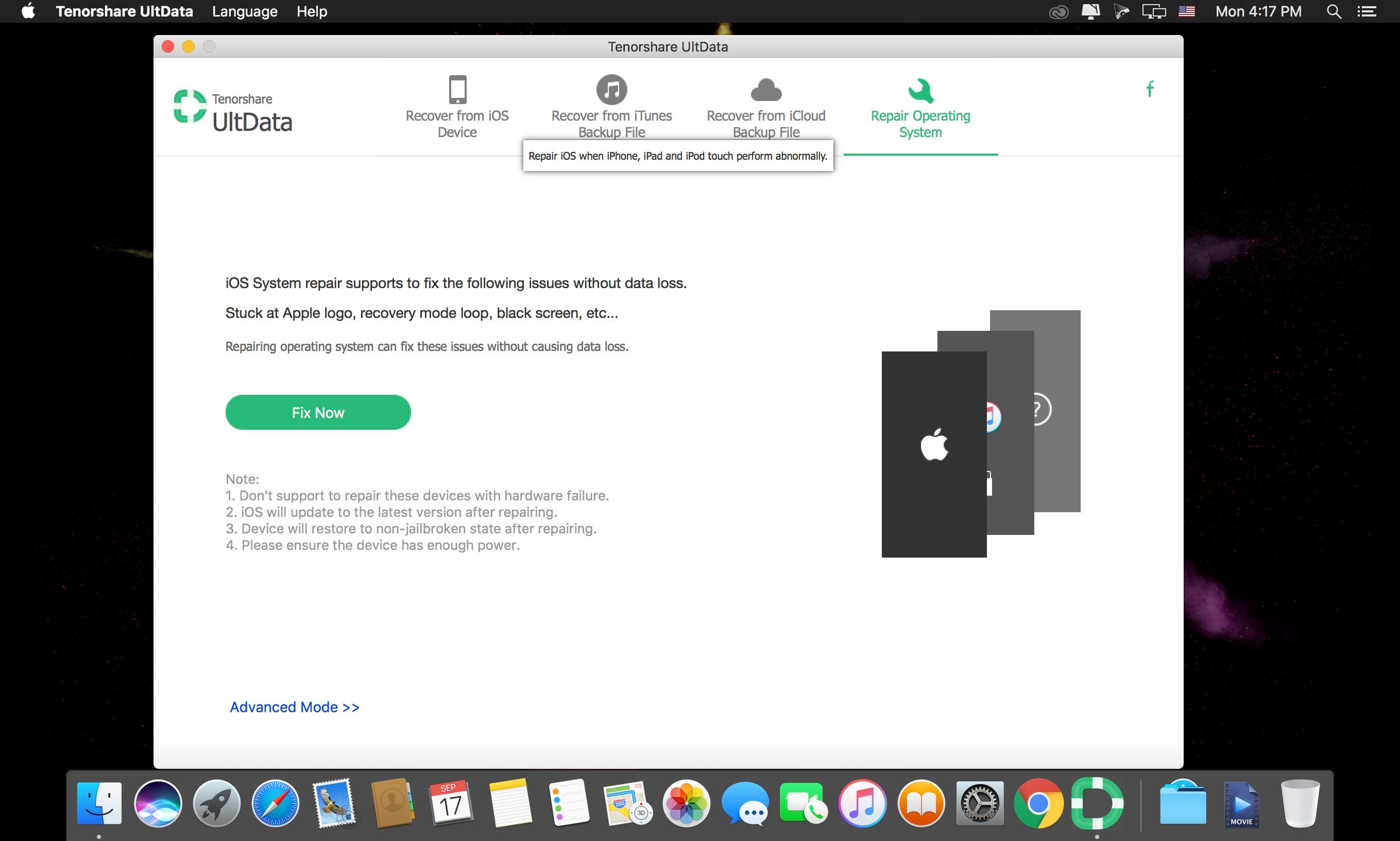
An ultimate solution to repair iPhone iOS system issues and get back your iPhone lost data including messages, contacts, photos, videos, notes, and more no matter how the situation turns out. Recover 20 + Types of Files - Undelete SMS, iMessage, Contacts, Call History, Photos, Videos, Notes, Voice Memos, WhatsApp, Tango, and other files that you count on your iPhone.
When Do You Need iPhone Data Recovery for Mac
- Deleted important data from iPhone by mistake.
- iPhone is damaged, lost or stolen.
- iPhone stuck in black/white screen of death, iPhone is inaccessible.
- Too many data on iPhone, want to backup iPhone data to computer.
- Lost important files on iPhone after iPhone jailbreak or factory restore.
- iOS update cause data lost from iPhone.
- Forgot iPhone lock-screen passcode.
Connect your iPhone to Mac and then recover lost or deleted files directly from iPhone. No need to have backup files.
Recover iPhone data by extracting iTunes backup file. No need to connect iPhone to Mac. It's especially helpful when your iPhone is lost or damaged.
Restore iPhone data from iCloud backup won't overwrite the current data on your iPhone. It ensures the data safety as you can download iCloud backup to local computer.
- You are allowed to preview all photos, messages, contacts, notes, call history, etc. to decide what you want to recover.
- Preview all files by category, easy to find target files. Selectively recover files after previewing, saves time and energy. Check some or all files in individual category to recover in batches.
- Recover Contacts list as a VCF/Vcard file and easy to update it to Gmail or transfer to Android phone. Export and check lost other files in .txt, .xls, .xml, .vcf (contacts), .jpg (photos). etc.
Version 8.5.4.11:
- Various fixes and improvements
Frequently asked questions
How do I install the app?
Mount the image, drag the app into the "Applications" folder and launch it. If the system blocks the launch, allow it in "System Settings → Privacy & Security".
The app is damaged or won't launch
Reinstalling from a fresh image usually helps. Make sure your macOS version matches the one listed in the compatibility specs.
How do I update?
Download the new version from the site and install it over the current one — your settings will be preserved.
The download link doesn't work
Try a mirror or a download manager. For large files the browser often drops the connection.
How do I completely remove the app?
Use an uninstaller utility — it cleans up the service files that remain after moving the app to the trash.
VersionUltData (iPhone Data Recovery) 8.5.6 (8.5.5.1)
DeveloperTenorshare Co.,Ltd
CompatibilityOS X 10.9 or later, 64-bit processor
LanguageEnglish
IncludesK'ed by TNT




Choose a download source
UltData (iPhone Data Recovery) 8.5.6 (8.5.5.1) · 34.4 MB
Previous versions
UltData (iPhone Data Recovery) 8.5.6 (8.5.5.1)
Previous versions are available to registered users.
Comments 2