
FonePaw iPhone Data Recovery 8.6.0
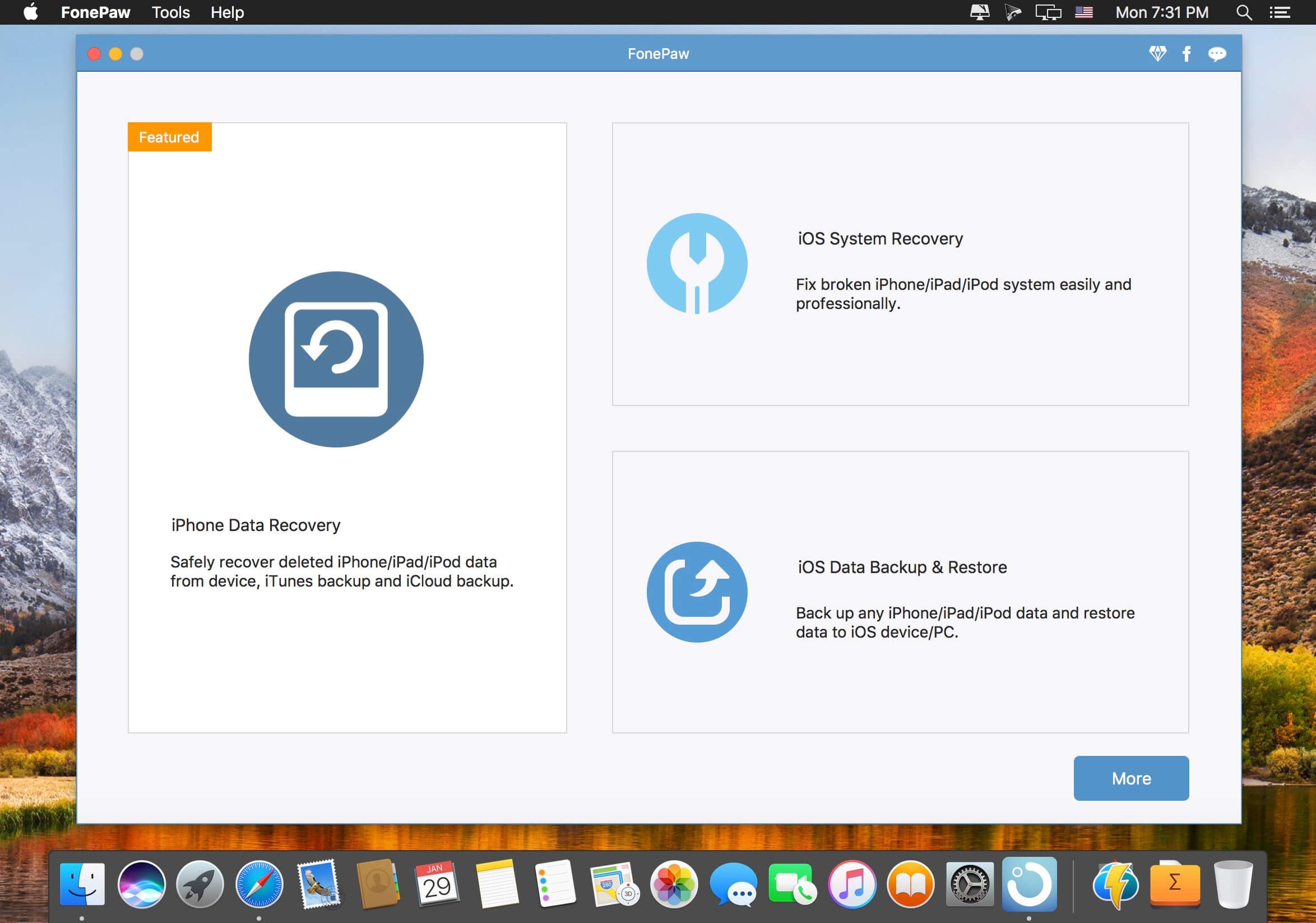
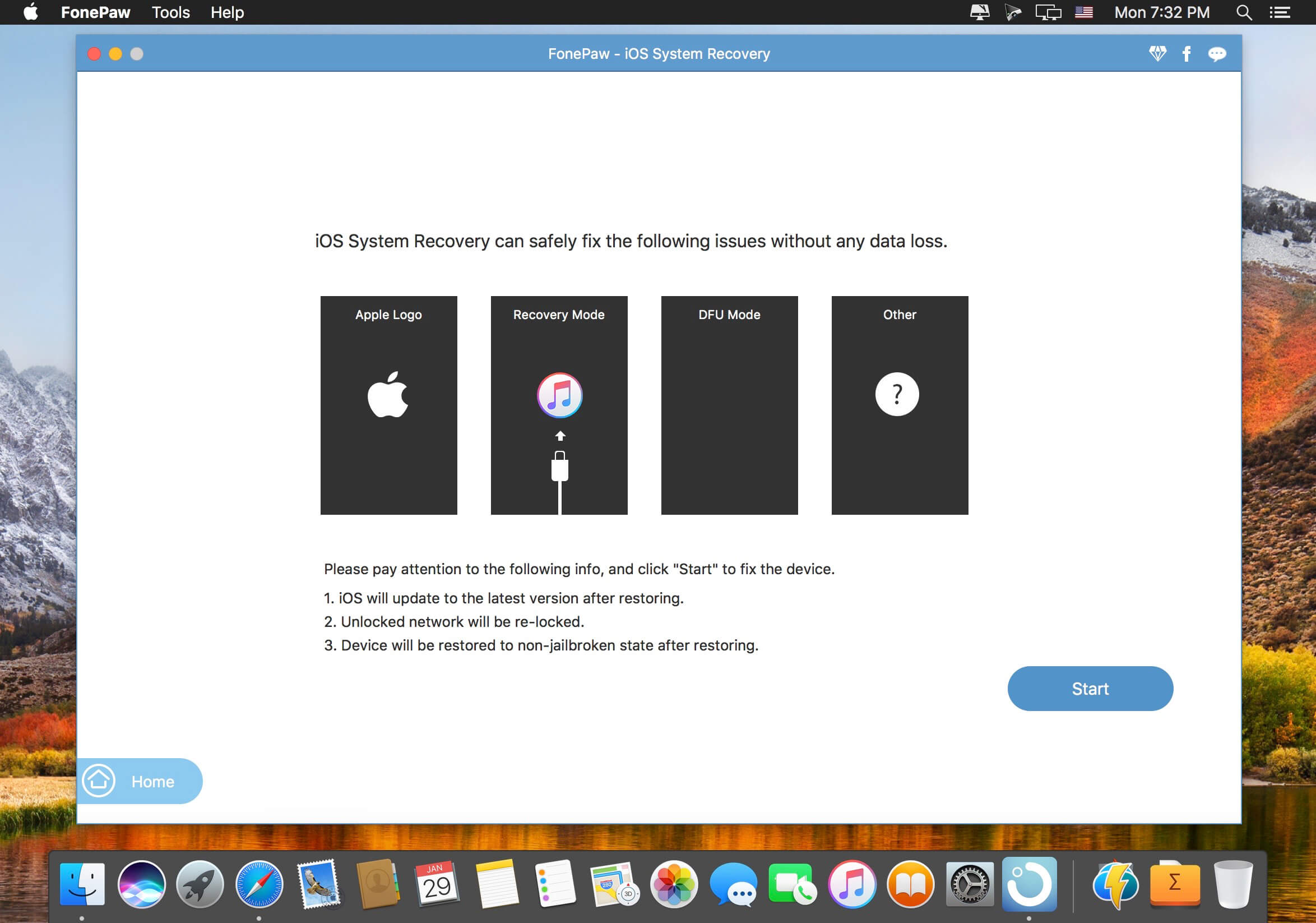
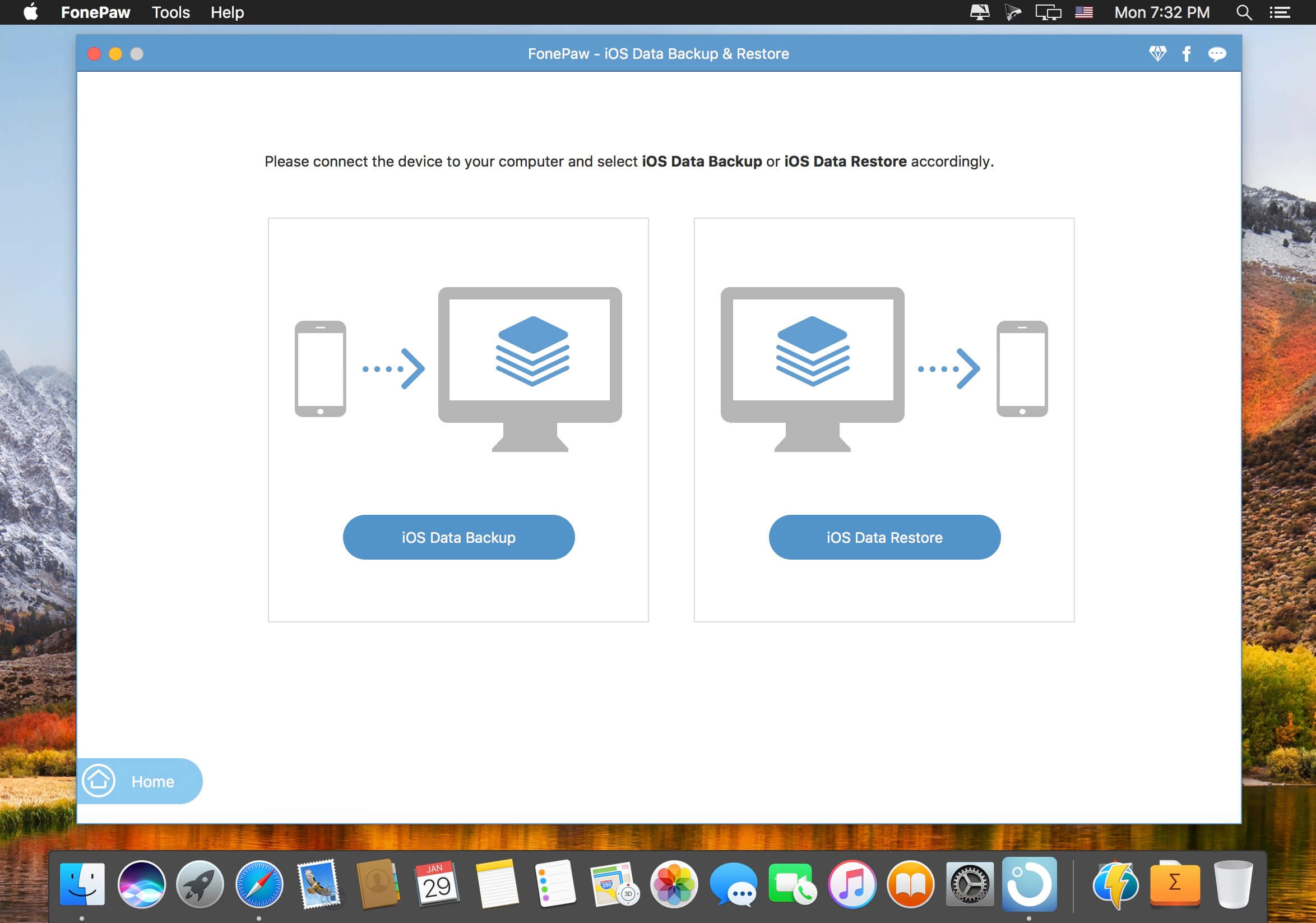
FonePaw iPhone Data Recovery is made for those unexpected incidents which can result in data loss on an iPhone, such as iPhone damaged/lost/stolen, reset, accident deletion, virus attack, jailbreak or even error operation. The lost data can be recovered using several free or paid, but how to choose the best iPhone Data Recovery software for your Mac? Here is a review of FonePaw iPhone Data Recovery. Read and know the features and how to recover deleted files from iPhone using FonePaw program. FonePaw iPhone Data Recovery.
Features
- Directly recover deleted files from iPhone without backup No backup is needed. Just connect your iPhone to the Mac and run this program, you can get back all your deleted, lost data.
- Recover data from iTunes backup & iCloud backup This practical program can also extract data from unreadable iTunes backup files, which is very helpful when iPhone is stolen/lost.
- Selectively recovery This tool enables you to preview before recovery and selectively retrieve data, rather than the whole from iTunes backup.
- Outstanding user experience After launching the program, you can see a well-designed and easy-to-navigate interface. And you can recover what you want with super fast data scan and recovery speed.
- FonePaw iPhone Data Recovery Usage Connect iPhone to the Mac and Launch FonePaw iPhone Data Recovery Hit "Start Scan" Preview the scan result Click "Recover" and you can recover the files in different formats depending on your selection
Version 8.6.0:
- Release notes were unavailable when this listing was updated.
Frequently asked questions
How do I install the app?
Mount the image, drag the app into the "Applications" folder and launch it. If the system blocks the launch, allow it in "System Settings → Privacy & Security".
The app is damaged or won't launch
Reinstalling from a fresh image usually helps. Make sure your macOS version matches the one listed in the compatibility specs.
How do I update?
Download the new version from the site and install it over the current one — your settings will be preserved.
The download link doesn't work
Try a mirror or a download manager. For large files the browser often drops the connection.
How do I completely remove the app?
Use an uninstaller utility — it cleans up the service files that remain after moving the app to the trash.




Choose a download source
FonePaw iPhone Data Recovery 8.6.0 · 56.01 MB
Previous versions
FonePaw iPhone Data Recovery 8.6.0
Previous versions are available to registered users.