
iSkysoft Toolbox for iOS 5.3.1
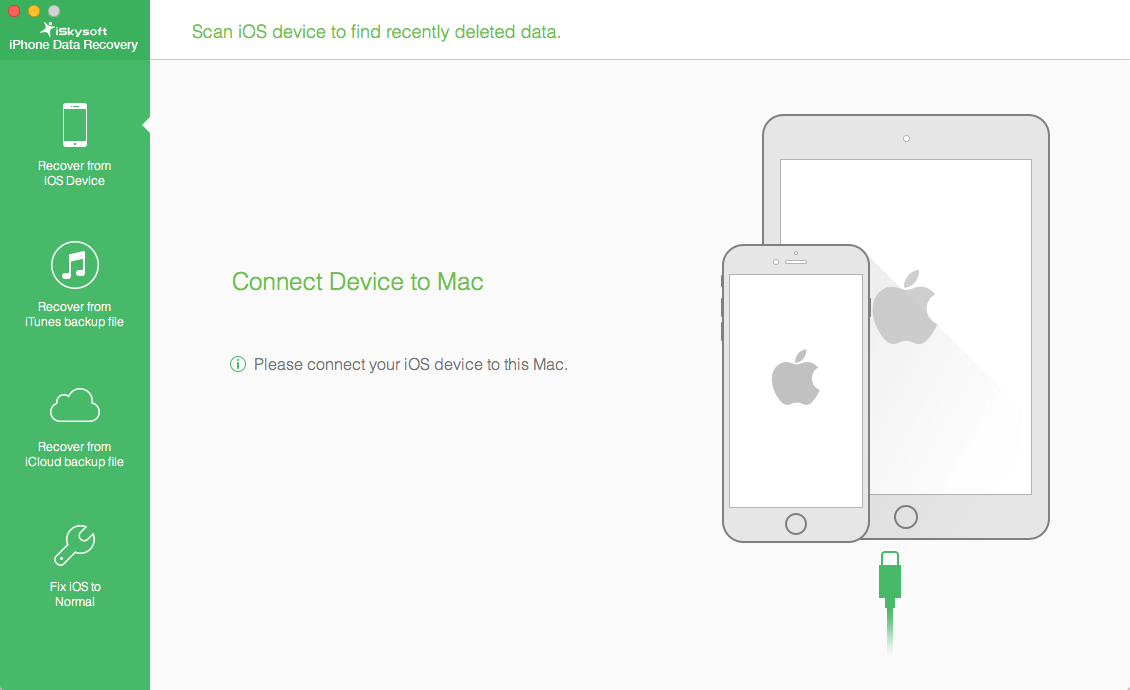
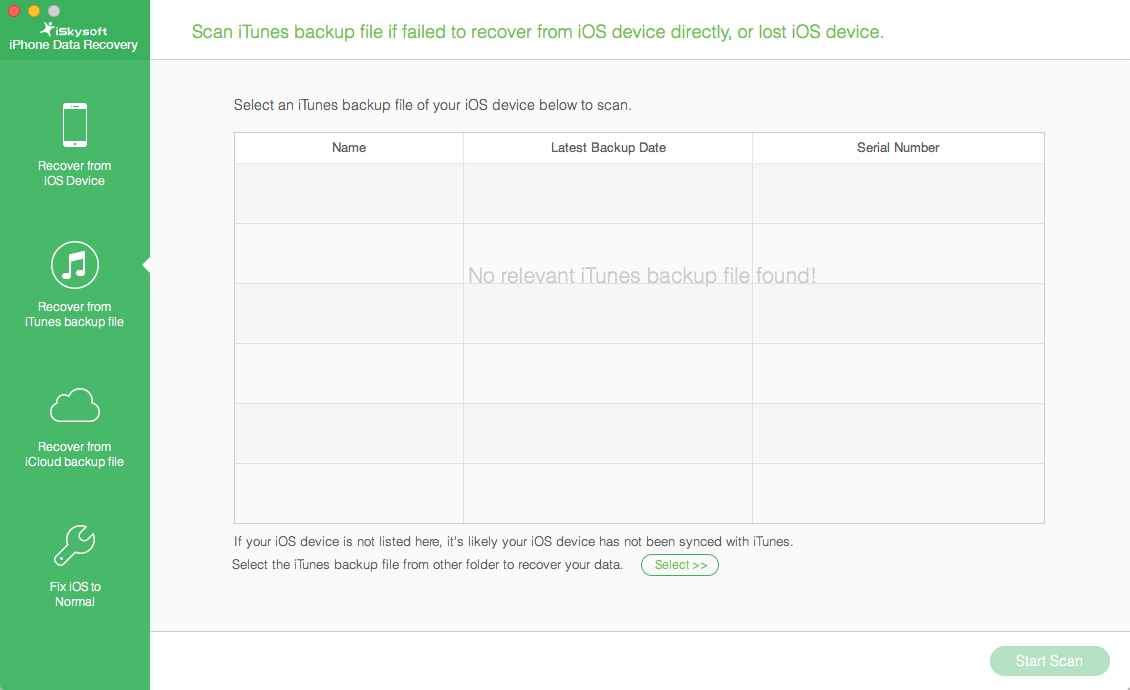
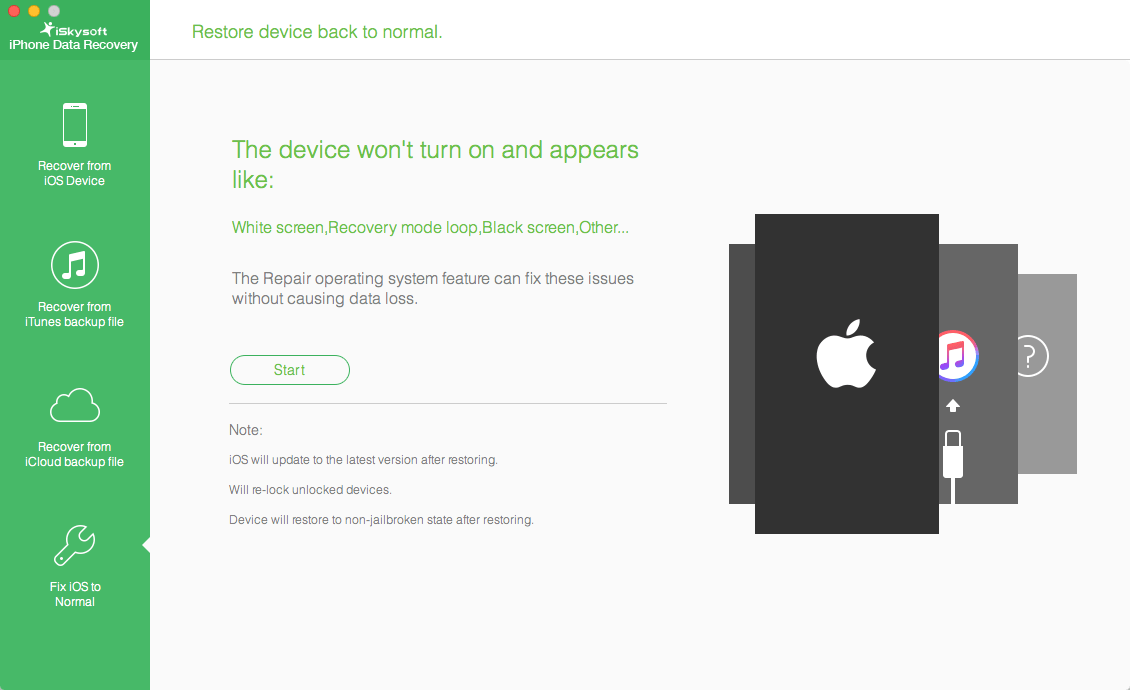
Suffering a lot from losing important data on iPhone, iPad or iPod touch? You are not the only one. In fact, many reasons may cause data loss on your iOS devices, such as mistaken deletion, system crashes, failure in jailbreaking, device stolen or broken, etc. Now with iSkysoft iPhone Data Recovery for Mac, you can recover lost contacts, SMS, photos, notes and more files from iPhone/iPad/iPod or iTunes and iCloud backup with three simple steps.
Note: iSkysoft iPhone Data Recovery is the originally name of iSkysoft Toolbox - iOS Data Recovery. The recovery feature of these 2 program are the same.
Recover files from iOS devices lost for different reasons with fast and powerful recovery: file deletion; iOS upgrade and jailbreak; factory settings restore; device is crashed, smashed, broken or lost, etc.
Support 20+ Files Types You Value from iPhone
Supported iOS Devices:
iPhone
iPhone 7 Plus, iPhone 7, iPhone 6s Plus, iPhone 6s, iPhone SE, iPhone 6 Plus, iPhone 6, iPhone 5s, iPhone 5c, iPhone 5, iPhone 4s, iPhone 4
iPad
All models of iPad Pro, iPad mini, iPad Air, and iPad
iPod touch
iPod touch 5, iPod touch 4
As easy as ABC, no skill required
One program with 3 recovery solutions and you can finish the recovery in 3 steps at most: connect your device (or choose your backup file), scan to preview, and then recover data selectively.
Preview and extract found files effortlessly
Preview lost files before recovery with organized, clear and original quality before recovery, including contacts, SMS, call history, notes, calendars, photos, safari bookmarks, etc.
Selectively recover what you want
Selectively recover and save lost or deleted iPhone/iPad/iPod touch files with only one simple click. All saved files can be easily read and transferred on Mac computer.
Recover data from iTunes backup for all iOS devices
iSkysoft makes good use of iTunes backup but does what iTunes can’t do: recover lost files by scanning and extracting previous iTunes backup file for iOS device.
Download and recover data from iCloud backup
Want to get data from your iCloud backup file to the computer or just want to take certain items out? iSkysoft iPhone Data Recovery for Mac can help you get it done.
Get your iOS out of a white Apple logo screen
Your iOS devices are stuck in the white Apple logo? Can't exit endless recovery mode loop? Or can't be used like normal? Don't worry. The "Fix iOS to Normal" feature of iPhone Data Recovery for Mac can help you easily solve these problems. With a few simple steps, you can restore your devices to normal without losing any data.
Frequently asked questions
How do I install the app?
Mount the image, drag the app into the "Applications" folder and launch it. If the system blocks the launch, allow it in "System Settings → Privacy & Security".
The app is damaged or won't launch
Reinstalling from a fresh image usually helps. Make sure your macOS version matches the one listed in the compatibility specs.
How do I update?
Download the new version from the site and install it over the current one — your settings will be preserved.
The download link doesn't work
Try a mirror or a download manager. For large files the browser often drops the connection.
How do I completely remove the app?
Use an uninstaller utility — it cleans up the service files that remain after moving the app to the trash.
VersioniSkysoft Toolbox for iOS 5.3.1
DeveloperiSkysoft Studio
CompatibilityOS X 10.7 or later, 64-bit processor
LanguageEnglish
IncludesK'ed by TNT





Information
Visitors in the group Guests cannot leave comments on this publication.
Choose a download source
iSkysoft Toolbox for iOS 5.3.1 · 90.57 MB