
PrimoPhoto Pro 1.5.1
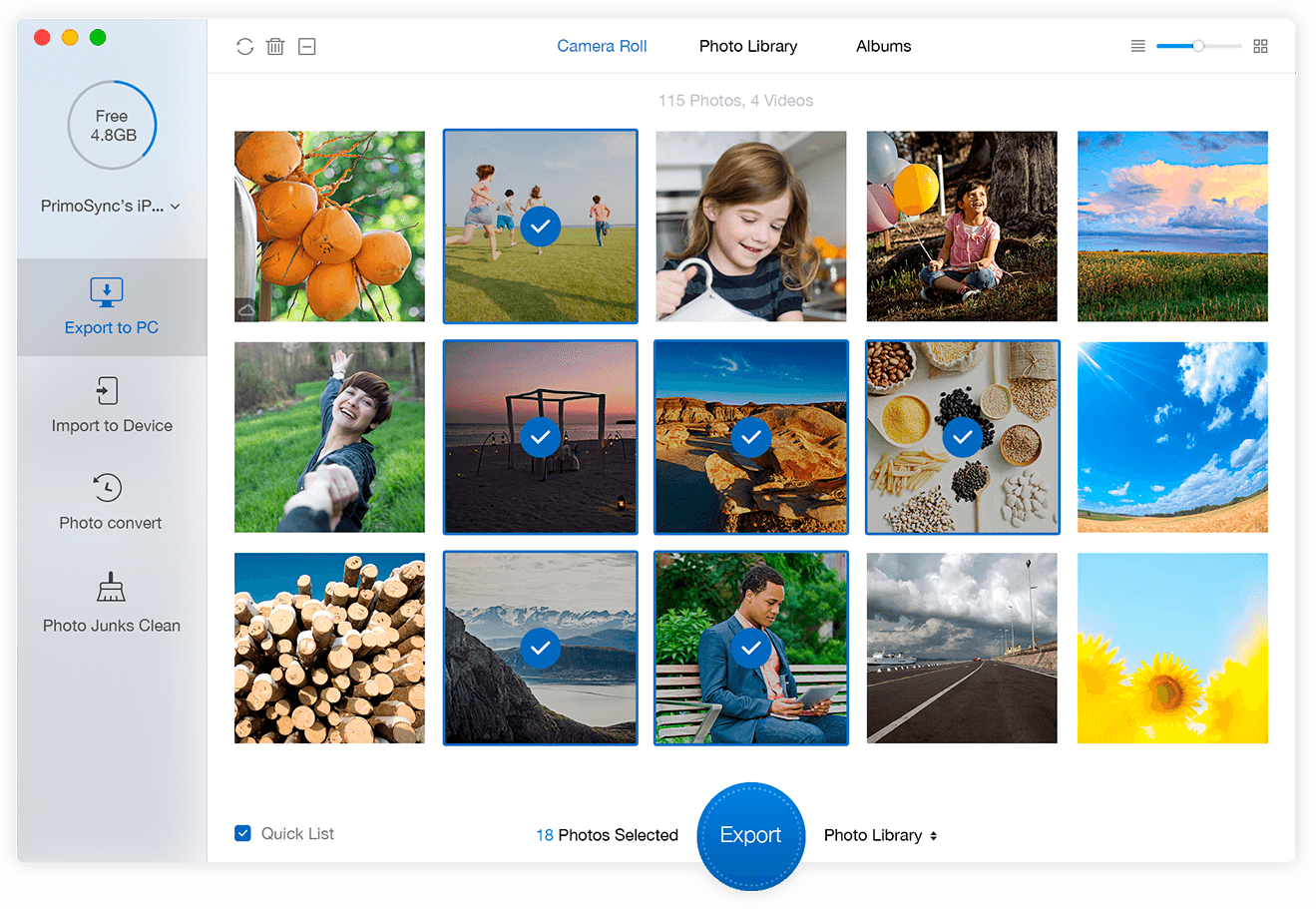
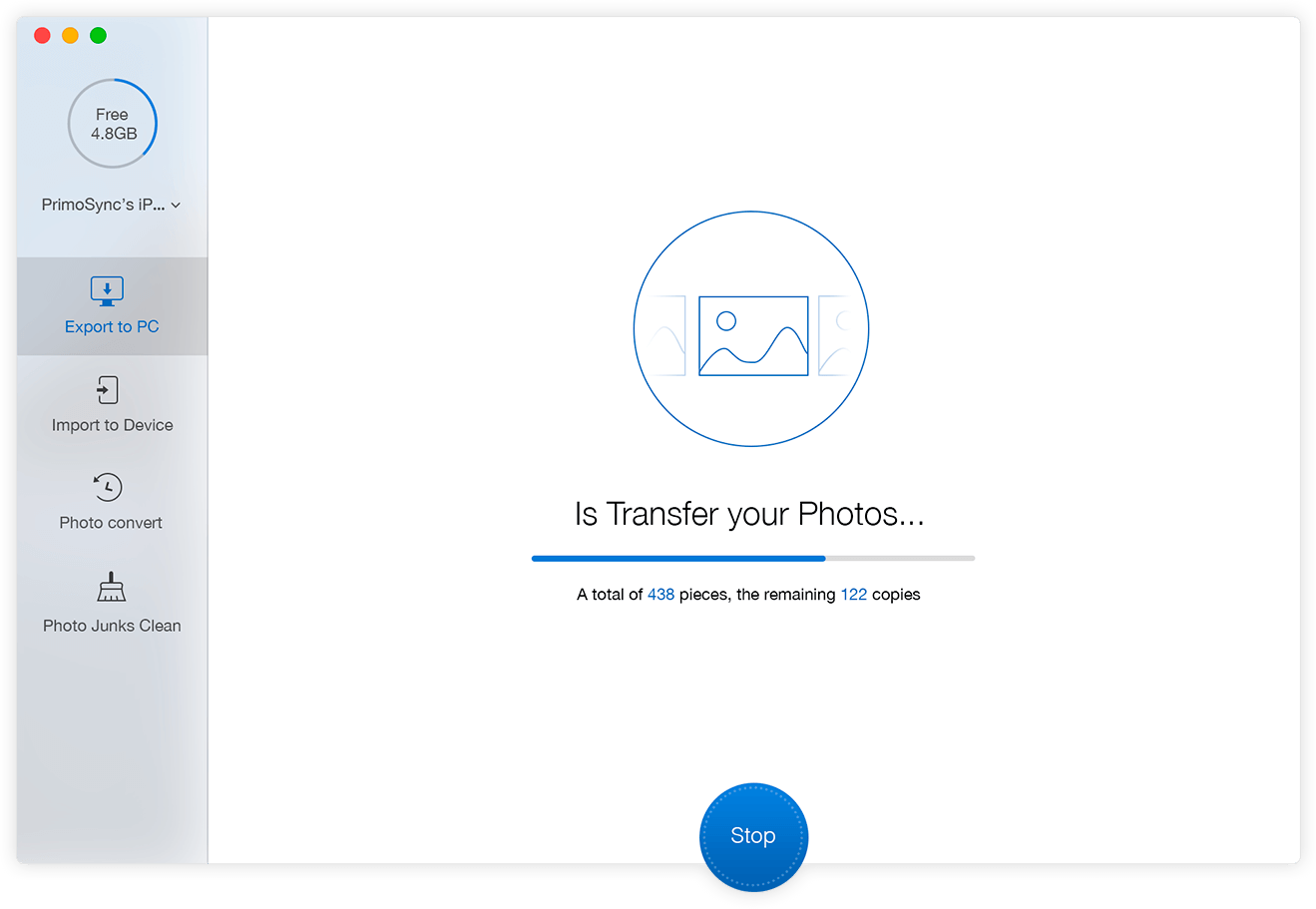
PrimoPhoto aims to make your iPhone photo management much easier: exporting photos by album, adding images without iTunes, convert Live Photos to GIF, even cleaning out junk photos to optimize your iPhone storage. The result is more than just an ordinary iPhone photo transfer; it’s everything you’ll need for greater enjoyment of your photo collections.
Features
- Manage iPhone Photos Easily and Instantly - PrimoPhoto brings you an amazing collection of iPhone and iPad photo-management solutions, where one click can put your photos wherever you want. Say from iPhone, iPad, and iPod touch to / from your Windows or Mac computer. The best part is, you're allow to sort your photos by album, file size, name, taken time, etc.
- Convert Live Photos to Shareable GIFs - PrimoPhoto lets you to make GIF from Live Photos and other videos with ease. You can now share your Live Photos with your friends on iMessage, Facebook Messenger, Twitter, Slack, Tumblr, and many other social networks.
- Free Up Space on iPhone - PrimoPhoto is the iPhone photo manager that powers everything you do on your iPhone. With the first-of-its-kind iPhone cleaning feature, it’s simple to free up space on your iPhone and reclaim storage space. And it works seamlessly with your iOS versions and devices.
Version 1.5.0:
- Release notes were unavailable when this listing was updated.
Frequently asked questions
How do I install the app?
Mount the image, drag the app into the "Applications" folder and launch it. If the system blocks the launch, allow it in "System Settings → Privacy & Security".
The app is damaged or won't launch
Reinstalling from a fresh image usually helps. Make sure your macOS version matches the one listed in the compatibility specs.
How do I update?
Download the new version from the site and install it over the current one — your settings will be preserved.
The download link doesn't work
Try a mirror or a download manager. For large files the browser often drops the connection.
How do I completely remove the app?
Use an uninstaller utility — it cleans up the service files that remain after moving the app to the trash.
VersionPrimoPhoto Pro 1.5.1.20190409
DeveloperPrimoSync Inc
CompatibilityOS X 10.8 or later, 64-bit processor
LanguageEnglish
IncludesK'ed by TNT





Information
Visitors in the group Guests cannot leave comments on this publication.
Choose a download source
PrimoPhoto Pro 1.5.1 · 19.35 MB
Previous versions
PrimoPhoto Pro 1.5.1
Previous versions are available to registered users.