
Diffchecker 2.1.4.234
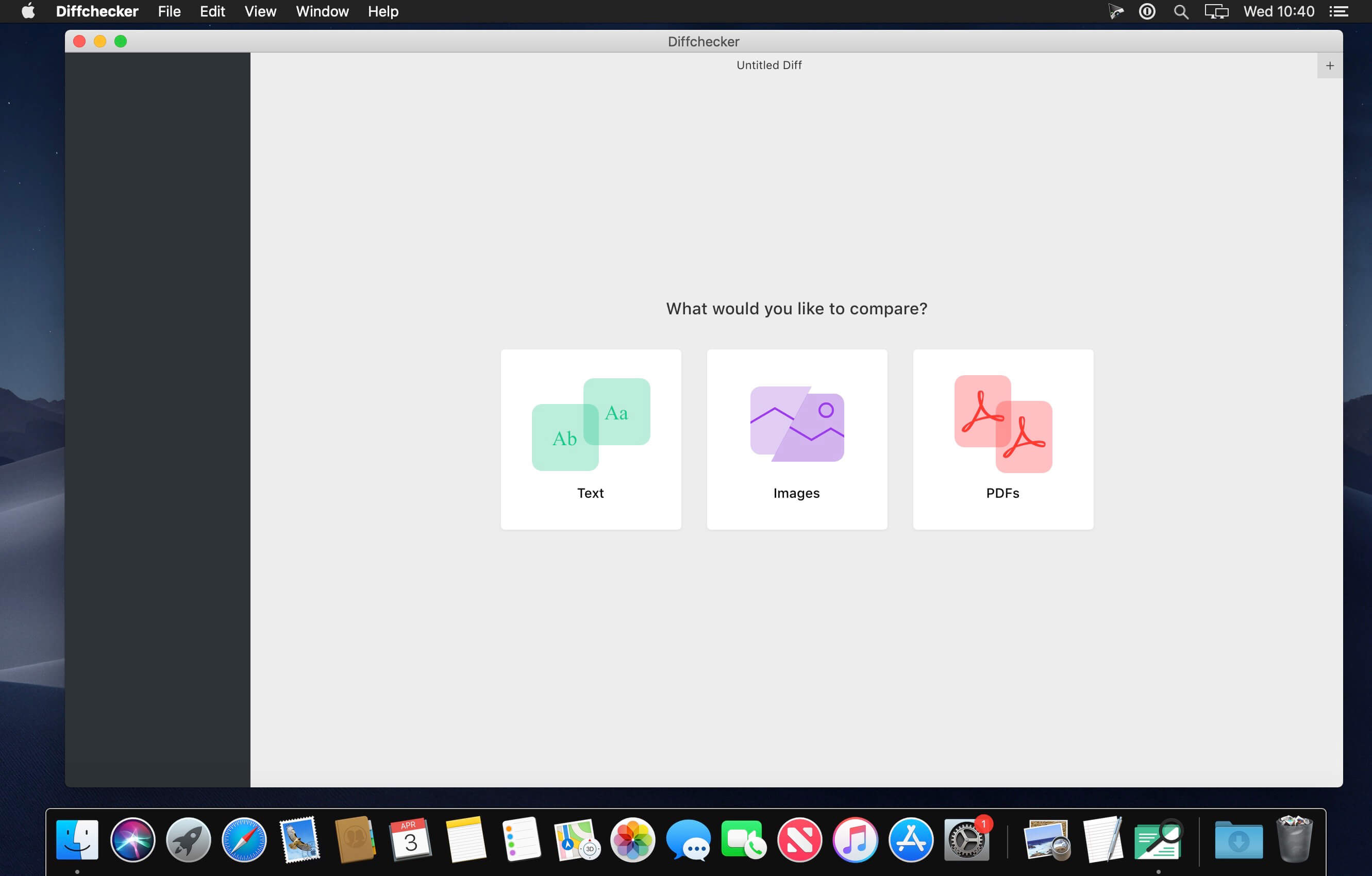

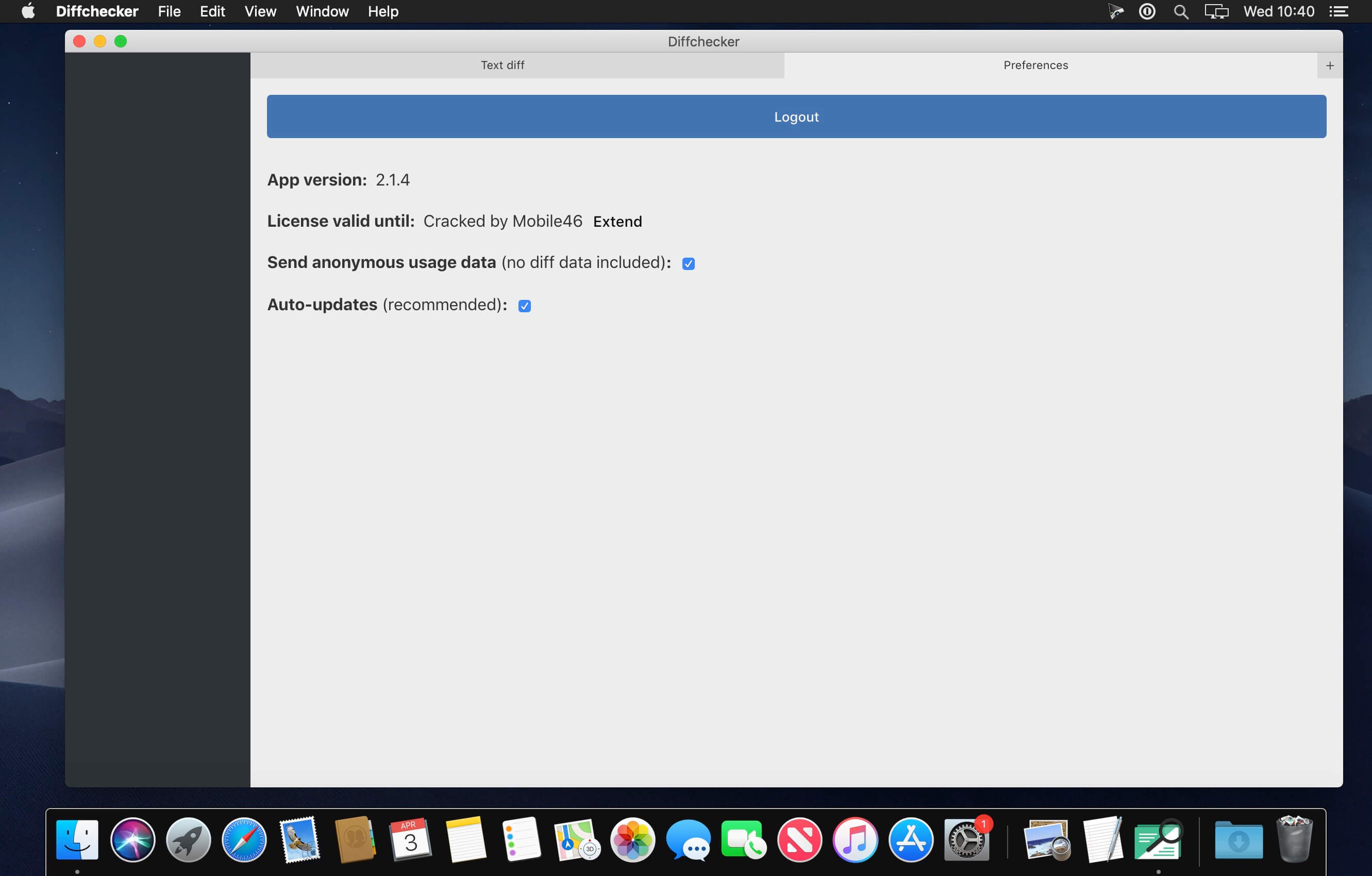
Compare differences on the spot. Bring a powerful text, image and file comparision app to your desktop. Available for Windows, macOS. Compare text files, documents, PDFs. Compare photos, graphics, scans.
Advanced features
Take advantage of all Diffchecker features such as unified diff view, character-level diffs and more
- Unified diffs
- Character-level diffs
- Export to PDF
- File import
- No ads
Keep your files confidential and private – with Diffchecker Desktop they never leave your computer
How it works?
Since Diffchecker Desktop runs fully on your computer, it doesn’t have to communicate with our servers to create your diffs. What this means is that there’s no way anybody else but you can view your sensitive data.
Offline mode & better performance
- Diffchecker Desktop runs offline which means you can use it wherever you are and save on your data plan.
- As everything happens locally on your own computer, you also get significantly improved app speed.
Frequently asked questions
How do I install the app?
Mount the image, drag the app into the "Applications" folder and launch it. If the system blocks the launch, allow it in "System Settings → Privacy & Security".
The app is damaged or won't launch
Reinstalling from a fresh image usually helps. Make sure your macOS version matches the one listed in the compatibility specs.
How do I update?
Download the new version from the site and install it over the current one — your settings will be preserved.
The download link doesn't work
Try a mirror or a download manager. For large files the browser often drops the connection.
How do I completely remove the app?
Use an uninstaller utility — it cleans up the service files that remain after moving the app to the trash.
VersionDiffchecker 2.1.4.234
DeveloperChecker Software Inc.
CompatibilityOS X 10.10 or later, 64-bit processor
LanguageEnglish
IncludesK



Information
Visitors in the group Guests cannot leave comments on this publication.
Choose a download source
Diffchecker 2.1.4.234 · 68.94 MB