

Enolsoft PDF Password Remover 4.2.0
Remove PDF Password on Mac and Unlock Your Content
Screenshots
Click to enlarge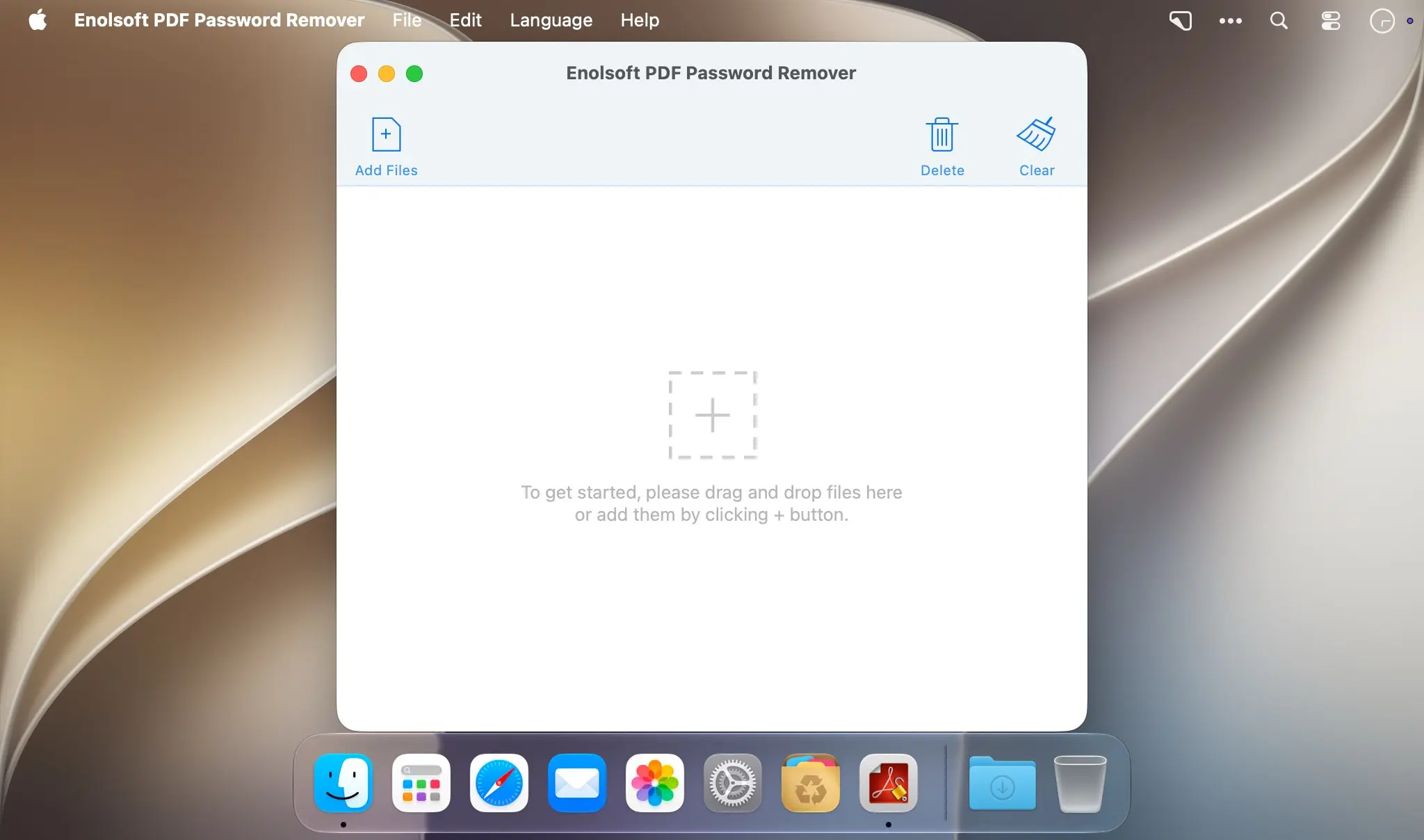
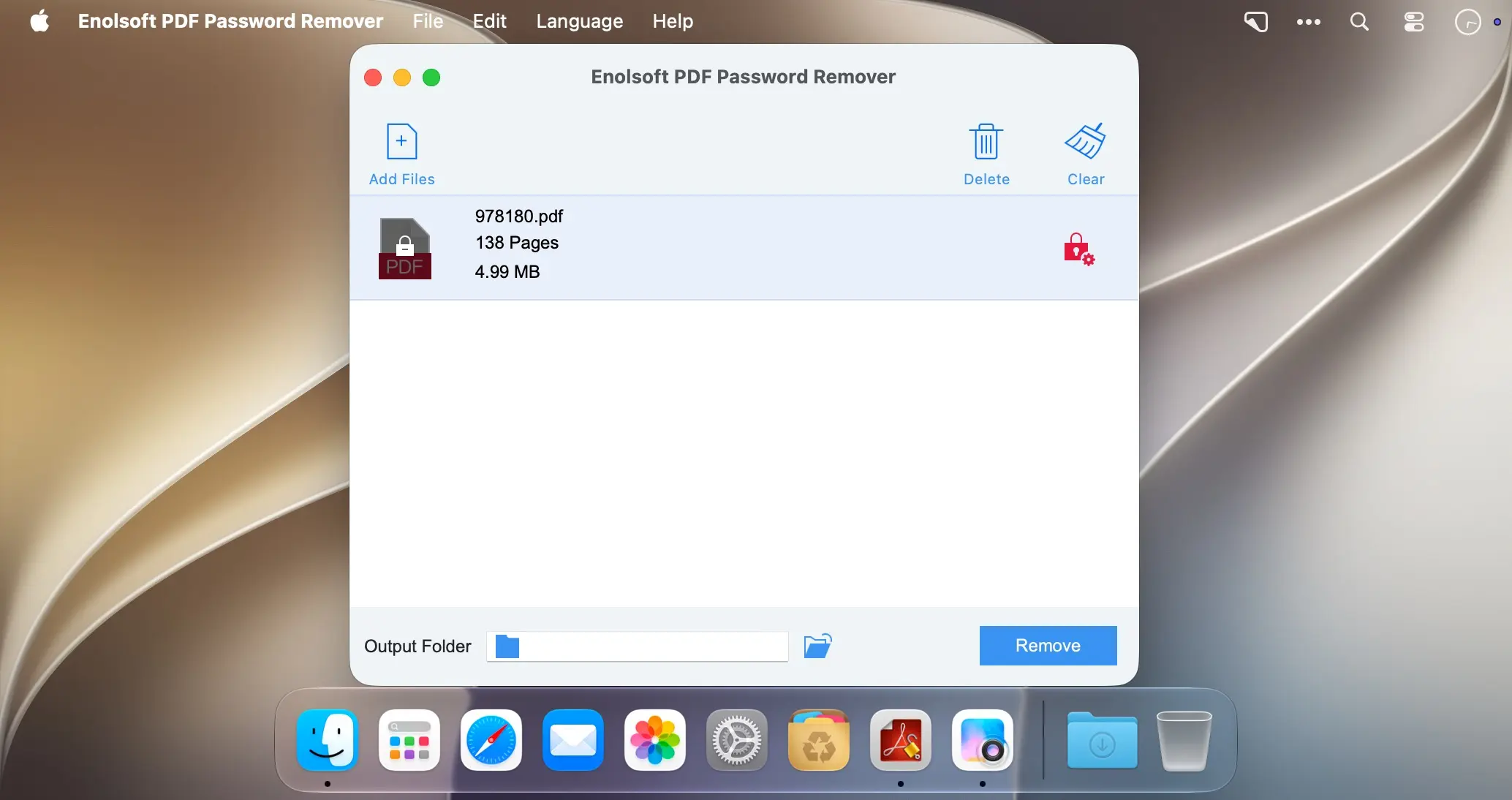
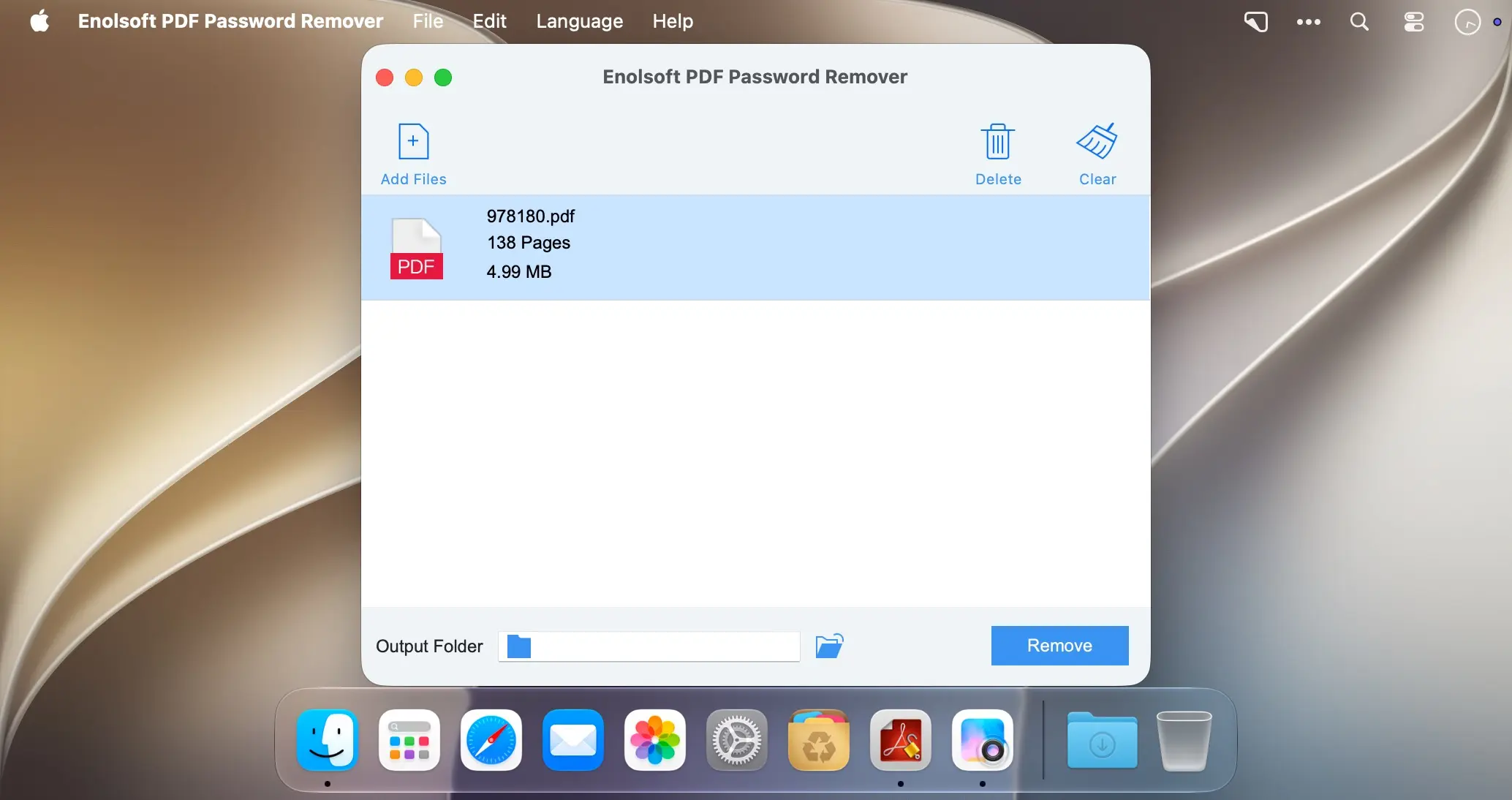
Remove PDF passwords on Mac and open, edit, and print your documents without the barriers that get in the way. Unlock PDF files protected by an open password or by restrictions, and use your content exactly as you want.
Two types of PDF passwords
An open (user) password controls who can open a PDF and keeps the file secure. A restrictions (owner) password is different: it limits what you can do with a document. Remove it, and you can print, copy, and modify the PDF with no limits, while the content stays easy to open and view.
- Remove PDF password on Mac: unlock your PDFs and get the freedom to use them as you want.
- Open/user password support: deal with the password that controls the permission to open a PDF file.
- Restrictions/owner password support: lift the limits on printing, copying, and modifying.
- Open and view: access the content of your PDF documents easily.
- Edit and print: work with unlocked PDFs without restrictions.
Download Enolsoft PDF Password Remover today and unlock the content of your PDFs on Mac.
Version 4.2.0:
- Added native support for Apple Silicon.
- Fixed an issue where hyperlinks in PDFs became invalid after removing the password.
- Fixed an issue where the correct password was incorrectly rejected for certain PDFs.
- Fixed an issue where some pages became blank after removing the password from certain documents.
Comments
No comments yet. Be the first.
Information
Visitors in the group Guests cannot leave comments on this publication.