Roadblock 1.5.8
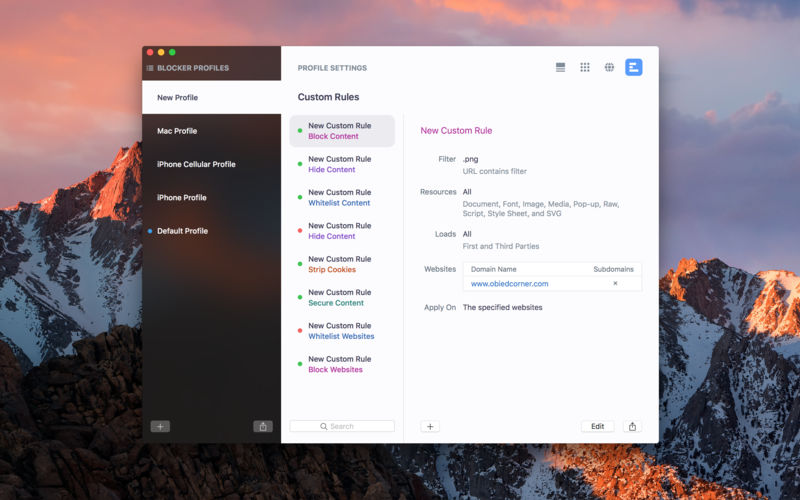
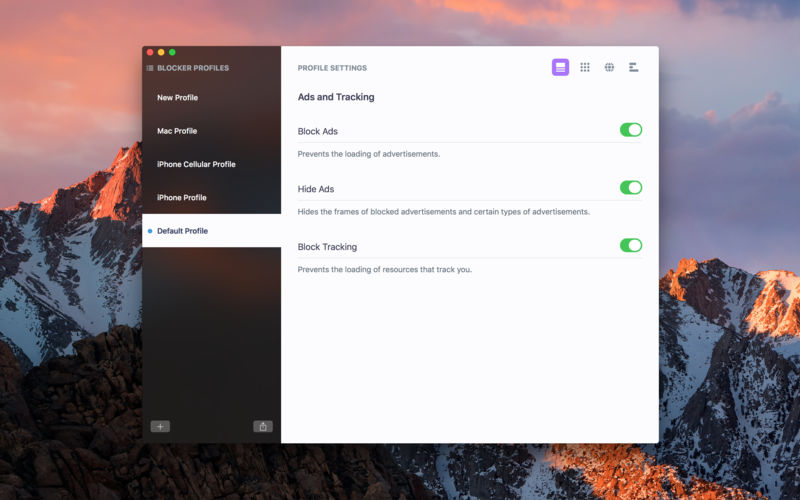
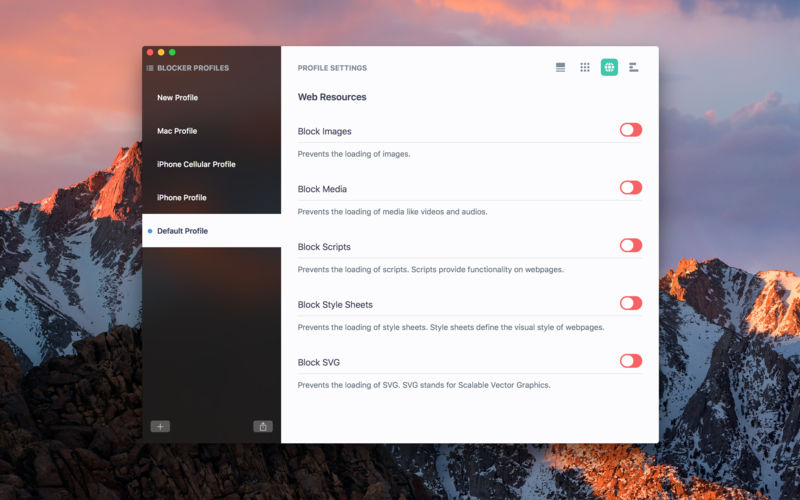
Control your web browsing experience with Roadblock, a powerful content blocker for Safari on macOS and iOS. Roadblock blocks annoying and unwanted content, protects your privacy and security, improves webpage load time, and reduces browsing data usage.
Roadblock is available for Mac, iPhone, and iPad. Profiles and settings sync seamlessly across all devices.
Content Blocking
- Block ads, pop-ups, tracking, social buttons and widgets, images, videos, scripts, and more
- Comprehensive and optimized built-in rules
Custom Rules
- Create and manage your own rules
- Block or whitelist resources and websites
- Hide webpage elements
- Strip cookies from web requests
- Load websites and resources over a secure connection (https)
- Specify filters using Roadblock's simple and intuitive filter format.
- Search your custom rules and perform actions on the search results
- View and manage all custom rules generated by Roadblock when you use its Safari extension to block and hide content visually
- Copy and paste, import, export, and share custom rules
Blocker Profiles
- Create and manage multiple profiles with different settings
- Activate profiles on demand
- Use different profiles on different devices
- Import, export, and duplicate profiles
- Share profiles with family and friends
Safari Extension
Modern Safari extension that lets you block and hide content visually, change the active profile, turn blocking on or off, and add custom rules
Blocker Extension
- Modern blocker extension that blocks content with minimal overhead and high performance
- Doesn't have access to your browsing activities and can't send any information about what was blocked back to the app
iCloud Sync
- Keeps profiles and settings up-to-date across all your devices (Mac, iPhone, and iPad)
- Lets you access your profiles and settings from any device
Version 1.5.8
- Bug fixes and general improvements
Frequently asked questions
How do I install the app?
Mount the image, drag the app into the "Applications" folder and launch it. If the system blocks the launch, allow it in "System Settings → Privacy & Security".
The app is damaged or won't launch
Reinstalling from a fresh image usually helps. Make sure your macOS version matches the one listed in the compatibility specs.
How do I update?
Download the new version from the site and install it over the current one — your settings will be preserved.
The download link doesn't work
Try a mirror or a download manager. For large files the browser often drops the connection.
How do I completely remove the app?
Use an uninstaller utility — it cleans up the service files that remain after moving the app to the trash.



Choose a download source
Roadblock 1.5.8 · 8.76 MB