
UI Browser 3.0.2
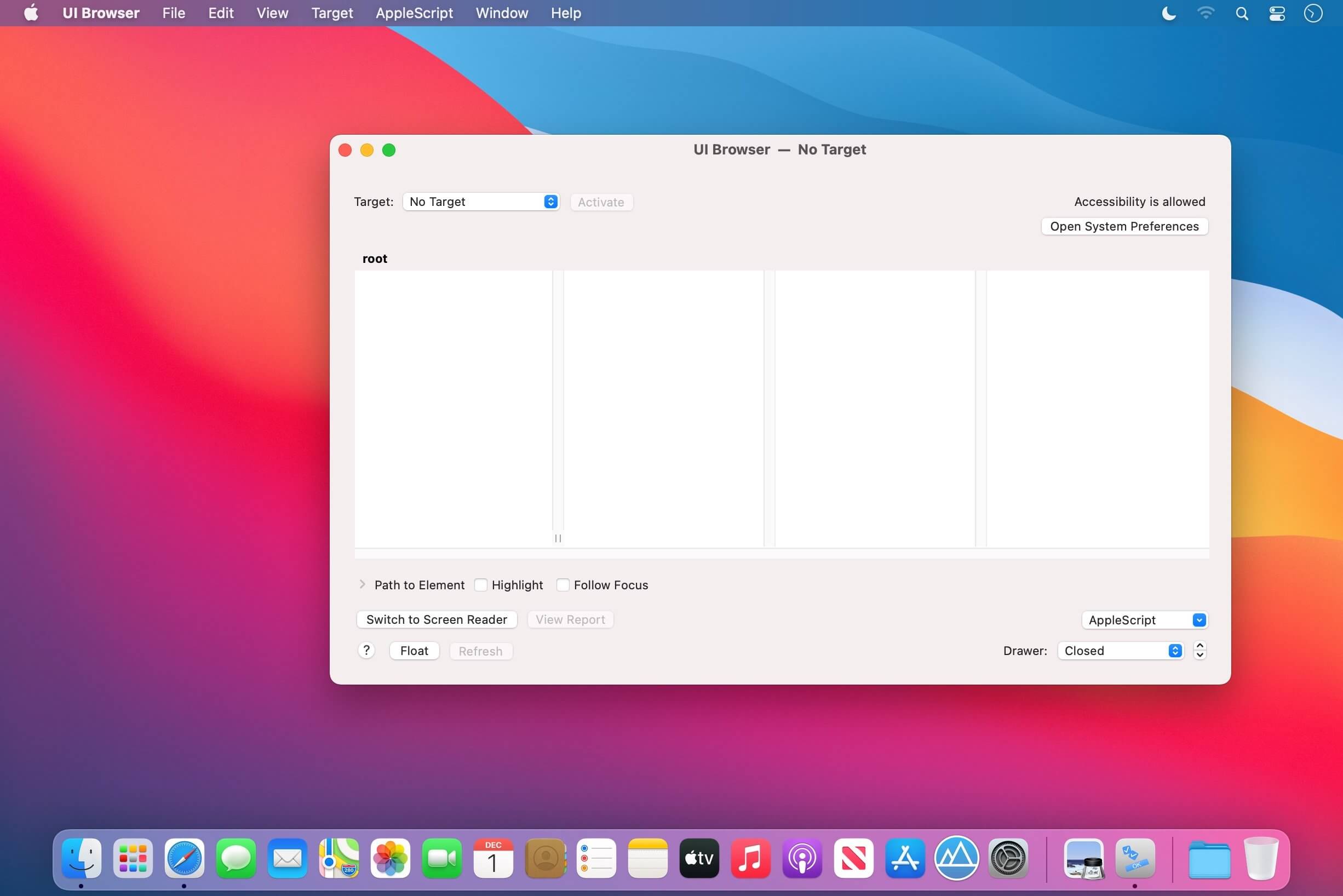
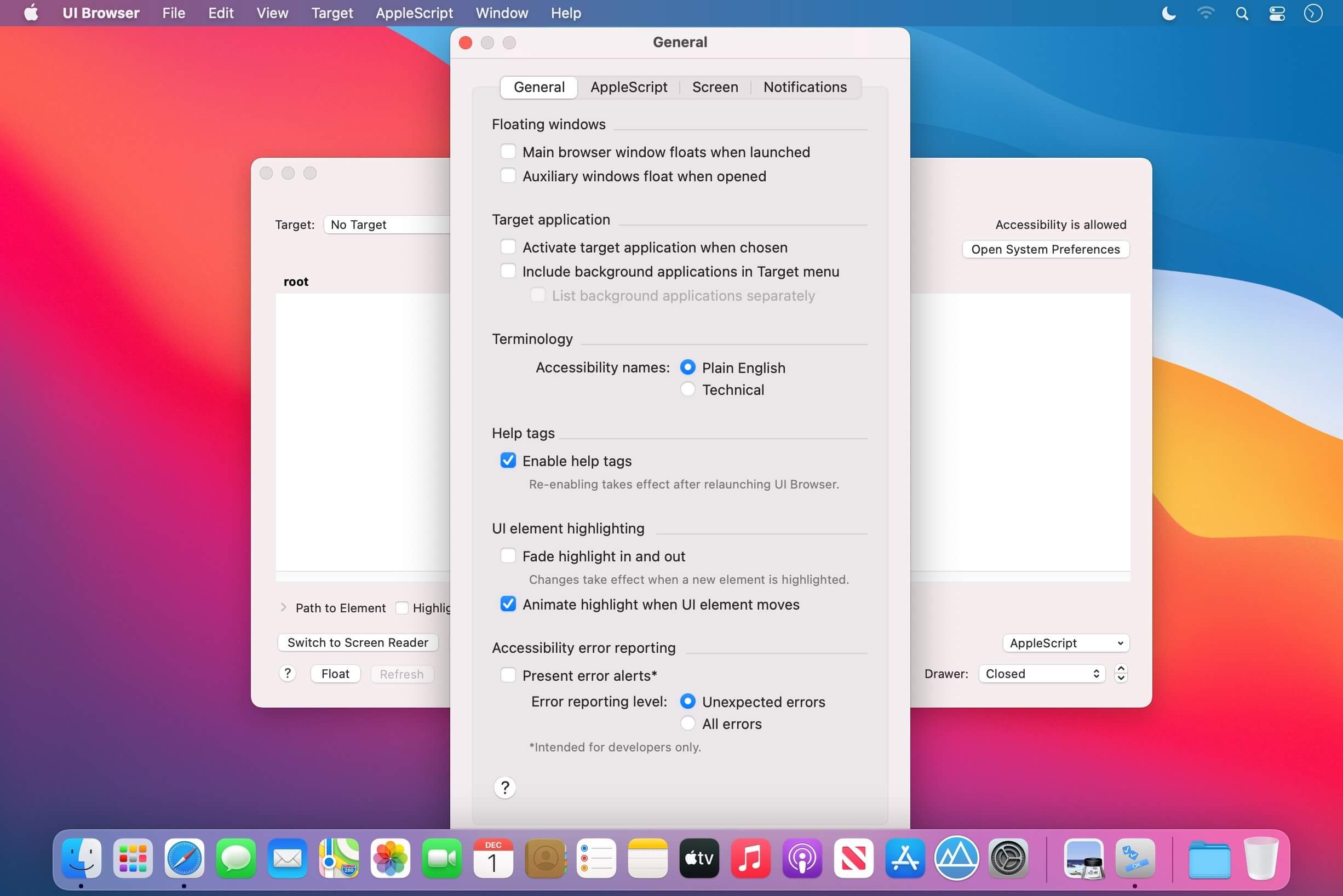
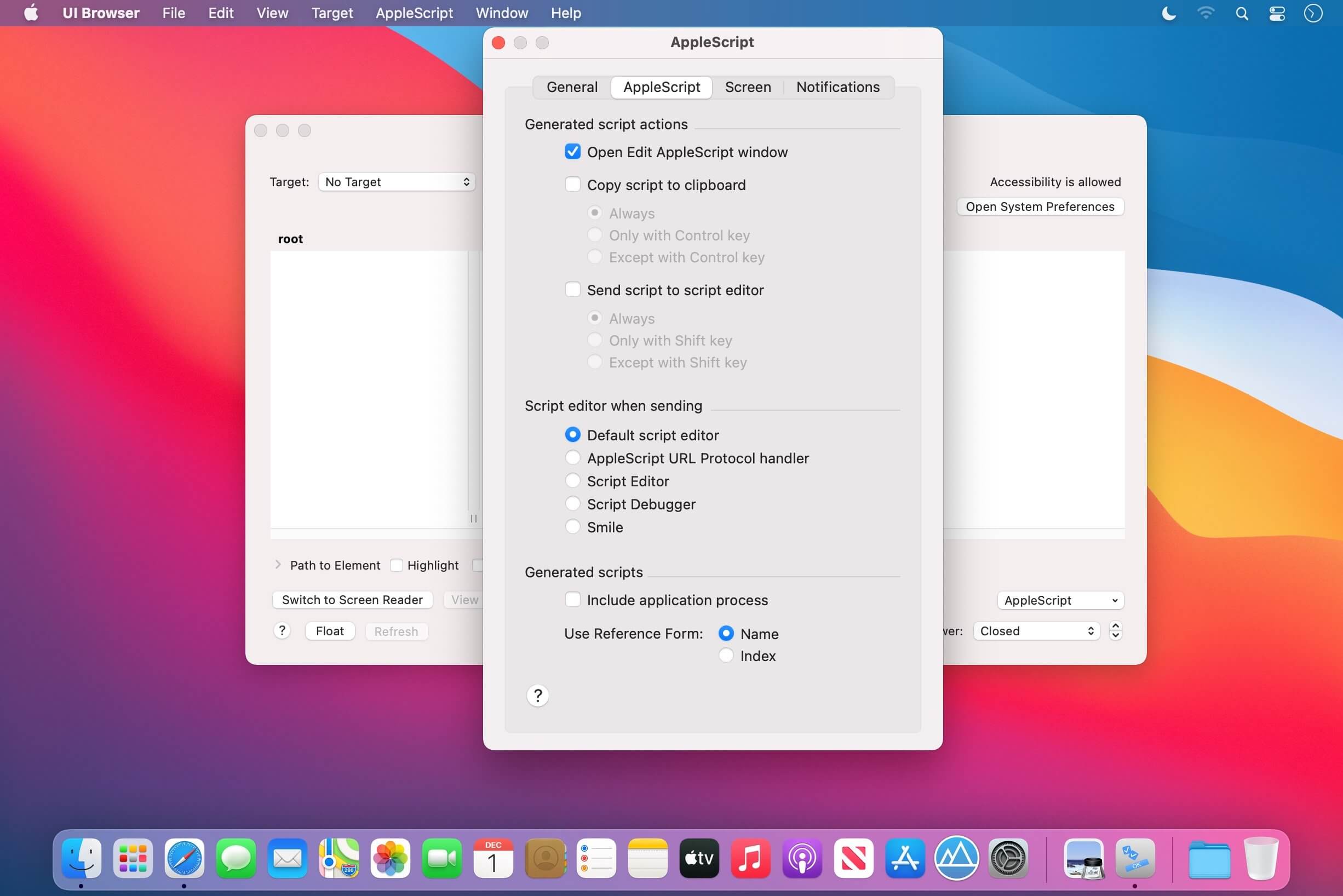
PFiddlesoft's UI Browser helps you to explore, manipulate, and monitor the user interface of most OS X applications running on your computer. With the push of a button, it also generates AppleScript statements to control any application using GUI Scripting, even applications that are not otherwise scriptable. No other utility provides all of the information you need in order to write scripts using GUI Scripting.
Version 3.0.0:
- UI Browser 3 is a Universal app.
- Version 3.0.0 requires macOS Sierra 10.12 or later.
- UI Browser's Target menu now includes a ControlCenter menu item on macOS Big Sur 11 to access the new Clock, Control Center and other menu extras.
- UI Browser now presents a contextual menu to generate an AppleScript statement when the user right-clicks or Control-clicks a UI element in the main browser view, an attribute in the Attributes drawer or an action in the Actions drawer
- UI Browser now displays a header at the top of each browser column showing the level and number of elements in the column.
- UI Browser now displays user notifications instead of alerts on macOS Mojave 10.14 and later for some events, to avoid interrupting the user.
- UI Browser's Screen Reader can now monitor a single process chosen in its new Process pop-up menu.
- The UI Browser application icon is now badged when a target application is chosen on macOS Mojave 10.14 and later.
Frequently asked questions
How do I install the app?
Mount the image, drag the app into the "Applications" folder and launch it. If the system blocks the launch, allow it in "System Settings → Privacy & Security".
The app is damaged or won't launch
Reinstalling from a fresh image usually helps. Make sure your macOS version matches the one listed in the compatibility specs.
How do I update?
Download the new version from the site and install it over the current one — your settings will be preserved.
The download link doesn't work
Try a mirror or a download manager. For large files the browser often drops the connection.
How do I completely remove the app?
Use an uninstaller utility — it cleans up the service files that remain after moving the app to the trash.
VersionUI Browser 3.0.2
DeveloperPFiddlesoft's
CompatibilitymacOS 10.12 or later, 64-bit processor
LanguageEnglish
IncludesK'ed by TNT





Information
Visitors in the group Guests cannot leave comments on this publication.
Choose a download source
UI Browser 3.0.2 · 5.83 MB