
Folx Pro 5.34
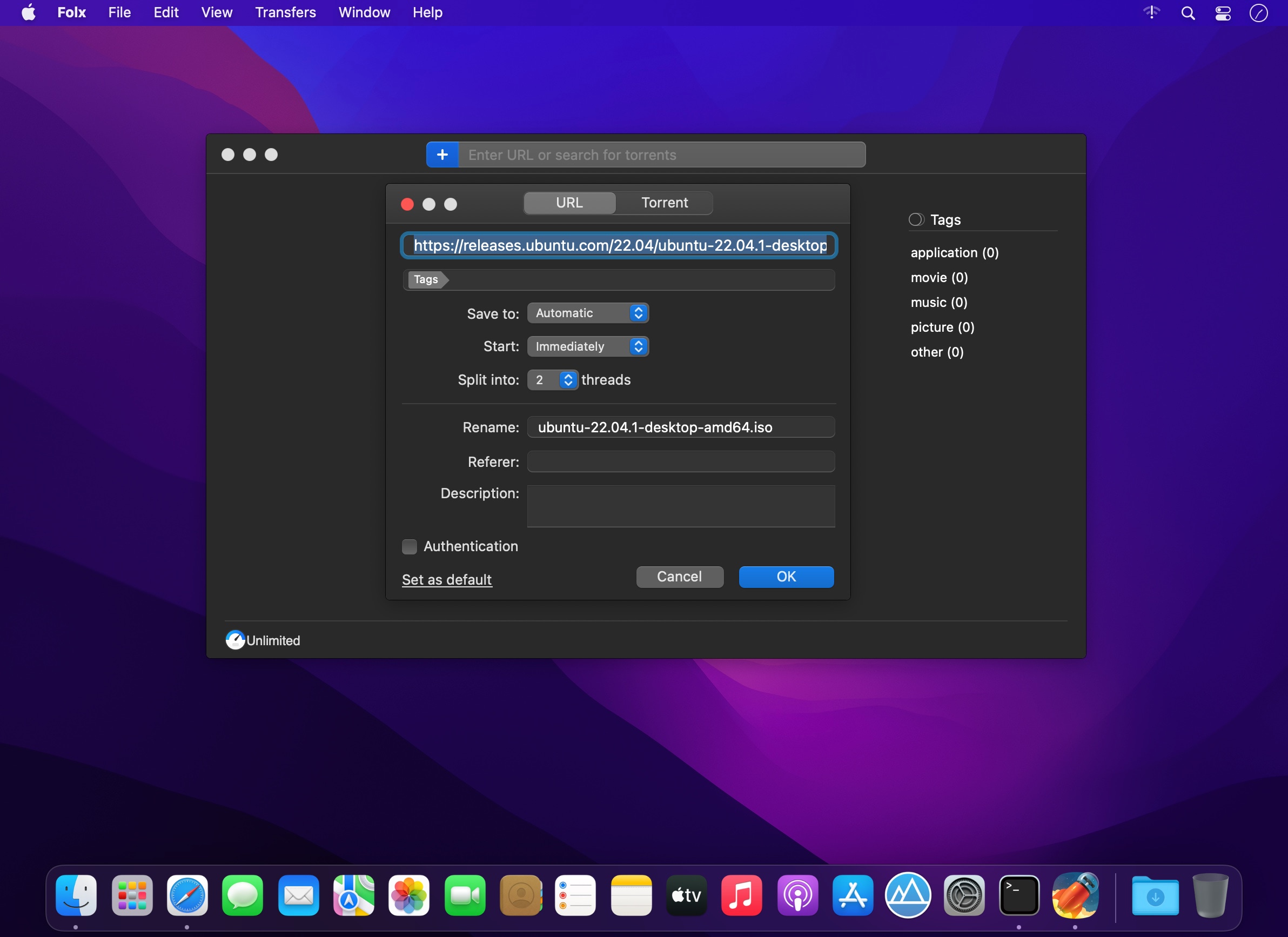
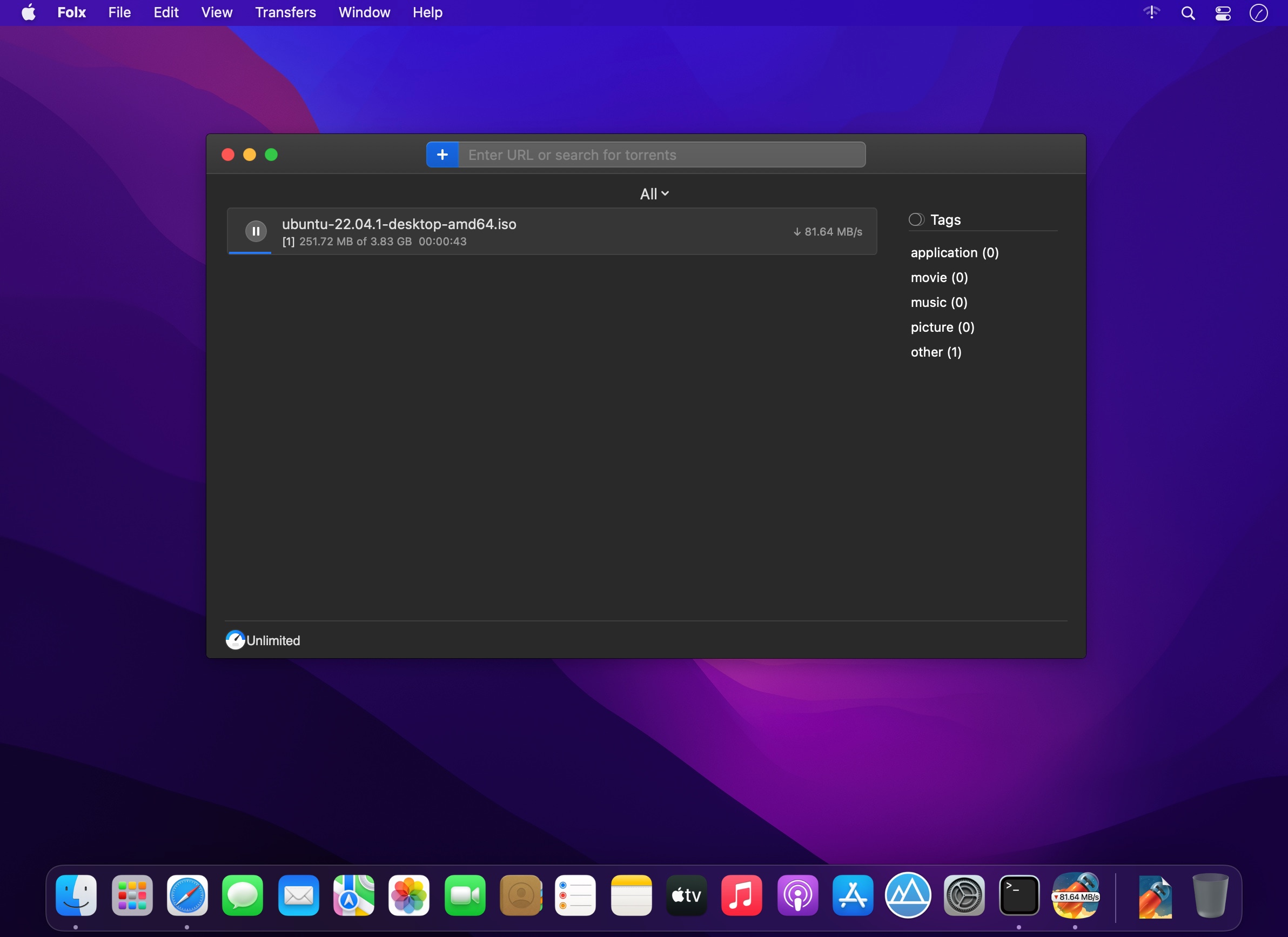
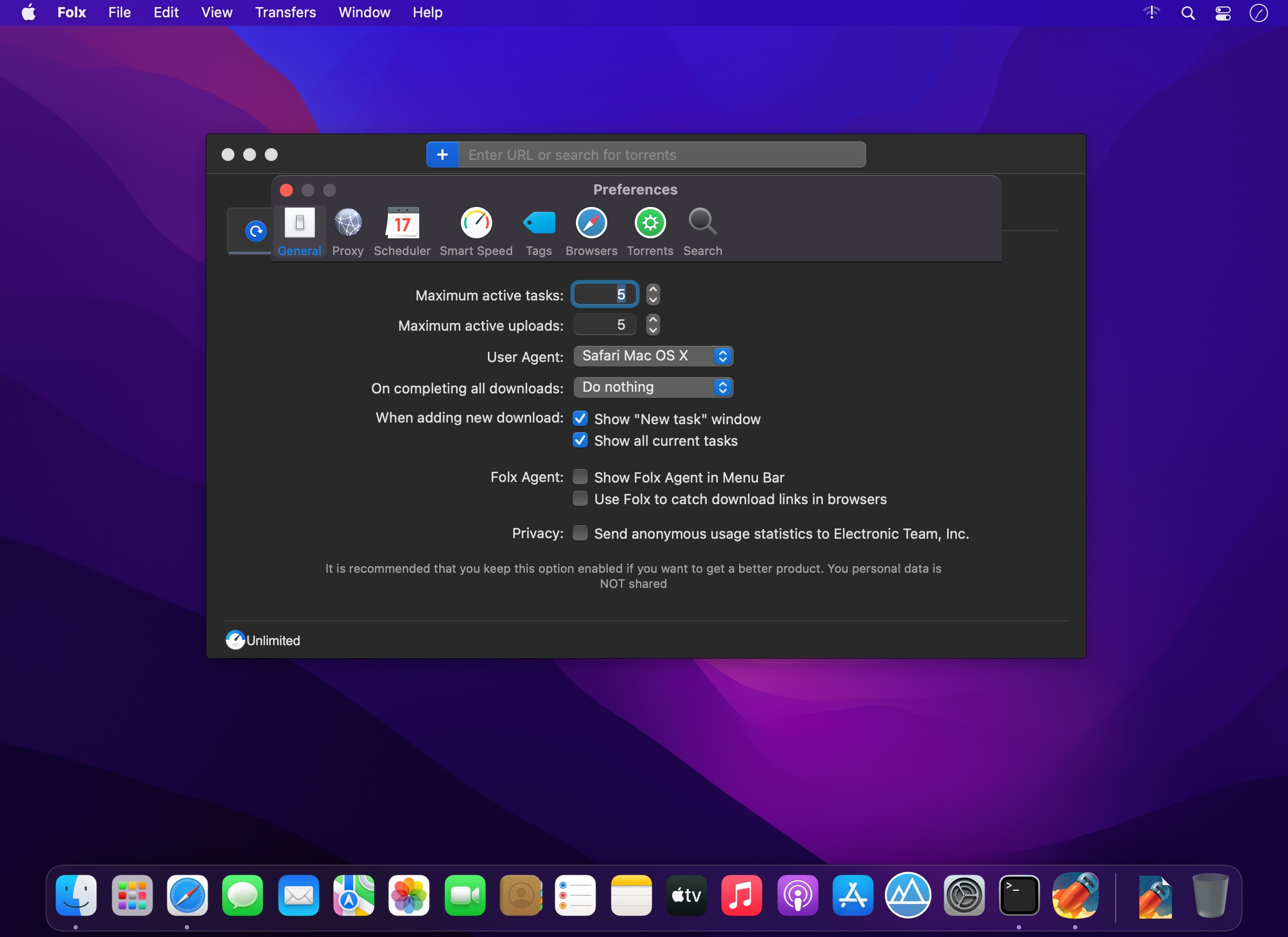
Folx combines two functionalities: download manager and torrent client.
Folx makes downloading extremely easy: just open the page with the file to be downloaded, click the link in your browser and Folx will start the download for you. The application splits the file being downloaded in up to ten threads, thus significantly increasing the download speed. Its auto resume option comes handy when the downloading gets interrupted. You can also assign a tag or a few to the downloaded content for accurate and easy search through the downloaded files. You can optimize traffic allocation between different applications by regulating manually the download and upload speed.
Folx is also available as PRO version. It brings such handy features as splitting the downloads in up to 10 threads which speeds up the download process; scheduling the download tasks according to your convenience; smart speed adjustment option (download speed will be adjusted automatically whenever you need to use Internet traffic to run other applications), iTunes integration and searching the web for torrents directly from Folx.
Please, note that this version of Folx does not support downloading videos from YouTube. To be able to download YouTube videos, please get the special build from the developer's website.
Folx 5.34.14042
- Improved: compatibility with Mac computers with Apple silicon.
Frequently asked questions
How do I install the app?
Mount the image, drag the app into the "Applications" folder and launch it. If the system blocks the launch, allow it in "System Settings → Privacy & Security".
The app is damaged or won't launch
Reinstalling from a fresh image usually helps. Make sure your macOS version matches the one listed in the compatibility specs.
How do I update?
Download the new version from the site and install it over the current one — your settings will be preserved.
The download link doesn't work
Try a mirror or a download manager. For large files the browser often drops the connection.
How do I completely remove the app?
Use an uninstaller utility — it cleans up the service files that remain after moving the app to the trash.




Choose a download source
Folx Pro 5.34 · 30.1 MB
Previous versions
Folx Pro 5.34
Previous versions are available to registered users.
Comments 1