
Progressive Downloader 9.5.0
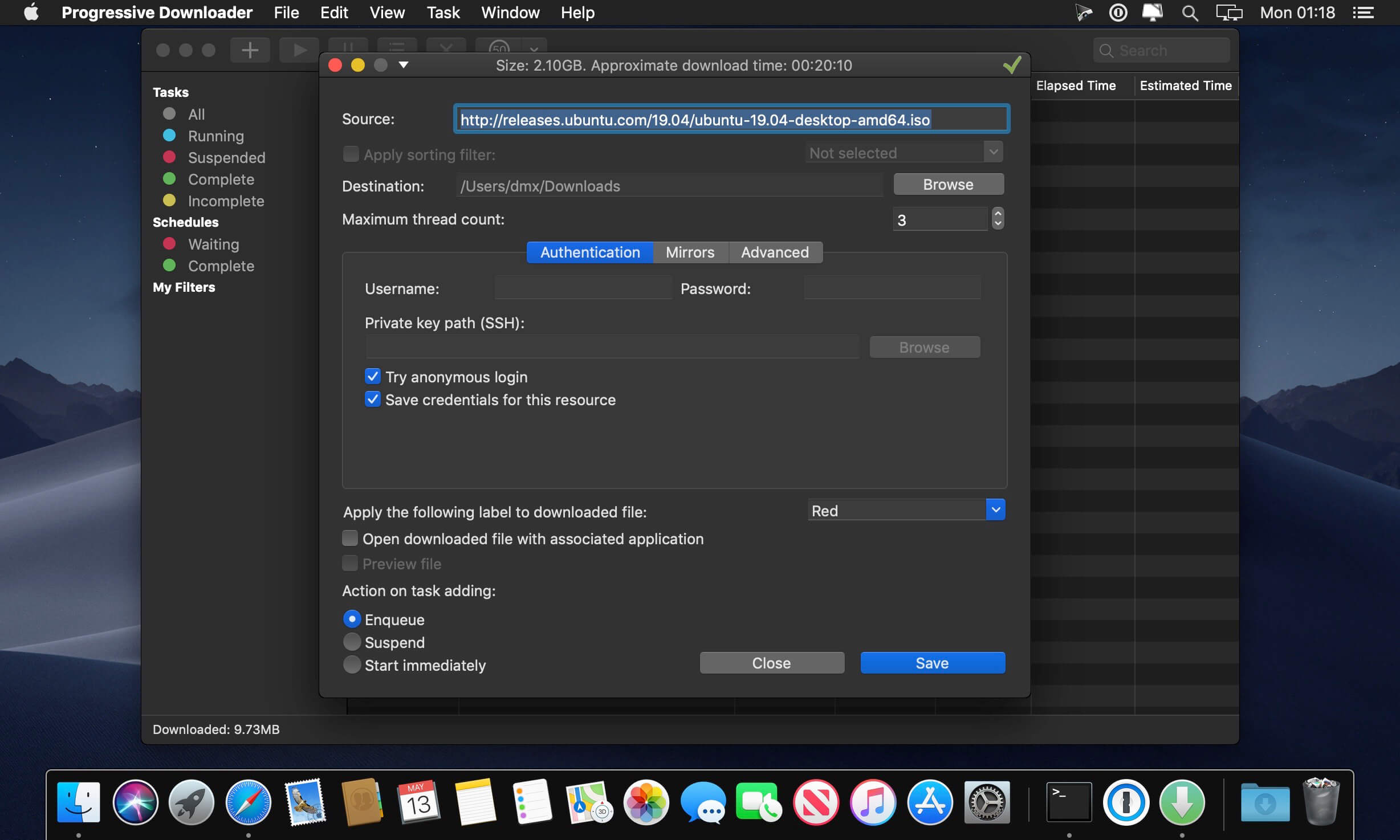
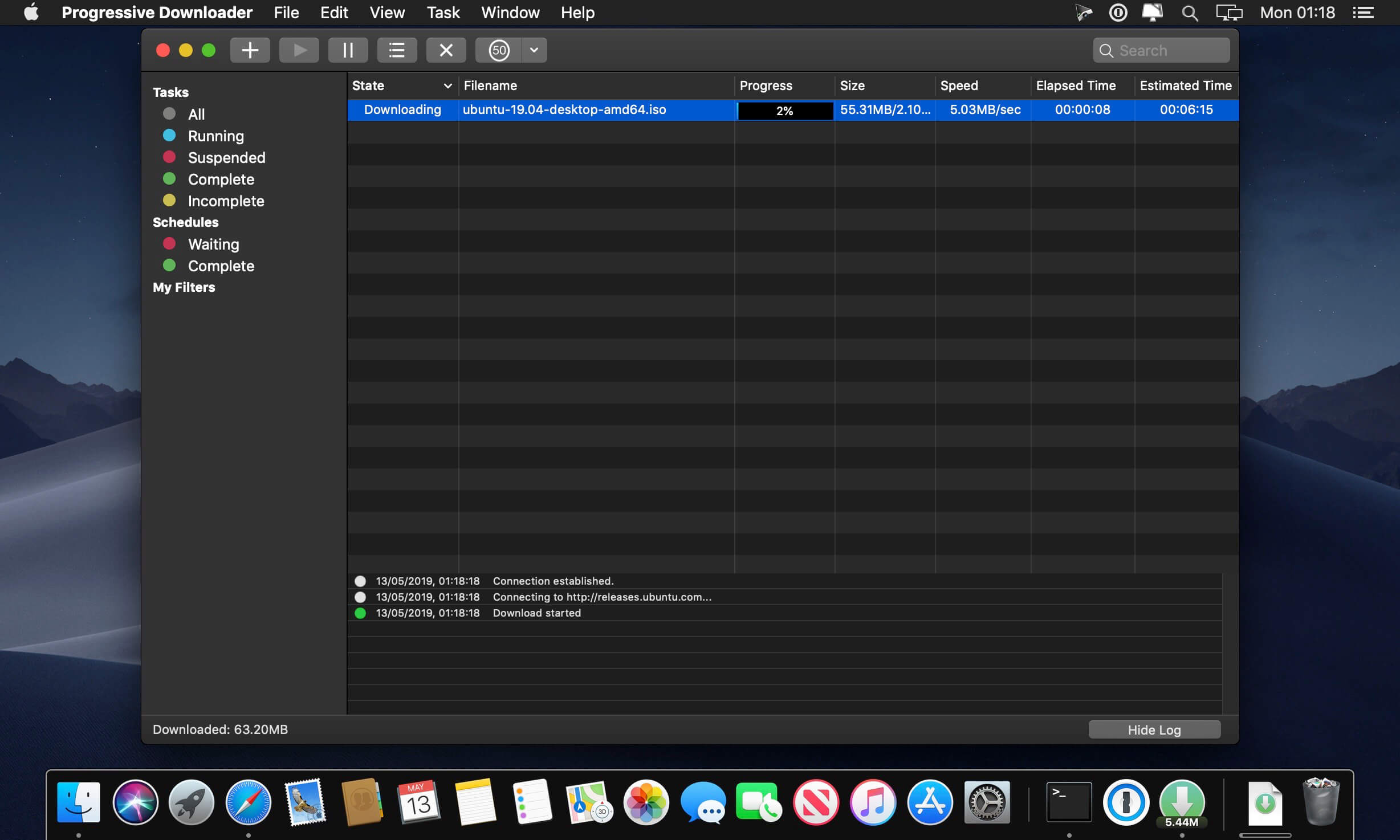
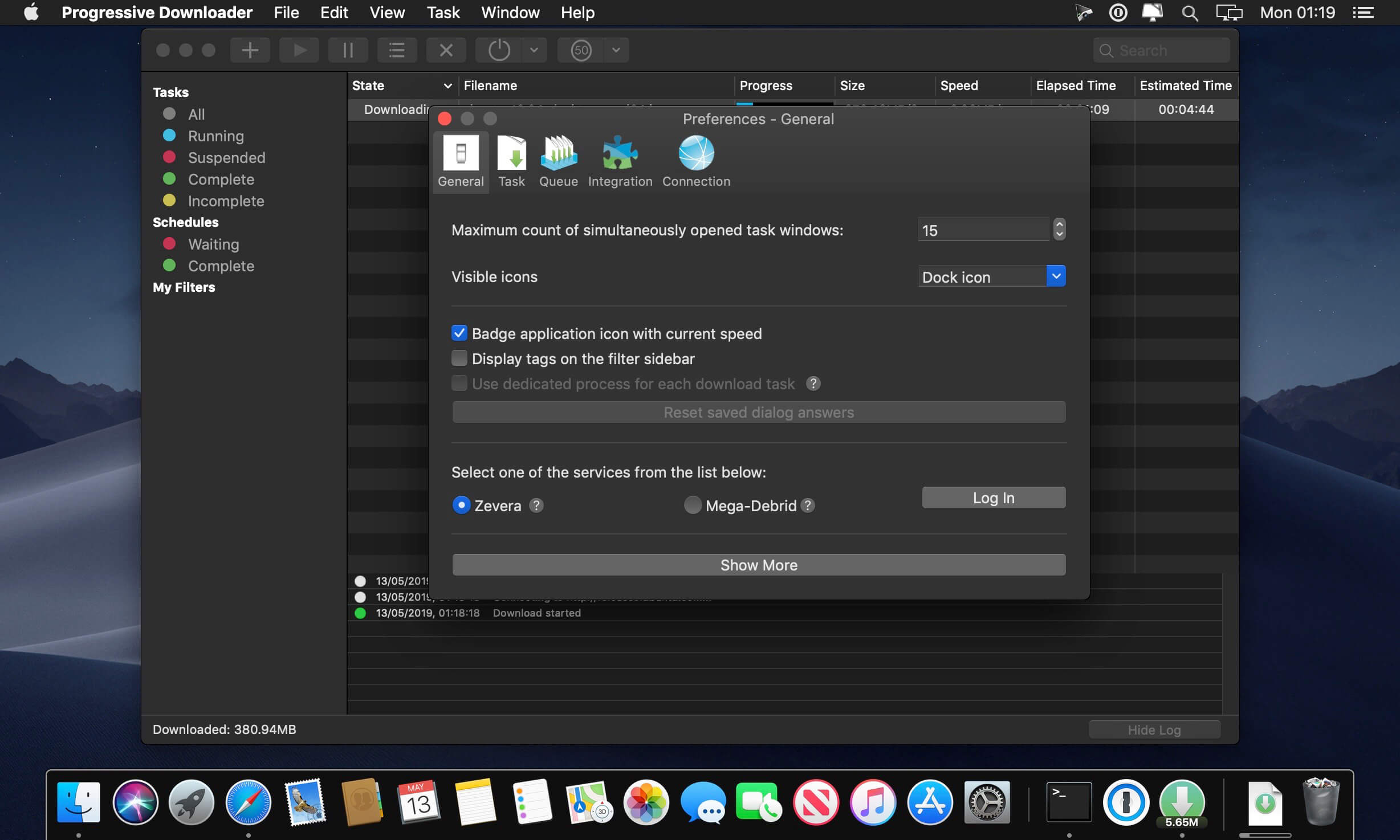
Progressive Downloader is a powerful and flexible download manager.
Key features:
- HTTP(S), FTP, FTPS and SFTP(SSH) protocols support.
- Auto-resume downloads. Any interrupted download will be automatically resumed when your system wakes up or the application relaunches.
- Multi-thread downloads. Application downloads different parts of the file at the same time to make the downloading process faster.
- Queue manager. Control the order of your downloads by changing download priority.
- Mirror search. Automatic search for different locations of the same file to take the fastest one.
- Smart drag and drop. Drag and drop a part of text with hyperlinks on the application badge to download them. You can also do a similar operation with any text or html file.
- FTP, FTPS and SFTP browser. Browse and download files with double click or using drag and drop
Version 9.5
- Pairing Progressive Downloader and PD Link with a PIN code.
- Download videos in even better quality when ffmpeg is enabled.
- Lots of fixes and improvements.
Frequently asked questions
How do I install the app?
Mount the image, drag the app into the "Applications" folder and launch it. If the system blocks the launch, allow it in "System Settings → Privacy & Security".
The app is damaged or won't launch
Reinstalling from a fresh image usually helps. Make sure your macOS version matches the one listed in the compatibility specs.
How do I update?
Download the new version from the site and install it over the current one — your settings will be preserved.
The download link doesn't work
Try a mirror or a download manager. For large files the browser often drops the connection.
How do I completely remove the app?
Use an uninstaller utility — it cleans up the service files that remain after moving the app to the trash.
VersionProgressive Downloader 9.5.0
DeveloperMaxim Trushinl
CompatibilitymacOS 10.15 or later
LanguageMultilangual
IncludesFree





Information
Visitors in the group Guests cannot leave comments on this publication.
Choose a download source
Progressive Downloader 9.5.0 · 19.63 MB