
Folx GO+ 5.31
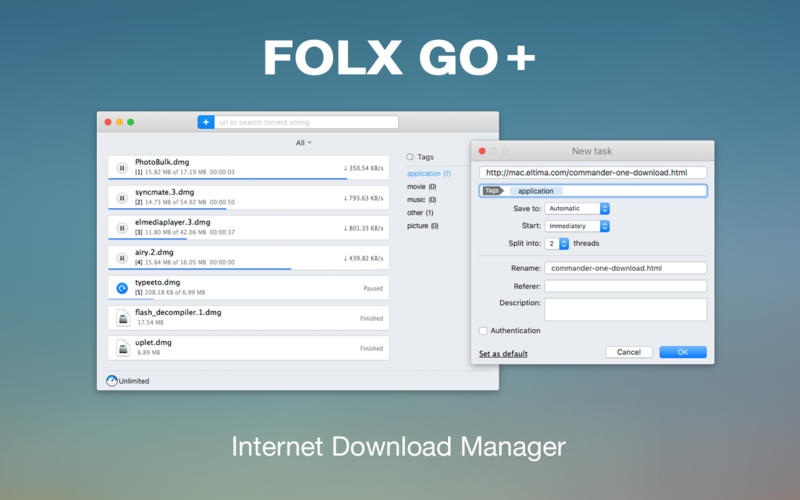
If you are looking for a powerful tool to manage and organize your downloads in a neat way Folx GO+ is just what you need.
With Folx GO+ you get the following:
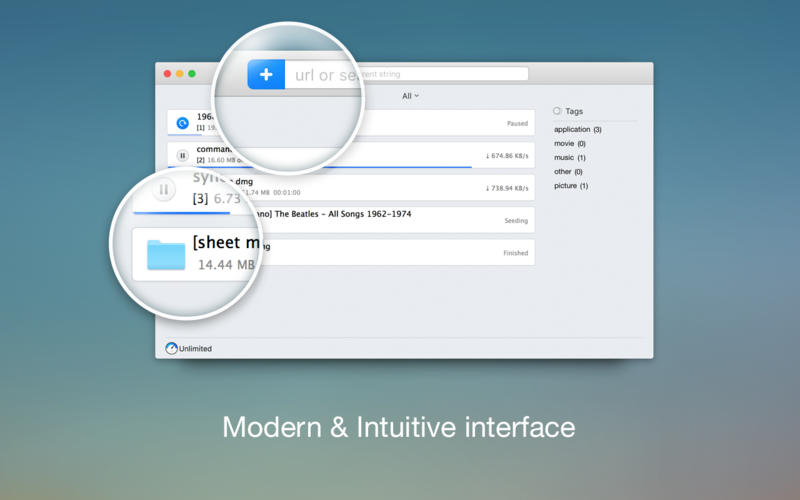
- User friendly downloader with lots of cool options and modern Mac interface
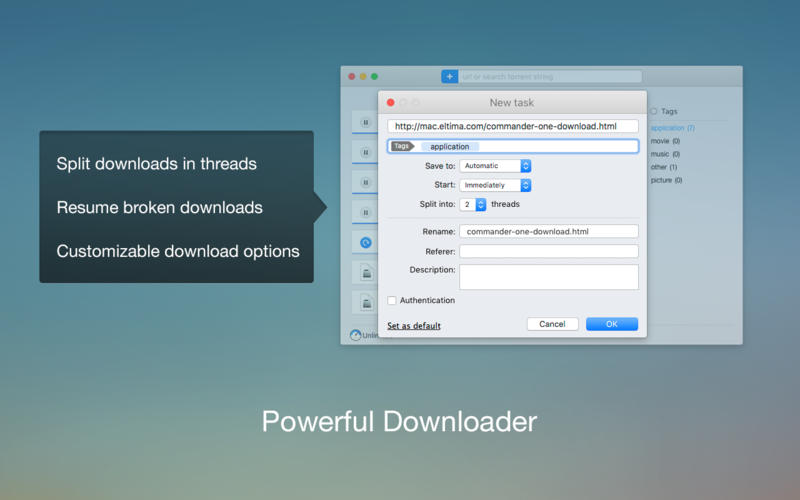
- Folx GO+ is powered by a great feature to split downloads up to 10 threads. In this way the downloading speed will be increased dramatically.
- Downloads Scheduler
- You are able to set a time that is most convenient to start/stop the downloads.
- Tagging system
- For better search of downloaded data, assign one or more tags to each task. You can add tags during downloading progress or set them automatically.
- Smart Speed Control
- Allows controlling download speed with an added possibility to schedule specific speed for certain time and dates.
- Integration to iTunes
- All the downloaded data, whether it's music or video, will be automatically integrated to iTunes playlist.
- Save login and password
- When starting new downloads from websites requiring authentication, Folx can remember login and password for easier downloading in the future. Folx Go+ can also save passwords for FTP and HTTP websites.
Version 5.31
- Improved: compatibility with macOS 26.
- Fixed: crashes when creating a new download.
- Fixed: crashes during downloading.
Frequently asked questions
How do I install the app?
Mount the image, drag the app into the "Applications" folder and launch it. If the system blocks the launch, allow it in "System Settings → Privacy & Security".
The app is damaged or won't launch
Reinstalling from a fresh image usually helps. Make sure your macOS version matches the one listed in the compatibility specs.
How do I update?
Download the new version from the site and install it over the current one — your settings will be preserved.
The download link doesn't work
Try a mirror or a download manager. For large files the browser often drops the connection.
How do I completely remove the app?
Use an uninstaller utility — it cleans up the service files that remain after moving the app to the trash.




Choose a download source
Folx GO+ 5.31 · 22.56 MB
Comments 2