
Cyberduck 6.8.3
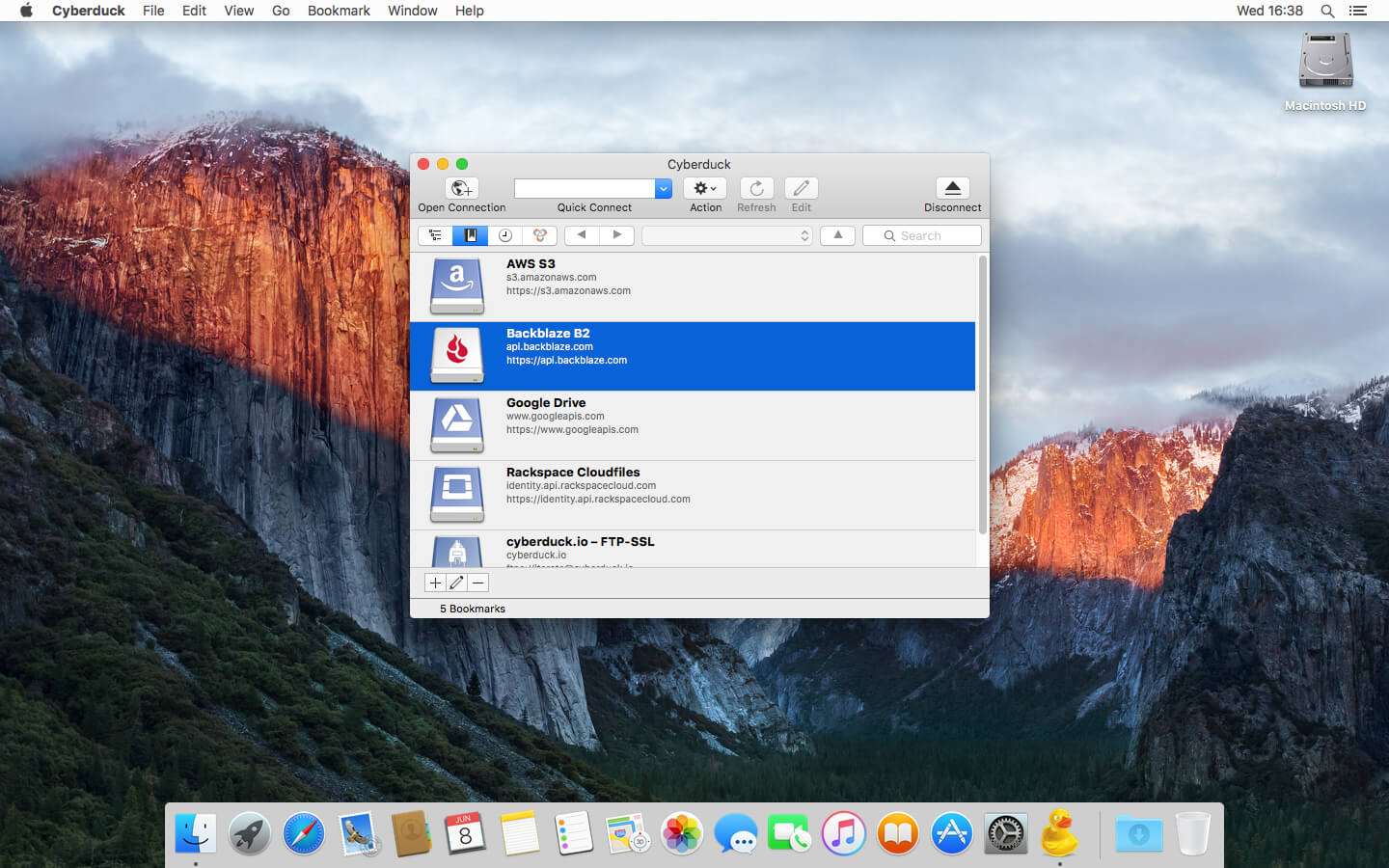
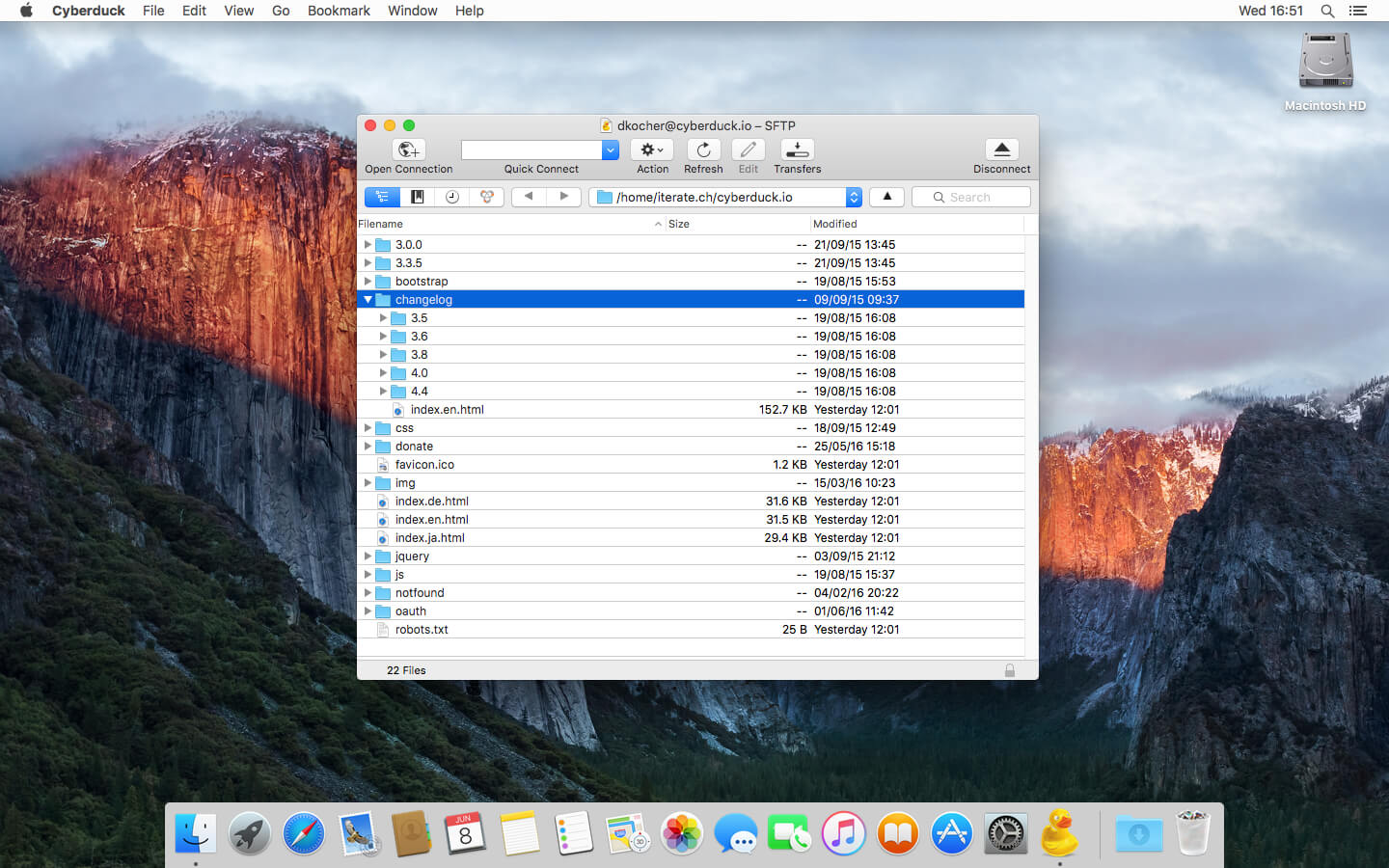
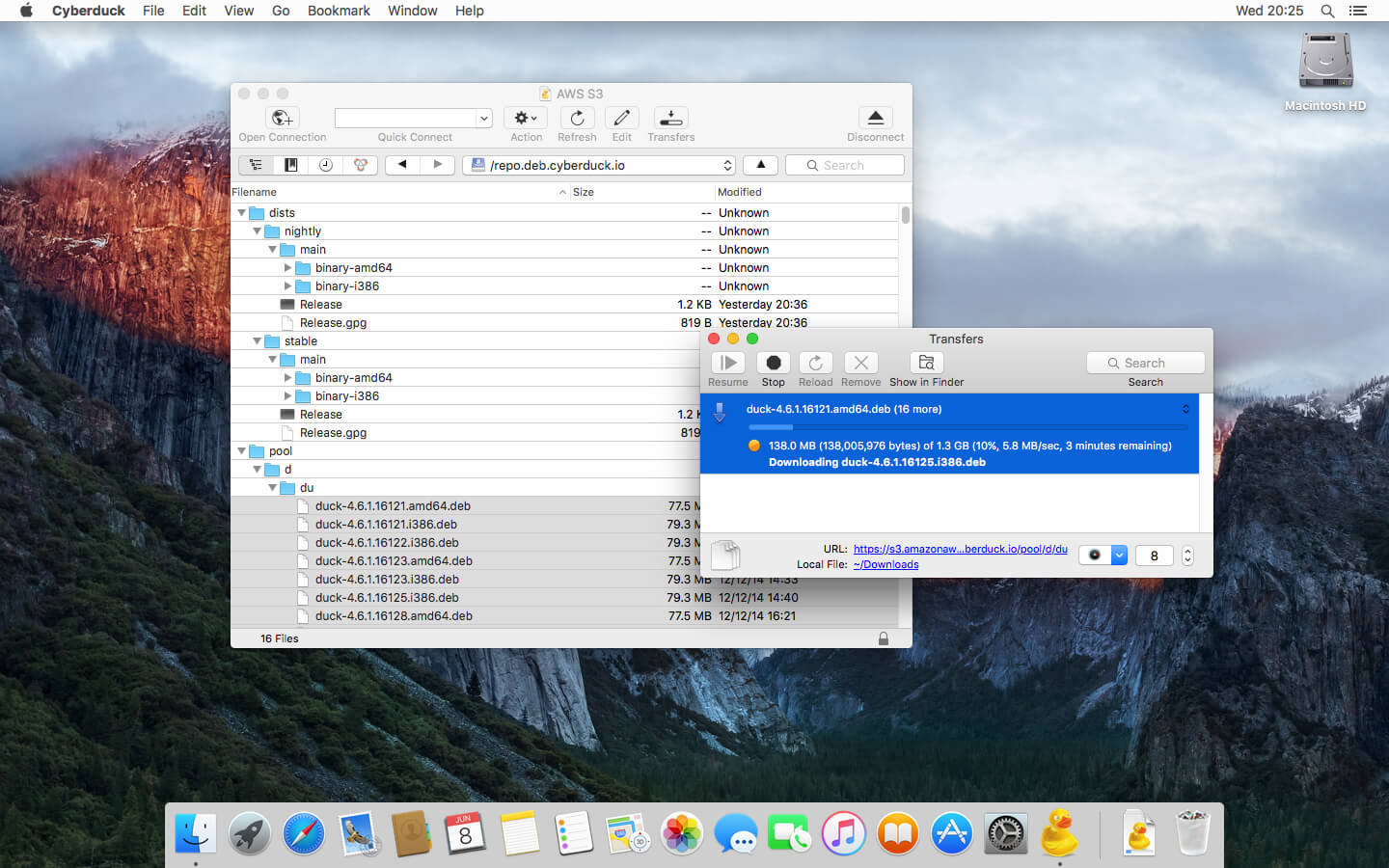
Cyberduck is an FTP, SFTP, WebDAV, Amazon S3, OpenStack Swift, Backblaze B2, Microsoft Azure & OneDrive, Google Drive and Dropbox browser to transfer files to your web hosting service provider and connecting to cloud storage accounts from Rackspace Cloud Files, Google Storage and Amazon S3 with the same easy to use interface with quickly accessible bookmarks. The browser allows to download, upload and move or copy files using drag and drop with an hierarchical view to browse large folder structures efficiently. Transfers are handled with ease including synchronisation of local with remote directories. To edit files, a seamless integration with any external editor application makes it easy to change content quickly. Both Amazon CloudFront and Akamai content delivery networks (CDN) can be easily configured to distribute your files worldwide from edge locations.
Version 6.8.3:
Bugfix
Bugfix
- Refinements to dark mode (macOS)
- Failure running script in Terminal. Not authorized to send Apple events to Terminal (macOS)
- Upload action not enabled when server is not returning permission mask (FTP)
- Large uploads requiring checksum of parts fail with network timeout
Frequently asked questions
How do I install the app?
Mount the image, drag the app into the "Applications" folder and launch it. If the system blocks the launch, allow it in "System Settings → Privacy & Security".
The app is damaged or won't launch
Reinstalling from a fresh image usually helps. Make sure your macOS version matches the one listed in the compatibility specs.
How do I update?
Download the new version from the site and install it over the current one — your settings will be preserved.
The download link doesn't work
Try a mirror or a download manager. For large files the browser often drops the connection.
How do I completely remove the app?
Use an uninstaller utility — it cleans up the service files that remain after moving the app to the trash.
VersionCyberduck 6.8.3
DeveloperDavid Kocher
CompatibilityOS X 10.7.3 or later, 64-bit processor
LanguageMultilangual
IncludesK'ed by TNT




Choose a download source
Cyberduck 6.8.3 · 107.6 MB
Previous versions
Cyberduck 6.8.3
Previous versions are available to registered users.
Comments 1